Config Bundle
A Config Bundle groups several catalog configurations into one unit so you can run them together. It works exactly like an App Bundle, but for command/script configurations.
How to get here
You need View Configuration permission.
- In the left sidebar, click Automation → Configuration Automation.
- Open the Config Bundle tab.
Navigate to: Automation → Configuration Automation → Config Bundle
URL path: /automation/configuration-automation/bundles
The Config Bundle screen
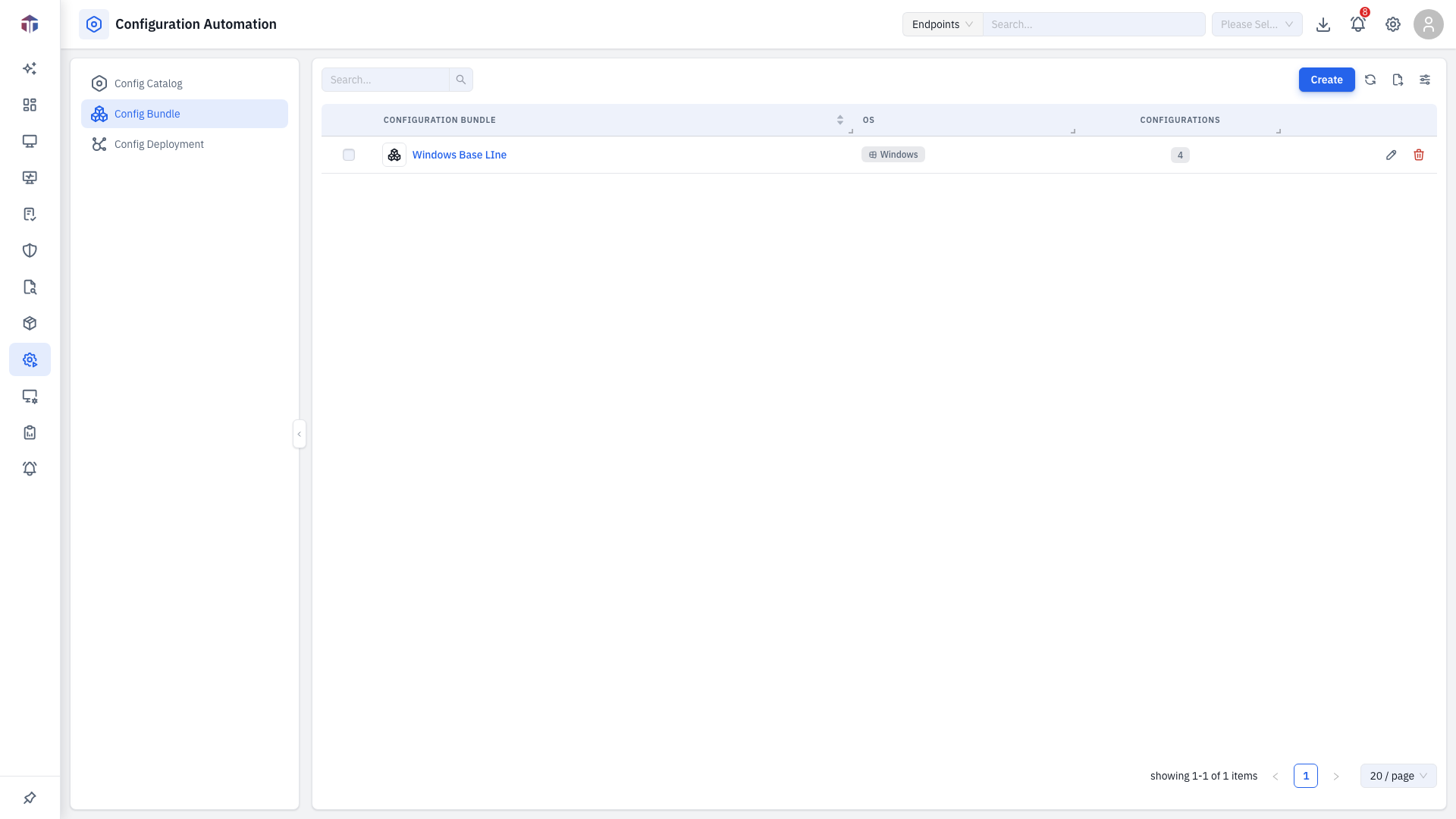
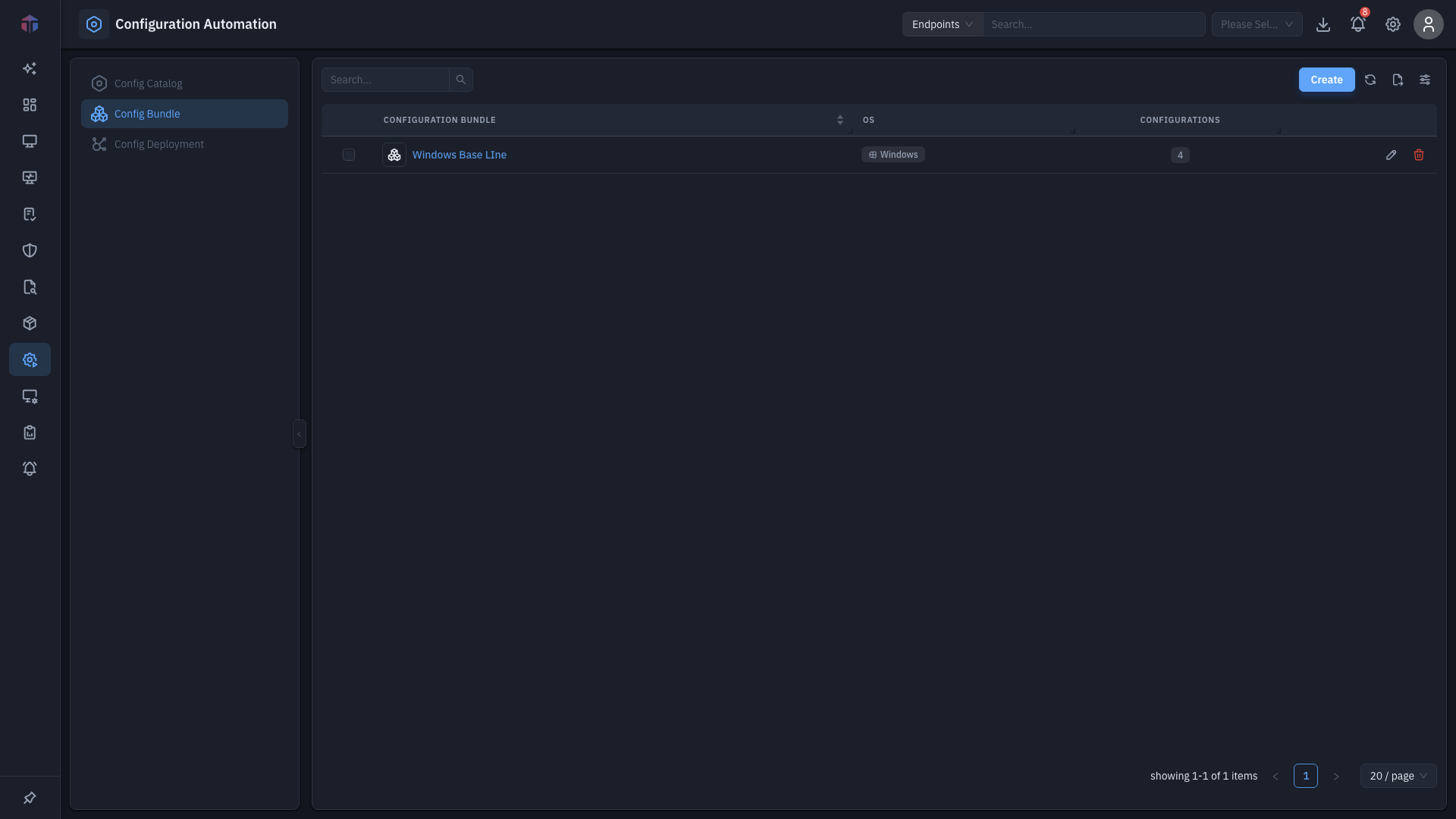
| Column | What it shows |
|---|---|
| Name | The bundle name (a link). |
| Description | What the bundle is for. |
| OS | The platform the bundle targets. |
| Configurations | How many configurations are in it — a clickable count. |
| Created By / Created On | Who created it and when. |
Toolbar: Create a bundle, Search, and bulk delete selected rows.
How do I create a Config Bundle?
Click Create and fill in the form (identical to the App Bundle form):
| Field | Required | Notes |
|---|---|---|
| Bundle Name | Yes | The bundle's name. |
| OS | Yes | The platform. The configuration list is filtered to it. |
| Configurations | Yes | A transfer list — move configurations into the bundle. Remediation configurations are excluded. |
| Description | Yes | What the bundle is for. |
Click the Configurations count on a row to open a read-only drawer listing everything in that bundle.
Related
- Config Catalog — the configurations a bundle is built from.
- Config Deployment — deploy a bundle to endpoints.