Config Deployment
A Config Deployment runs a configuration (or a config bundle) on a set of endpoints and tracks the result per machine. It works just like an App Deployment, minus the install/uninstall/upgrade choice — a configuration simply runs.
How to get here
You need View Configuration permission.
- In the left sidebar, click Automation → Configuration Automation.
- Open the Config Deployment tab.
Navigate to: Automation → Configuration Automation → Config Deployment
URL path: /automation/configuration-automation/deployments
The Config Deployment screen
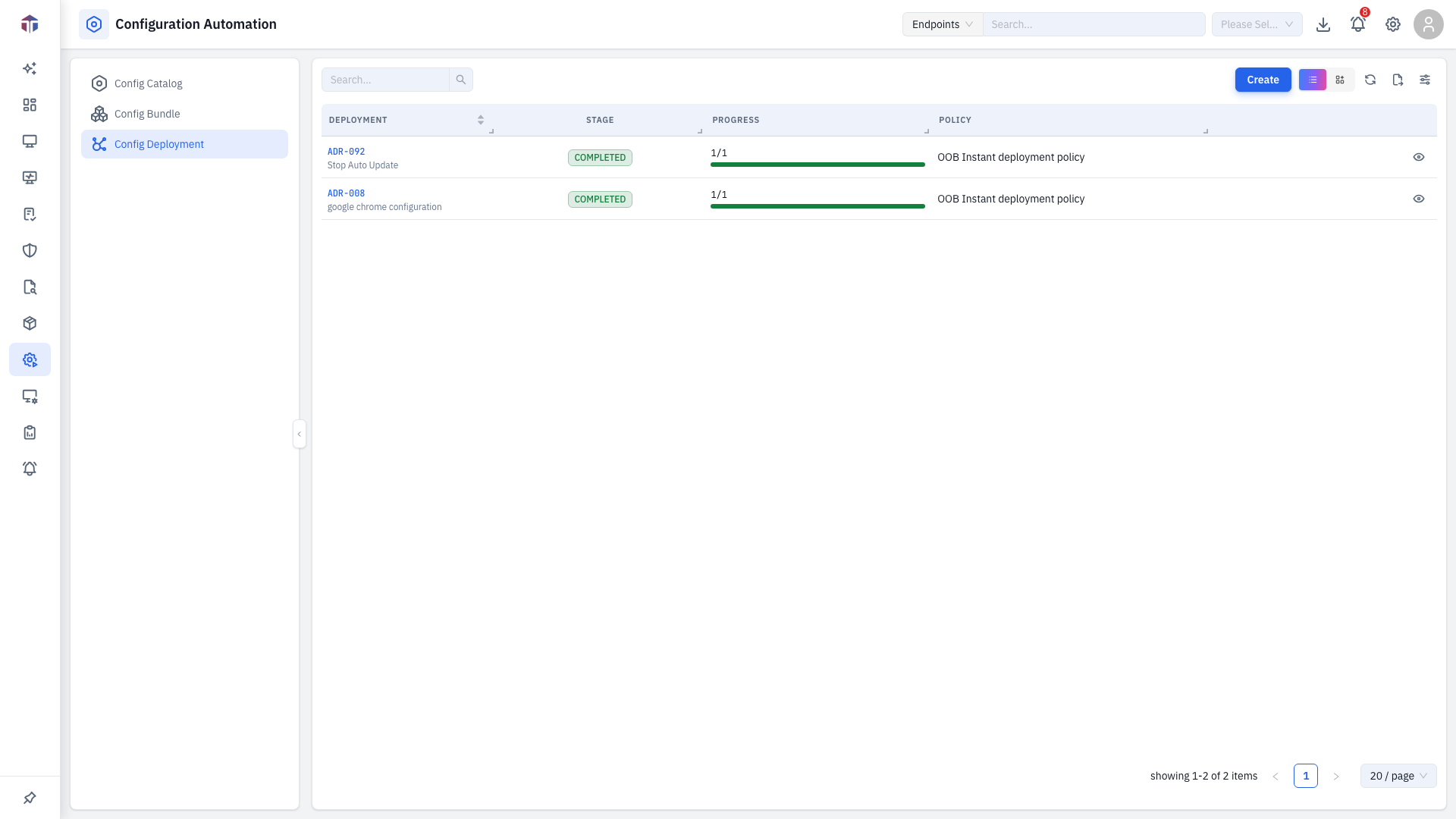
The list refreshes itself periodically. Columns mirror App Deployment: Stage, Pending, Succeeded, Failed, plus who created it and when.
How do I create a deployment?
Click Create and fill in the form (the same as the App Deployment form, without the Deployment Type field):
| Field | Required | Notes |
|---|---|---|
| Deployment Name | Yes | A name for the job. |
| Description | Yes | What it does. |
| Resource Type | Yes | Configuration or Configuration Bundle. |
| Scope | Yes | Which endpoints to target. |
| Select Configuration / Configuration Bundle | Yes | What to run. |
| Deployment Policy | Yes | The schedule/window rules. |
| Retry Count | Yes | How many times to retry a failed endpoint. |
| Notify to | Yes | Who to email about the result. |
Finish with Publish to run it now, or Save As Draft.
Drill-down: per-endpoint tasks
Click View Task on a published deployment to open the Tasks drawer — the same per-endpoint status, filtering, retry, and output view described under App Deployment.
Tips & troubleshooting
- I can't edit a deployment. Only draft deployments are editable.
Related
- Config Catalog / Config Bundle — what you deploy.
- App Deployment — the same job for apps.