Device Control
Device Control is the hub for the policies that lock down and standardise your Windows endpoints — disk encryption, USB and device access, allowed applications, firewall rules, web filtering, and more. It's a launch page: each card opens a module where you build policies and then deploy them to a scope of endpoints.
Device Control is available on the EndpointOps edition. Each module is also permission-gated, so you only see the cards you're allowed to manage.
How to get here
- In the left sidebar, click Device Control.
Navigate to: Device Control
URL path: /device-control
The Device Control hub
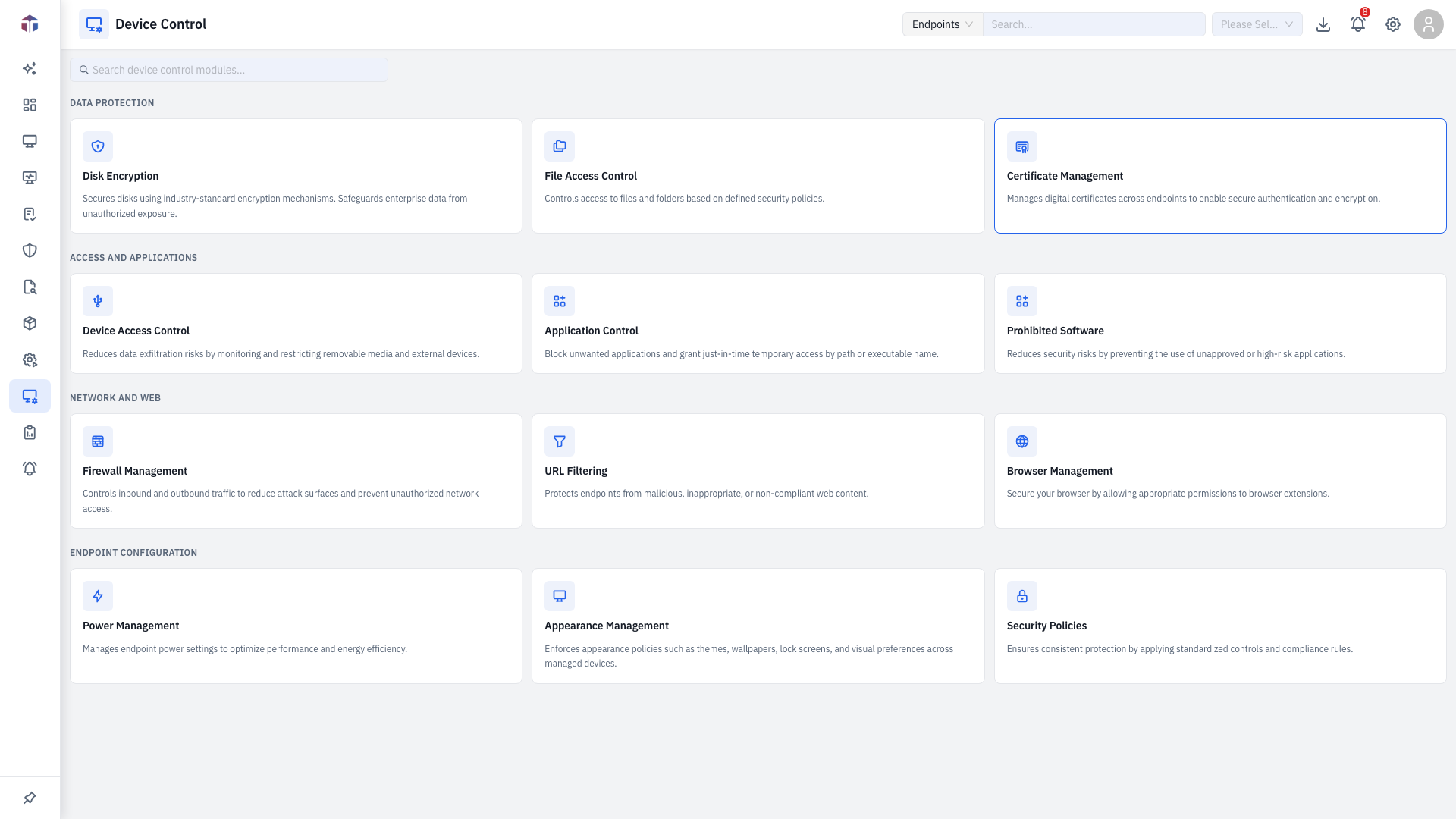
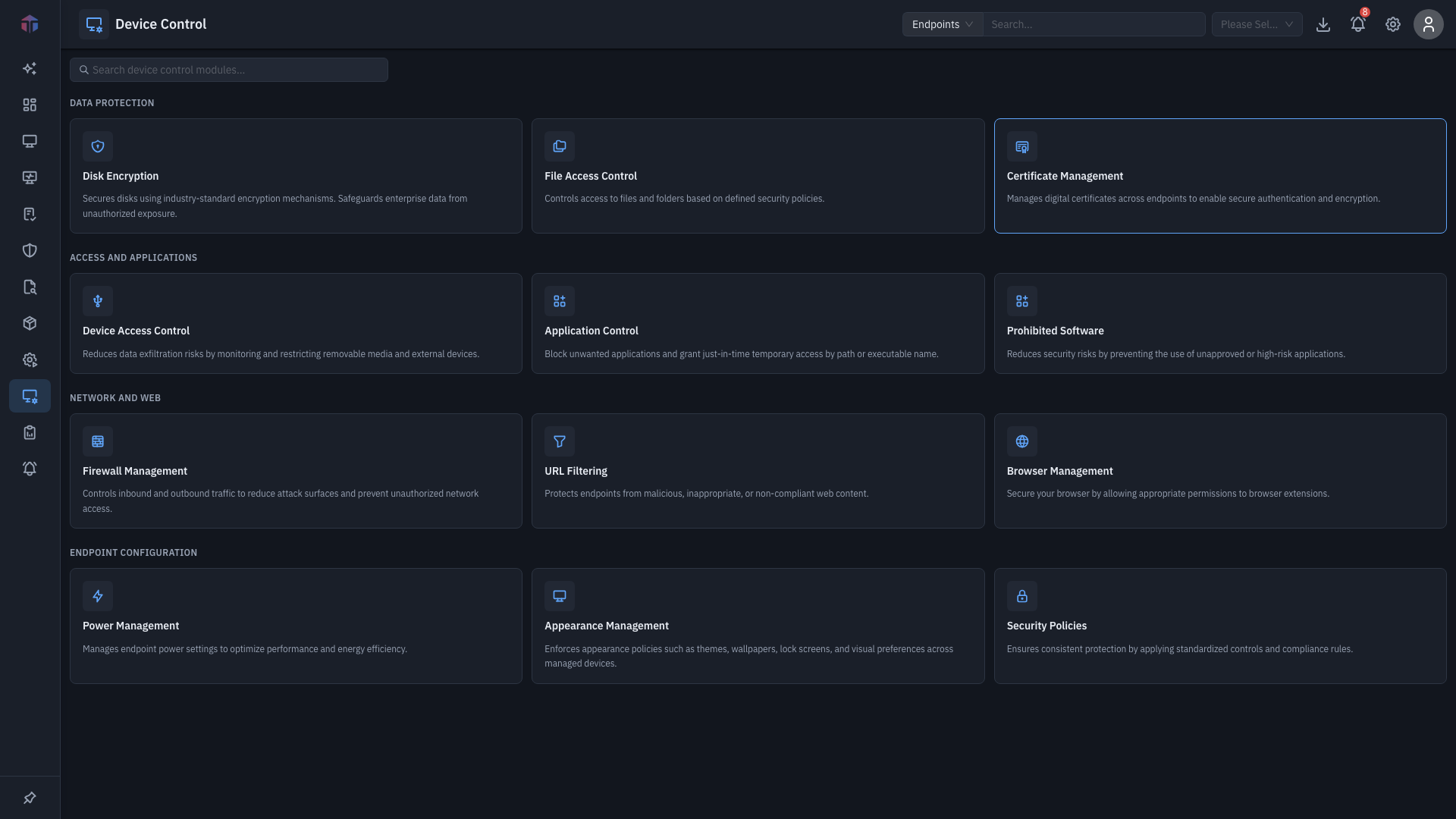
Each card is one module. Use the search box at the top to filter the cards by name or description, then click a card to open that module.
| Module | What it does |
|---|---|
| Disk Encryption | BitLocker encryption status, policies, deployments, and recovery keys. |
| Browser Management | Control browser extensions and permissions. |
| Device Access Control | Allow, block, or restrict USB and other removable/external devices. |
| Application Control | Block applications and grant time-bound temporary access. |
| Appearance Management | Enforce wallpaper, screensaver, resolution, and DPI. |
| Firewall Management | Manage firewall profiles and inbound/outbound rules. |
| Power Management | Configure power plans and sleep/hibernate behaviour. |
| Prohibited Software | Detect and auto-uninstall unapproved software. |
| File Access Control | Control access to files, folders, and registry keys. |
| Certificate Management | Install or remove certificates across endpoints. |
| Security Policies | Apply Windows GPO-style security controls. |
| URL Filtering | Block or restrict web content by category. |
The shape of every module
Almost every Device Control module follows the same two-step pattern, shown as tabs down the left:
- Policies — define what the rule is (the encryption settings, the device rules, the firewall profile, and so on).
- Deployments — push a policy to a scope of endpoints on a schedule.
Some modules add extra tabs — a read-only Status view, a Temporary Access grant, Trusted Devices, Recovery Keys, and so on. Those are covered on each module's pages.
Every Deployment form is the same: name it, choose Apply or Remove, pick the policy, choose a Scope of endpoints, pick a Deployment Policy (the schedule/window), and optionally set who to notify.
Related
- Endpoints — the machines you deploy to.
- Automation — deploy software and configuration the same way.
- Deployment Policies — the schedule/window every Deployment form's Deployment Policy field points to.