Appearance Management — Deployments
A deployment pushes an Appearance Management policy to a scope of endpoints. The list tracks each deployment's progress.
How to get here
- Open Device Control → Appearance Management.
- Click the Deployments tab.
Navigate to: Device Control → Appearance Management → Deployments
URL path: /device-control/display-management/deployments
The Deployments screen
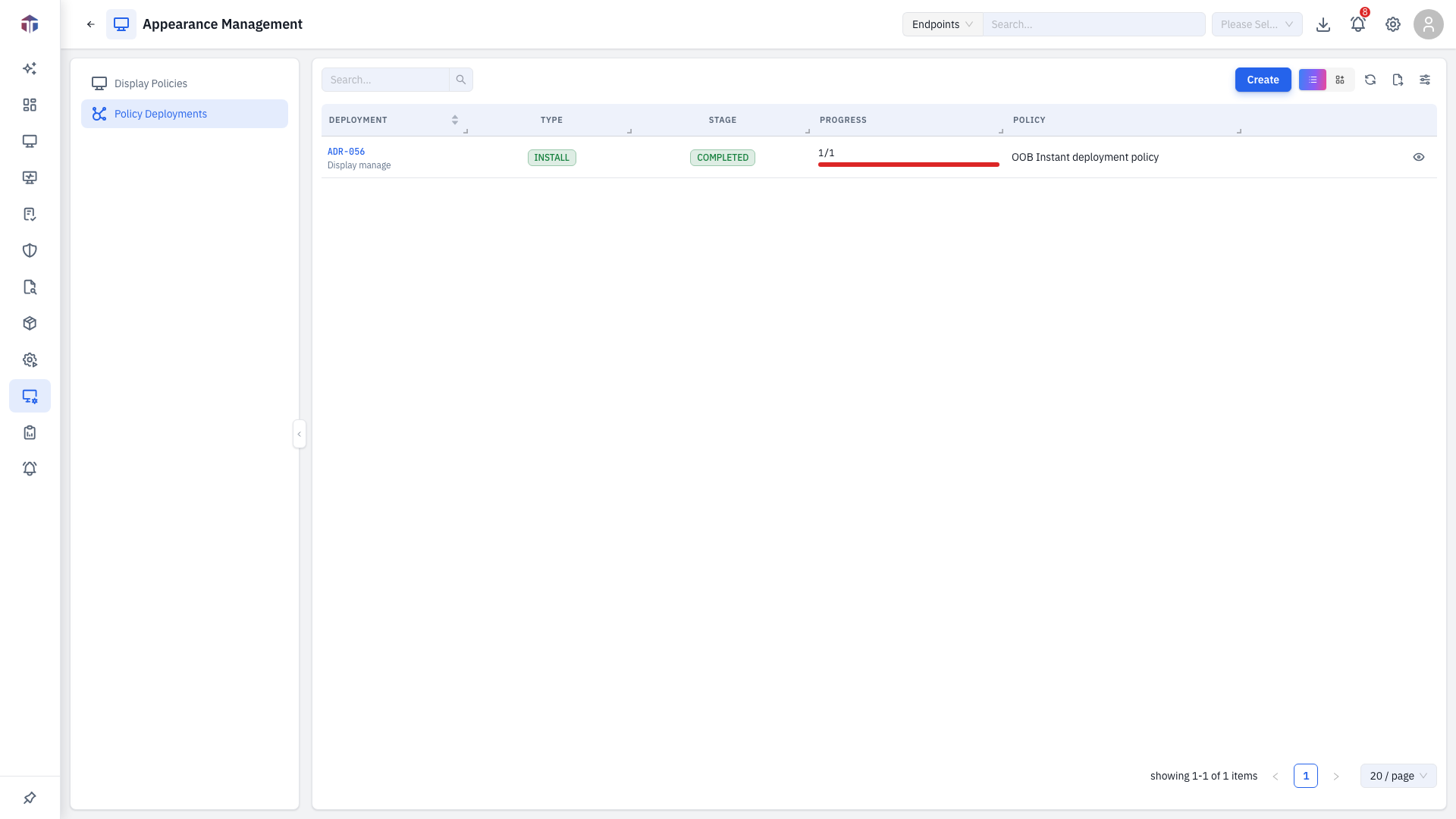
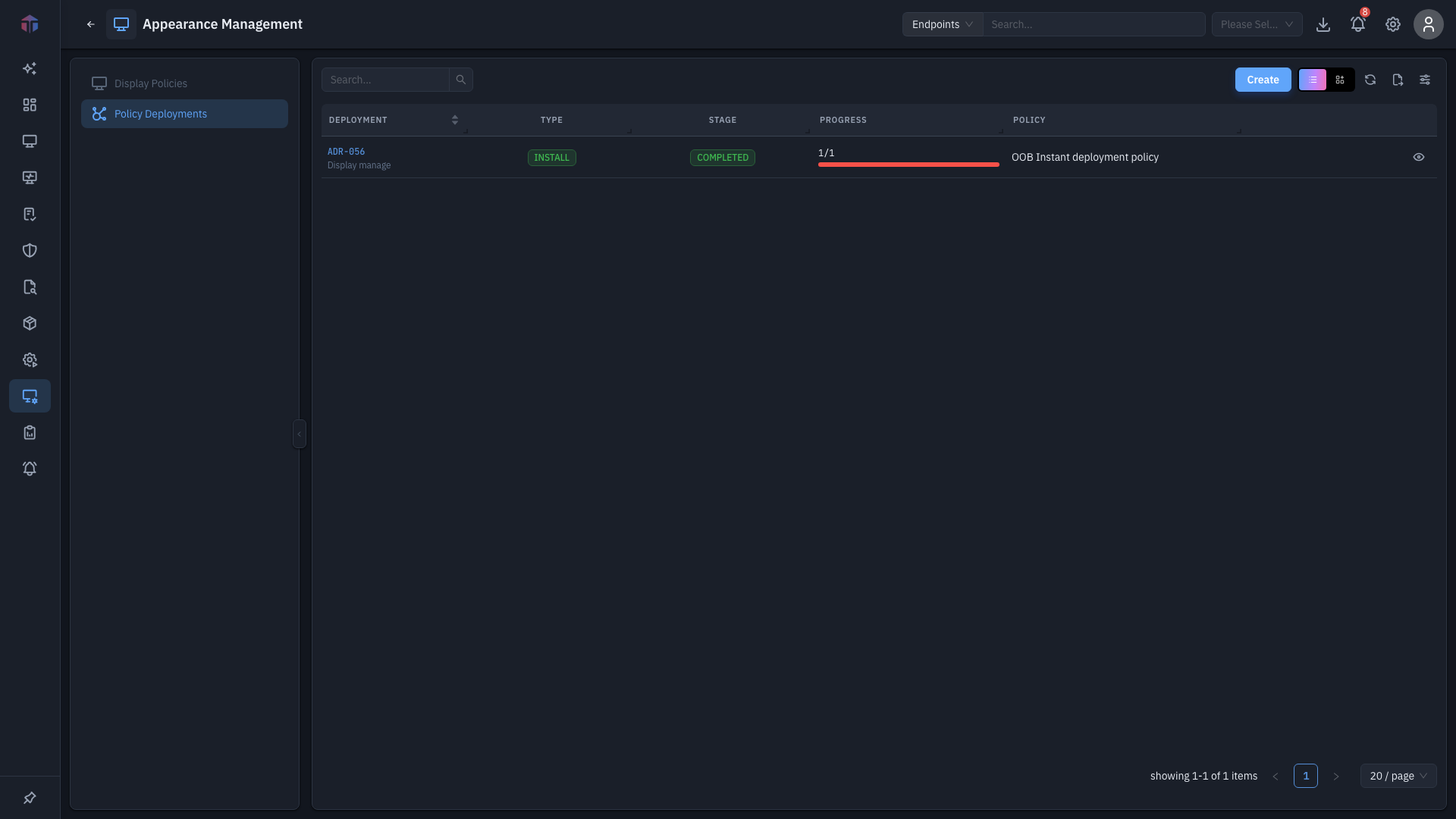
Each row is a deployment with its stage and per-endpoint success / failure / pending counts.
How do I create a deployment?
Click Create. The deployment form opens in a drawer.
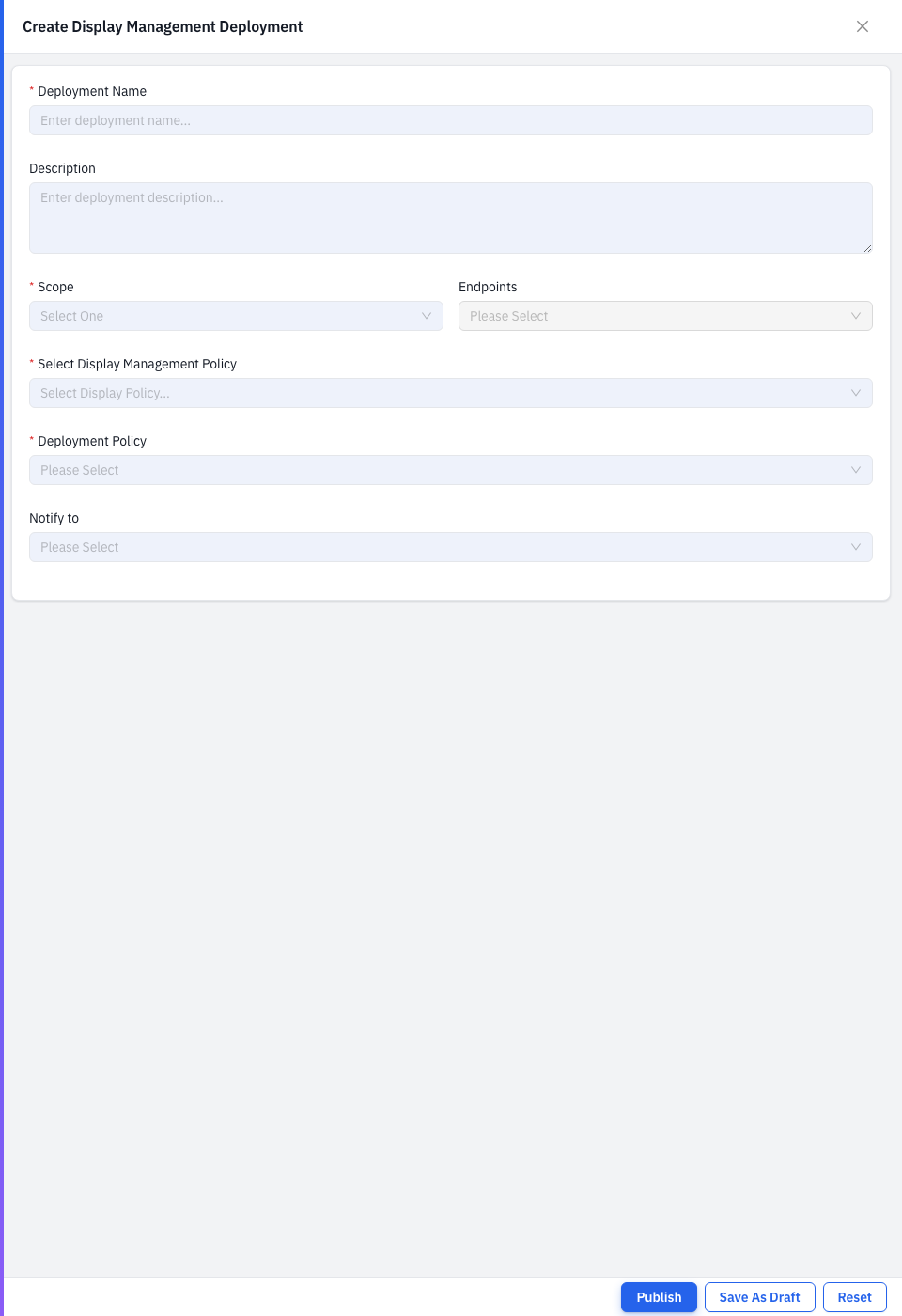
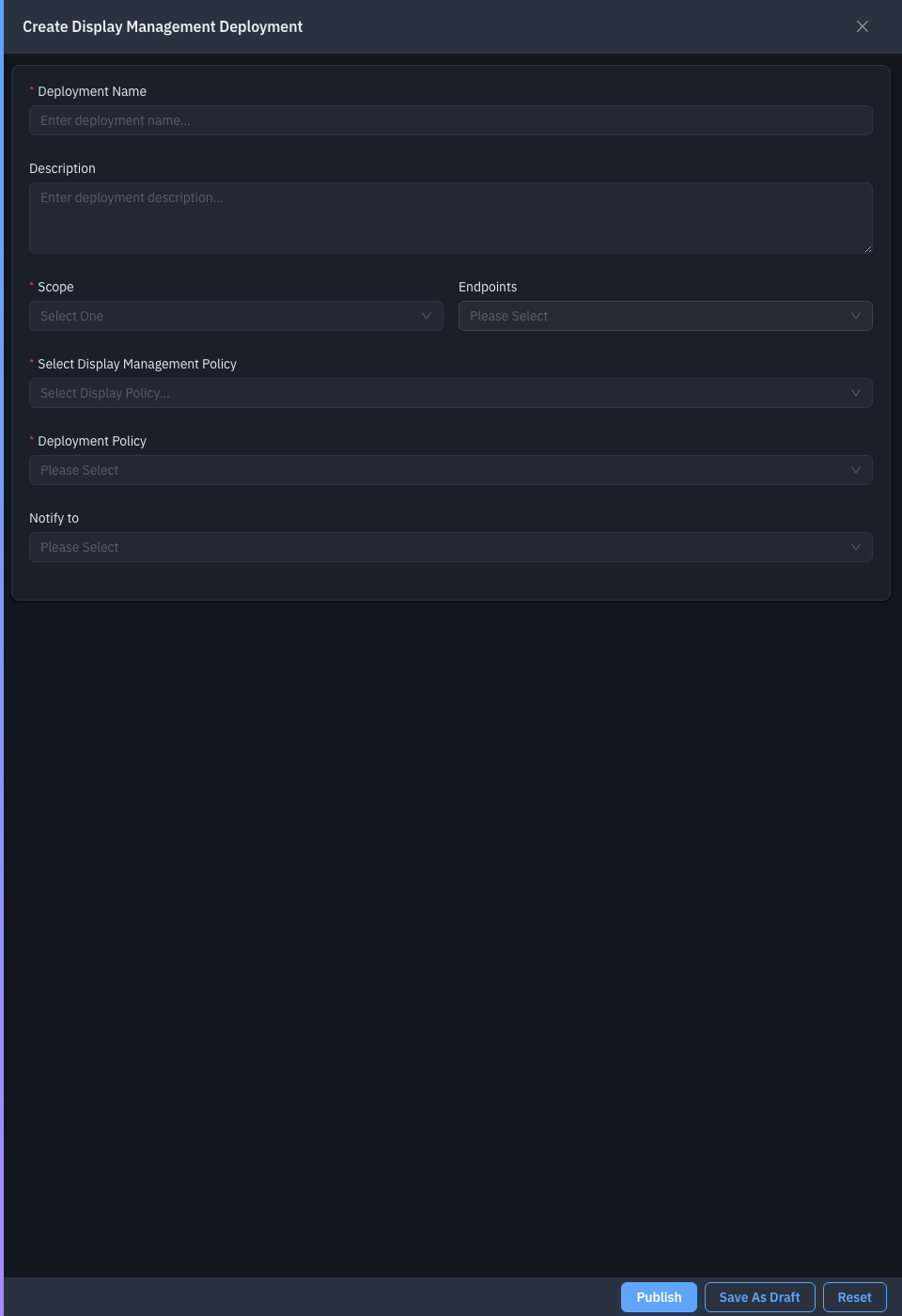
| Field | Required | Notes |
|---|---|---|
| Deployment Name | Yes | A name for the job. |
| Description | No | What it does. |
| Select Display Management Policy | Yes | The policy to apply. |
| Scope | Yes | Which endpoints to target. |
| Deployment Policy | Yes | The schedule/window rules for the rollout. |
| Notify to | No | Who to email about the result. |
Save to deploy.
Related
- Policies — the policy you deploy.