Application Control — Policy Status
Policy Status is a read-only view of which Application Control policy is applied to each endpoint and whether it took effect.
How to get here
- Open Device Control → Application Control.
- Click the Policy Status tab.
Navigate to: Device Control → Application Control → Policy Status
URL path: /device-control/application-control/policy-status
The Policy Status screen
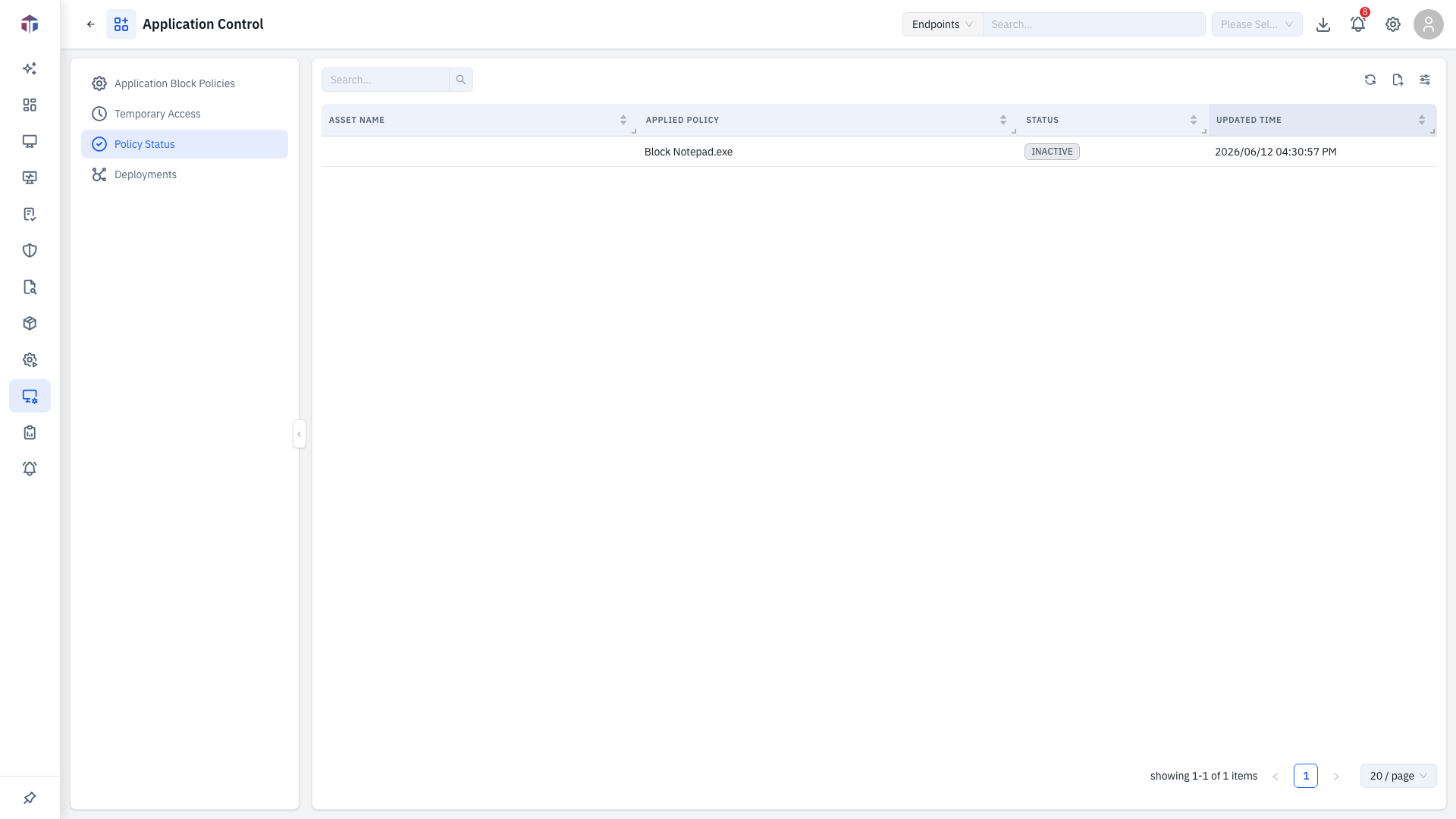
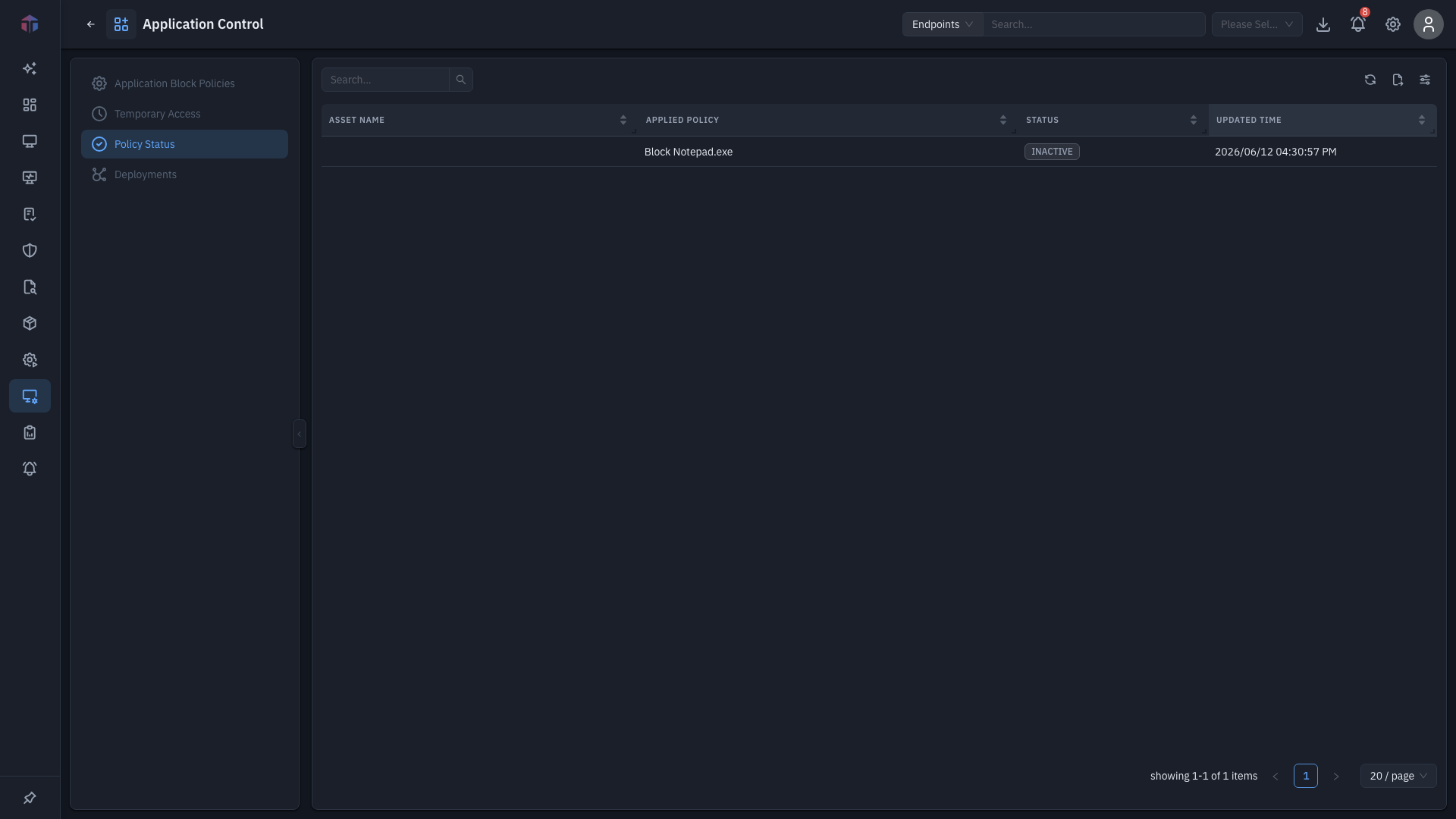
| Column | What it shows |
|---|---|
| Asset Name | The endpoint. |
| Applied Policy | The policy in effect on it. |
| Status | Active, Inactive, Pending, Failed, or In Progress. |
| Created Time | When the assignment was made. |
| Updated Time | When the status last changed. |
This tab is view-only — use it to confirm a deployment applied.
Related
- Deployments — push policies that show up here.
- Policies — the policies being reported on.