Device Access Control — Policies
Device Access Control decides which removable and external devices — USB storage, CD/DVD, printers, Bluetooth, phones, and more — are allowed on your endpoints. A policy is a set of rules, one per device type, each saying Allow, Block, or Allow only trusted devices.
Device Control is EndpointOps edition. You need View Device Access Control permission.
How to get here
- In the left sidebar, click Device Control.
- Click the Device Access Control card.
Navigate to: Device Control → Device Access Control → Policies
URL path: /device-control/device-access-control/policies
The Policies screen
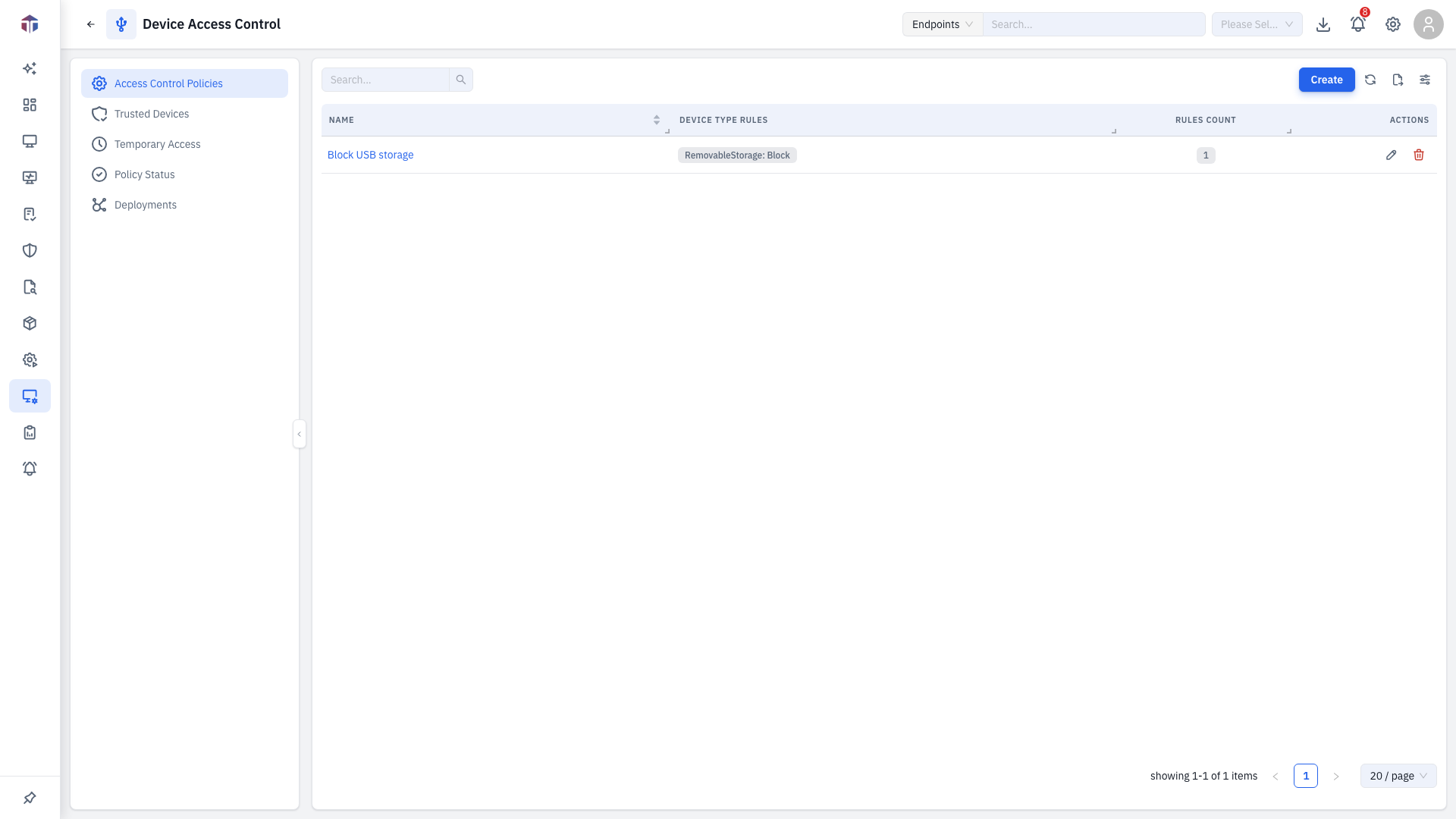
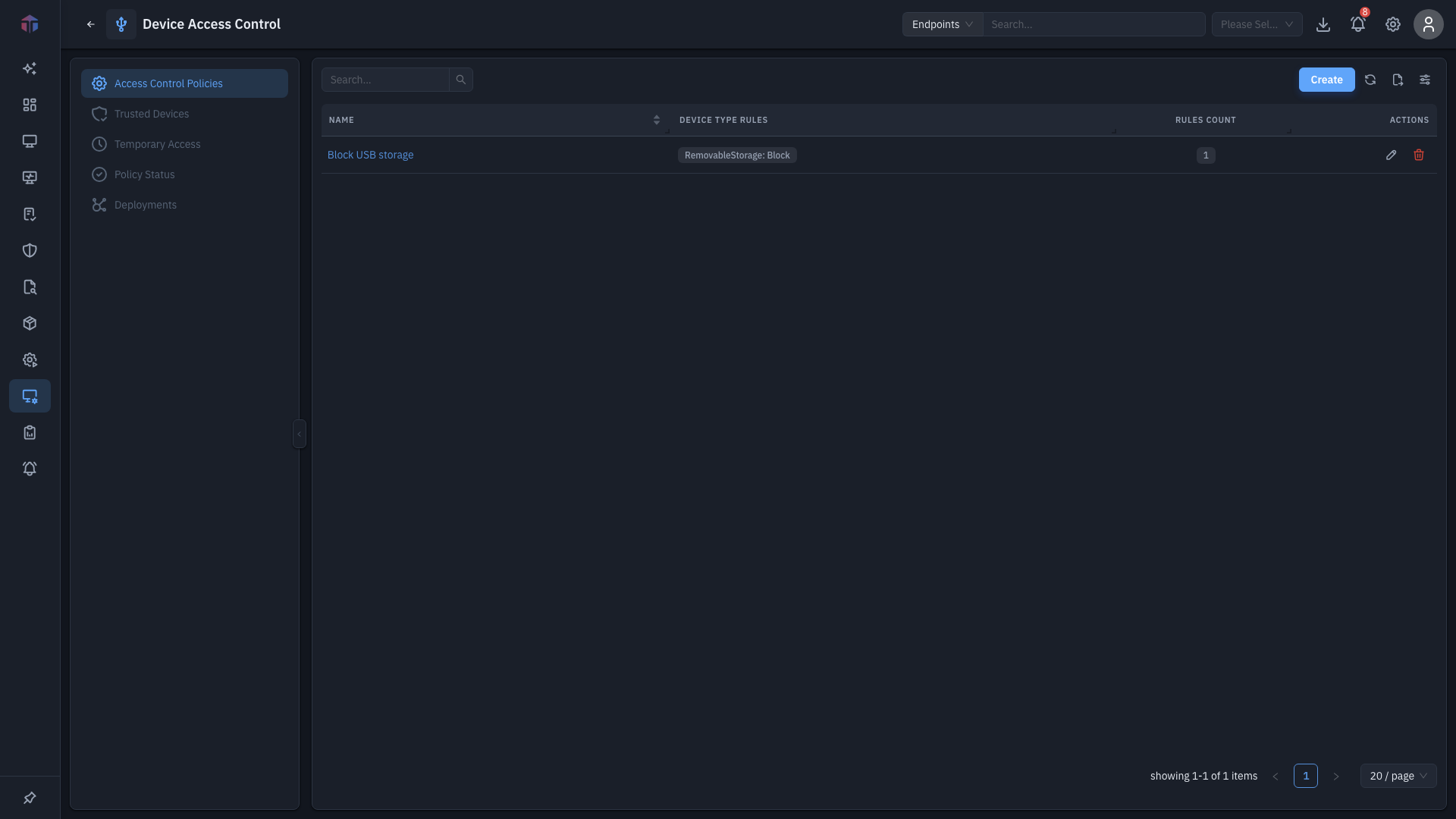
| Column | What it shows |
|---|---|
| Name | The policy name. |
| Description | What it's for. |
| Device Type Rules | The device types it covers, as tags. |
| Rules Count | How many rules the policy has. |
| Created At | When it was created. |
Create adds a policy; rows have Edit and Delete (and bulk delete).
How do I create a policy?
Click Create. The policy form opens in a drawer.
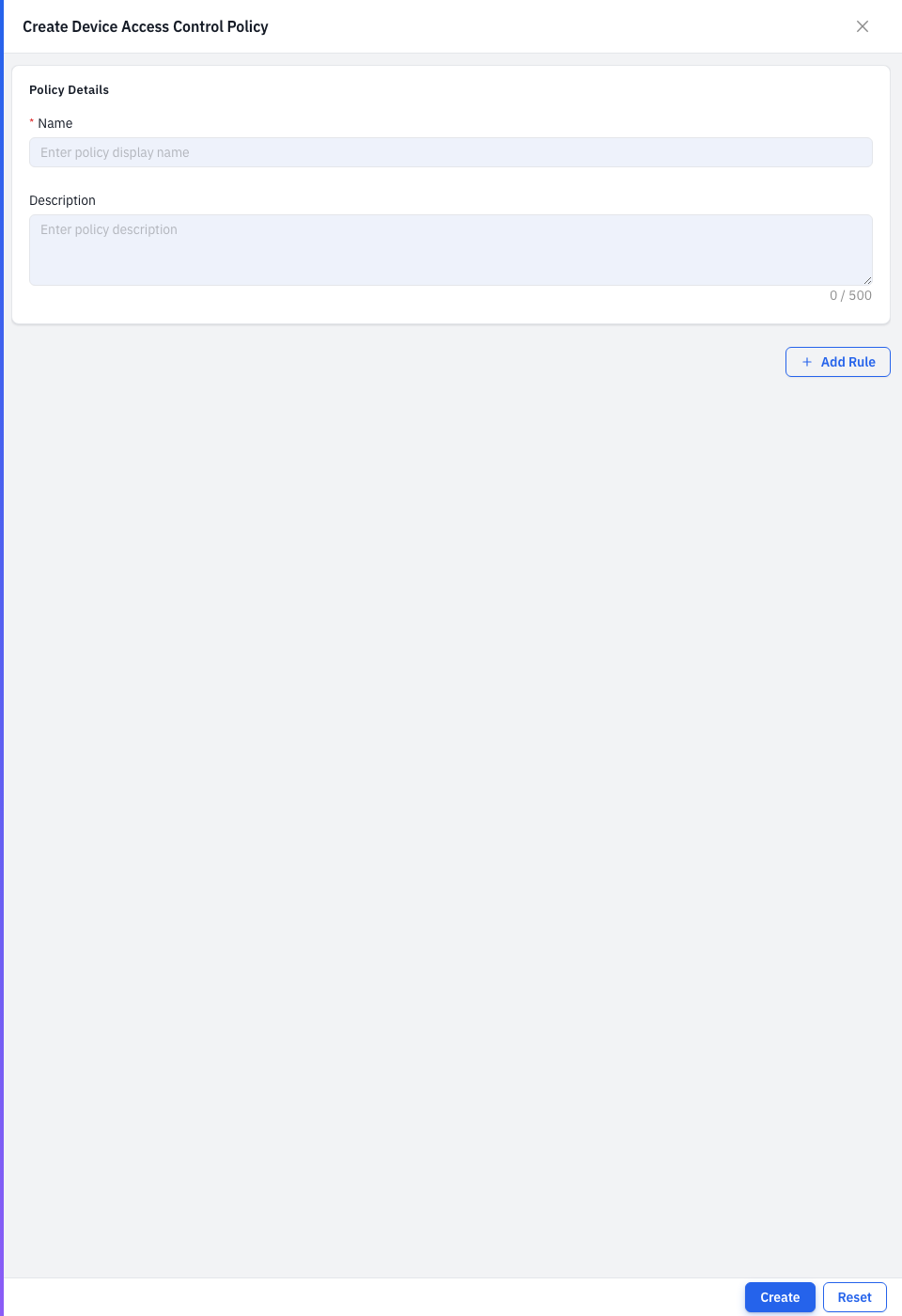
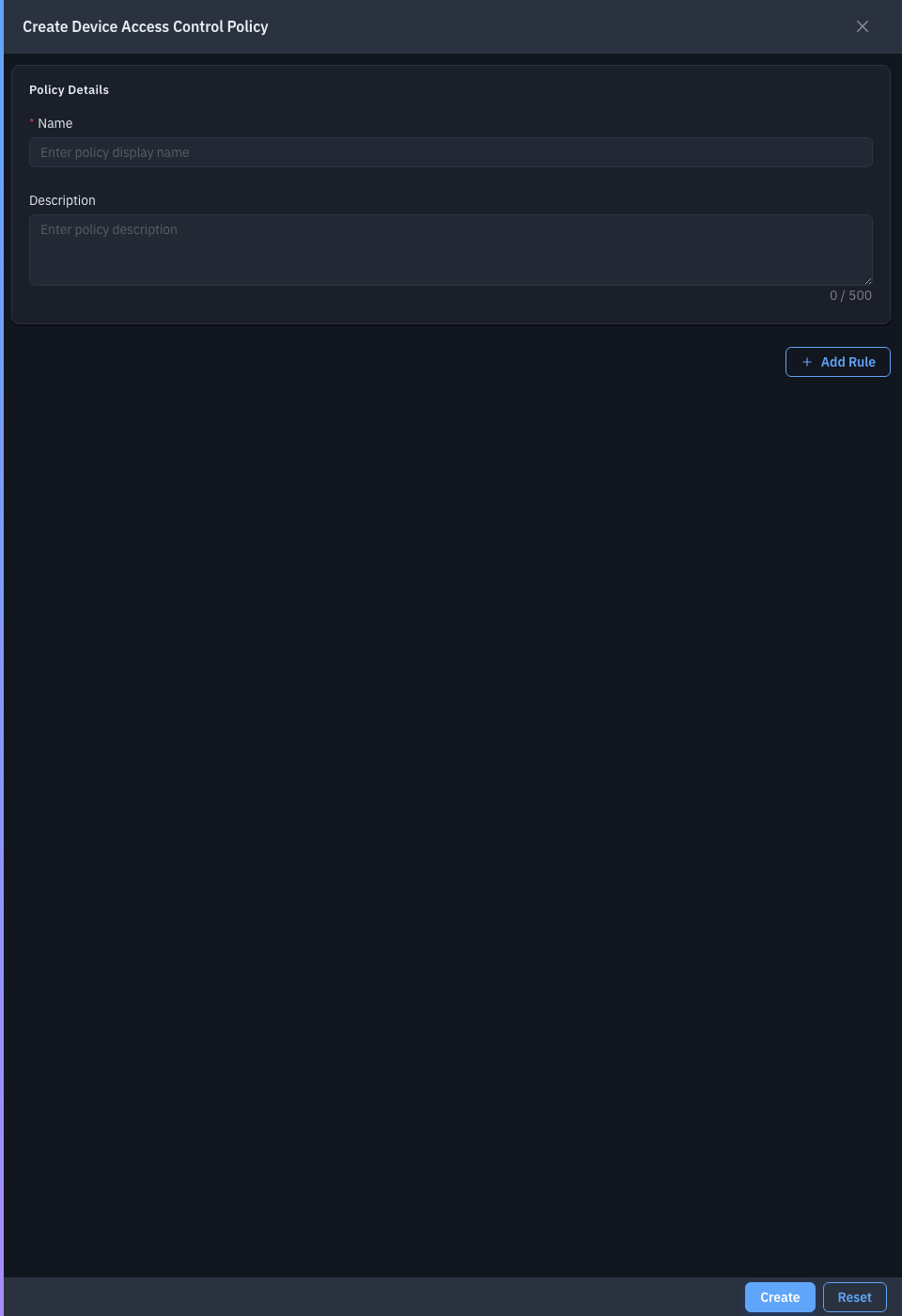
| Field | Required | Notes |
|---|---|---|
| Name | Yes | The policy name. |
| Description | No | What it's for. |
| Device Type Rules | Yes | One or more rules — click Add Device Type Rule to add a block. |
Each rule has:
| Field | Required | Notes |
|---|---|---|
| Device Type | Yes | Removable Storage, CD/DVD, Printers, Bluetooth, Keyboards, Mice, Smart Card Readers, Wireless adapters, and more. Each type can be used once. |
| Access Level | Yes | Allow, Block, Allow Trusted Devices, or No Change. |
| Trusted Devices | Yes* | The allowed devices. *Shown when the level is Allow Trusted Devices — pick from Trusted Devices. |
For a Removable Storage rule you also get extra controls: Allow Read-Only, and File Shadowing (copy written files to a network share — with the share path, credentials, a maximum file size, and excluded extensions).
Save to add the policy.
Tips & troubleshooting
- "Allow Trusted Devices" needs a device. Register the device on the Trusted Devices tab first, then select it in the rule.
Related
- Trusted Devices — register specific allowed devices.
- Temporary Access — grant short-term exceptions.
- Deployments — push a policy to endpoints.
- Policy Status — see where a policy is applied.