Disk Encryption — Policies
A BitLocker policy defines exactly how drives get encrypted — the encryption method, which drives to encrypt, how they're protected (TPM, PIN), and whether recovery keys rotate. You create the policy here, then push it from Deployments.
How to get here
- Open Device Control → Disk Encryption.
- Click the Policies tab.
Navigate to: Device Control → Disk Encryption → Policies
URL path: /device-control/bitlocker-settings/policies
The Policies screen
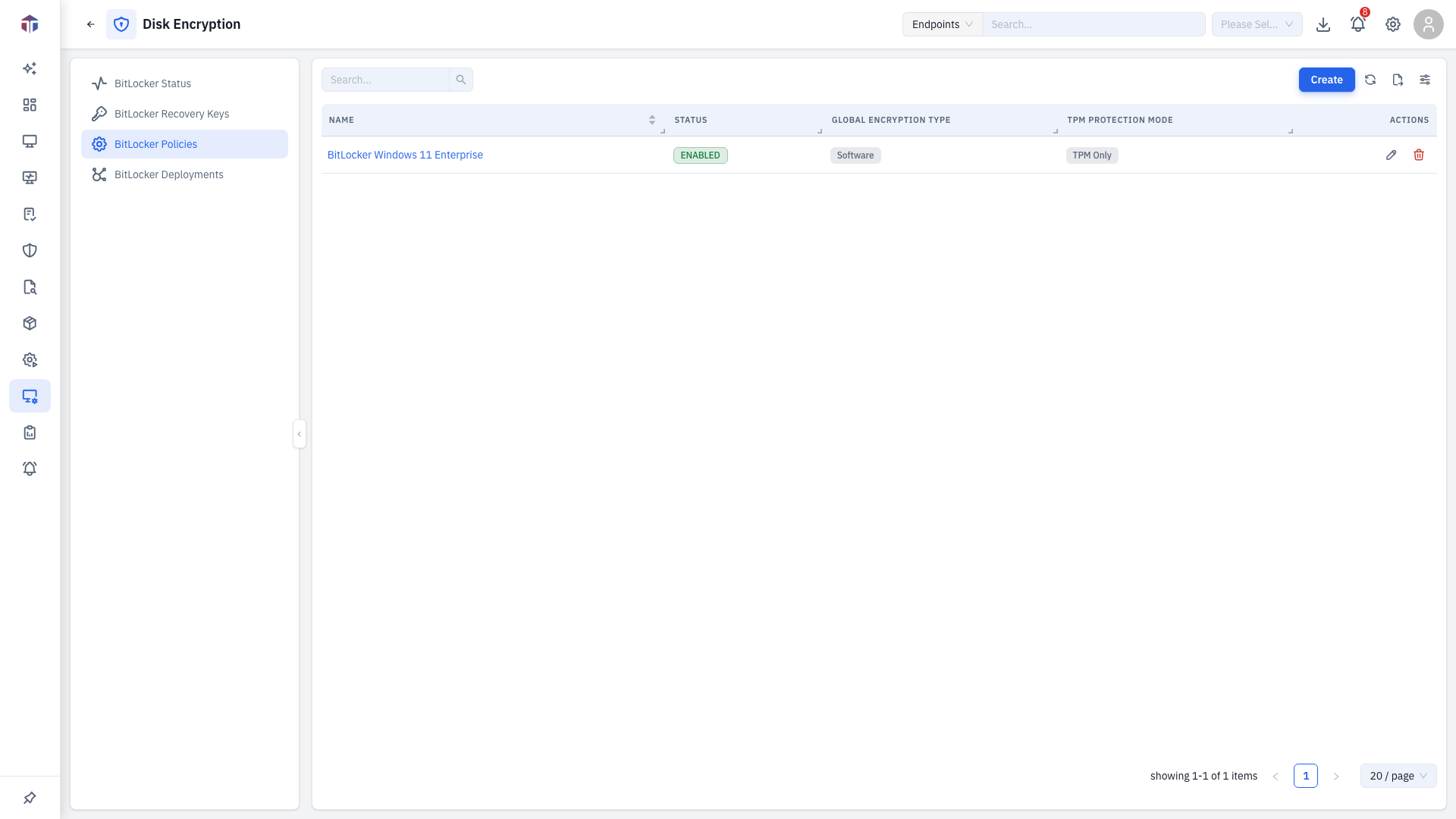
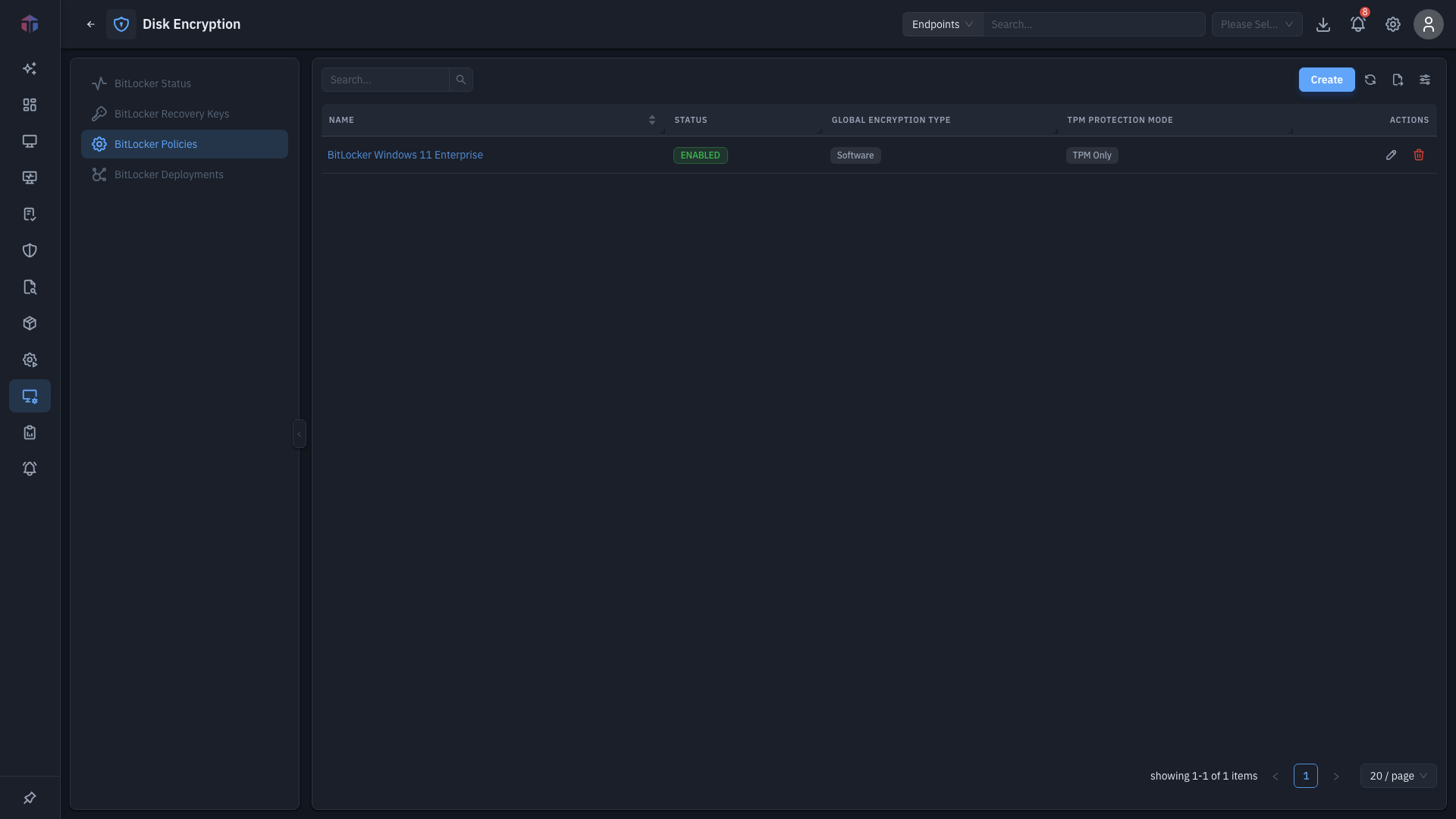
| Column | What it shows |
|---|---|
| Name | The policy name. |
| Description | What it's for. |
| Status | Enabled / Disabled. |
| Global Encryption Type | Hardware, Software, or both. |
| TPM Protection Mode | TPM Only, or TPM and PIN. |
| Created At | When it was created. |
Create adds a policy; rows have Edit and Delete (and bulk delete).
How do I create a BitLocker policy?
Click Create. The policy form opens in a drawer.
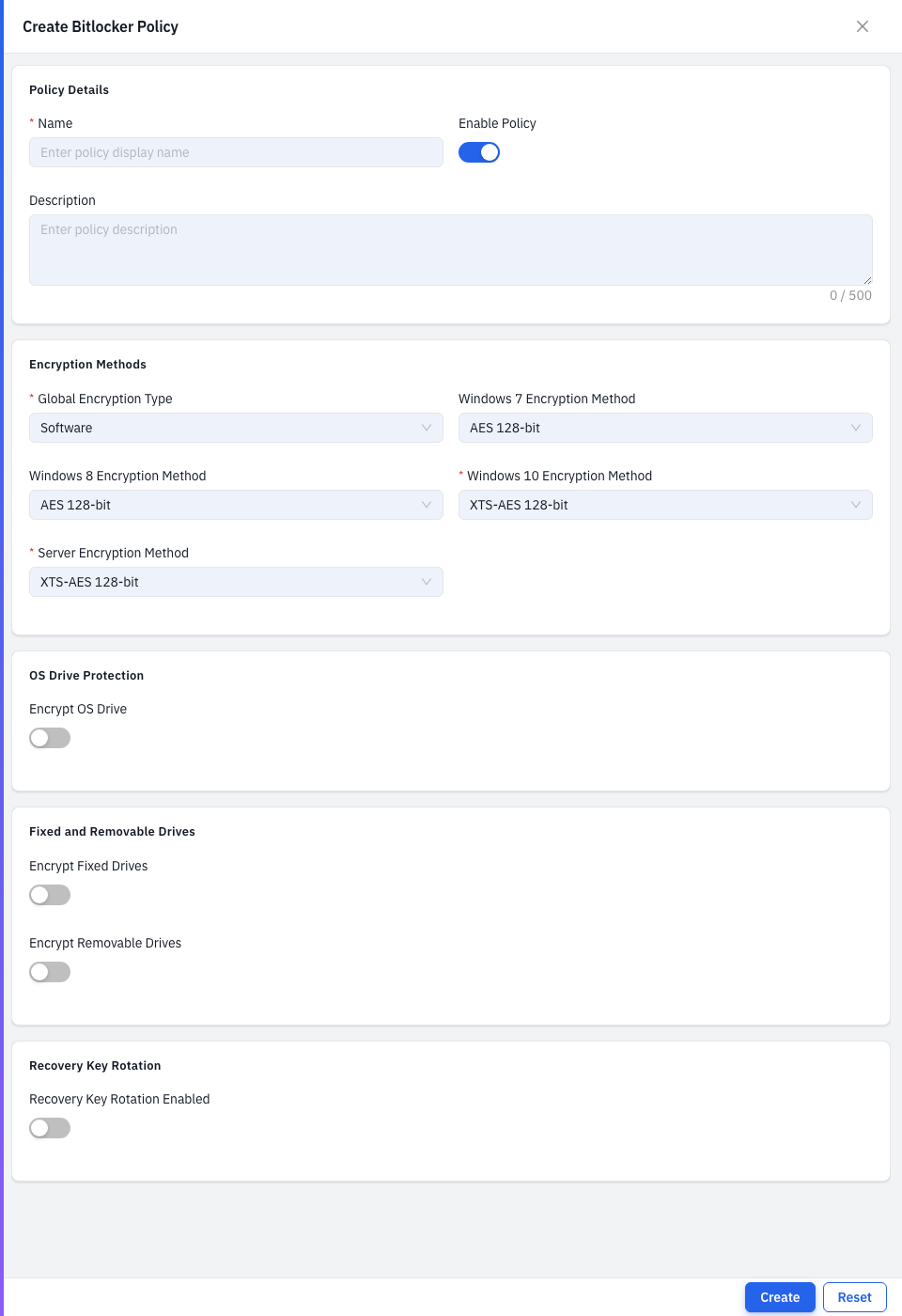
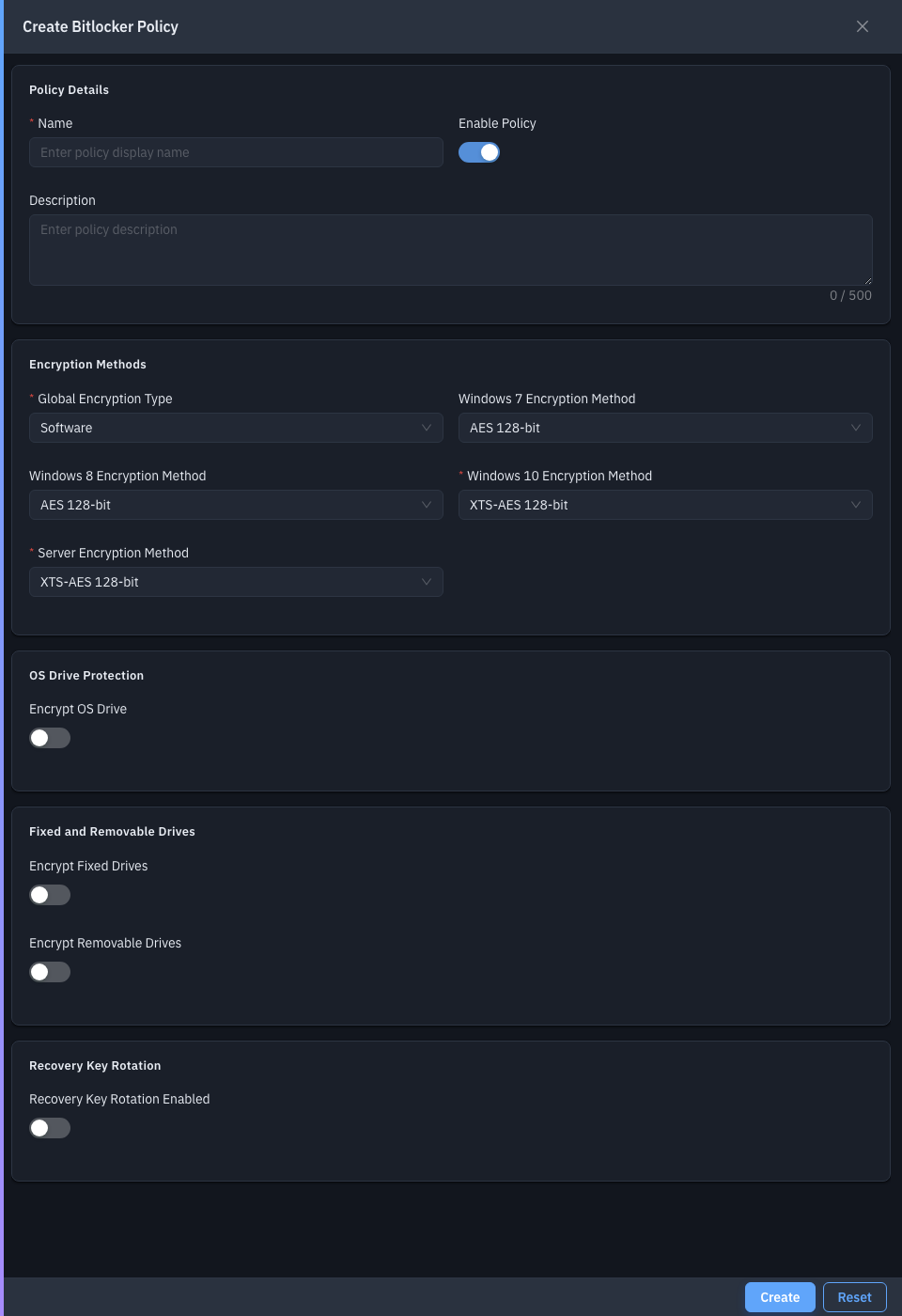
The form starts simple and reveals more options as you turn things on.
| Field | Required | Notes |
|---|---|---|
| Name | Yes | The policy name. |
| Enable Policy | No | On by default. |
| Description | No | What it's for. |
| Global Encryption Type | Yes | Hardware, Software, or Hardware and Software. Drives the method options below. Default: Software. |
| Windows 7 / 8 / 10 / Server Encryption Method | Yes (10 & Server) | The AES / XTS-AES method per OS. |
| Encrypt OS Drive | No | Encrypt the system drive. Reveals OS-drive options. |
| OS Drive Encryption Type | Yes* | Full Volume or Used Space Only. *When encrypting the OS drive. |
| TPM Protection Mode | Yes* | TPM Only, or TPM and PIN. |
| Allow Without TPM | No | Permit encryption on machines with no TPM. Reveals password-complexity options. |
| Enforce Minimum Complexity / Minimum Password Length | — | Startup-password rules when there's no TPM. |
| Enable Enhanced PIN / Minimum PIN Length | — | When the mode is TPM and PIN (PIN length 6–20). |
| Encrypt Fixed Drives | No | Encrypt internal data drives. Reveals an encryption-type choice. |
| Encrypt Removable Drives | No | Encrypt USB/removable drives. Reveals an encryption-type choice. |
| Recovery Key Rotation Enabled | No | Rotate recovery keys automatically. Reveals a rotation period (days) field. |
Save to add the policy.
Tips & troubleshooting
- Method options changed when I switched Global Encryption Type. That's by design — the Windows 10 and Server method lists are filtered to match hardware vs. software encryption.
Related
- Deployments — deploy this policy.
- Status / Recovery Keys — monitor the result.