Firewall Management — Policies
Firewall Management controls the Windows firewall on your endpoints — whether it's on, the default inbound/outbound behaviour per profile, and any specific allow/block rules. A policy bundles those settings; deploy it to enforce a consistent firewall posture.
Device Control is EndpointOps edition. You need View Firewall Management permission.
How to get here
- In the left sidebar, click Device Control.
- Click the Firewall Management card.
Navigate to: Device Control → Firewall Management → Policies
URL path: /device-control/firewall-management-settings/policies
The Policies screen
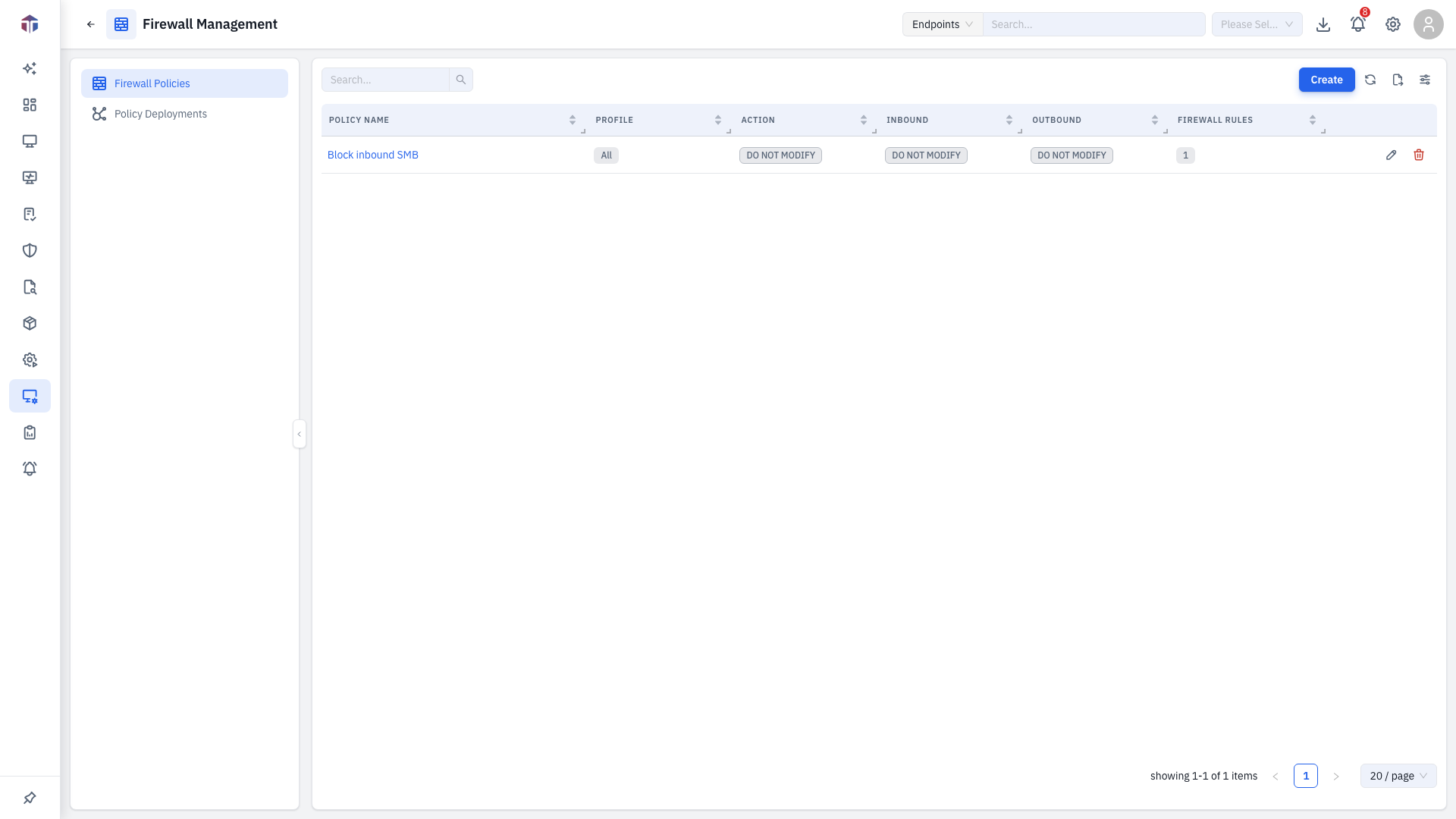
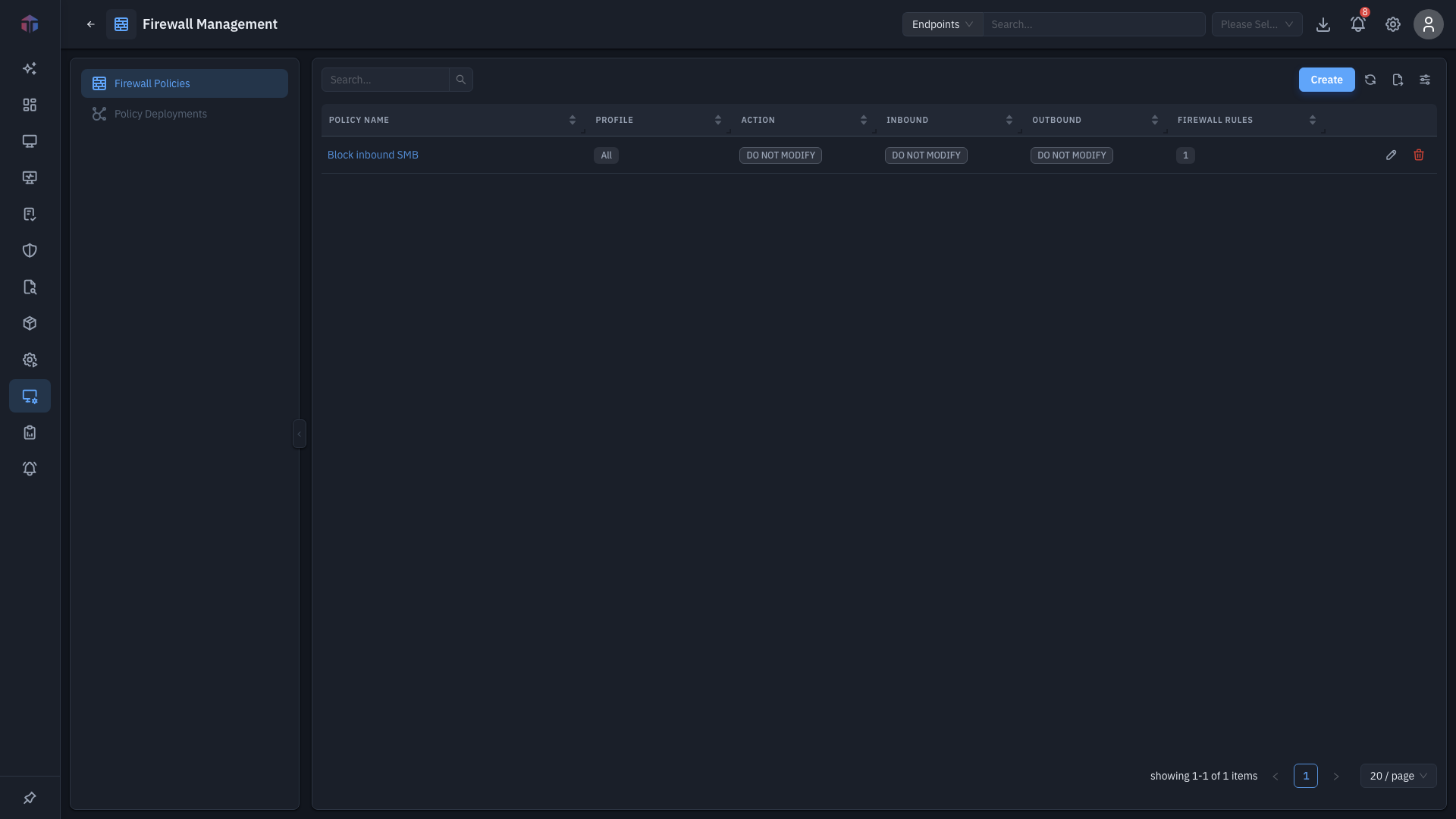
| Column | What it shows |
|---|---|
| Policy Name | The policy name. |
| Description | What it's for. |
| Profile | All, Domain, Private, or Public. |
| Action | Firewall On / Off / leave unchanged. |
| Inbound / Outbound | Default Block / Allow / unchanged. |
| Firewall Rules | How many specific rules the policy carries. |
Create adds a policy; rows have Edit and Delete.
How do I create a policy?
Click Create. The form opens in a drawer.
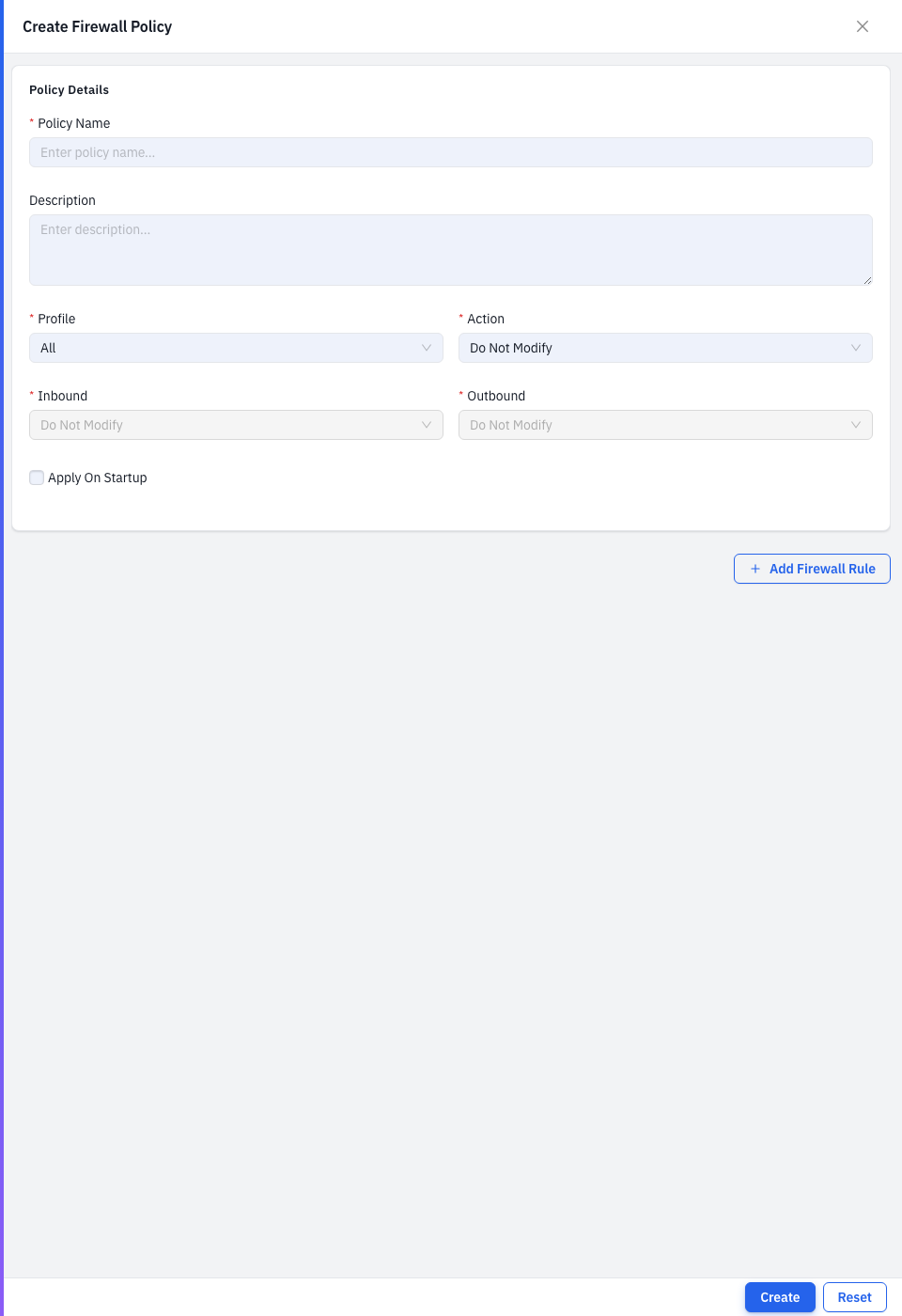
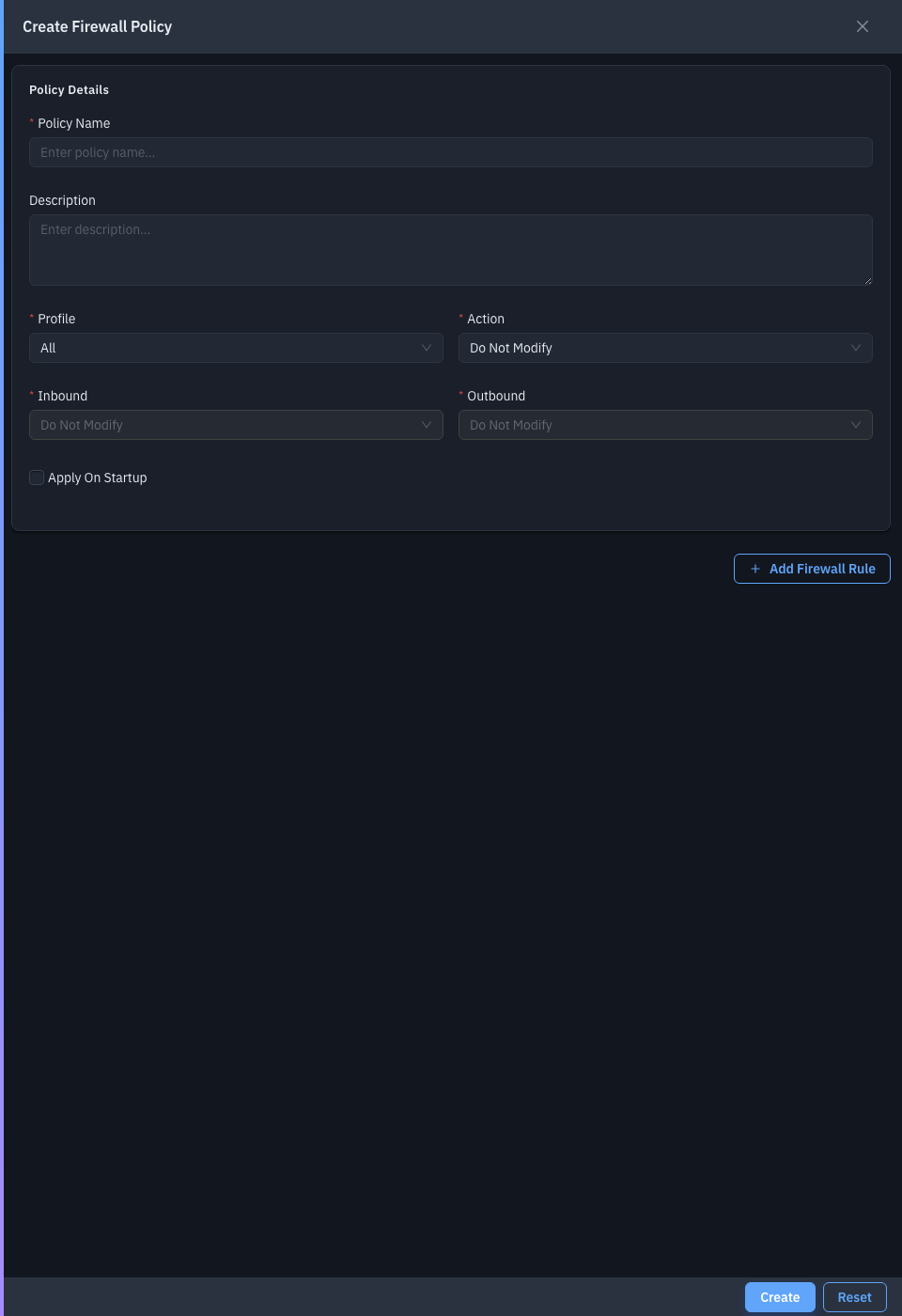
| Field | Required | Notes |
|---|---|---|
| Policy Name | Yes | The policy name. |
| Description | No | What it's for. |
| Profile | Yes | All, Domain, Private, or Public. |
| Action | Yes | Turn the firewall On, Off, or leave unchanged. |
| Inbound / Outbound | Yes | Default Block, Allow, or leave unchanged. |
| Firewall Rules | No | Add specific rules — click Add for each. |
Each firewall rule can Create, Modify, or Delete a rule. A Create rule sets its Profile, Direction (inbound/outbound), Protocol (TCP/UDP/Any), Action (Allow/Block), local/remote IPs and Ports, and an optional Program Path.
Save to add the policy, then deploy it.
Setting Inbound to Block (or turning the firewall On without the right allow rules) can break Remote Desktop, the EndpointOps agent's connectivity, and other remote management on every targeted endpoint — leaving you no way to reach them remotely to undo it. Before a fleet-wide rollout:
- Add explicit allow rules for the management traffic you rely on (RDP, agent ports) before blocking inbound by default.
- Deploy to a small test scope first and confirm those machines are still reachable.
Related
- Deployments — push a policy to endpoints.