Prohibited Software — Catalog
Prohibited Software finds unapproved or high-risk applications on your endpoints and can uninstall them. The Catalog is the list of apps you've flagged as prohibited, each with the command used to remove it.
Edition & permission
Device Control is EndpointOps edition. You need View Prohibited Software permission.
How to get here
- In the left sidebar, click Device Control.
- Click the Prohibited Software card.
Navigate to: Device Control → Prohibited Software → Catalog
URL path: /device-control/prohibited-software-settings/catalog
The Catalog screen
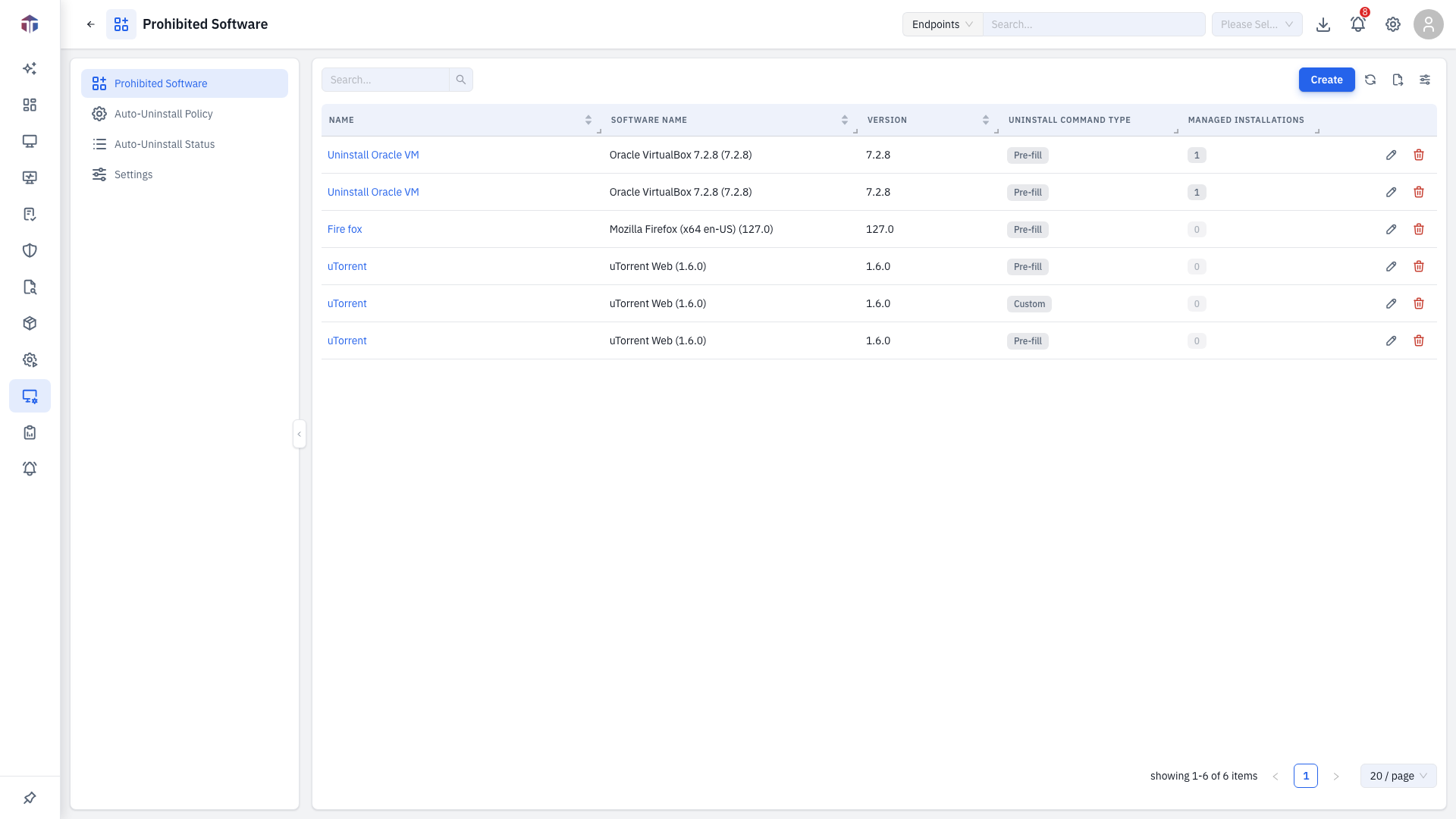
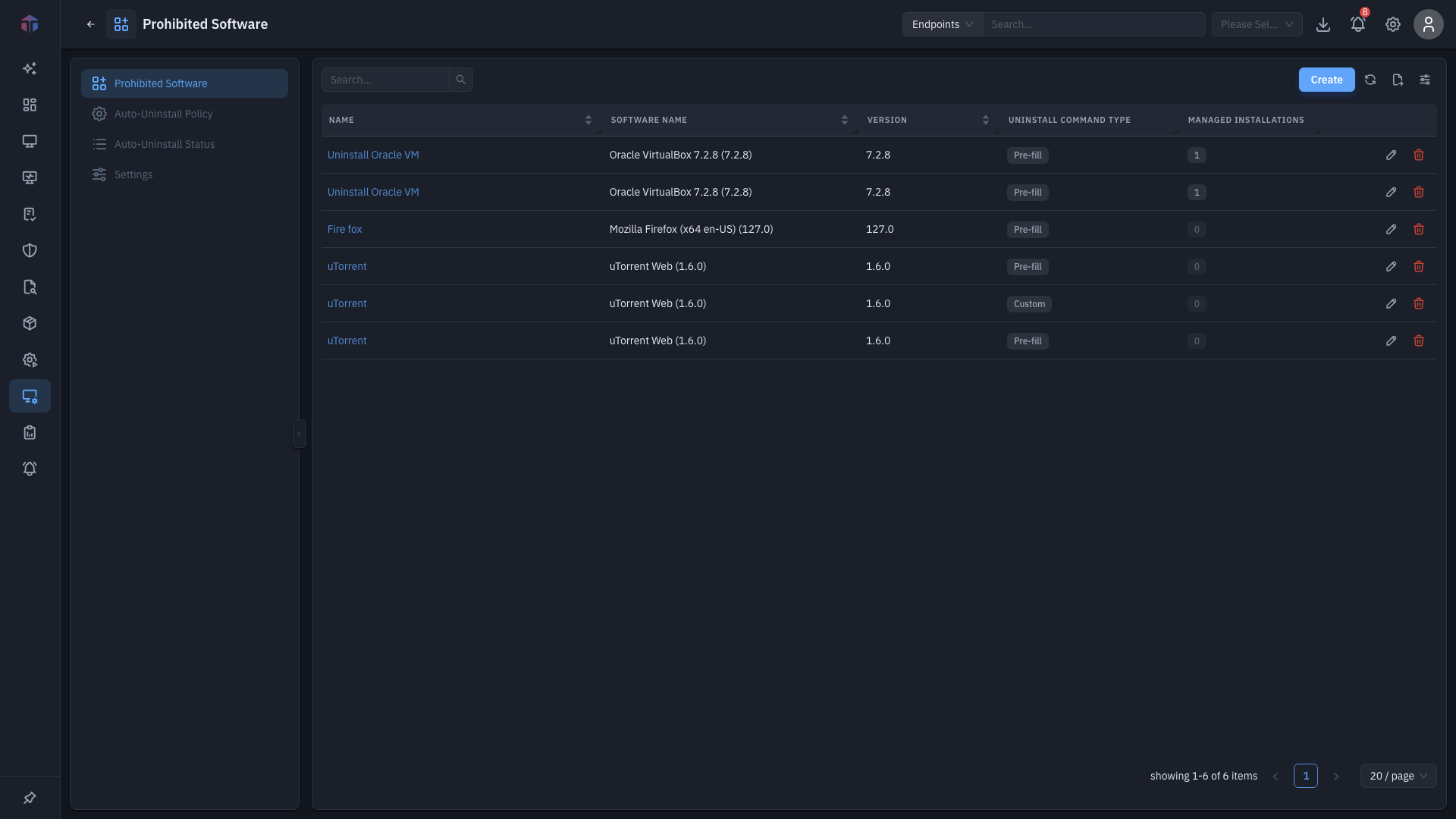
| Column | What it shows |
|---|---|
| Name | A label for the entry. |
| Software Name | The application. |
| Version | The version. |
| Uninstall Command Type | Pre-fill (the default command) or Custom. |
| Managed Installations | How many endpoints have it — a clickable count. |
| Created Time / Updated Time | When it was added and last changed. |
Create adds an entry; rows have Edit and Delete.
How do I add prohibited software?
Click Create. The form opens in a drawer.
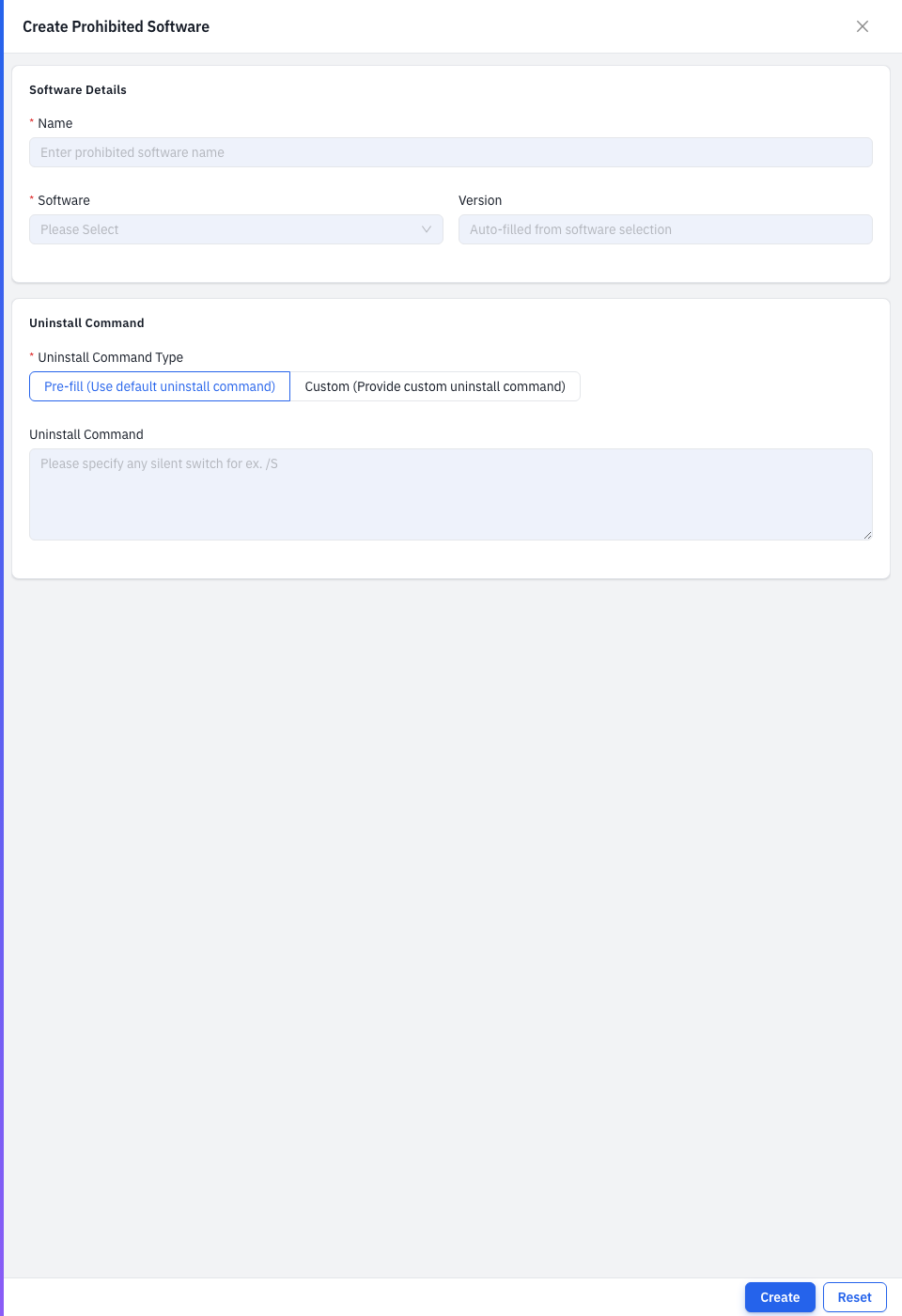
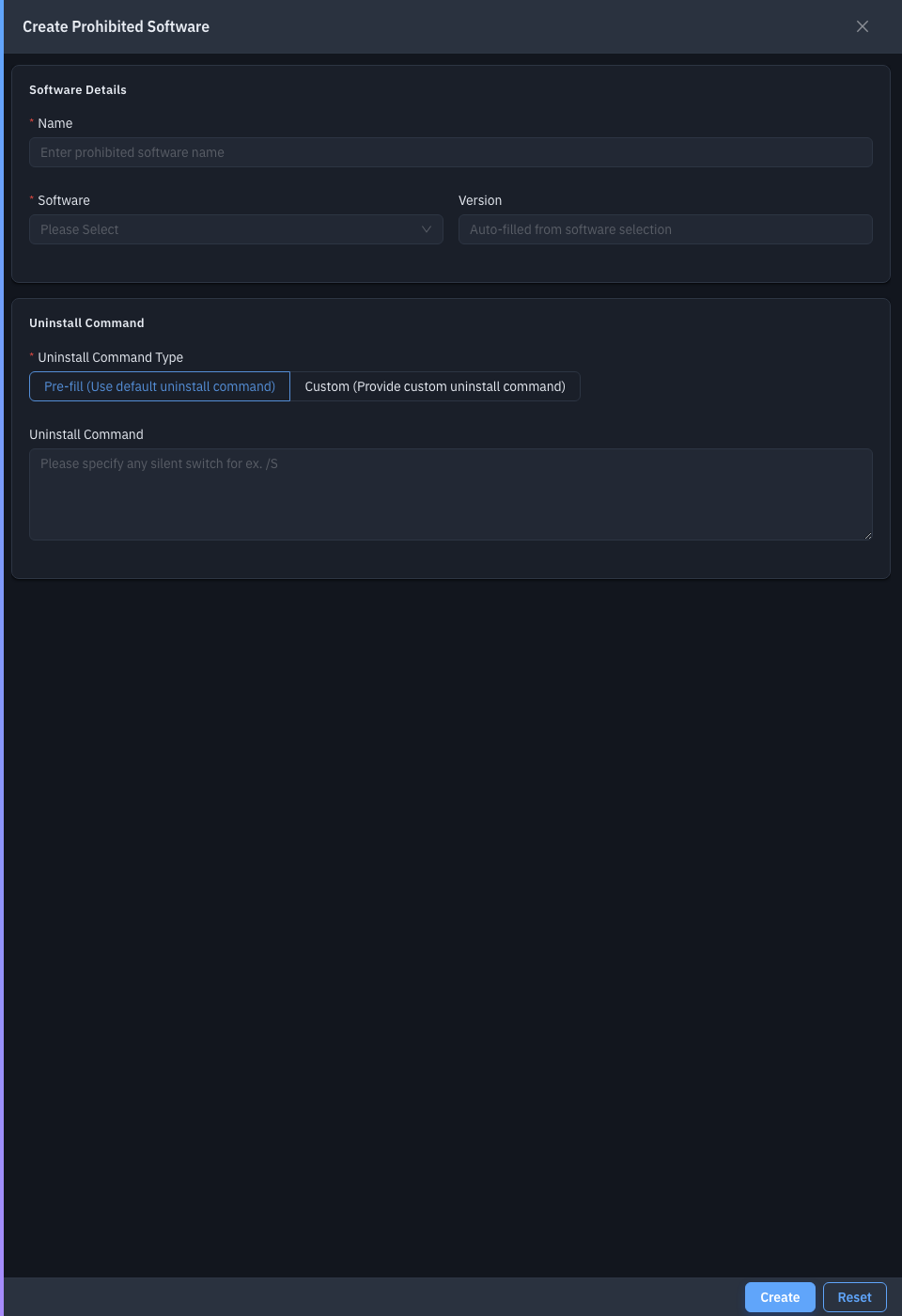
| Field | Required | Notes |
|---|---|---|
| Name | Yes | A label for the entry. |
| Software | Yes | Pick the application — its name and version auto-fill. |
| Version | No | Filled from the software you pick. |
| Uninstall Command Type | Yes | Pre-fill (use the default command) or Custom. |
| Custom Uninstall Command | Yes* | Your own command. *When the type is Custom. |
| Uninstall Command | No | Silent switches for the pre-fill command (e.g. /S). |
Save to add the entry.
Drill-down: managed installations
Click the Managed Installations count on a row to open a drawer listing the endpoints that have that software, with each machine's Platform and Platform Version.
Related
- Auto-Uninstall Policy — turn on automatic removal.
- Auto-Uninstall Status — see removal results.
- Settings — exclude endpoints from monitoring.