Prohibited Software — Settings
The Settings tab holds global options for prohibited-software monitoring — chiefly which endpoints to leave alone.
How to get here
- Open Device Control → Prohibited Software.
- Click the Settings tab.
Navigate to: Device Control → Prohibited Software → Settings
URL path: /device-control/prohibited-software-settings/settings
The Settings screen
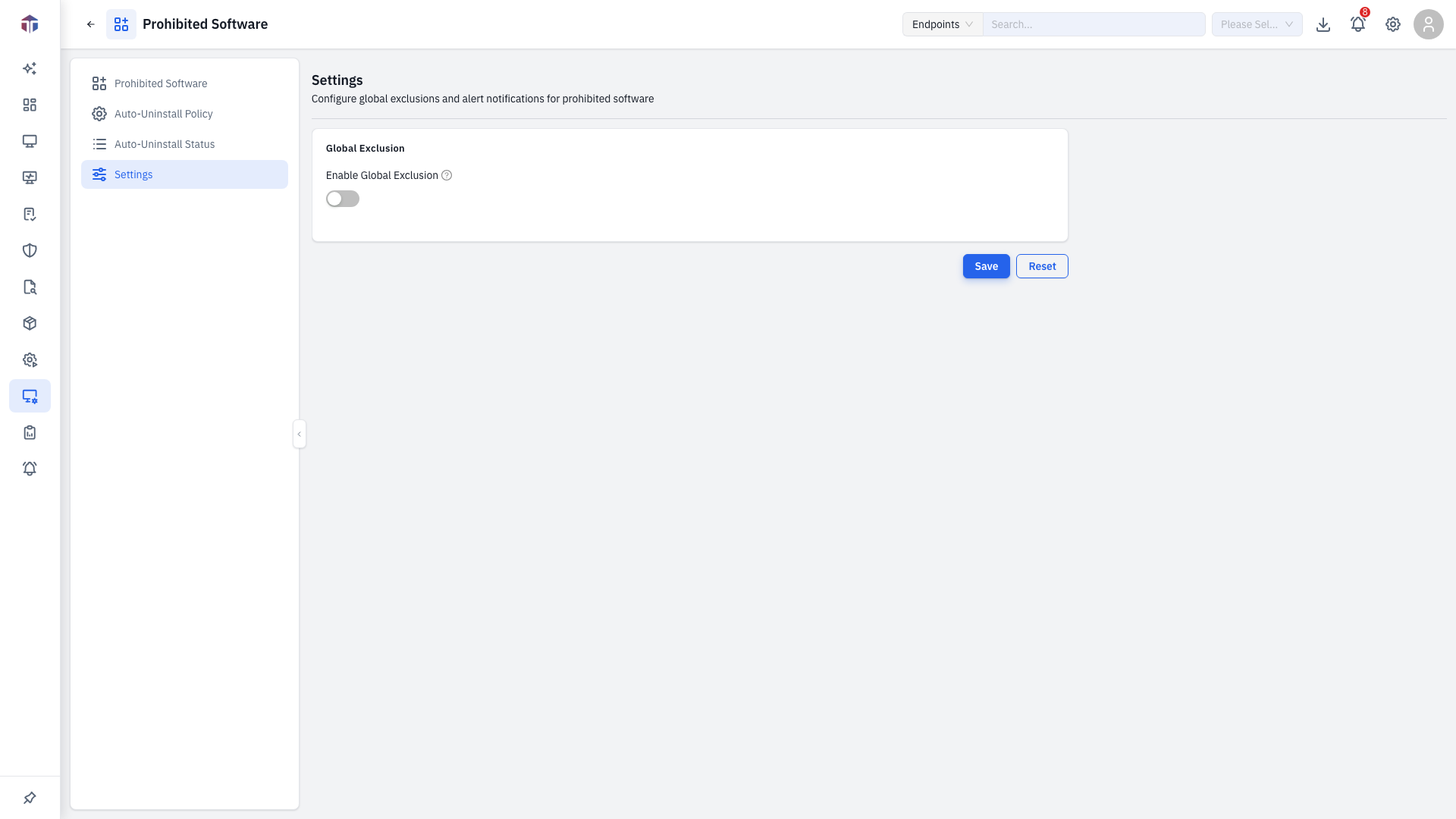
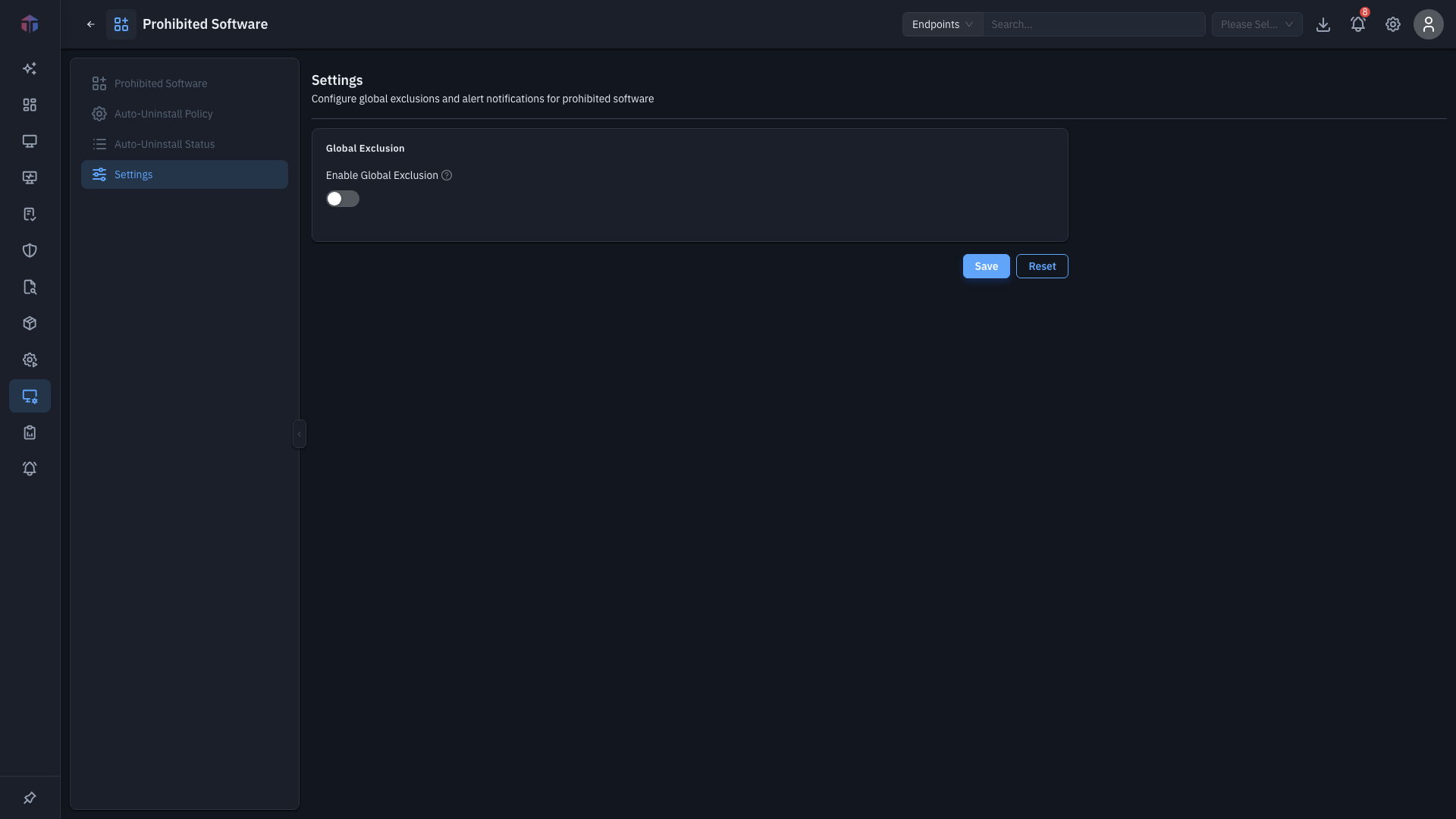
Global Exclusion
| Field | Notes |
|---|---|
| Enable Global Exclusion | Exclude selected endpoints from prohibited-software monitoring across the board. |
| Excluded Assets | The endpoints to exclude (shown when exclusion is on). |
Change the settings and click Save, or Reset to discard.
Permission
Saving needs Update Prohibited Software permission.
Related
- Catalog — the prohibited-software list.
- Auto-Uninstall Policy — automatic removal behaviour.