URL Filtering — Profile Status
Profile Status shows which URL Filter Profile is assigned to each endpoint, whether it's active, and whether any configuration changes are still waiting to be pushed.
How to get here
- Open Device Control → URL Filtering.
- Click the Profile Status tab.
Navigate to: Device Control → URL Filtering → Profile Status
URL path: /device-control/web-filter-settings/profile-status
The Profile Status screen
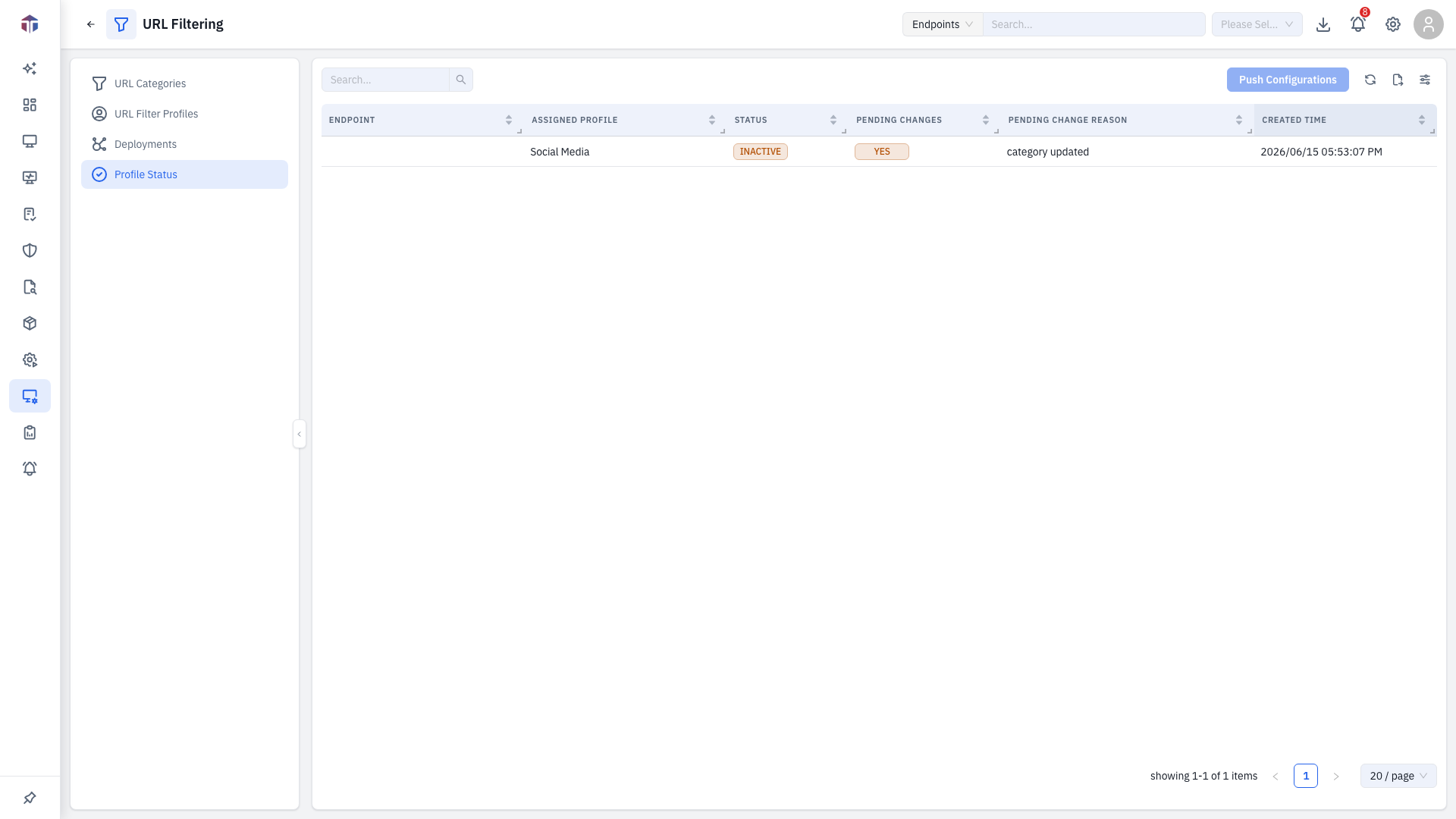
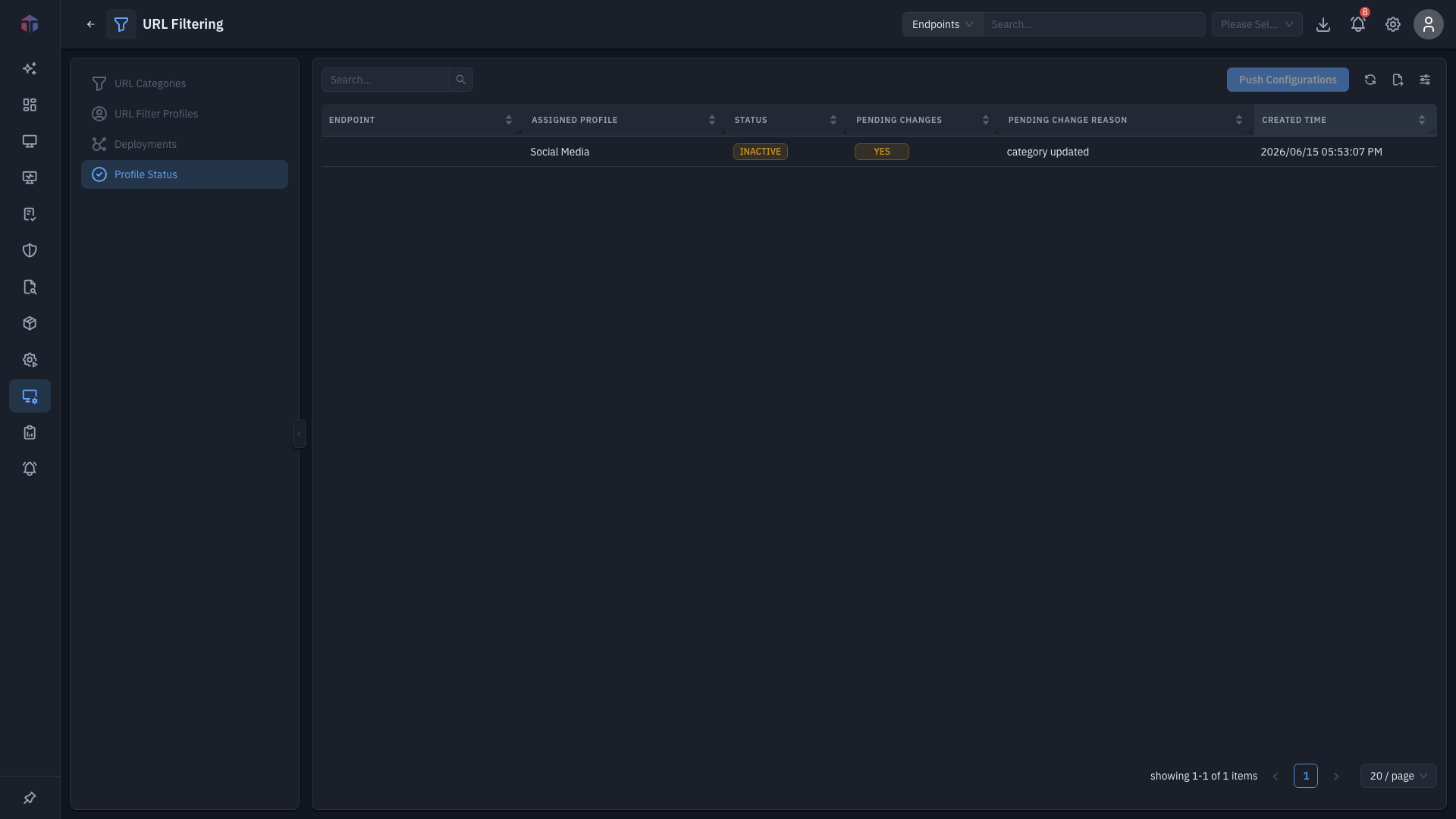
| Column | What it shows |
|---|---|
| Endpoint | The machine. |
| Assigned Profile | The profile in effect on it. |
| Status | Pending, Active, Inactive, or Failed. |
| Pending Changes | Whether changes are waiting to be pushed. |
| Pending Change Reason | Why a change is pending. |
| Created Time | When the assignment was made. |
How do I push pending changes?
When endpoints have pending changes, click Push Configurations to send them all at once. The button is disabled when nothing is pending.
Permission
Pushing needs Update Web Filter permission.
Related
- Profiles — the profiles being reported on.
- Deployments — assign profiles to endpoints.