App Performance
The App Performance tab drills into application experience across the fleet — crashes, hangs, and slow launches — over the last 15 days.
How to get here
- Open DEX (see DEX Summary).
- Click the App Performance tab.
URL path: /dex/app-performance
The App Performance screen
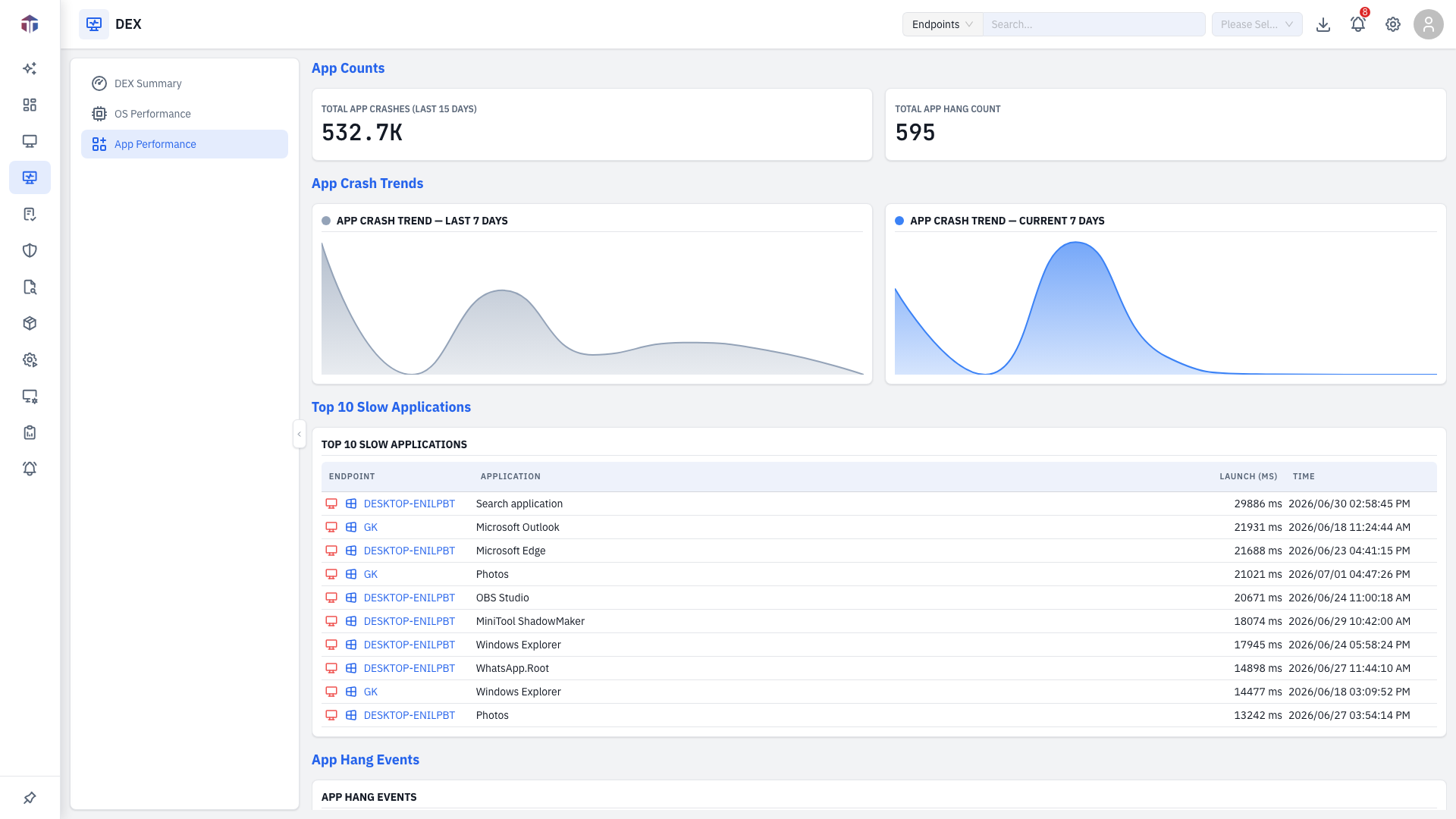
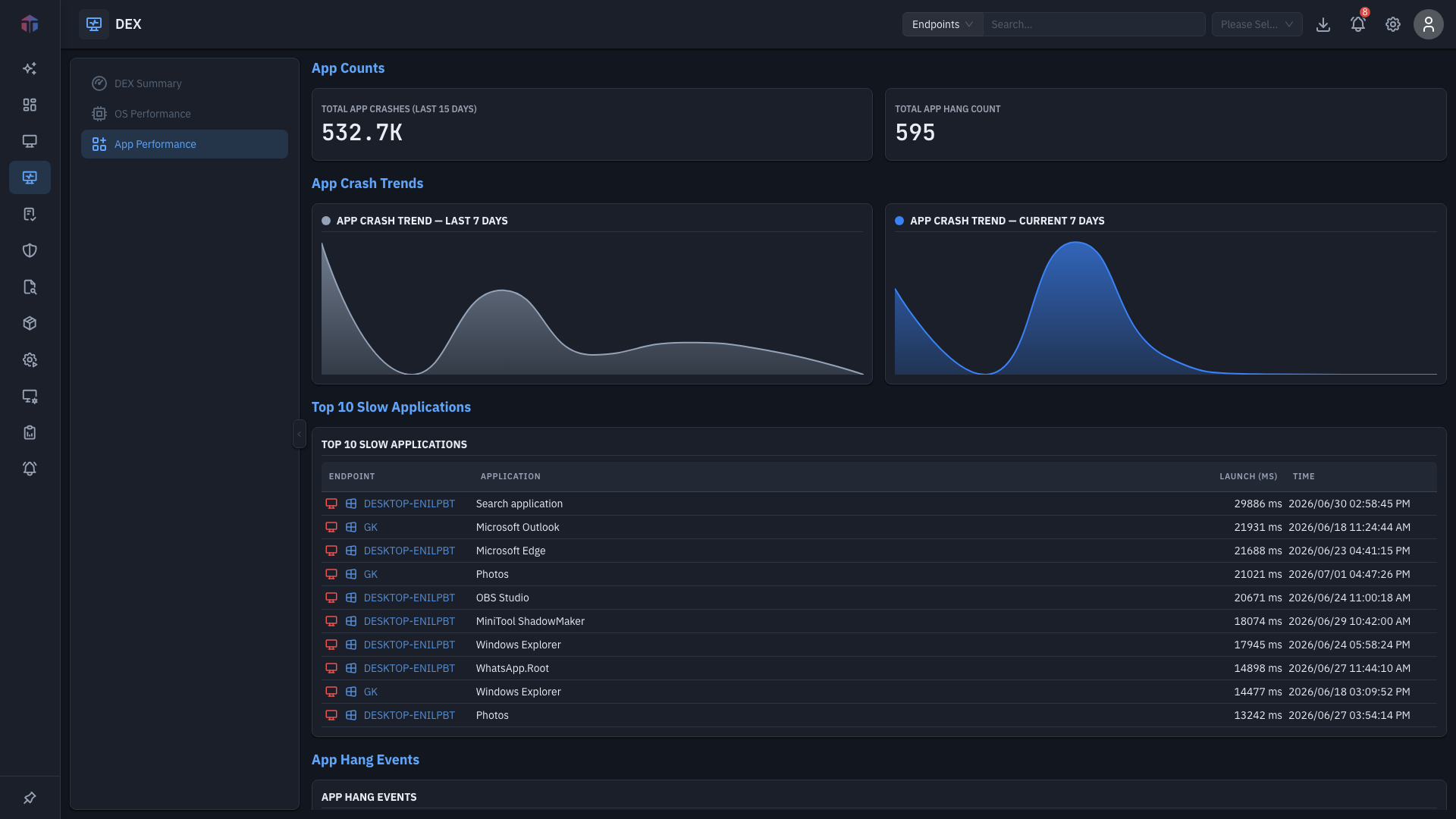
- Total App Crashes (last 15 days) and Total App Hang Count — headline tiles.
- App Crash Trend — last-7-days and current-7-days trend lines.
Top 10 Slow Applications
| Column | What it shows |
|---|---|
| Endpoint | The machine (links to its detail). |
| Application | The app name. |
| Launch (ms) | Launch time in milliseconds. |
| Time | When it was measured. |
App Hang Events
| Column | What it shows |
|---|---|
| Endpoint | The machine. |
| Time | When the hang occurred. |
| Process | The process name. |
| PID | Process ID. |
| Hang Type | The kind of hang. |
| Binary Path | Path to the executable. |
Tips & troubleshooting
- One app dominates the slow list. It's a fleet-wide experience problem — consider an update or configuration change for that application.
Related
- DEX Summary — the fleet overview.
- OS Performance — boot and OS-crash detail.