Battery
The Battery tab answers: which laptops have worn batteries, which drain fast, and why? It feeds the Battery area of the experience score (battery health and power).
Same as all of DEX: the EndpointOps licence and View Inventory permission. Only endpoints with a battery count here; desktops show — for Battery. The power plan and draining-process sections need the latest agent.
How to get here
You need View Inventory permission.
- In the left menu, click DEX.
- Click the Battery tab.
Navigate to: DEX → Battery
URL path: /dex/battery
The filter line (department, location, period) applies to everything on the tab.
The Battery screen
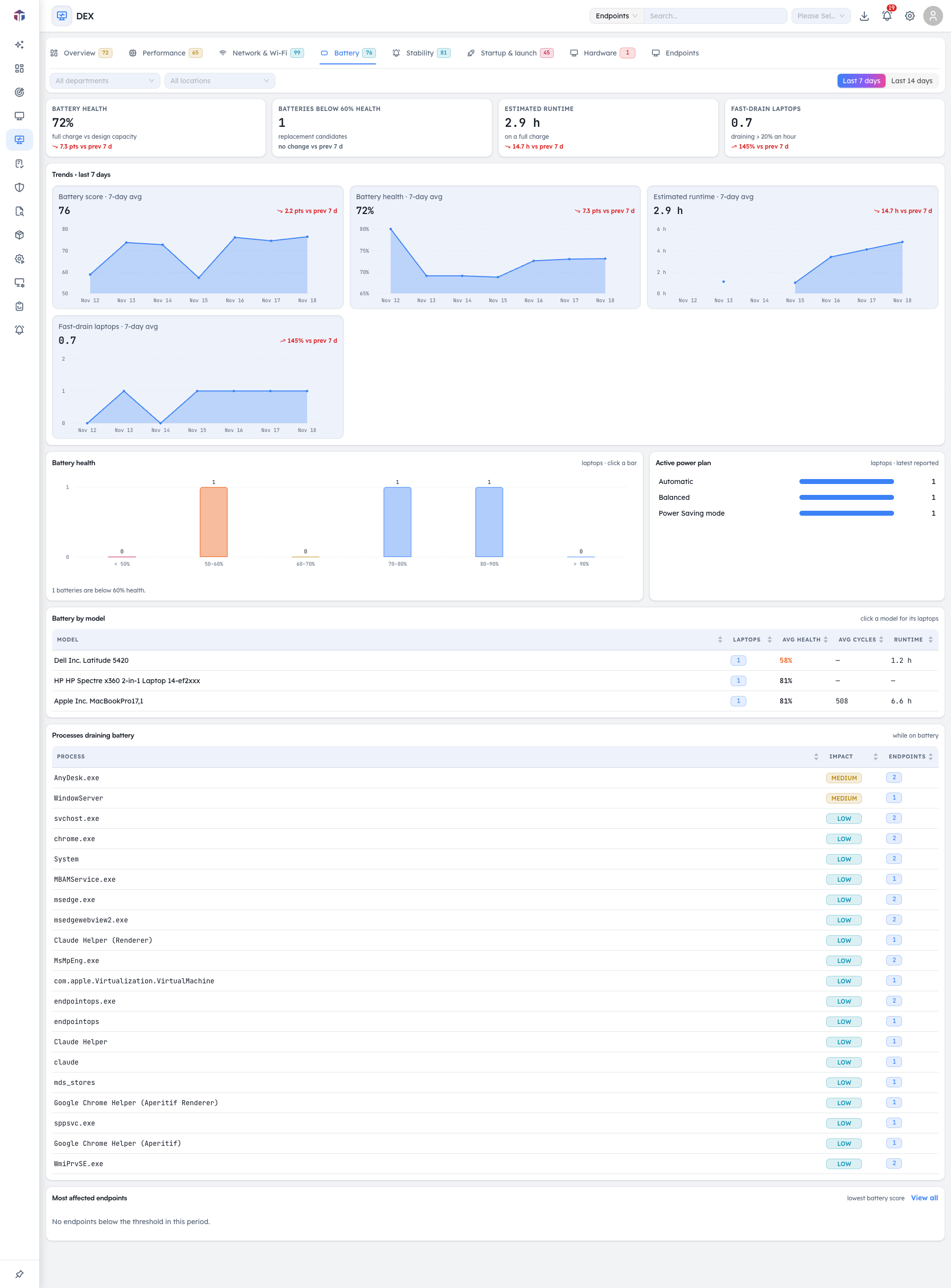
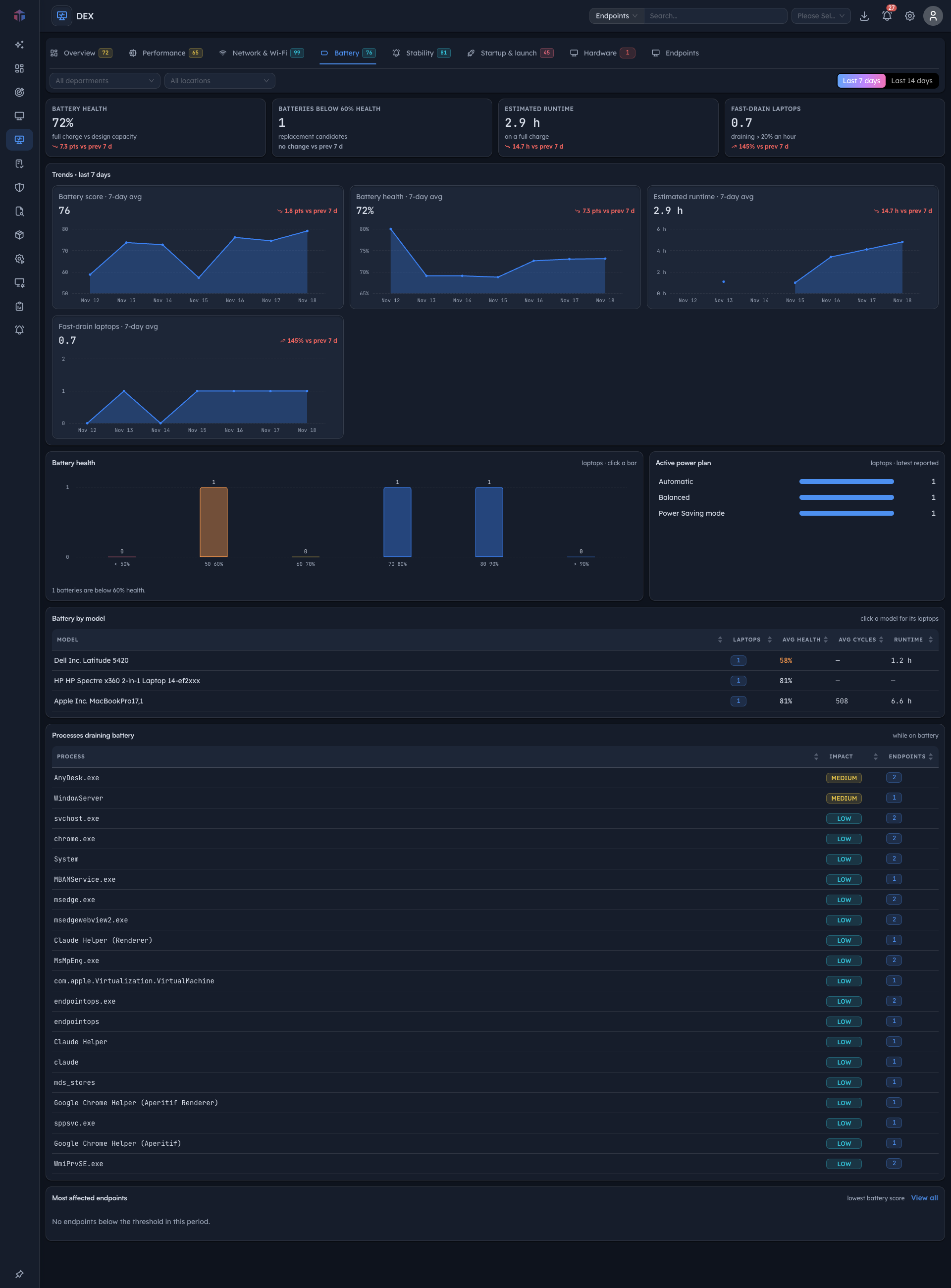
KPI tiles
| Tile | What it shows |
|---|---|
| Battery health | Average full-charge capacity as a share of the design capacity. |
| Batteries below 60% health | Replacement candidates. |
| Estimated runtime | Hours on a full charge. |
| Fast-drain laptops | Laptops draining more than 20% an hour. |
Each tile shows its change against the previous period.
Trends
Daily charts for the Battery score, Battery health, Estimated runtime and Fast-drain laptops.
Battery health
How many laptops fall in each battery-health range. Low ranges are coloured amber (70% and below), orange (60% and below) and red (50% and below), and a note counts the batteries below 60% health. Click a bar to list those laptops, with their battery health as an extra column.
Active power plan
Laptops by the power plan they last reported (for example Balanced). Plans with performance in their name are highlighted and marked shortens runtime on battery. Click a bar to list the laptops on that plan.
Battery by model
| Column | What it shows |
|---|---|
| Model | The laptop model. |
| Laptops | How many laptops of that model. Click the count to list them. |
| Avg health | Average battery health; amber below 70%, orange below 60%. |
| Avg cycles | Average charge cycles. |
| Runtime | Average runtime in hours; — when none of that model's laptops ran on battery in the period. |
Click a row to list that model's laptops. Laptops without a model are grouped as Unknown, which can't be listed.
Processes draining battery
Processes running while laptops are on battery:
| Column | What it shows |
|---|---|
| Process | The process name. |
| Impact | How much it drains: a severity tag such as LOW or MEDIUM. |
| Endpoints | Endpoints running it on battery. Click the count to list them. |
Most affected endpoints
The six endpoints with the lowest Battery score: Endpoint, Department, Battery score, Trend, Main issue. View all lists every endpoint with a low battery score in a drawer.
Tips & troubleshooting
- Plan battery replacements. Click the low bars of Battery health and use the list as your replacement list. The Hardware tab also judges each battery's level and projects its time left.
- One model is much worse than the rest. Sort Battery by model by Avg health and click the model to see its laptops.
- Short runtime but healthy batteries. Check Active power plan and Processes draining battery.