Events
FIM (File Integrity Monitoring) watches files, configuration files, and registry keys on your endpoints and records every change. The Events screen is the feed of those detected changes; the Configuration tab defines what to watch.
How to get here
You need View FIM permission, and this module requires the ZiroXpose edition.
- In the left sidebar, click FIM. You land on the Events tab.
Navigate to: FIM → Events
URL path: /fim/events
The Events screen
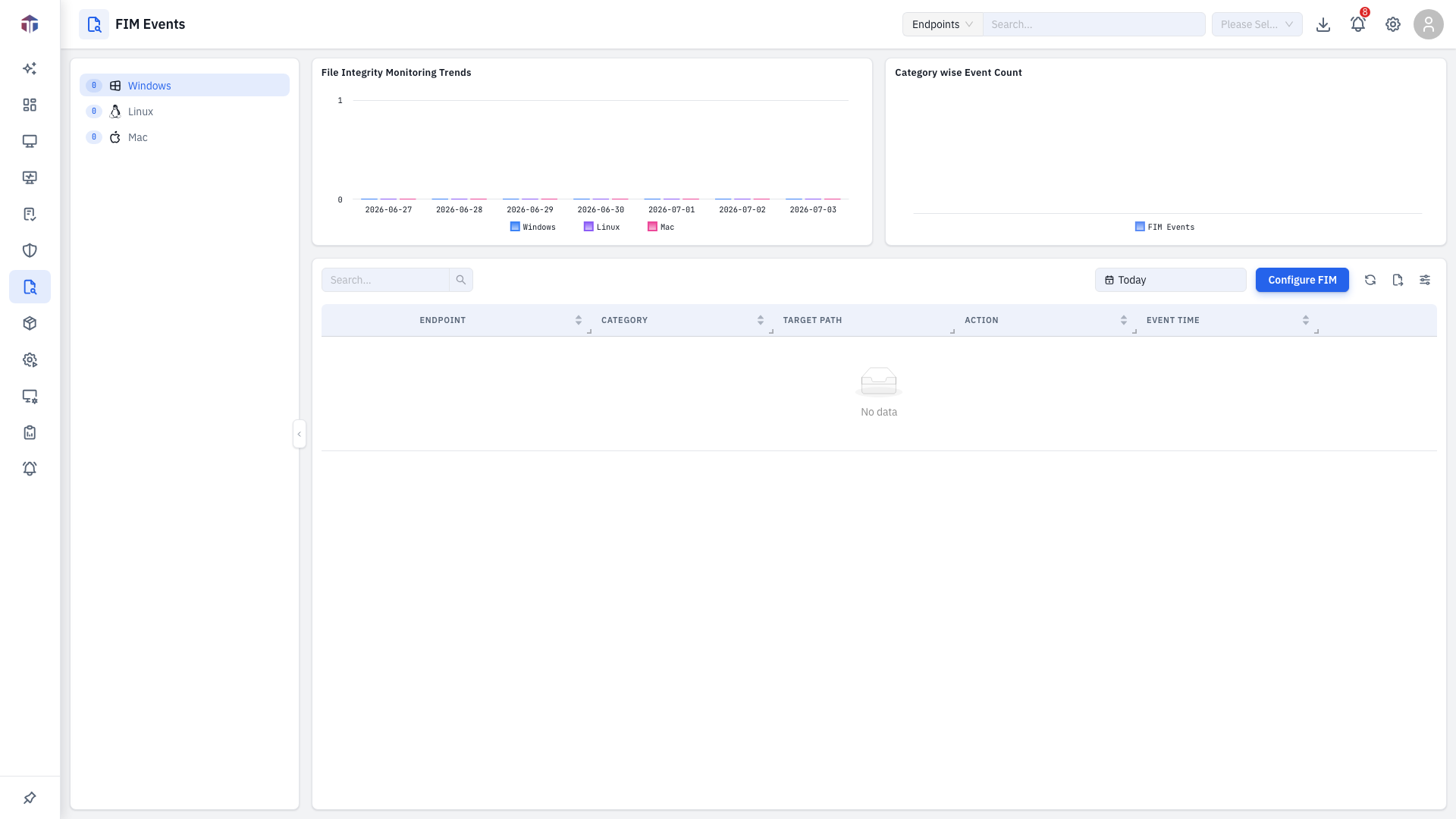
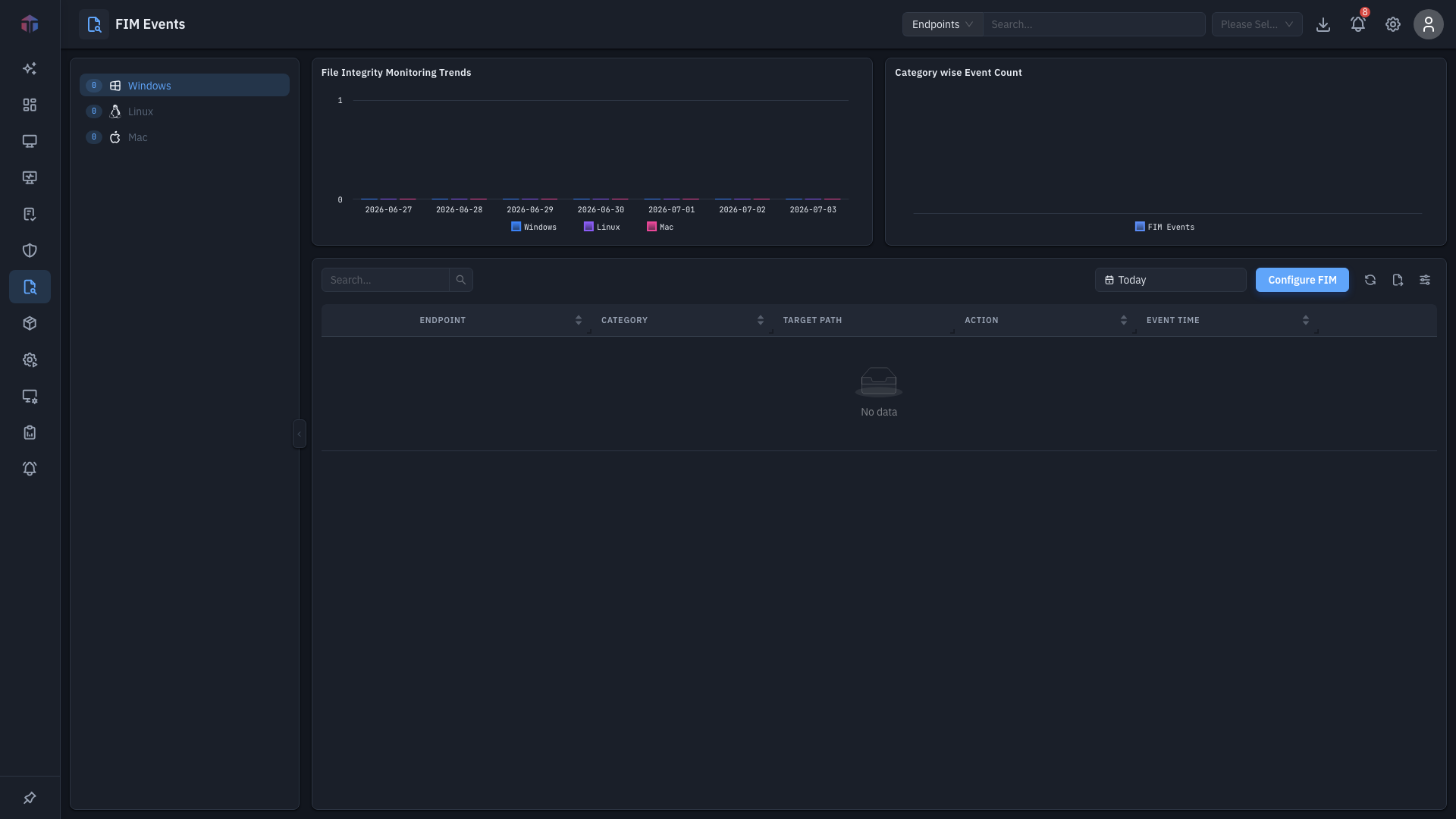
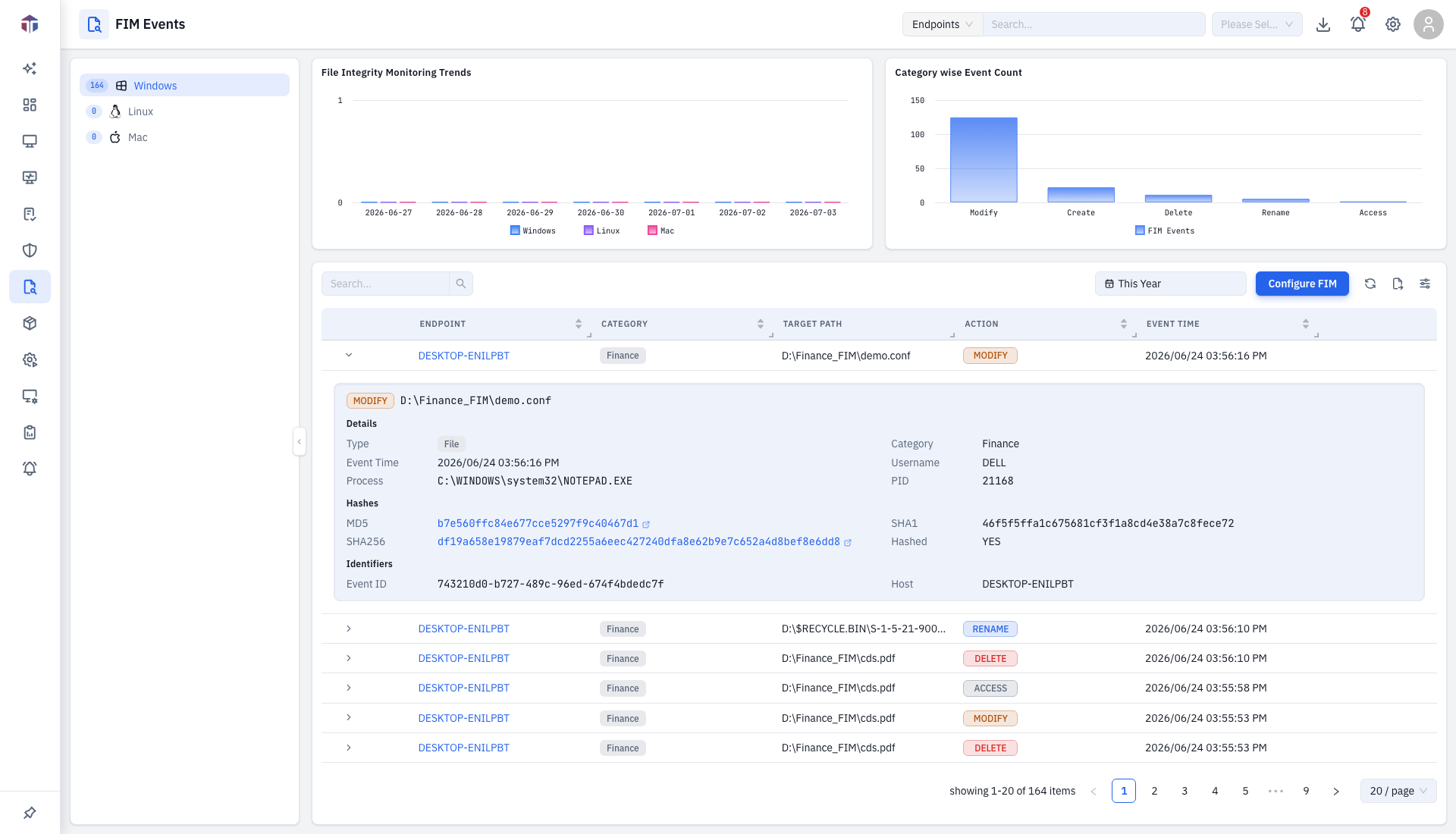
A category tree on the left (by OS) narrows the feed; two charts sit on top:
- File Integrity Monitoring Trends — events over time by platform.
- Category wise Event Count — events per category.
Above the table: a timeline picker (date range), Scan Endpoints (trigger a fresh scan), and Configure FIM (jump to Configuration).
| Column | What it shows |
|---|---|
| (threat) | A threat-context icon — click for threat intelligence on the change. |
| (file) | A file-compare icon (configuration-file events only) — click to see before/after. |
| Asset | The endpoint (links to its detail). |
| Category | The event category (OS/type). |
| Target Path | The file, folder, or registry key that changed. |
| Action | What happened — added, modified, deleted. |
| Event Time | When it was detected. |
Sorted newest-first by Event Time.
Drill-down: full event detail
Expand a row (the arrow) to see the full event — including file hashes (linked to VirusTotal), size/metadata changes, and a malicious flag where applicable.
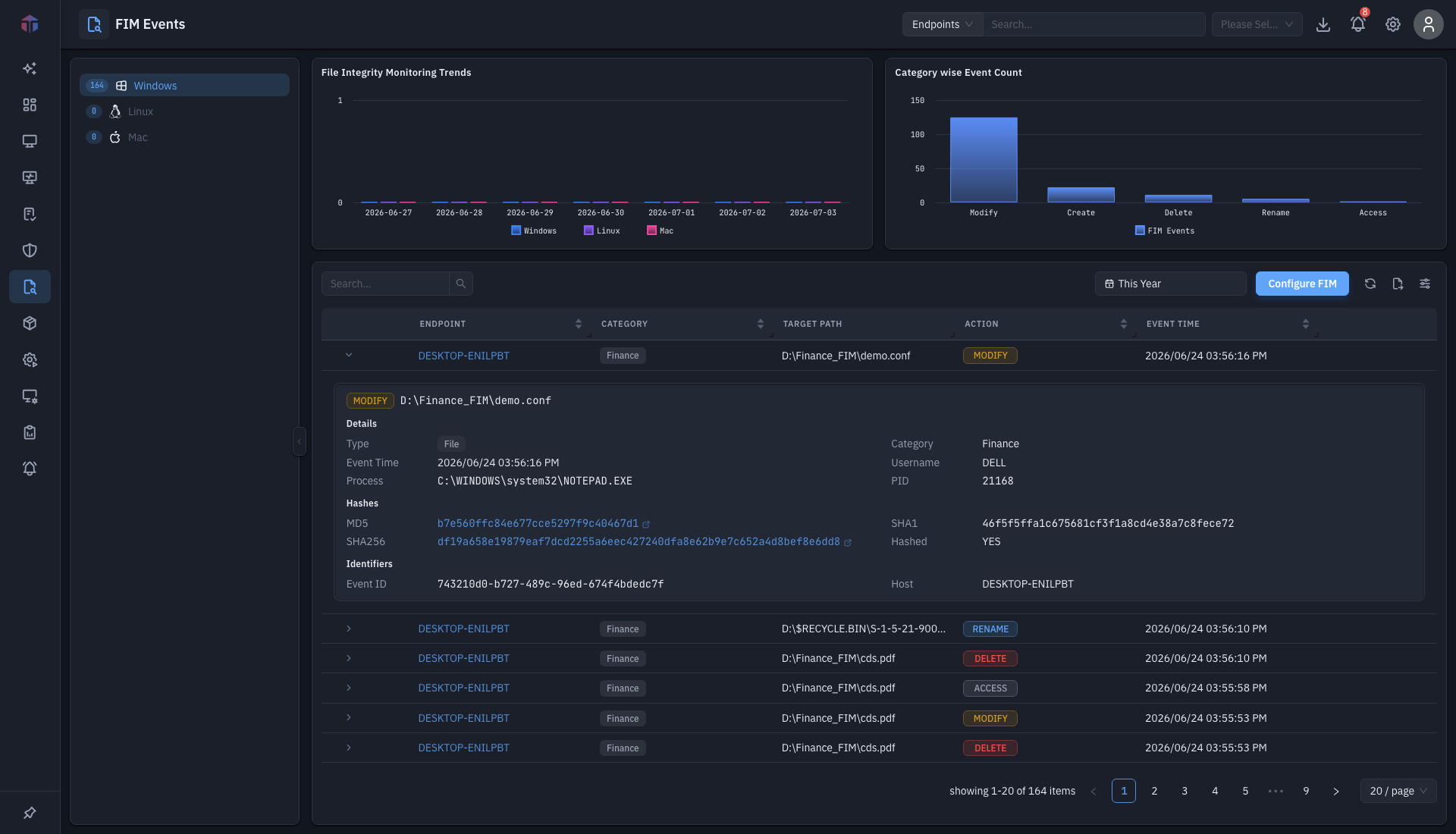
The threat-context icon opens a drawer with reputation / threat intelligence for the change, where the data supports it.
Compare configuration-file versions
For events on a Configuration File target (see the Configuration types), the row shows a View File Changes icon in the second prepend column. Click it to open the version comparison drawer — the headline FIM feature for config drift.
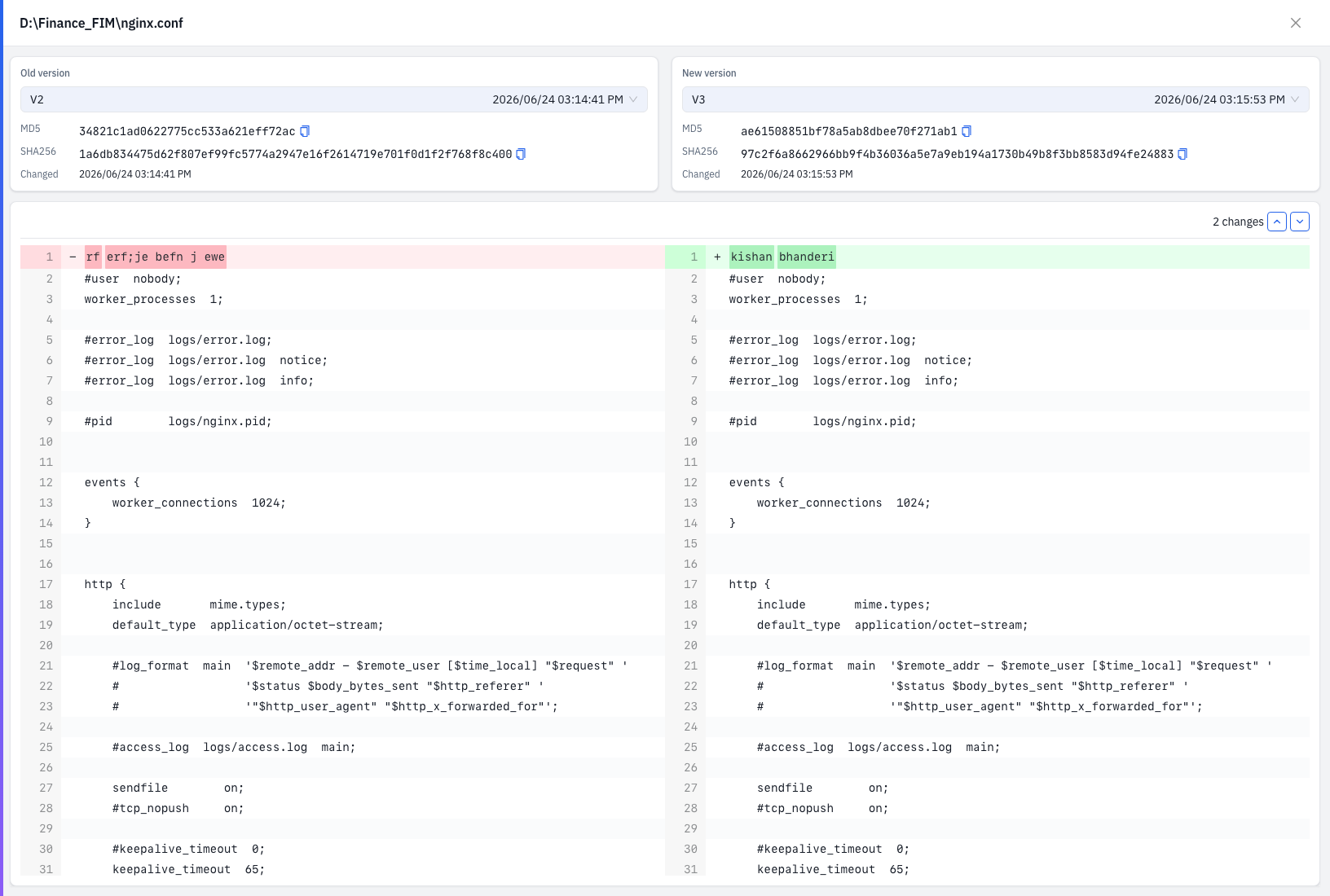
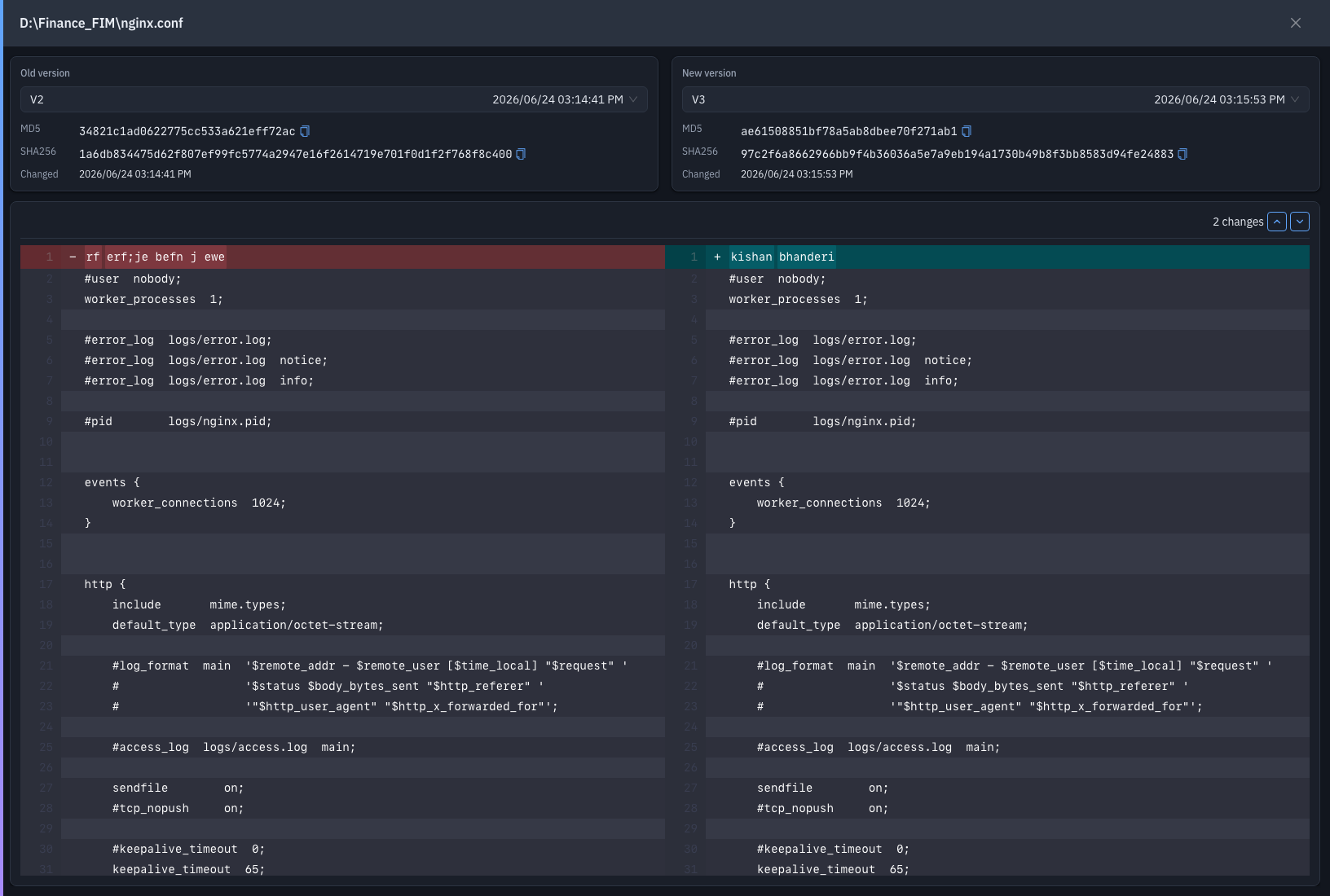
The drawer (titled with the file name) lets you pick two versions of the file — one on the left, one on the right (it defaults to this event's version versus the one before it). For each side it shows the MD5 and SHA256 hashes and the Changed at time, and below them a side-by-side diff with the changes highlighted:
- Text/config files — an inline diff with up/down navigation between changes.
- PDF, XLSX/XLS, and DOCX files — rendered diff viewers for those formats.
So when a monitored configuration file changes, you can see exactly what changed between any two captured versions, not just that it changed.
The file-compare icon appears only for events whose configuration is of type Configuration File. File and Registry events show the expandable detail above instead.
Tips & troubleshooting
- No events. Nothing has changed within your monitored paths in the selected timeline, or no FIM configuration is active — set one up under Configuration, then Scan Endpoints.
- The module is missing. FIM requires the ZiroXpose edition and View FIM permission.
Related
- Configuration — define which paths/keys FIM watches.