Browsers
Browsers is the fleet-wide list of web browsers discovered across your endpoints — one row per browser/version, with how many machines have it. (The single-endpoint version is the Browser tab on a machine's page.)
How to get here
You need View Inventory permission, and this module requires the ZiroXpose edition.
- In the left sidebar, click Inventory to expand it, then click Browsers.
Navigate to: Inventory → Browsers
URL path: /inventory/browsers
The Browsers screen
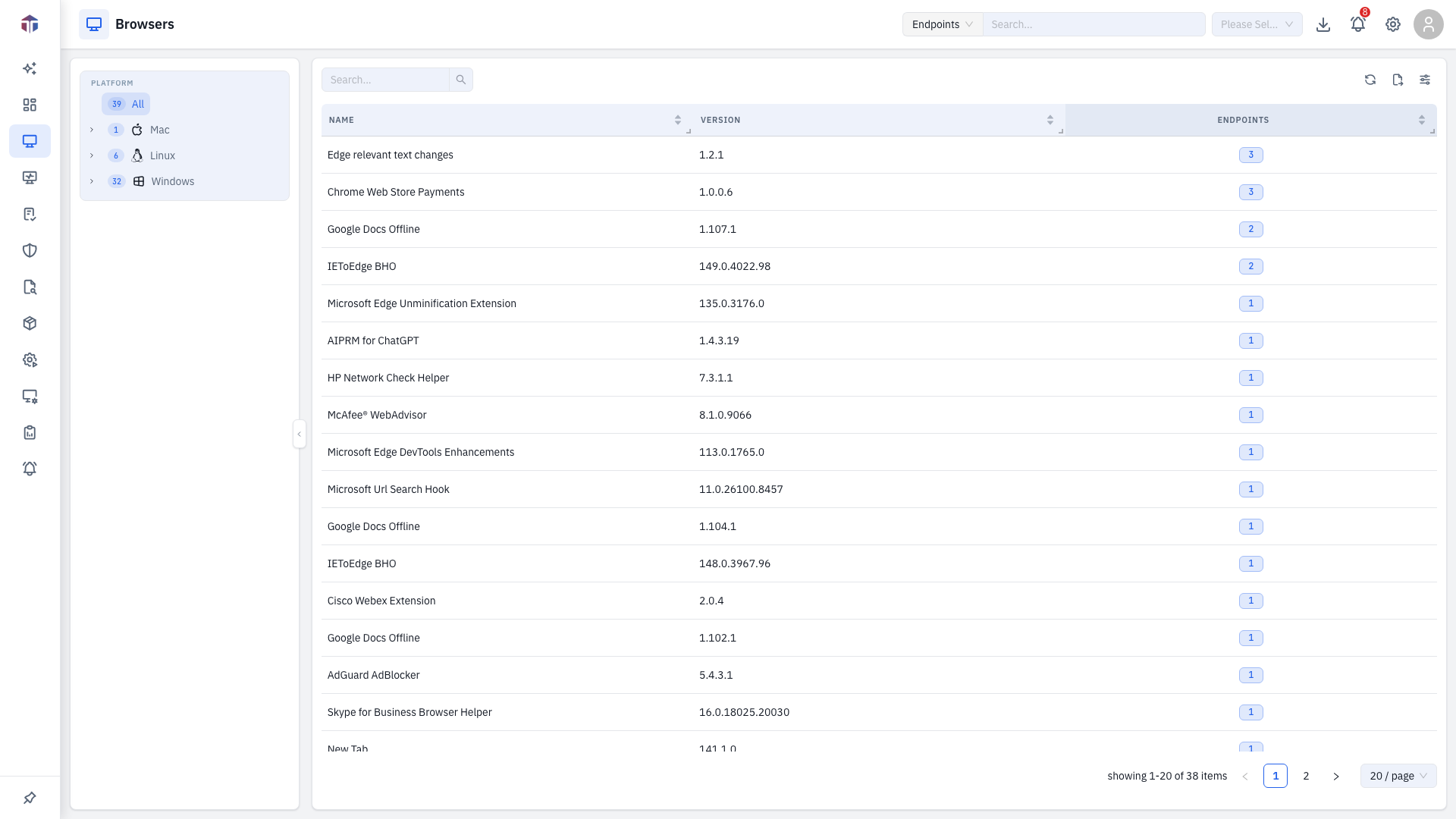
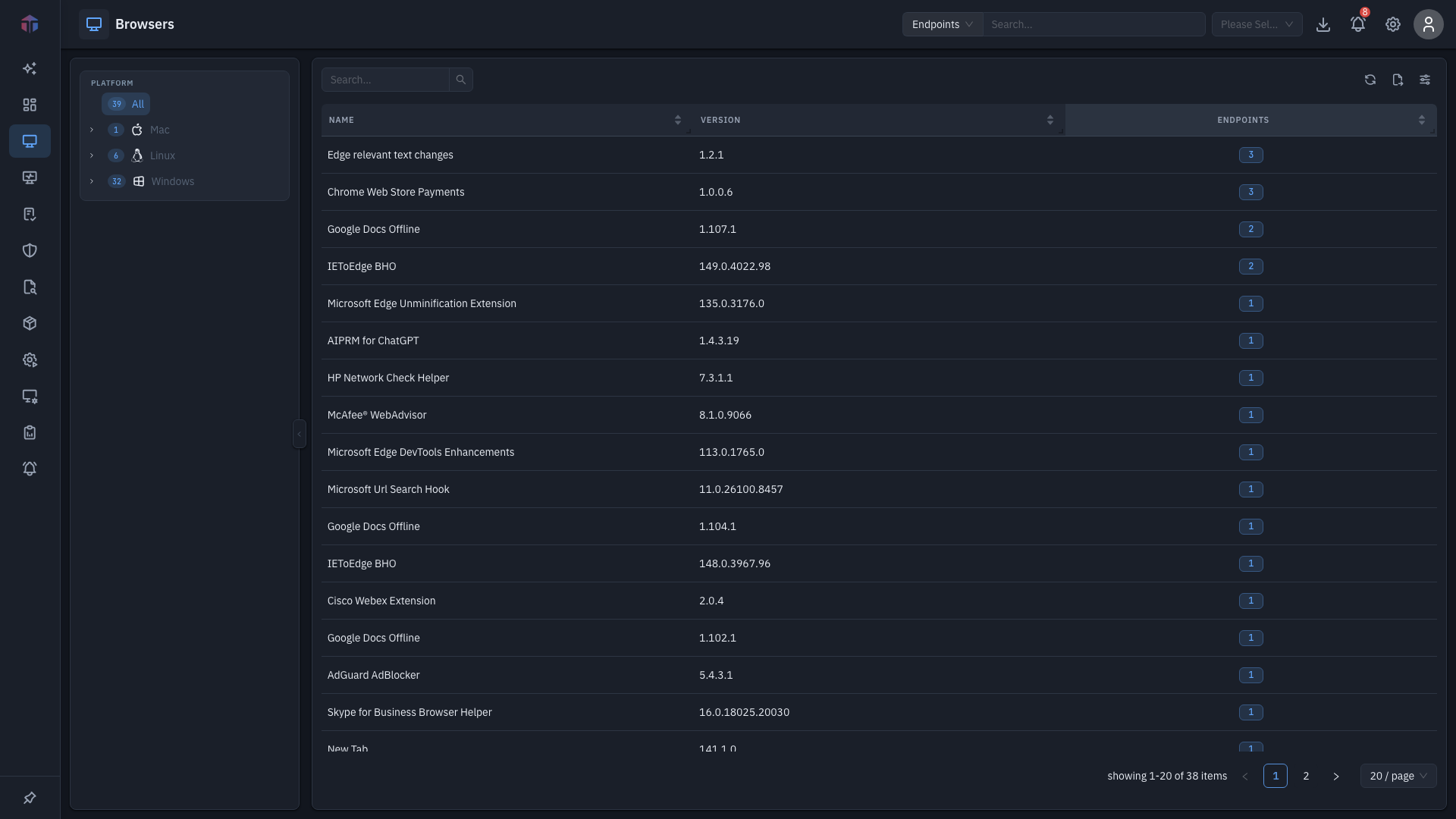
A filter pane on the left (platform / location / department) narrows the list.
| Column | What it shows |
|---|---|
| Name | The browser's name. |
| Version | Installed version. |
| Endpoints | How many machines have it — a clickable count. |
Drill-down
Click a row's Endpoints count to open the assets drawer — the machines that have that browser:
| Column | What it shows |
|---|---|
| Host Name | The machine (links to its endpoint detail). |
| Platform Version | The machine's OS version. |
Tips & troubleshooting
- The module is missing. Browsers requires the ZiroXpose edition and View Inventory permission.
Related
- Browser tab — browsers on a single endpoint.
- SBOM — all installed software, not just browsers.