Alert
The Alert tab shows the security and policy alerts raised for this one endpoint — the per-machine slice of the fleet-wide Alerts screen.
How to get here
Open an endpoint (see Summary), then click the Alert tab.
URL path: /inventory/endpoints/{id}?tab=alert
The Alert tab
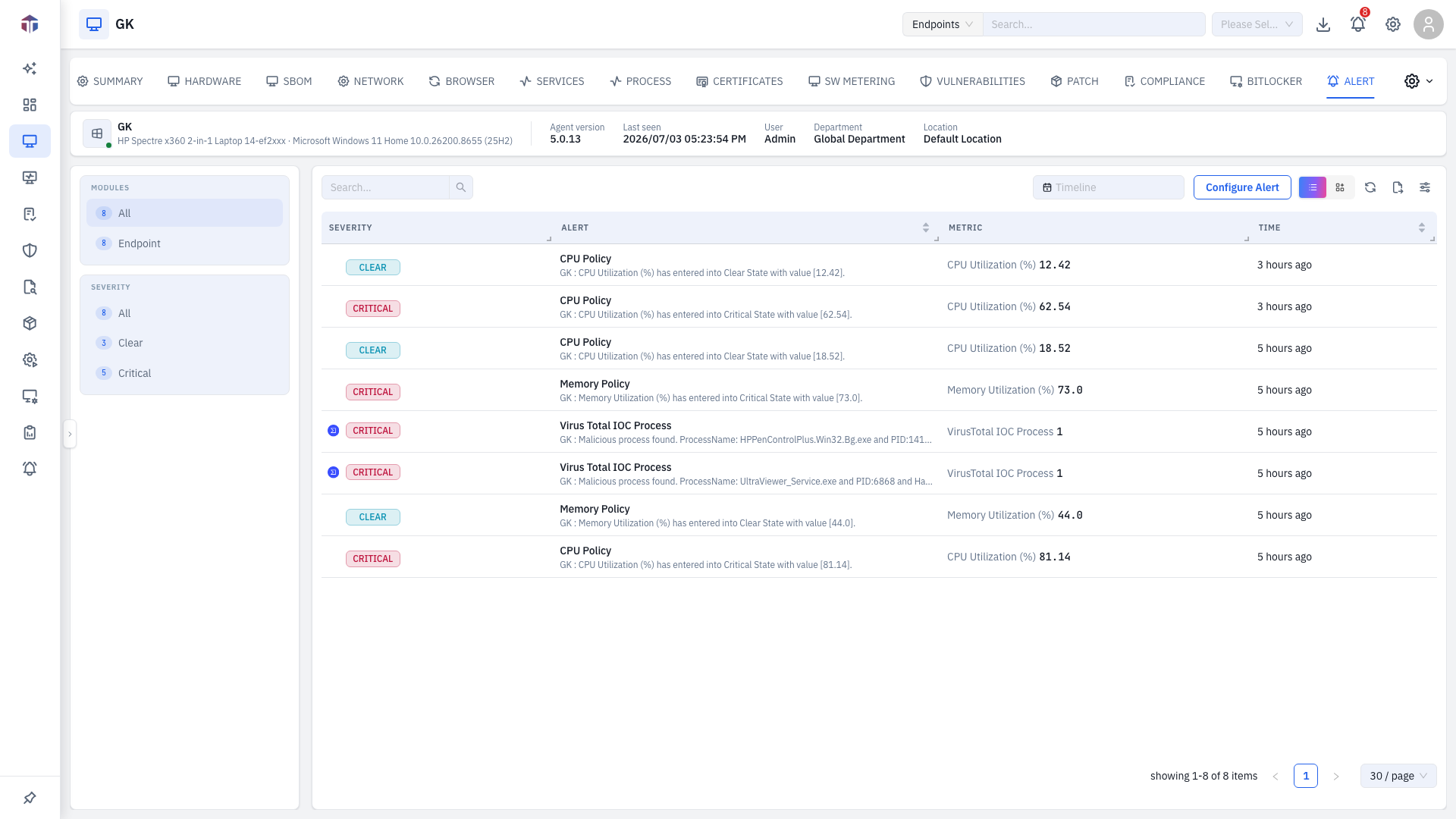
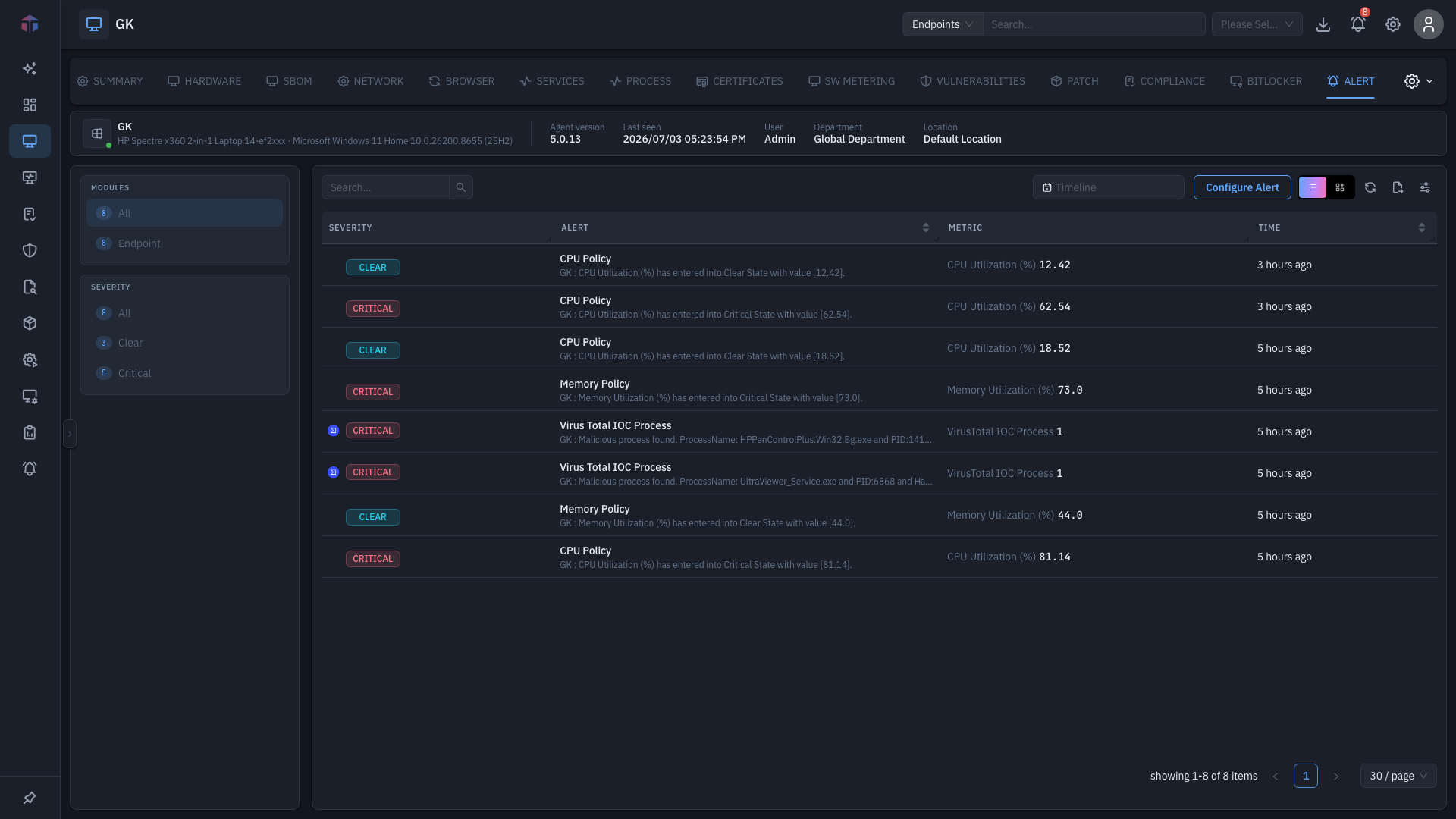
Filters on the left narrow the list by Modules and Severity, each with counts.
| Column | What it shows |
|---|---|
| (icon) | Threat-context indicator for alerts that matched a threat feed. |
| Alert | What was detected. |
| Severity | A colour-coded tag. |
| Module | The feature that raised it. |
| Attribute | The item the rule looked at. |
| Value | The value that triggered it. |
| Message | A fuller description. |
| Created On | When it was raised. |
Above the table: a timeline picker to scope the range, Configure Alert (jumps to the alert policy settings), and a list / card view toggle.
Tips & troubleshooting
- No alerts. Nothing has triggered for this endpoint in the selected timeline — widen the range or set Severity to All.
- An alert keeps recurring. It will until the condition is fixed on the machine, or the rule is changed under Alert Configurations.