Browser
The Browser tab lists the web browsers installed on the machine, grouped by family.
How to get here
Open an endpoint (see Summary), then click the Browser tab.
URL path: /inventory/endpoints/{id}?tab=browser
The Browser tab
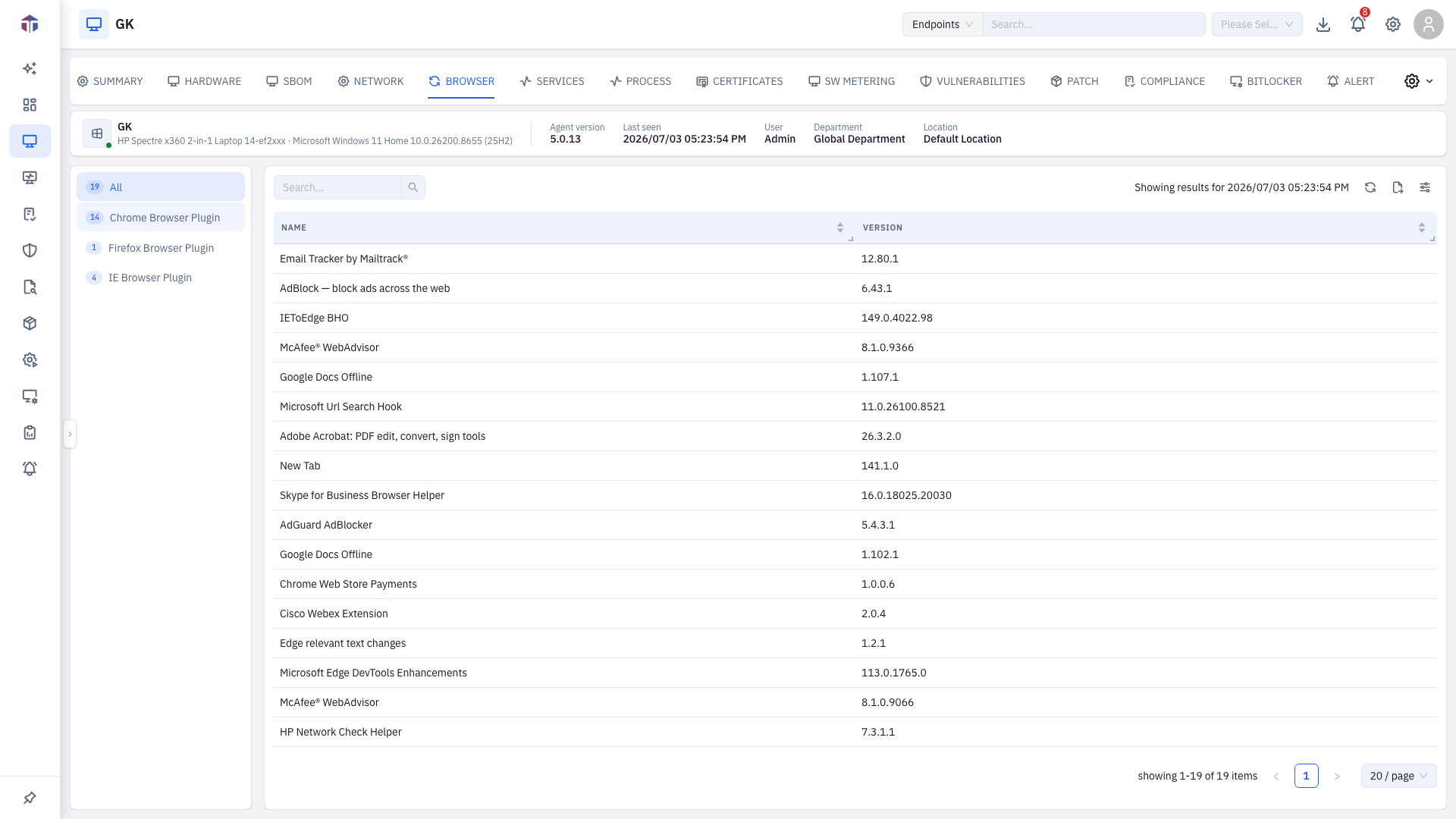
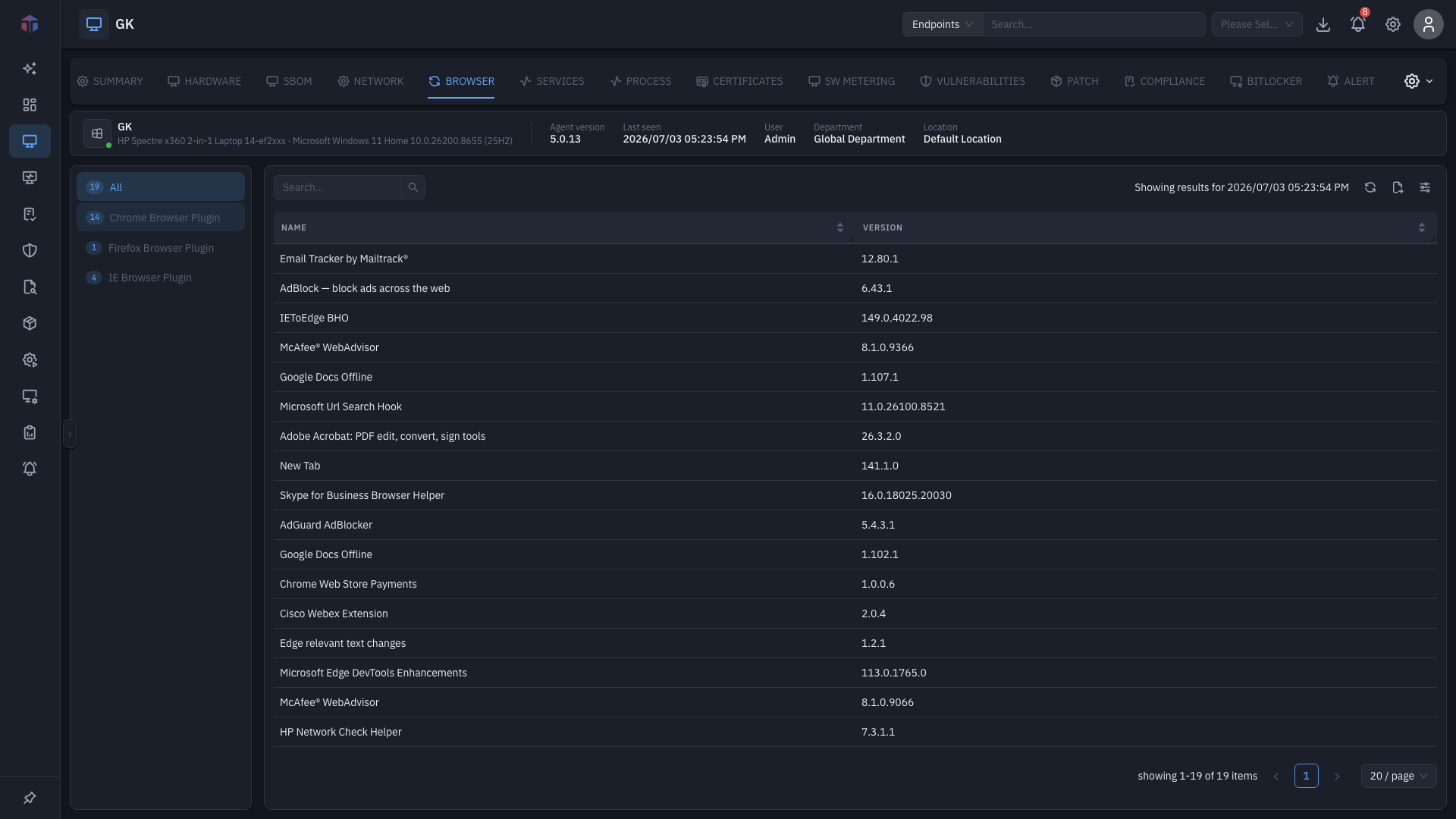
A vertical list on the left groups browsers by family with a count — for example All, Chrome, Firefox, Edge. Pick one to filter the table.
| Column | What it shows |
|---|---|
| Name | The browser's name. |
| Version | Installed version. |
A line above the table notes the data is shown as of the endpoint's last-seen time — the last time the agent reported. Use Search to filter.
Tips & troubleshooting
- The list looks out of date. Browser data is as of the endpoint's Last Seen time, shown above the table.