Certificates
The Certificates tab lists the digital certificates installed on the machine.
How to get here
Open an endpoint (see Summary), then click the Certificates tab.
URL path: /inventory/endpoints/{id}?tab=certificates
The Certificates tab
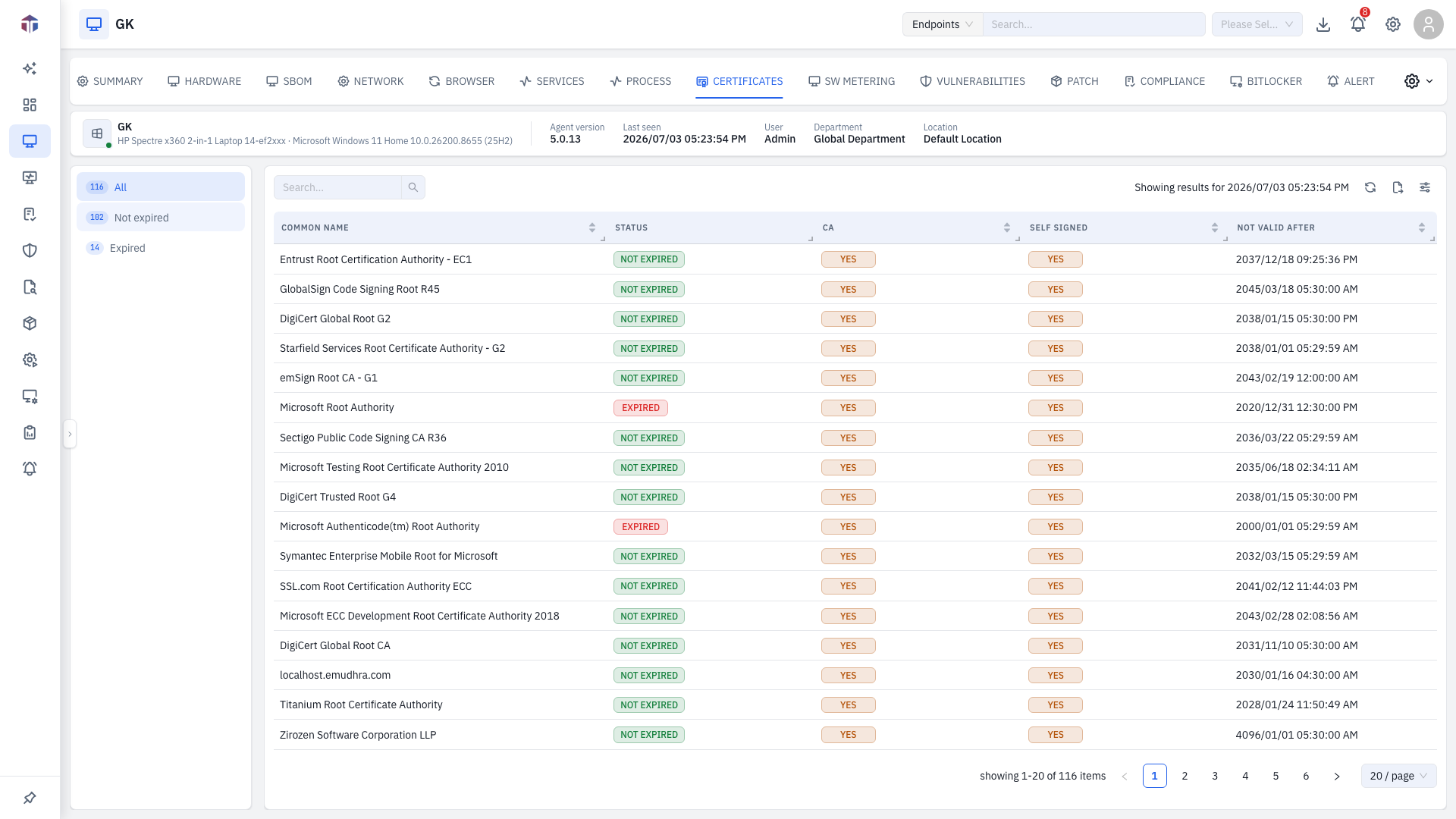
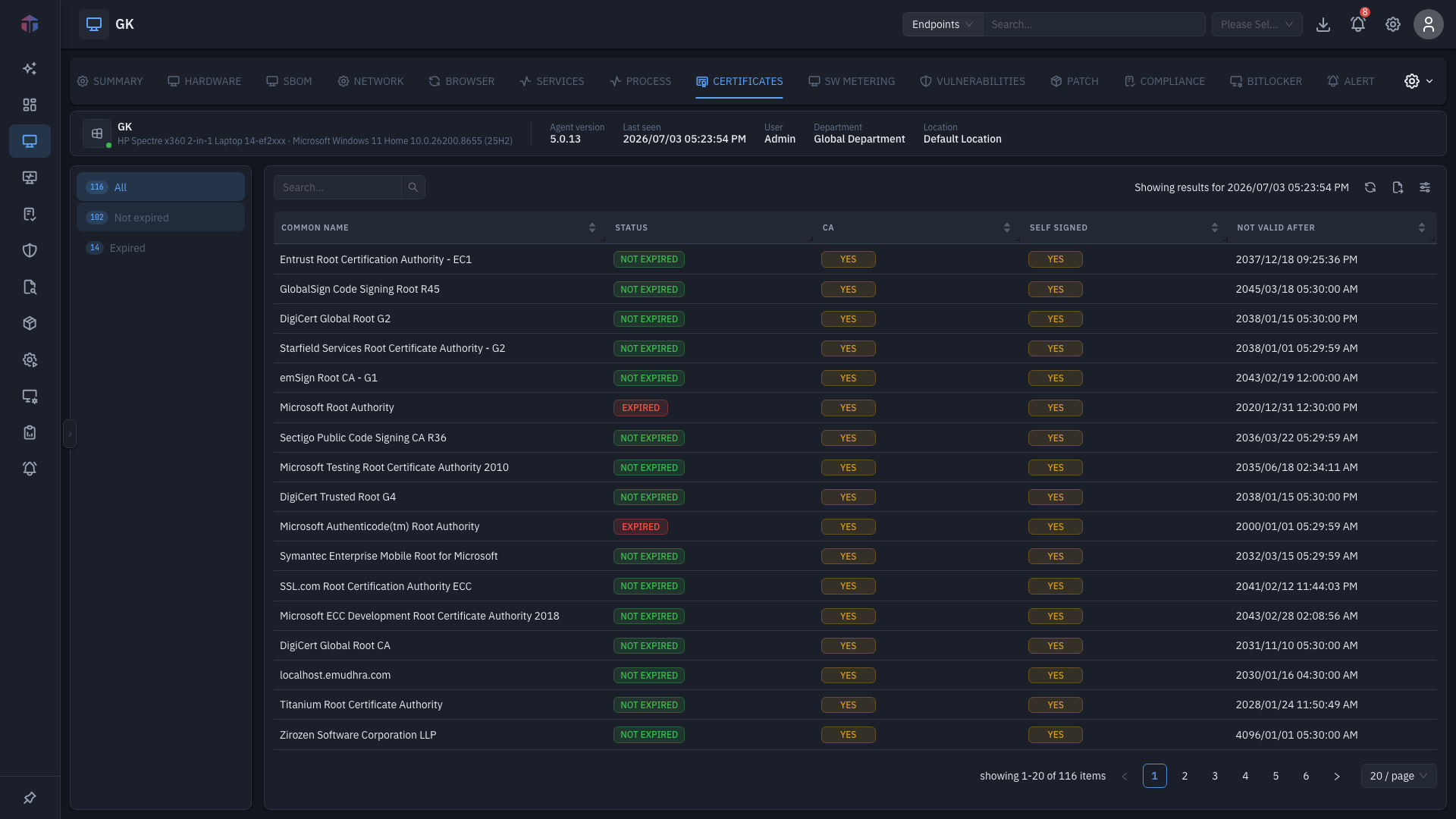
A vertical list on the left groups certificates into categories with counts (for example All, plus type or status groups). The table columns are the same for each:
| Column | What it shows |
|---|---|
| Common Name | The certificate subject. |
| Status | Valid, expired, and so on. |
| CA | The issuing authority. |
| Self Signed | Whether it's self-signed. |
| Not Valid After | Expiry date. |
Hidden by default (turn on with the column picker): Issuer, Not Valid Before, Signing Algorithm, Key Algorithm.
Tips & troubleshooting
- A certificate shows expired. Its Not Valid After date has passed — plan a renewal on that machine.
Related
- Summary — the screen these tabs live on.
No standalone all-hosts view
Installed certificates are listed per endpoint on this tab — there is no fleet-wide "all hosts certificates" page.