Process
The Process tab shows what's running on the machine and the connections those processes hold open. It has two sub-sections: Processes and Remote Connections.
How to get here
Open an endpoint (see Summary), then click the Process tab.
URL path: /inventory/endpoints/{id}?tab=process
Processes
The running processes.
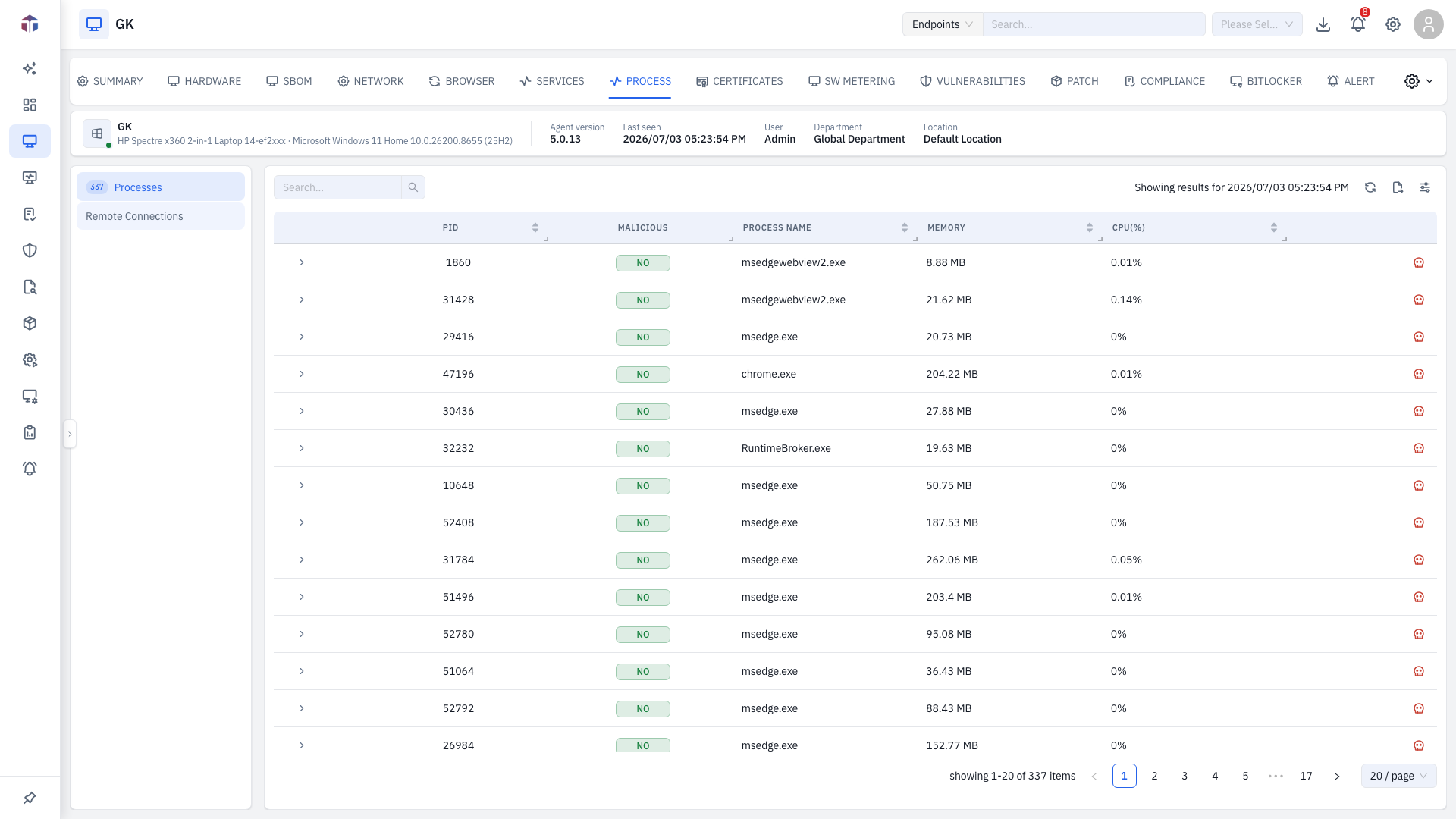
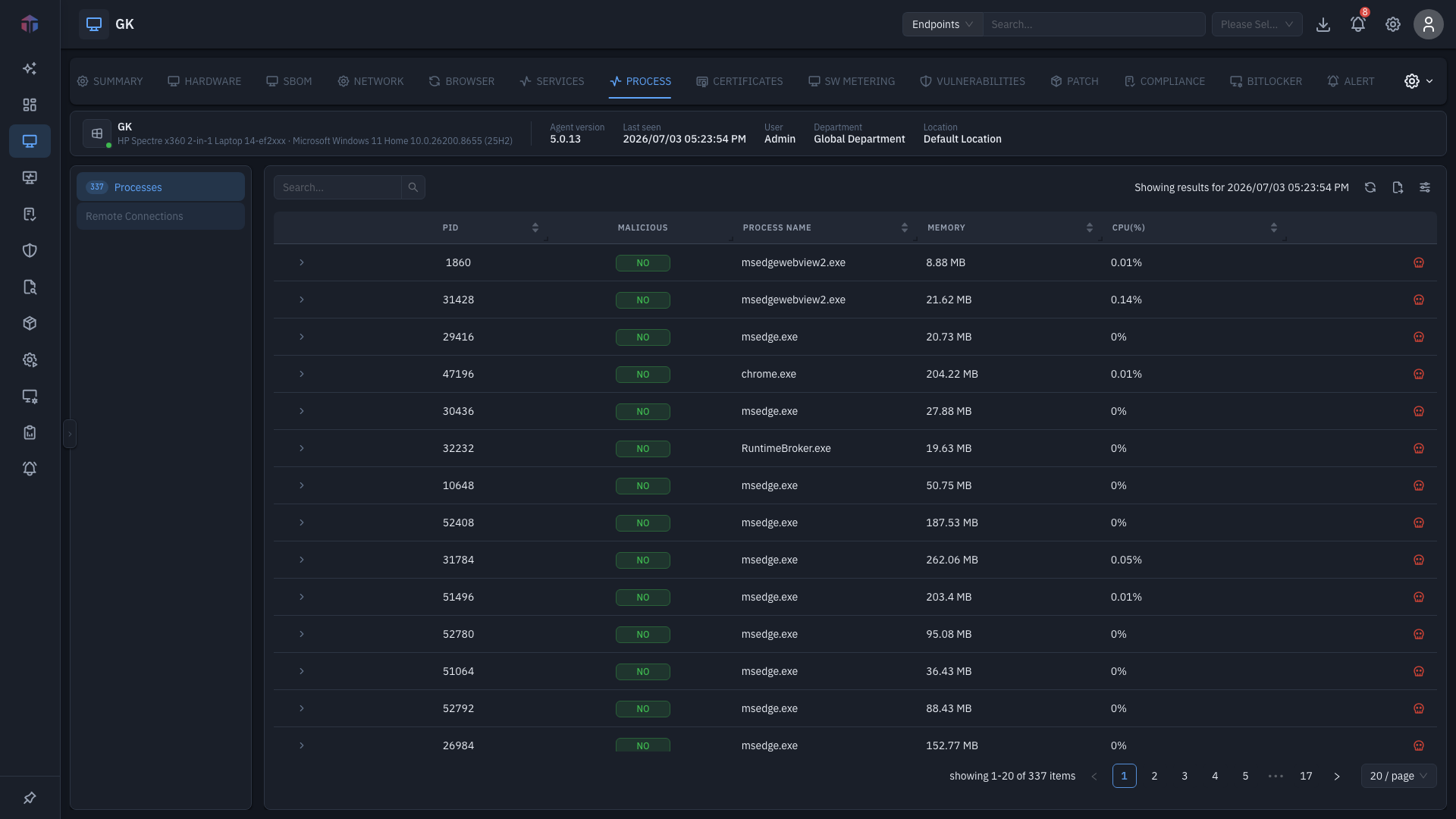
| Column | What it shows |
|---|---|
| (icon) | Threat-context indicator for flagged processes — click it for a reputation lookup. |
| PID | Process ID. |
| Malicious | Whether the process is flagged malicious. |
| Process Name | The executable. |
| Memory | Memory in use. |
| CPU(%) | CPU usage. |
Hidden by default (turn on with the column picker): Status, Command Line, Path, SHA256, MD5, Username, UID, Created On, and Execution Time. SHA256 / MD5 link to VirusTotal. Expand a row for more detail; each row has a Kill Process action (online only).
Remote Connections
The network connections processes have open.
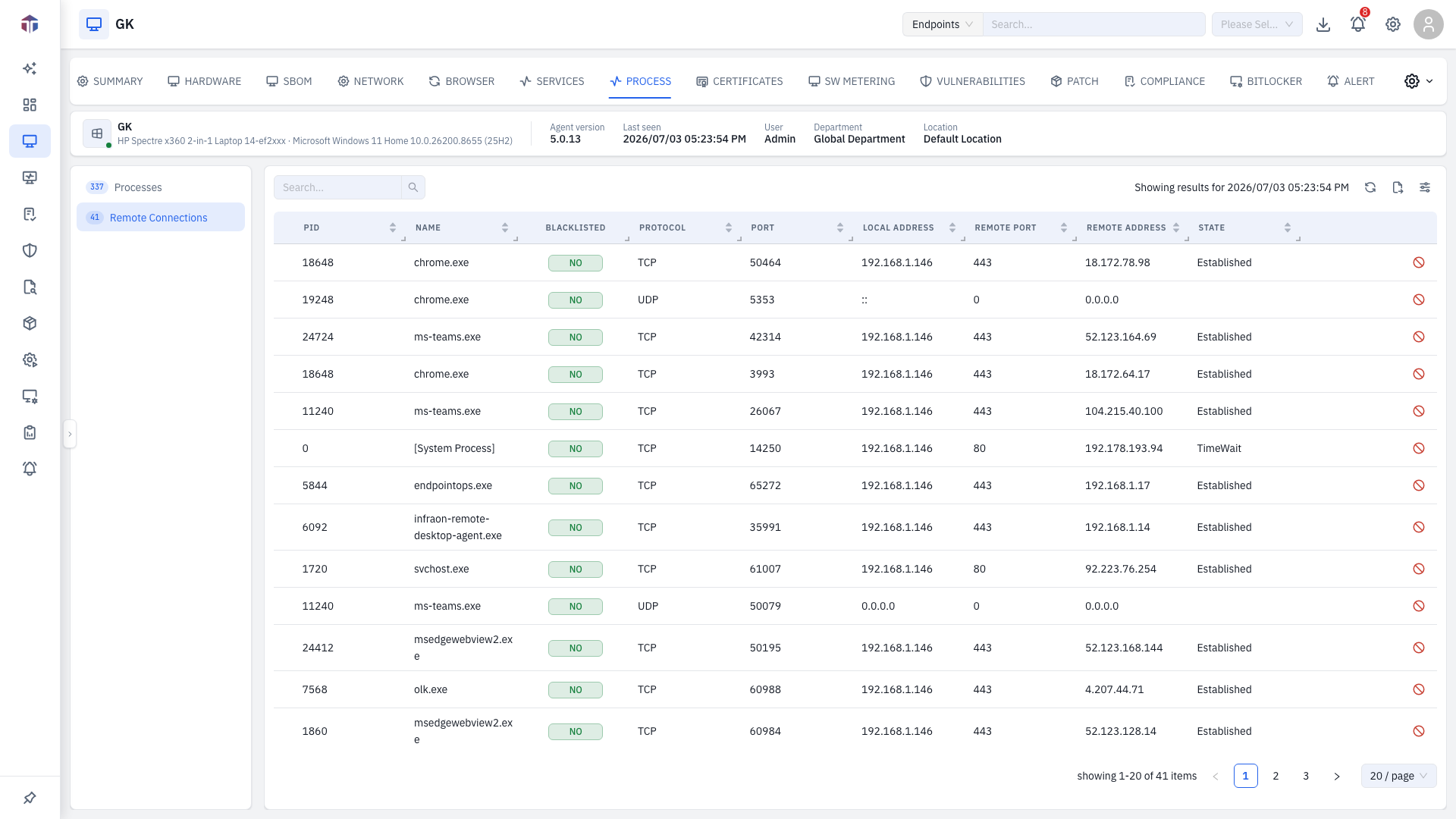
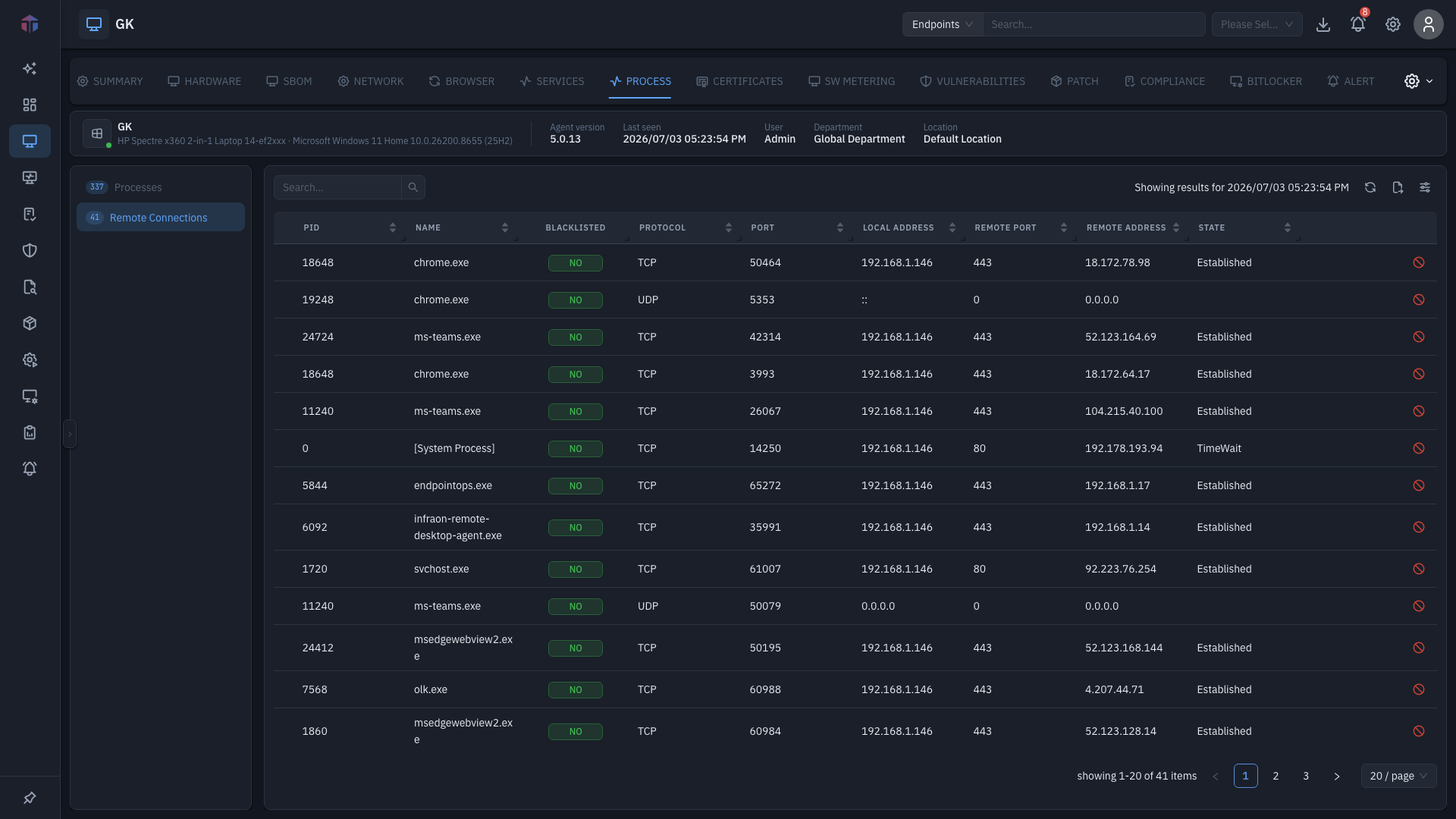
| Column | What it shows |
|---|---|
| (icon) | Threat-context indicator. |
| PID | Process holding the connection. |
| Name | Process name. |
| Blacklisted | Whether the remote address is blacklisted. |
| Protocol | TCP / UDP. |
| Port | Local port. |
| Local Address | Local endpoint. |
| Remote Port | Remote port. |
| Remote Address | Remote endpoint. |
| State | Connection state. |
Each row has a Block IP action (online only).
Tips & troubleshooting
- Kill Process / Block IP is greyed out. The endpoint is offline — both need it online.
- A row is flagged malicious or has a threat icon. Click the threat icon to look up its reputation; cross-check on the Alert tab.
Kill Process stops a running process immediately, and Block IP cuts a live network connection on the endpoint — both take effect at once and can disrupt whatever the user is doing. Identify the right process/connection first. Looking up a SHA256/MD5 hash sends it to VirusTotal, an external service.
Related
- Network — listening ports, the inbound counterpart.
- Alert — alerts a flagged process may have raised.
- Threat Database — the malicious hash/indicator source behind the threat flags on processes here.
Running processes are shown per endpoint on this tab — there is no fleet-wide "all hosts processes" page.