Services
The Services tab lists the background services installed on the machine and lets you start or stop them.
How to get here
Open an endpoint (see Summary), then click the Services tab.
URL path: /inventory/endpoints/{id}?tab=service
The Services tab
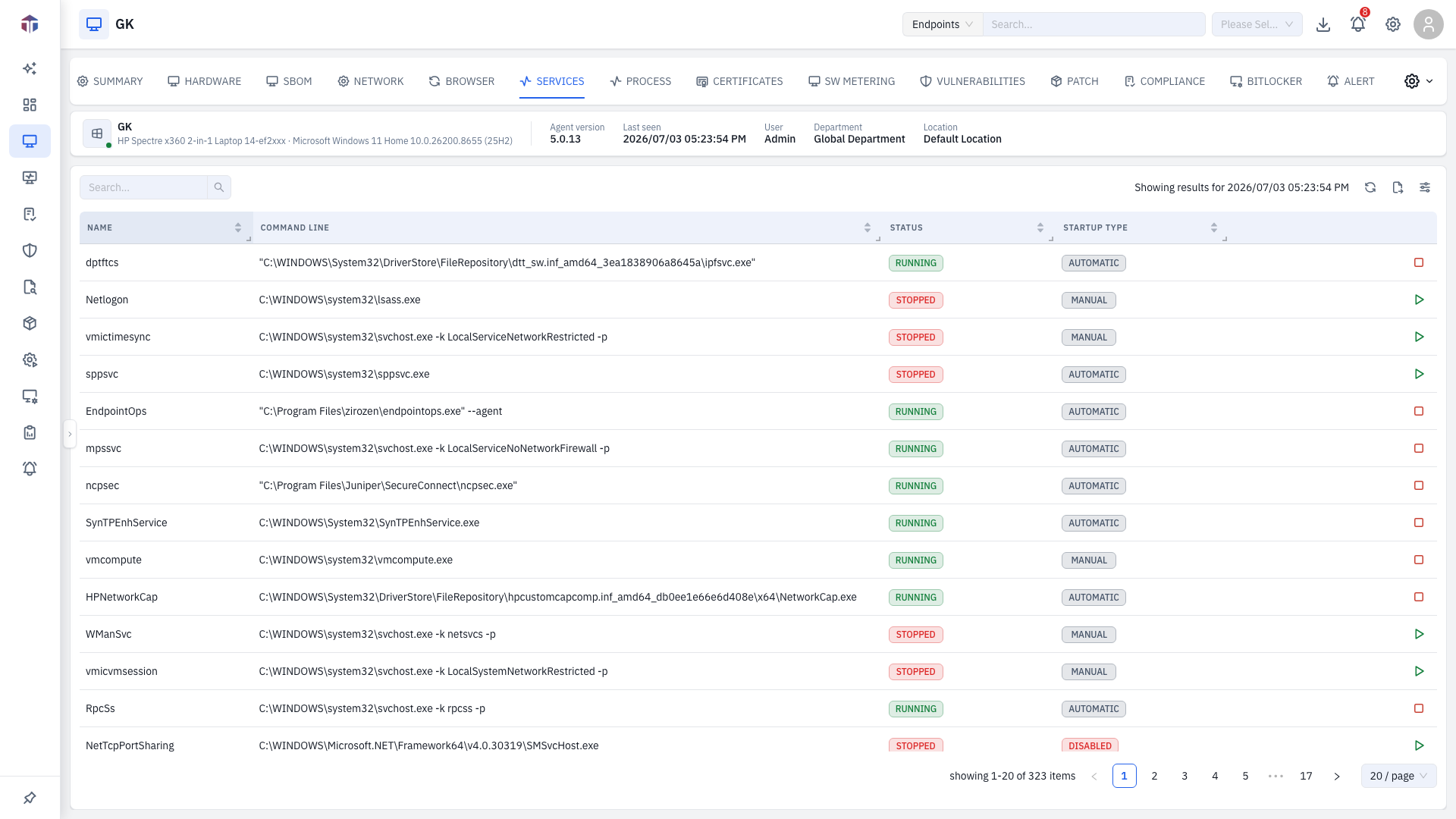
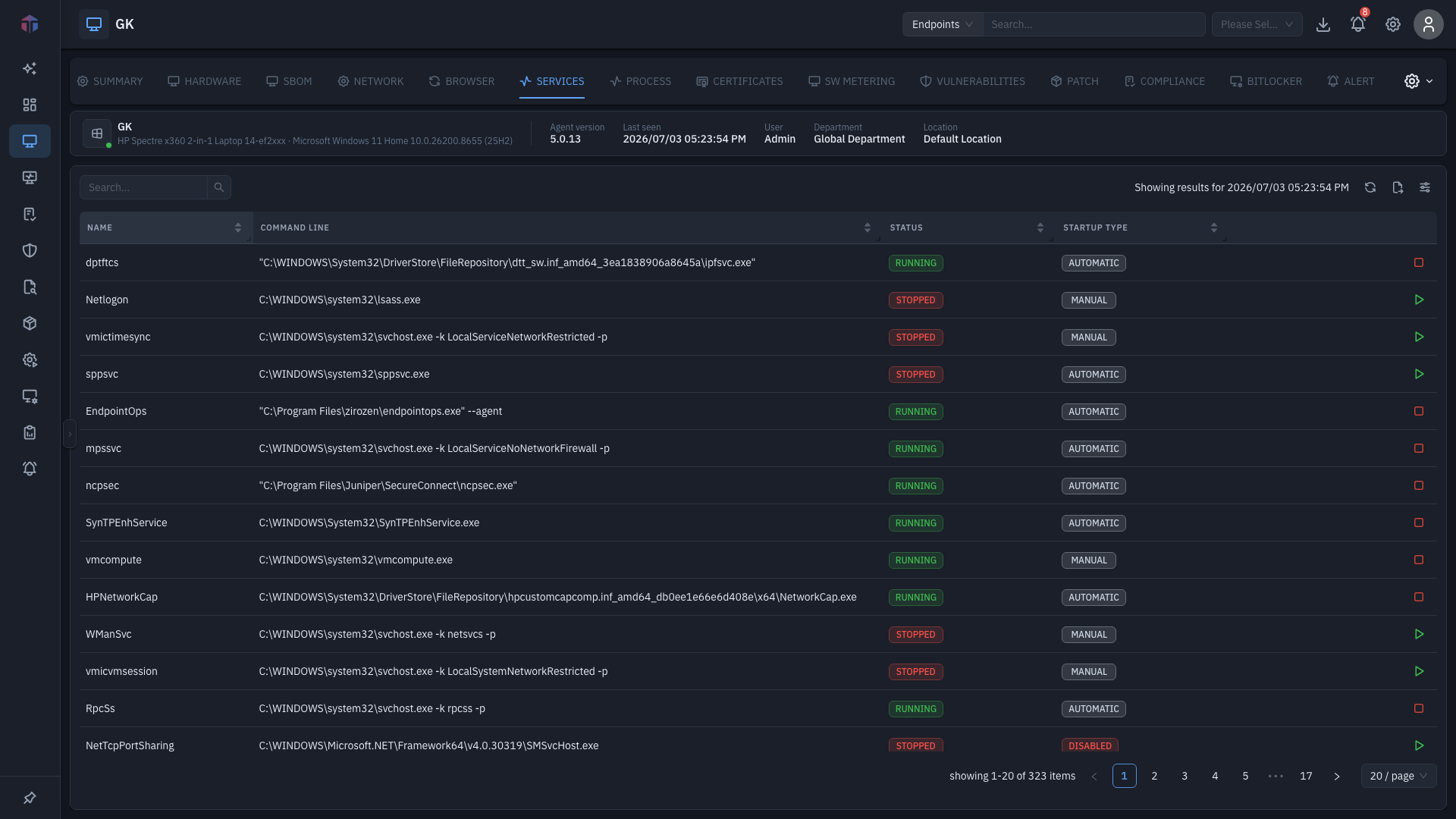
| Column | What it shows |
|---|---|
| Name | Service name. |
| Command Line | The command the service runs (long values are truncated). |
| Status | Running, stopped, and so on. |
| Startup Type | How it starts (automatic, manual, …). |
| Actions | Start Service (stopped) or Stop Service (running), depending on its current state. Online only. |
Description is available as a hidden column — turn it on with the column picker.
Tips & troubleshooting
- Start / Stop does nothing. The action needs the endpoint online and your role to permit service control.
Start/Stop affects the running machine
Stopping a service takes effect immediately and can disrupt the user or the system — for example, stopping a security, networking, or update service. Confirm the service and its Startup Type before you act.
Related
No standalone all-hosts view
Services are listed per endpoint on this tab — there is no fleet-wide "all hosts services" page.