SW Metering
The SW Metering (software metering) tab shows how much the metered applications are actually used on this machine.
How to get here
Open an endpoint (see Summary), then click the SW Metering tab.
URL path: /inventory/endpoints/{id}?tab=sw-metering
The SW Metering tab
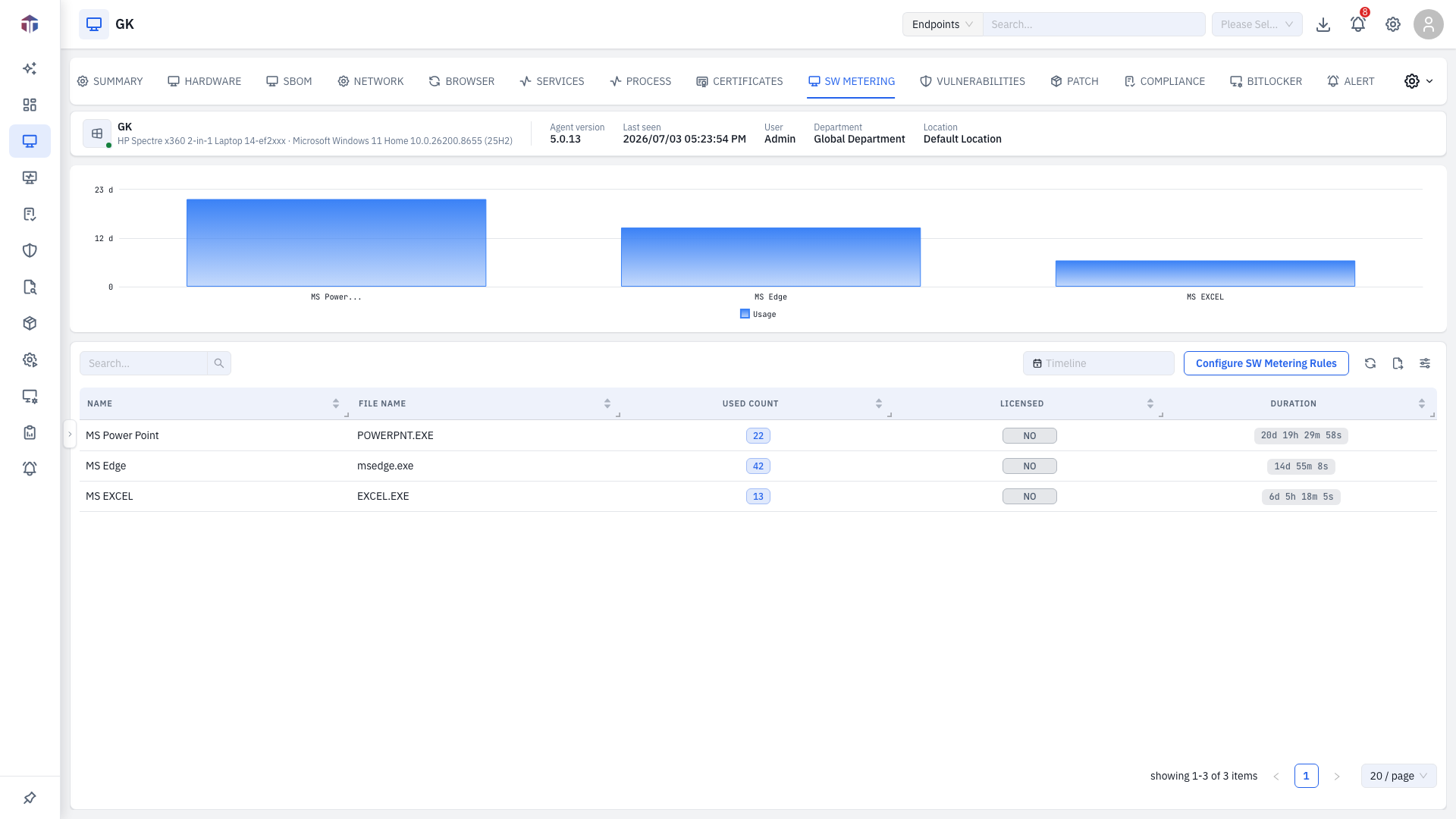
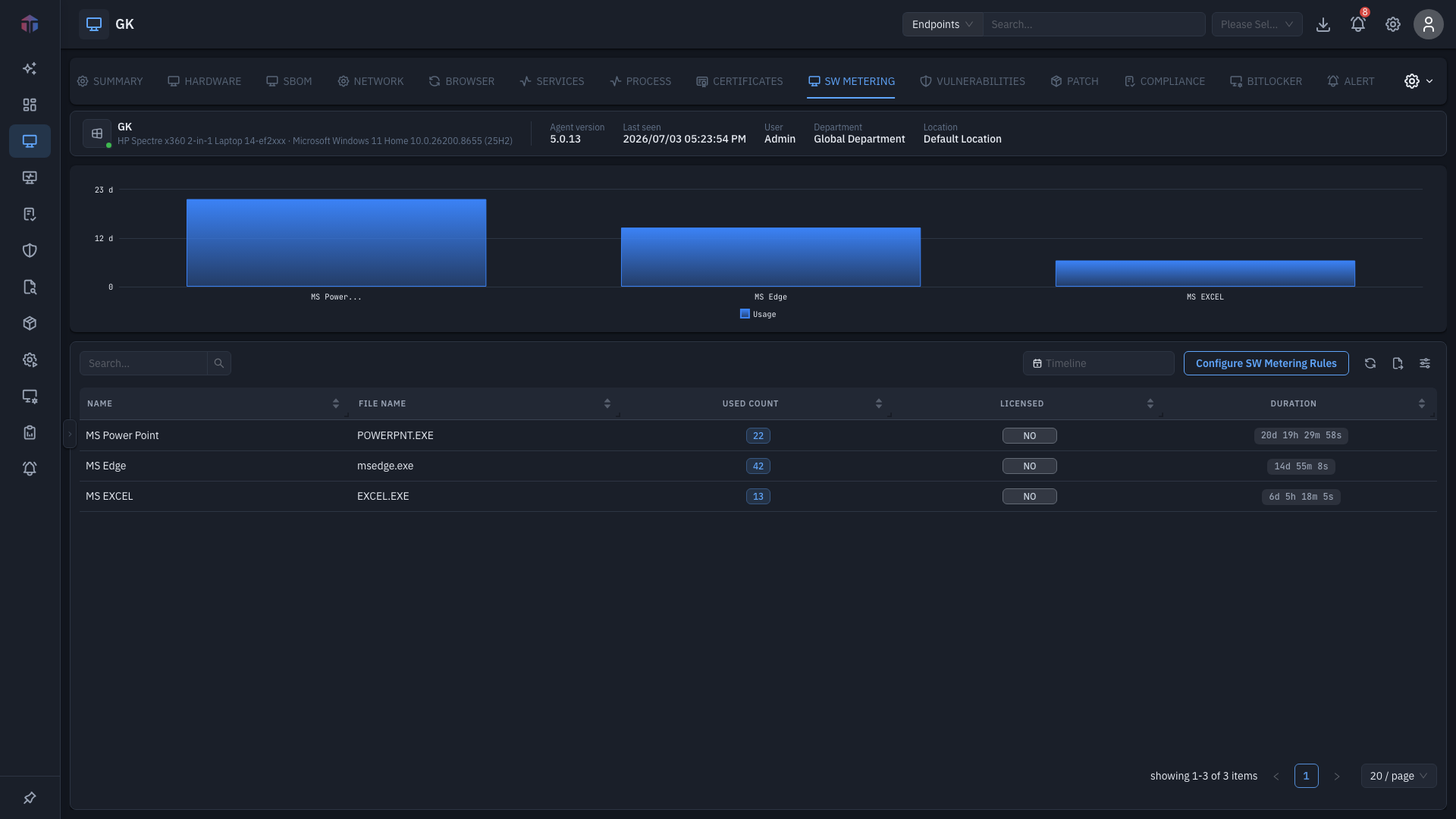
A bar chart at the top plots usage count by date for this endpoint. A timeline picker above the table scopes the range. The table lists each metered rule:
| Column | What it shows |
|---|---|
| Name | The metering rule name. |
| File Name | The executable it tracks. |
| Used Count | How many times it ran (click to drill in). |
| Licensed | Whether it's marked licensed. |
| Duration | Total usage time. |
Click a Used Count to open a usage drawer for that rule on this endpoint — a usage-over-time chart plus per-run rows (Software, File Name, PID, Start Time, End Time). Configure SW Metering Rules jumps to rule setup.
Tips & troubleshooting
- Nothing is listed. No metering rules match this machine's software, or none have run in the selected timeline. Widen the range or add rules.
Related
- Software Metering — the fleet-wide metering module, and where you configure the rules measured here.
- SBOM — what software is installed (metering measures what's used).
- Summary — the screen these tabs live on.