License Management
License Management tracks the software licenses you own — how many you bought, how many are installed, what's left, and whether you're compliant.
How to get here
You need View Inventory permission, and this module requires the EndpointOps edition.
- In the left sidebar, click Inventory to expand it, then click License Management.
Navigate to: Inventory → License Management
URL path: /inventory/license-management
The License Management screen
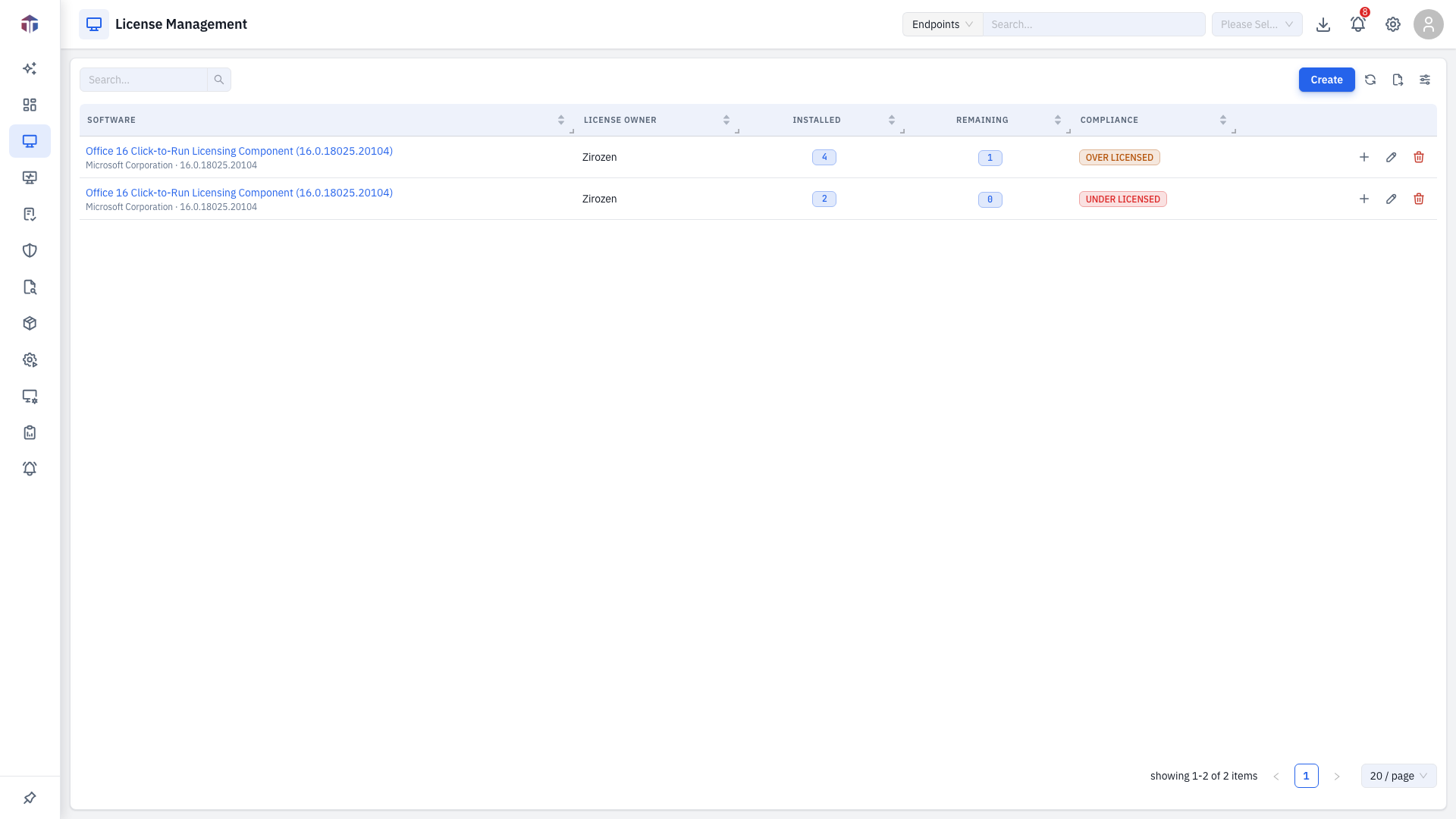
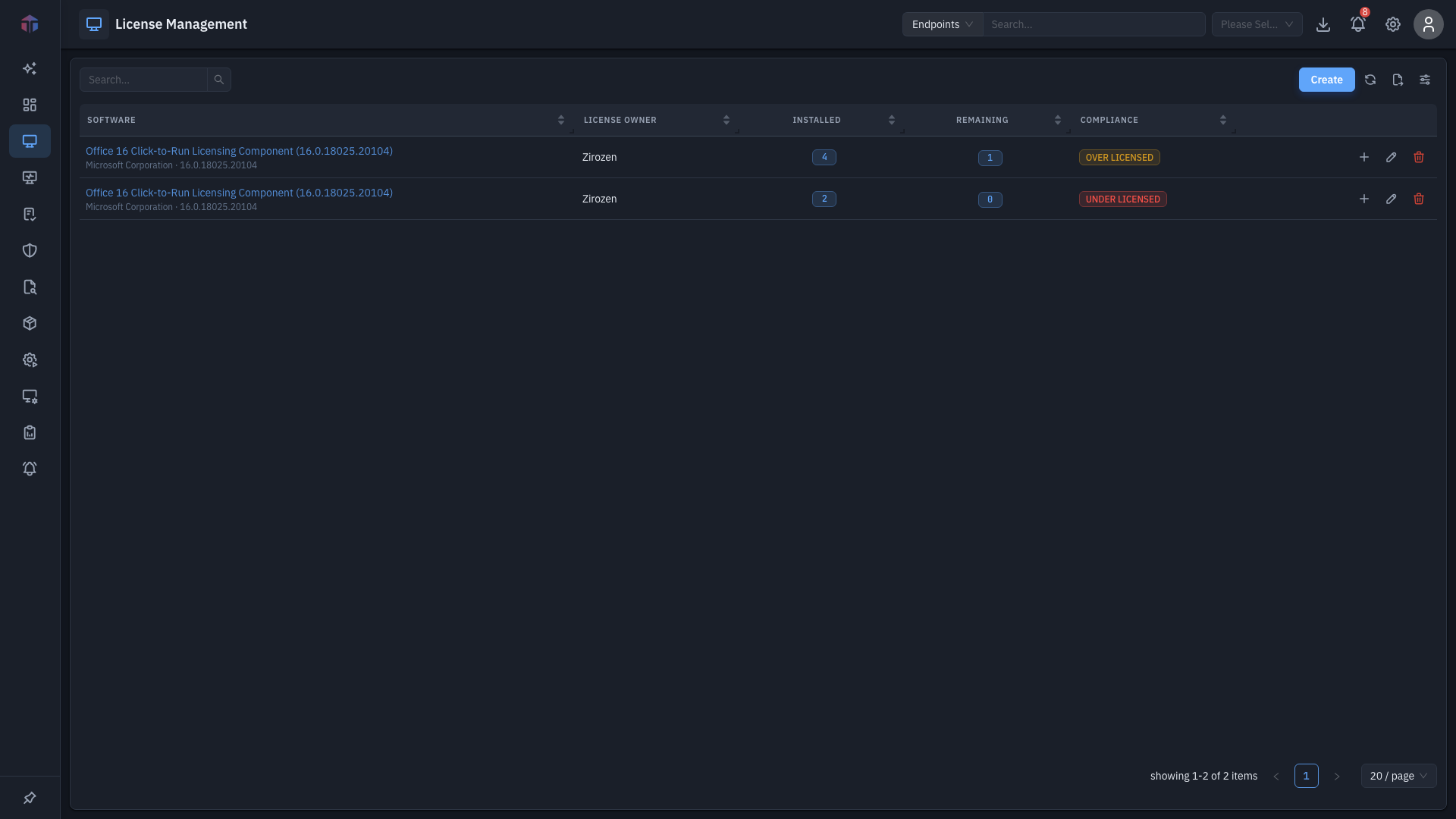
Columns shown by default: Software Name, Software Manufacturer, Software Version, License Owner, Remaining, Compliance Status.
| Column | What it shows |
|---|---|
| Software Name | The licensed software. Click it to open the license detail. |
| Software Manufacturer | The vendor. |
| Software Version | The version. |
| License Owner | Who owns the licenses. |
| Total Purchased | Total licenses bought (hidden by default). |
| Managed Installations | How many machines have it installed — a clickable count (hidden by default). |
| Remaining | Purchased minus installed. |
| Compliance Status | Whether installs are within entitlement. |
| Created On / Modified Time | Timestamps (hidden by default). |
Row actions: Add More (add more licenses to existing software), Edit, and Delete (need Update Inventory). Use Create to add a new license record and Search to filter.
How do I add a license?
Click Create to open the license form.
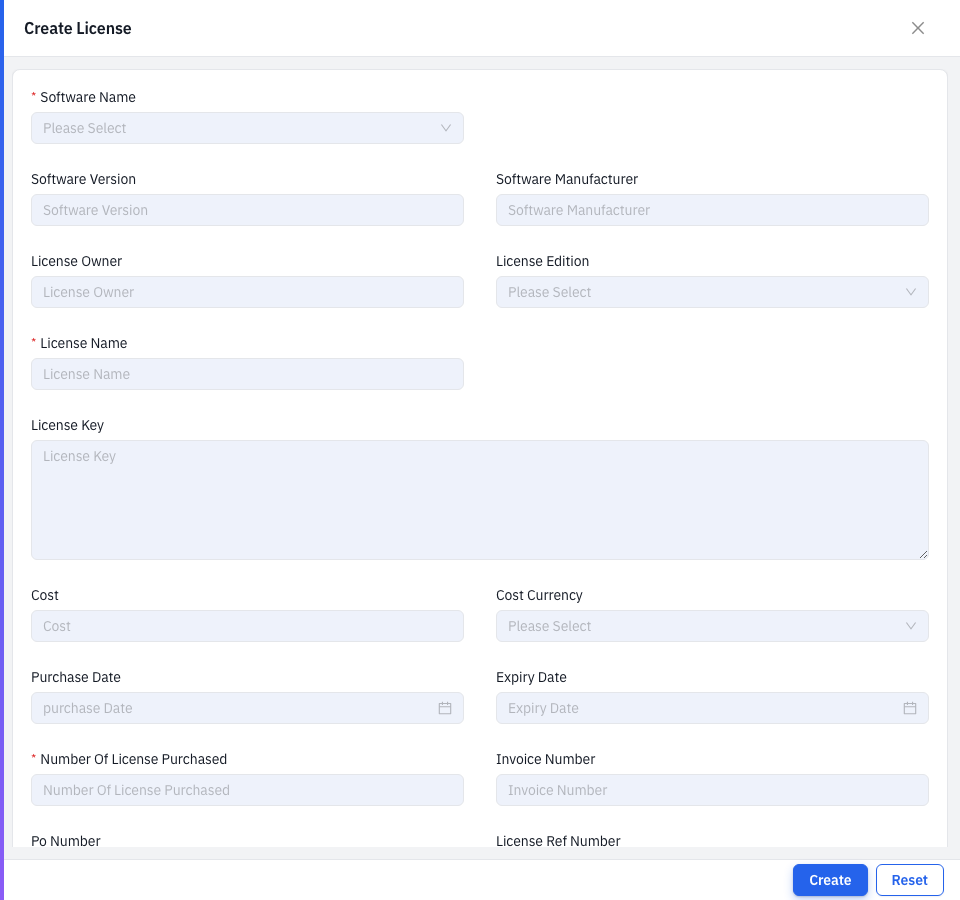
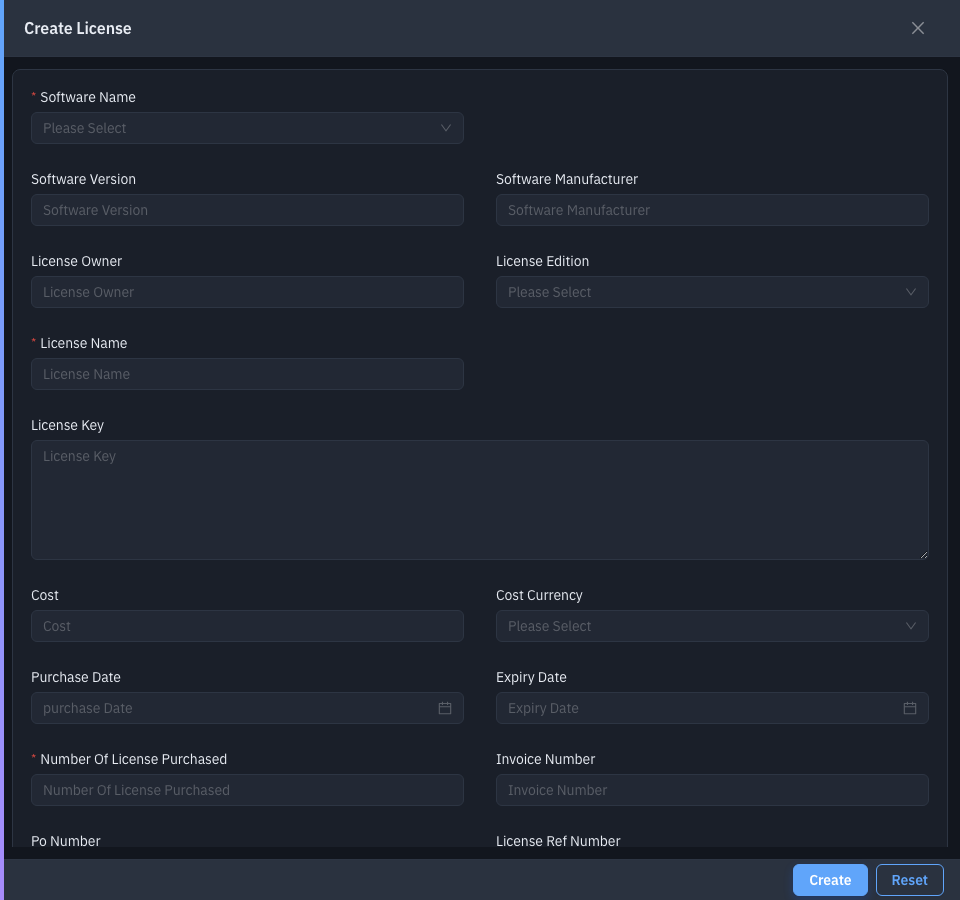
Key fields:
| Field | Notes |
|---|---|
| Software Name | The software to license (required). Version + manufacturer fill in automatically. |
| License Owner, License Edition, License Name | Who/what the license is (License Name required). |
| License Key | The key text. |
| Cost + Cost Currency | What it cost. |
| Purchase Date, Expiry Date | Validity window. |
| Number Of License Purchased | How many seats (required). |
| Invoice Number, PO Number, License Ref Number, Vendor, Location, Licensed To | Procurement details. |
| Comments | Notes. |
| License File, Invoice File, Purchase Order | Upload supporting documents (PDF for invoice/PO). |
| Endpoints | Machines to associate the license with. |
Drill-down: where it's installed
Click a row's Managed Installations count to open the assets drawer:
| Column | What it shows |
|---|---|
| ID | The endpoint's ID. |
| Host Name | The machine (links to its endpoint detail). |
Tips & troubleshooting
- Compliance Status looks wrong. It compares installations to purchased seats — add seats with Add More, or reconcile installs on the machines.
- The module is missing. It requires the EndpointOps edition.
Related
- License details — the full per-software license record.
- SBOM — where installed software (and counts) come from.