License Details
The single-software license record — the software it covers, the license summary, and every purchase you've logged against it. You open it by clicking a software in the License Management list.
How to get here
- Open Inventory → License Management (see License Management).
- Click a row's Software Name.
URL path: /inventory/license-management/{id}
The detail screen
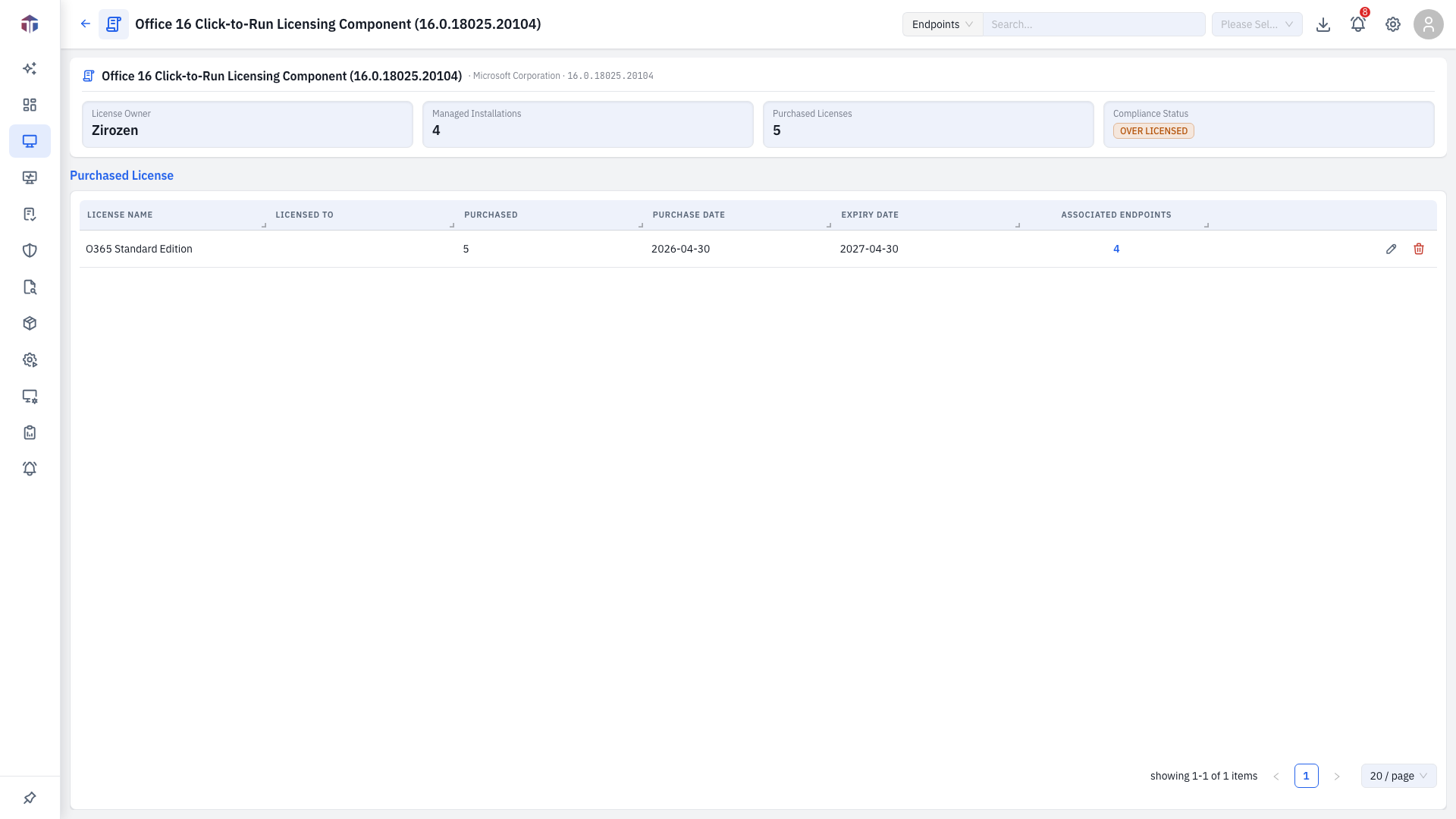
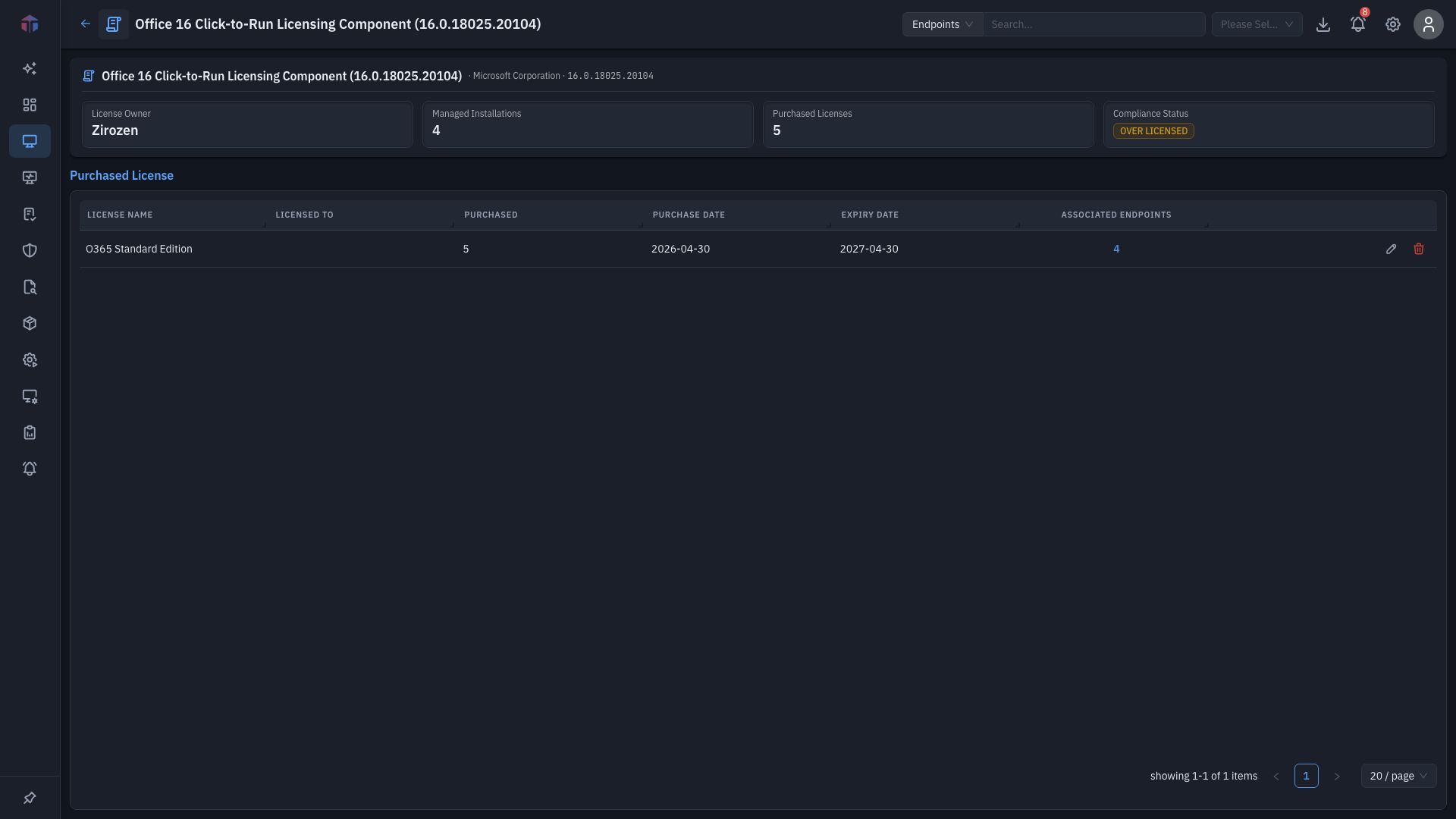
Two read-only summary boxes sit at the top:
- Software Details — Software Name, Version, Manufacturer.
- License Details — License Owner, Managed Installations, Compliance Status.
Purchased License
Below them, the Purchased License table lists each purchase logged for this software:
| Column | What it shows |
|---|---|
| License Name | The purchase's license name. |
| Licensed To | Who it's licensed to. |
| Purchased | Seats bought in this purchase. |
| Purchase Date | When it was bought. |
| Expiry Date | When it expires. |
| Associated Endpoints | Machines tied to this purchase — a clickable count. |
| Actions | Edit and Delete the purchase (need Update Inventory). |
Drill-down: associated endpoints
Click an Associated Endpoints count to open the assets drawer — the machines tied to that purchase:
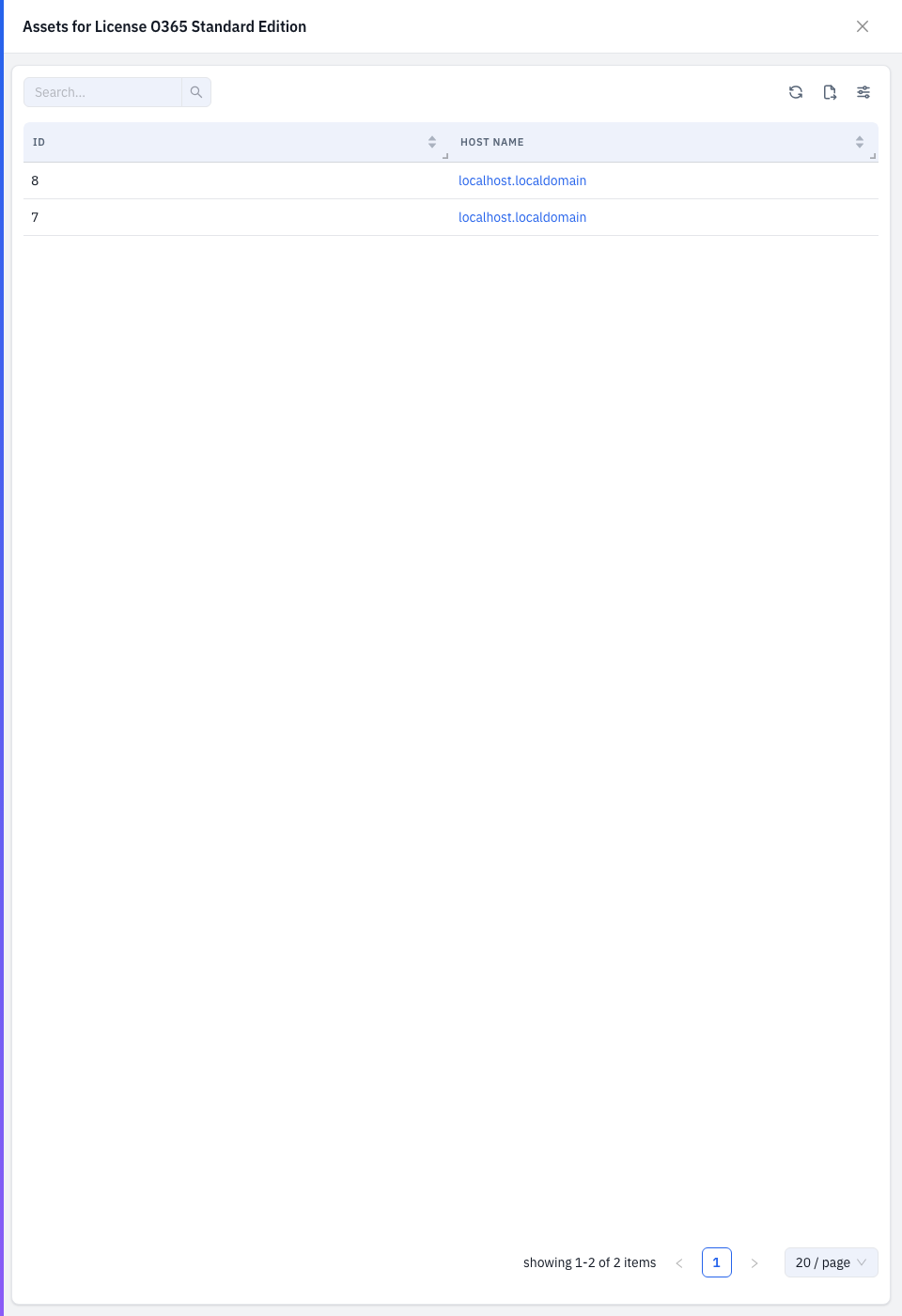
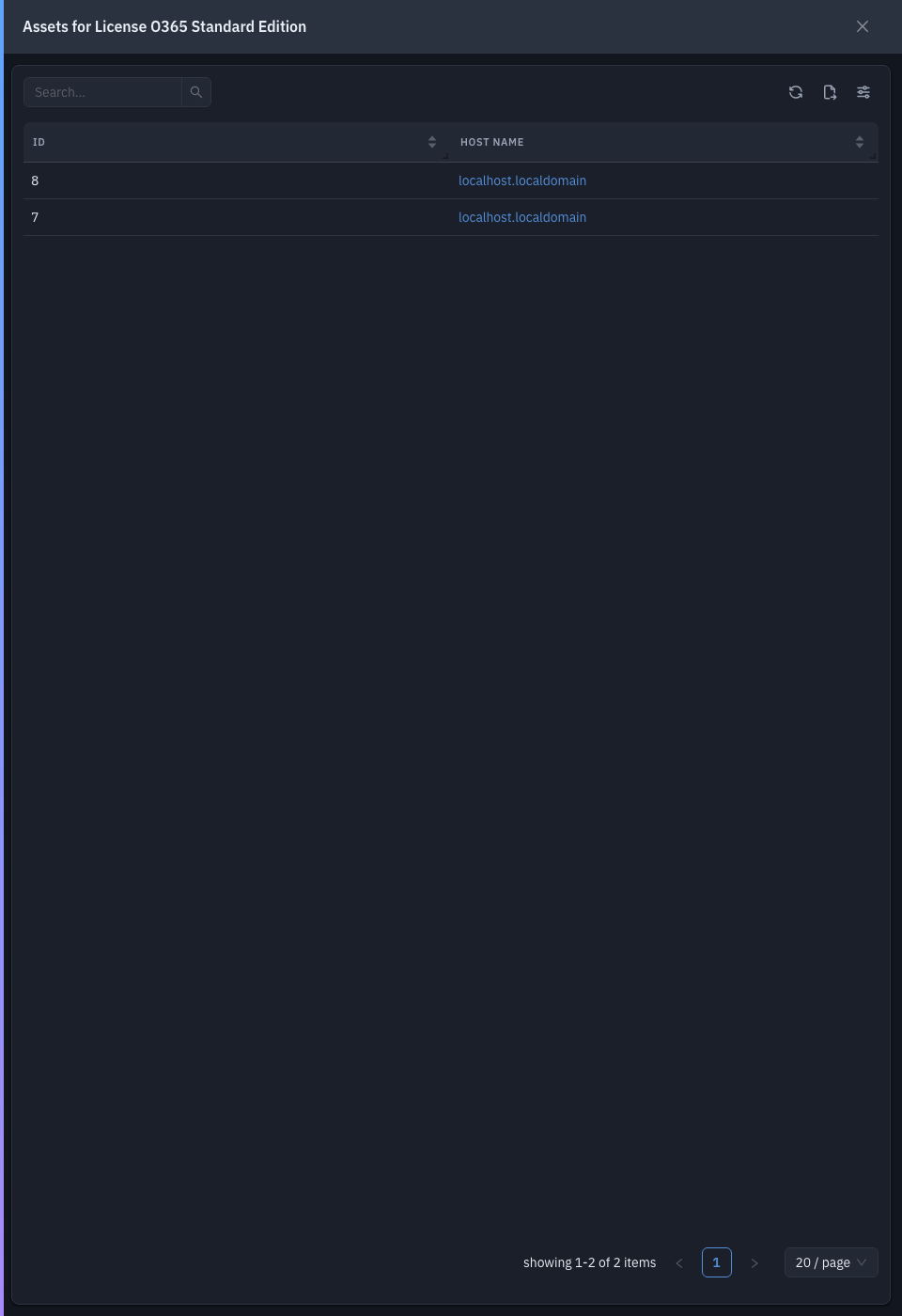
| Column | What it shows |
|---|---|
| ID | The endpoint's ID. |
| Host Name | The machine (links to its endpoint detail). |
Tips & troubleshooting
- Remaining/compliance looks off. Each purchase adds seats; total entitlement is the sum of purchases here, compared against Managed Installations.
Related
- License Management — the list you open this from.