Network Devices
Network Devices is your inventory of network gear — switches, routers, firewalls, and other SNMP-managed devices — discovered and polled by EndpointOps. It works like the Endpoints list, but for network hardware.
How to get here
You need View Inventory permission, and this module requires the EndpointOps edition.
- In the left sidebar, click Inventory to expand it, then click Network Devices.
Navigate to: Inventory → Network Devices
URL path: /inventory/network-devices
The Network Devices screen
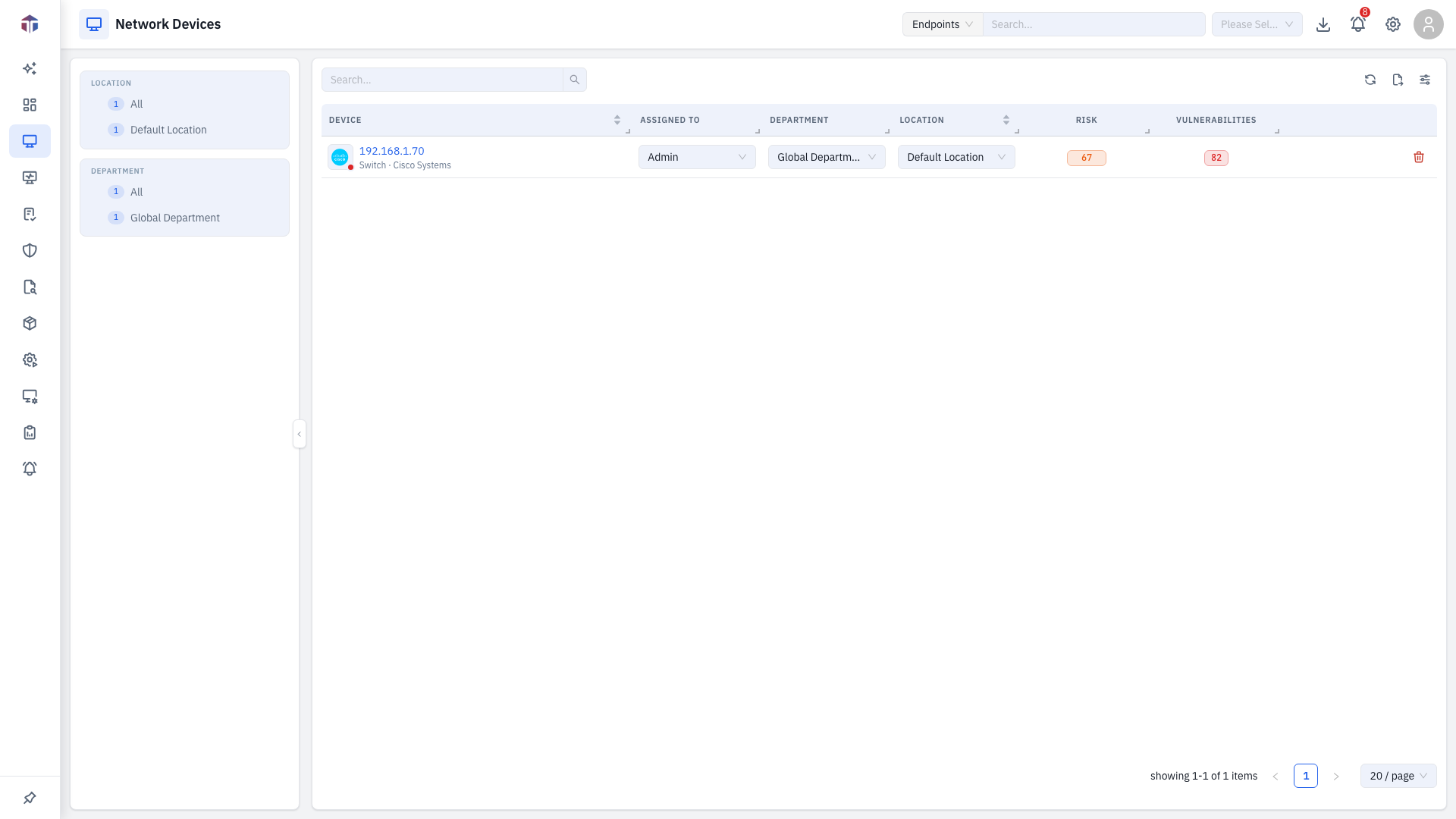
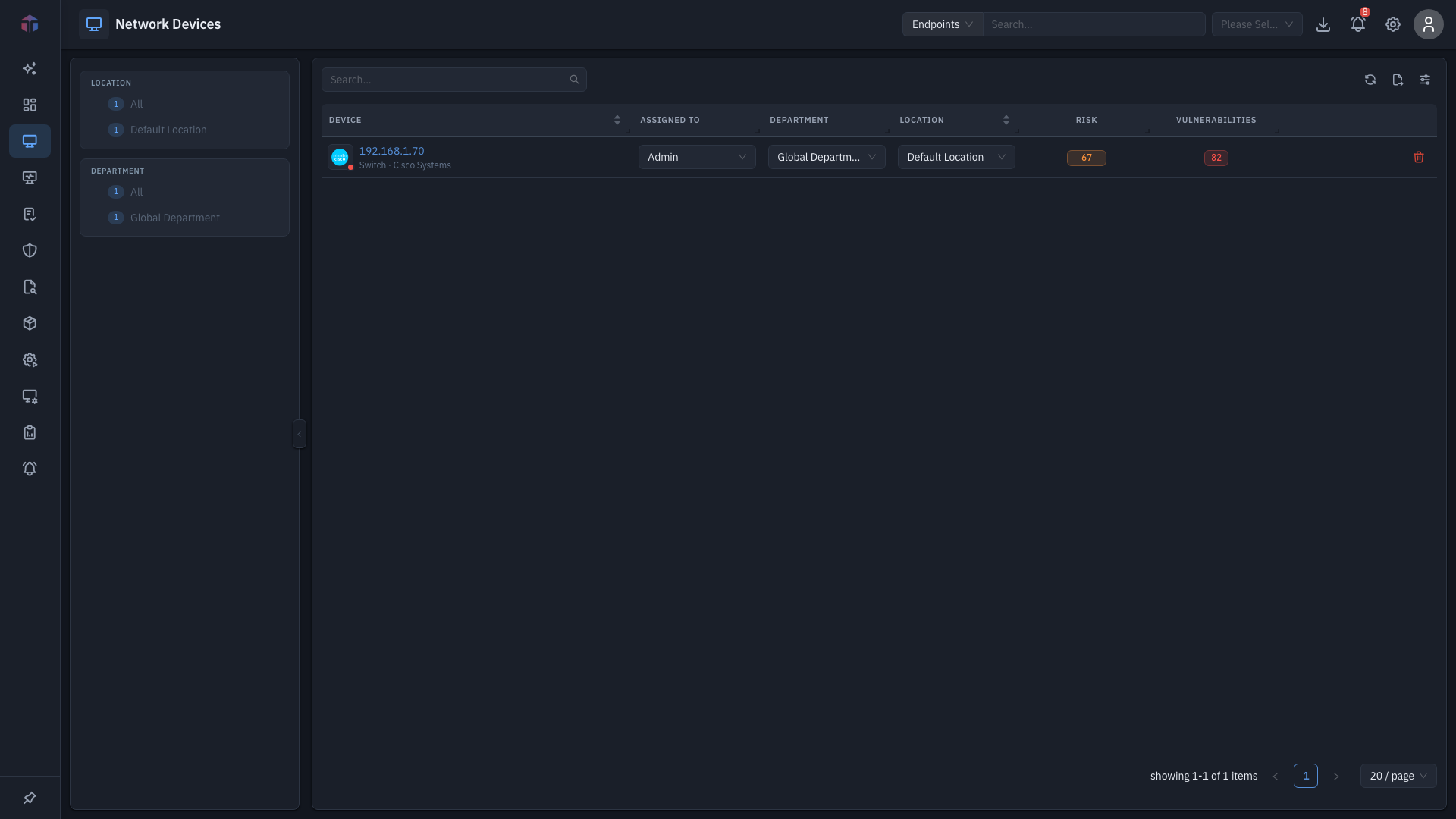
A filter pane on the left (platform / location / department) narrows the list.
Columns shown by default: Device, Assigned To, Department, Location, Risk, Vulnerabilities.
| Column | What it shows |
|---|---|
| Device | The device's identity — a vendor logo or device-type glyph with a live status corner badge (green online / red offline), the host name or IP, and a device type · vendor subtitle. Click it to open the device's detail. |
| Assigned To | The owner. Editable inline. |
| Department | The device's department. Editable inline. |
| Location | The device's location. Editable inline. |
| Risk | The device's risk score, as a value-coloured tag. |
| Vulnerabilities | Open CVE count, as a red count tag. |
More columns are hidden by default — Vendor (logo), Device Model, Device Type (category with an icon; e.g. SNMP Device), and Created On (when the device was first discovered). Turn them on with the column picker.
Each row has a delete action (needs Delete Inventory). Use Search and the filter pane to narrow the list.
Opening a device
Click a device's Device cell to open its Device Details — interfaces, vulnerabilities, configuration snapshots, and remote settings.
Tips & troubleshooting
- No devices listed. Network devices are discovered by polling — confirm a network discovery/credential profile is set up under Settings → Inventory Profile.
- The module is missing. It requires the EndpointOps edition.
Related
- Device Details — interfaces and identity of one device.
- Vulnerabilities and Configurations — the device's CVEs and saved configs.
- Endpoints — the equivalent for managed computers.
- Network Profiles and Credential Profiles — how devices are discovered and polled.