SBOM
SBOM (software bill of materials) is the fleet-wide list of software discovered across all your endpoints — one row per software/version, with where it's installed, its support dates, and its known vulnerabilities. (The single-endpoint version is the SBOM tab on a machine's page.)
How to get here
You need View Inventory permission.
- In the left sidebar, click Inventory to expand it, then click SBOM.
Navigate to: Inventory → SBOM
URL path: /inventory/softwares — the URL slug is softwares, even though the
menu item and page both read SBOM.
The SBOM screen
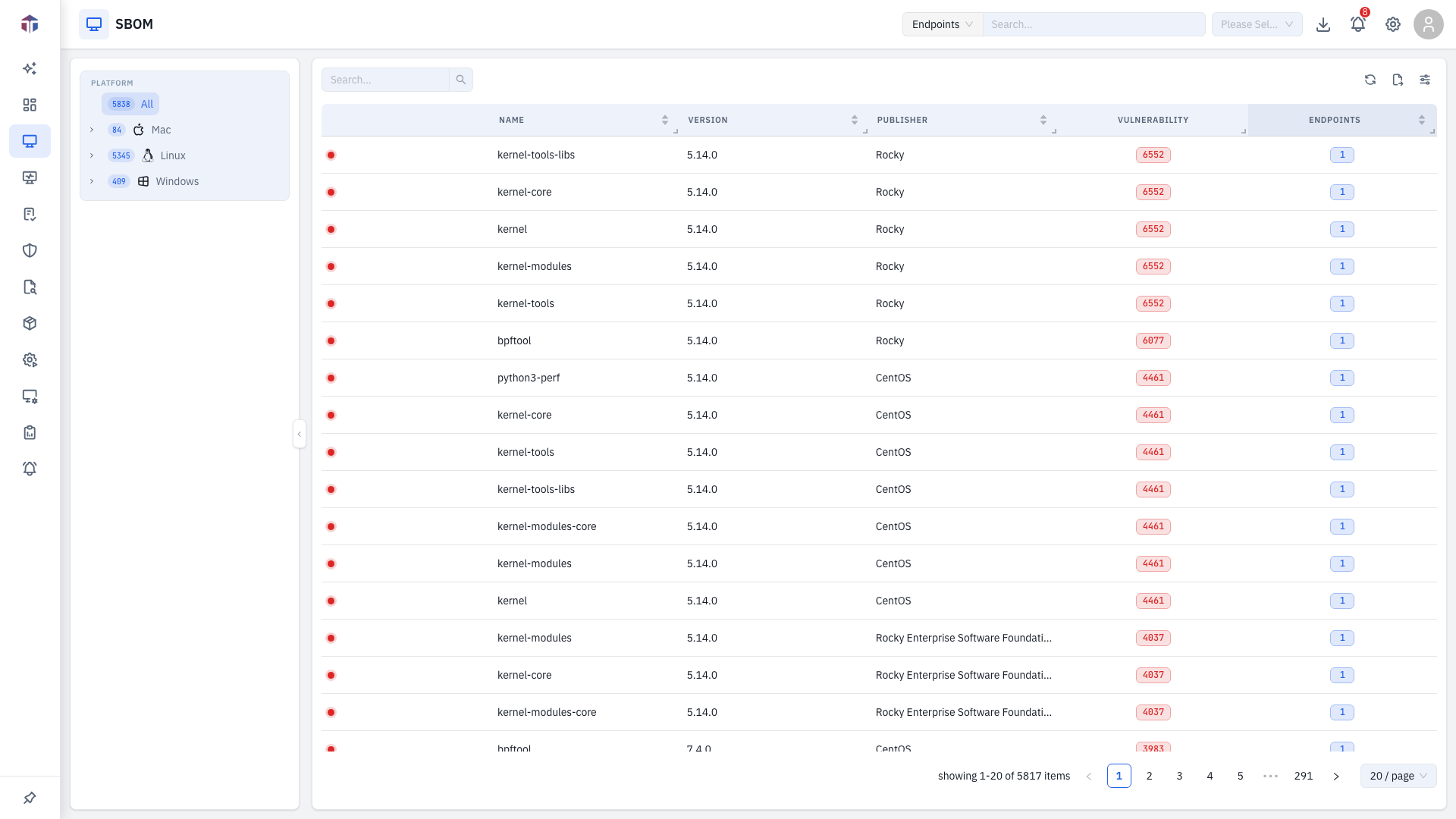
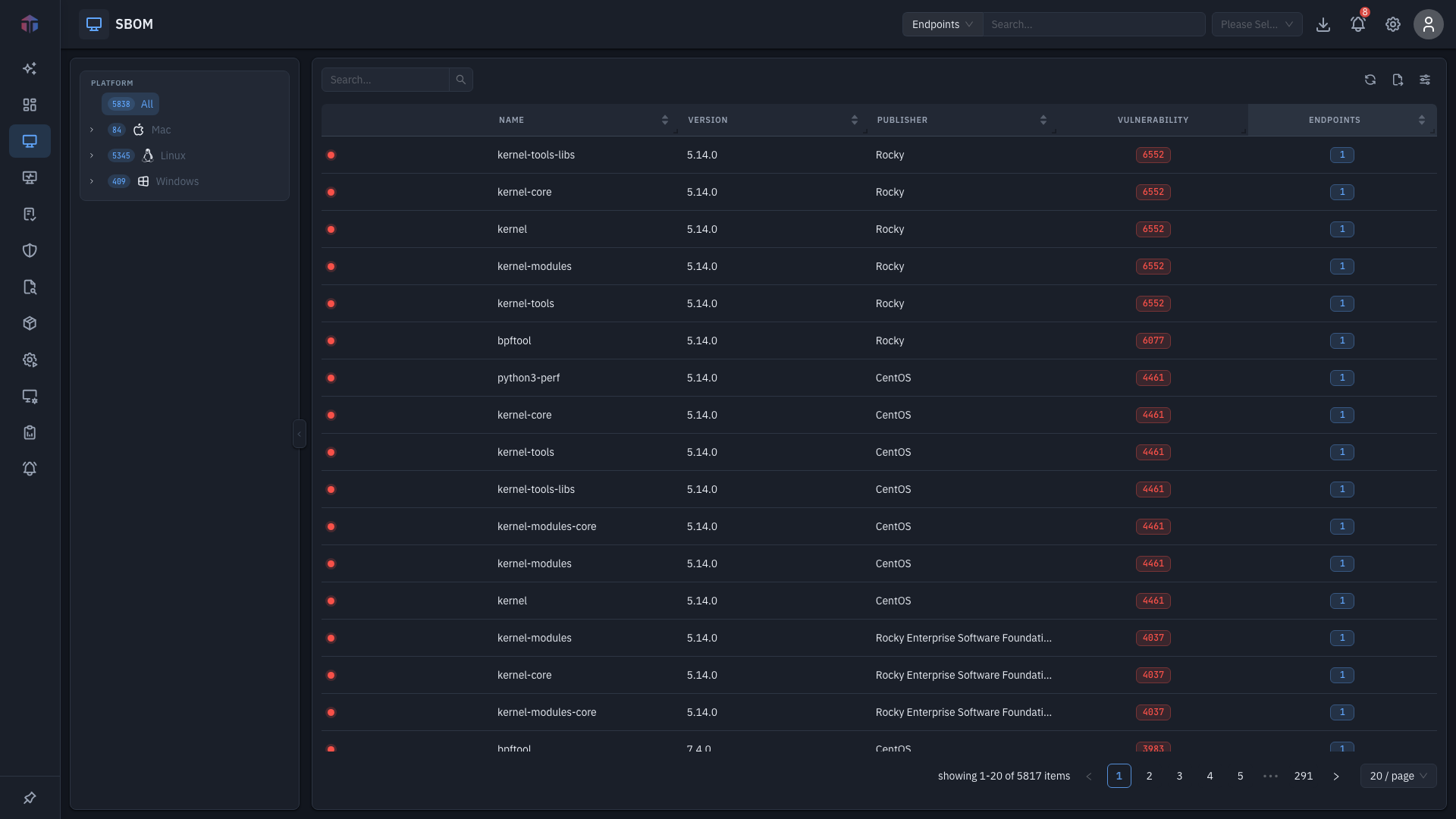
A filter pane on the left (platform / location / department, shared with the rest of Inventory) narrows the list; the table fills the right.
| Column | What it shows |
|---|---|
| (icon) | A warning icon for prohibited software, and a colour-coded vulnerability dot (factoring CVE count and end-of-life). |
| ID | Internal software ID. |
| Name | Software name. |
| Version | Installed version. |
| Publisher | Vendor / author. |
| Release Date | When this version shipped. |
| EOS | End-of-support date. |
| EOL | End-of-life date. |
| Vulnerability | CVE count — a clickable link (licensed editions). |
| Endpoints | How many machines have it — a clickable count. |
Use Search and the filter pane to narrow the list.
Drill-downs
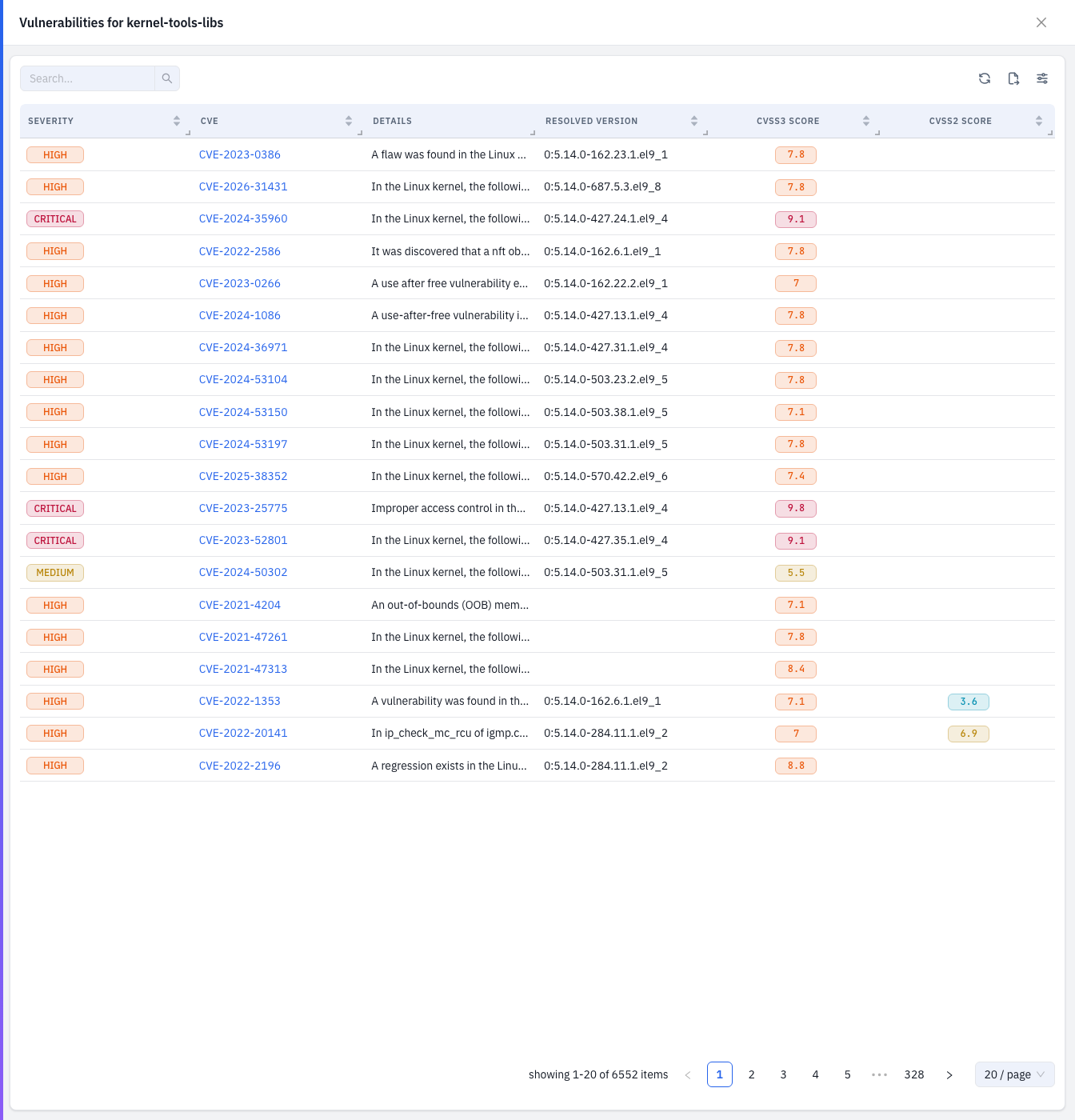
Vulnerabilities for a software
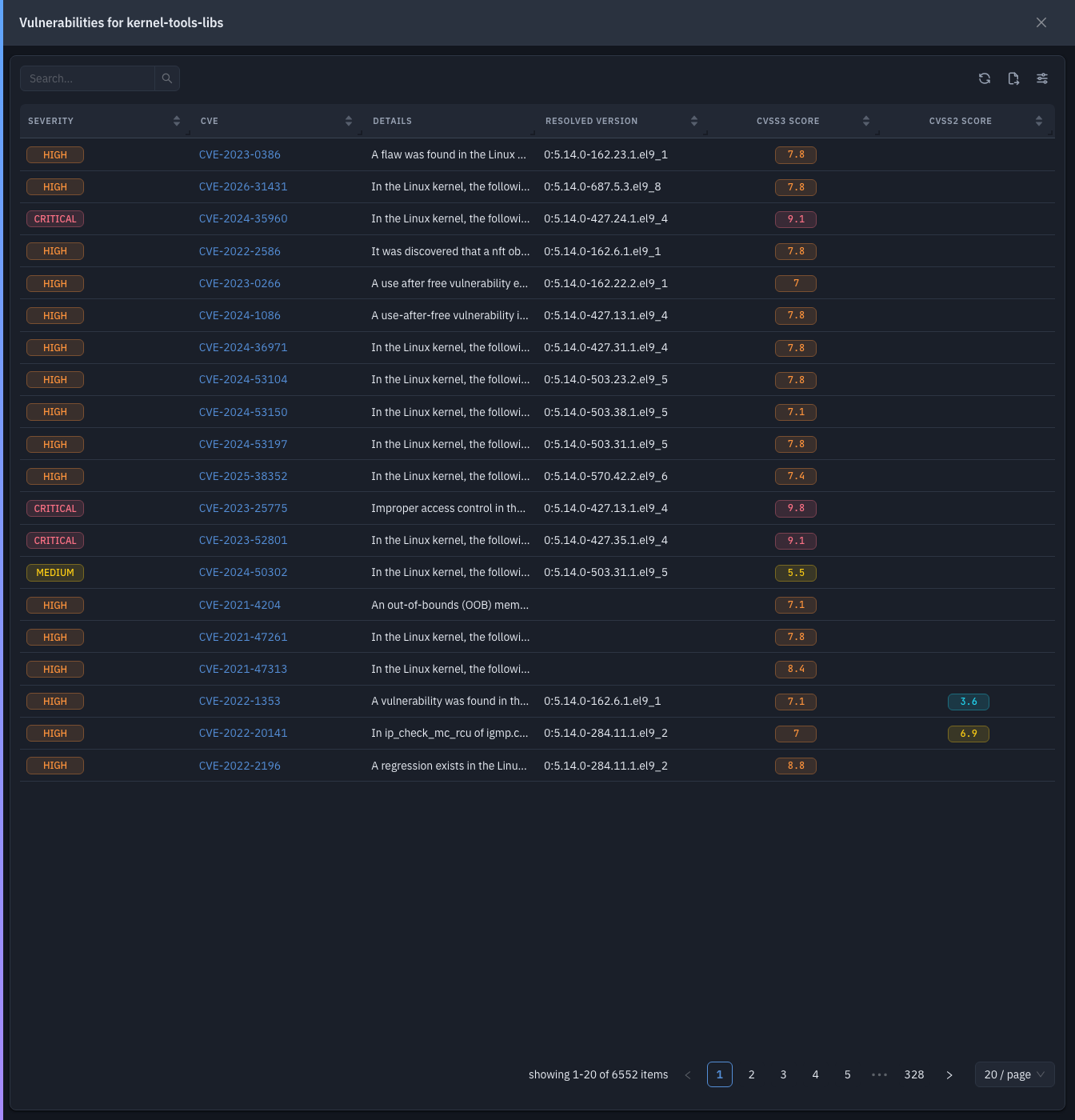
Click a row's Vulnerability count to open a drawer detailing that software's known CVEs.
Where a software is installed
Click a row's Endpoints count to open the assets drawer — the machines that have it:
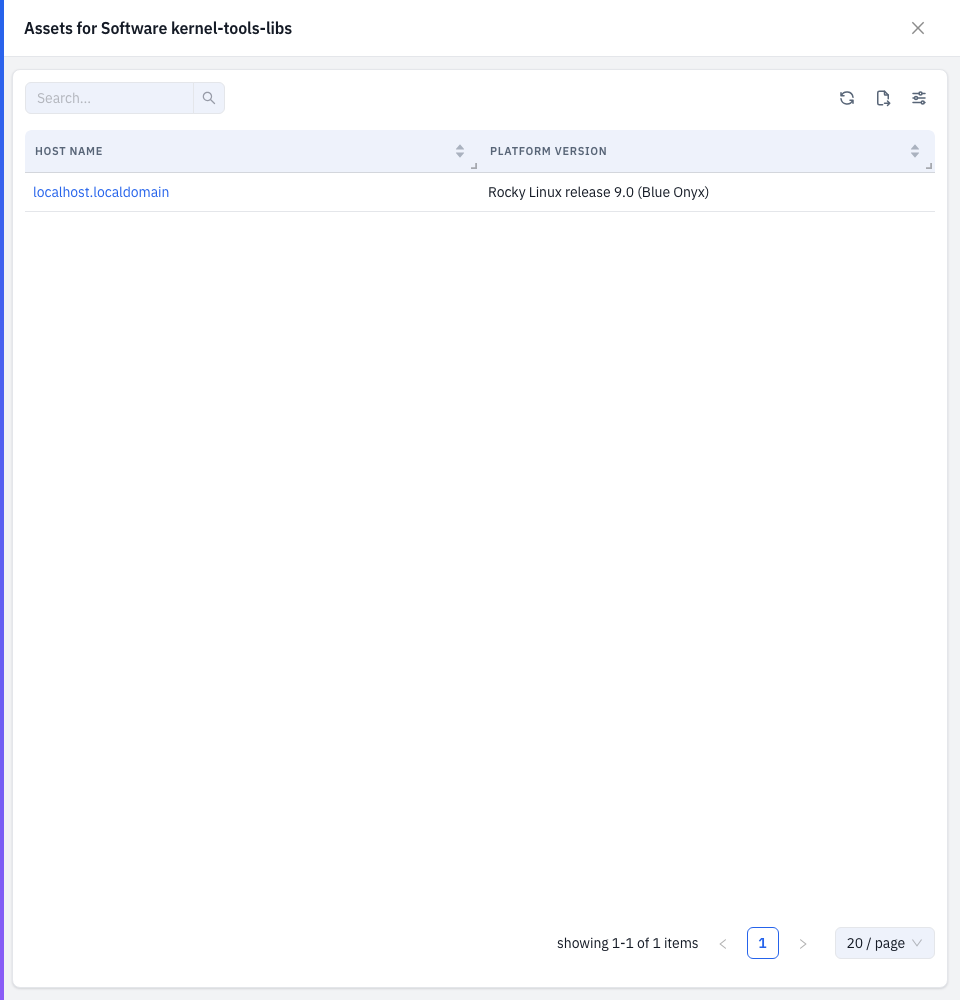
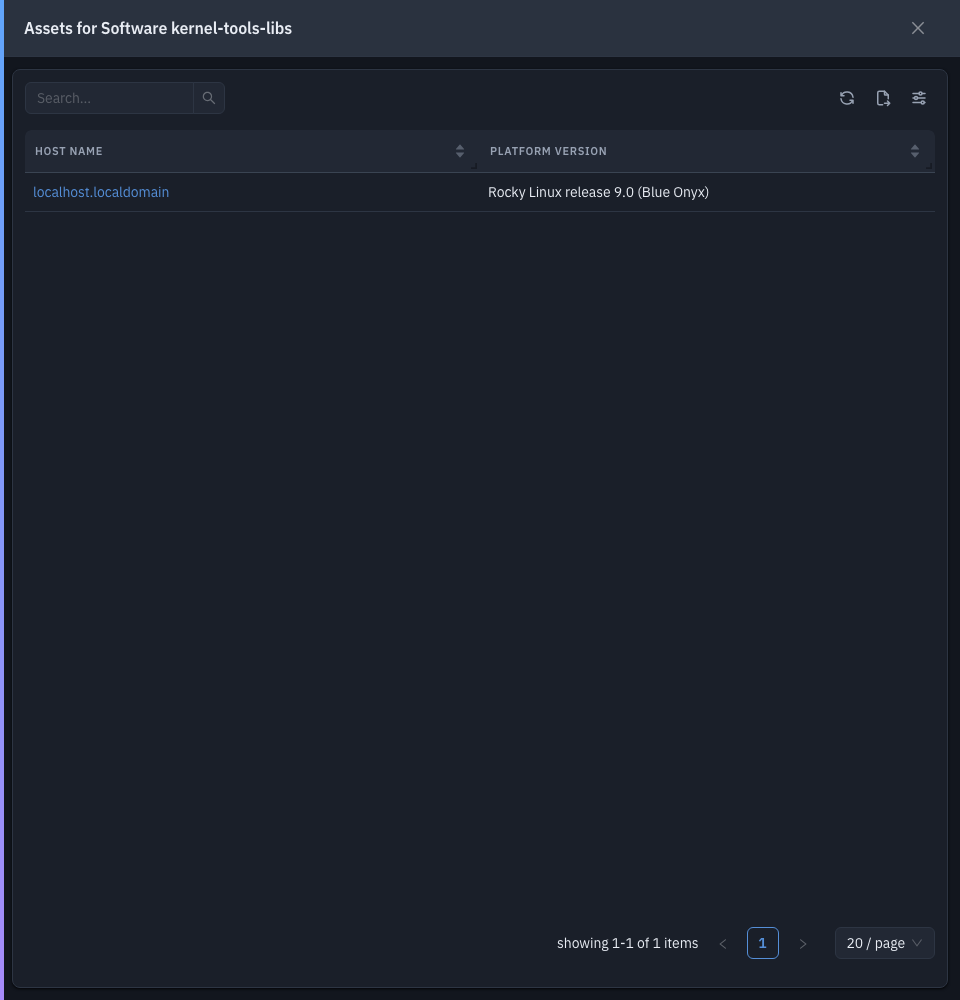
| Column | What it shows |
|---|---|
| Host Name | The machine (links to its endpoint detail). |
| Platform Version | The machine's OS version. |
Tips & troubleshooting
- A row has a red dot or warning icon. It's vulnerable, past end-of-life, or marked prohibited — open the Vulnerability count to see the CVEs.
- The Vulnerability column is missing. It requires the patch/vulnerability licensed edition.
Related
- SBOM tab — the same software list scoped to one endpoint.
- Vulnerabilities — the CVEs these packages carry.
- Software Metering — how much this software is used.