Software Metering — Summary
Software Metering measures how much your metered applications are actually used across the fleet (not just installed). It has two tabs: Summary (this page — usage results) and Rules (what to meter).
How to get here
You need View Inventory permission, and this module requires the EndpointOps edition.
- In the left sidebar, click Inventory to expand it, then click Software Metering. You land on the Summary tab.
Navigate to: Inventory → Software Metering → Summary
URL path: /inventory/software-metering/summary
The Summary tab
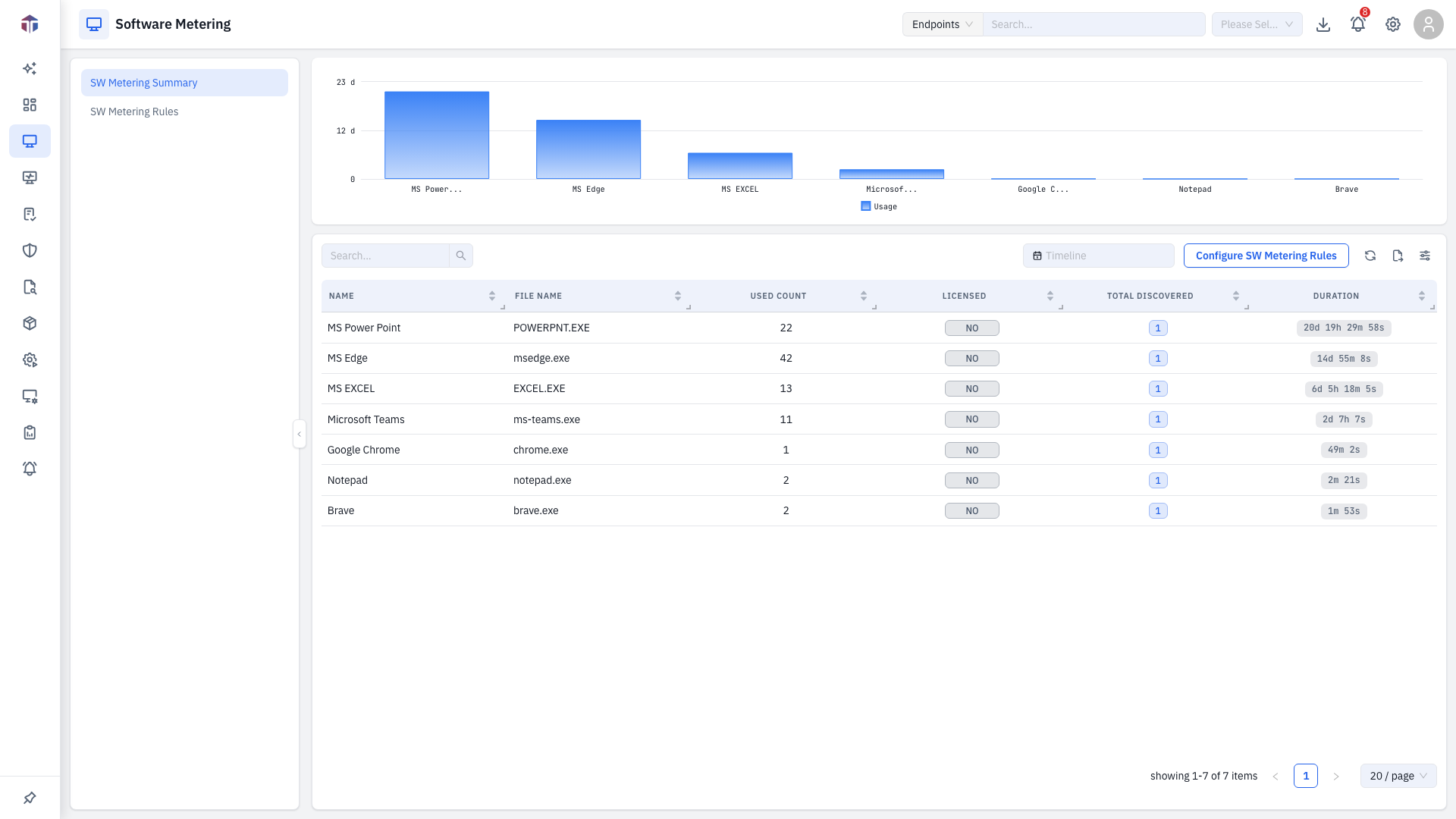
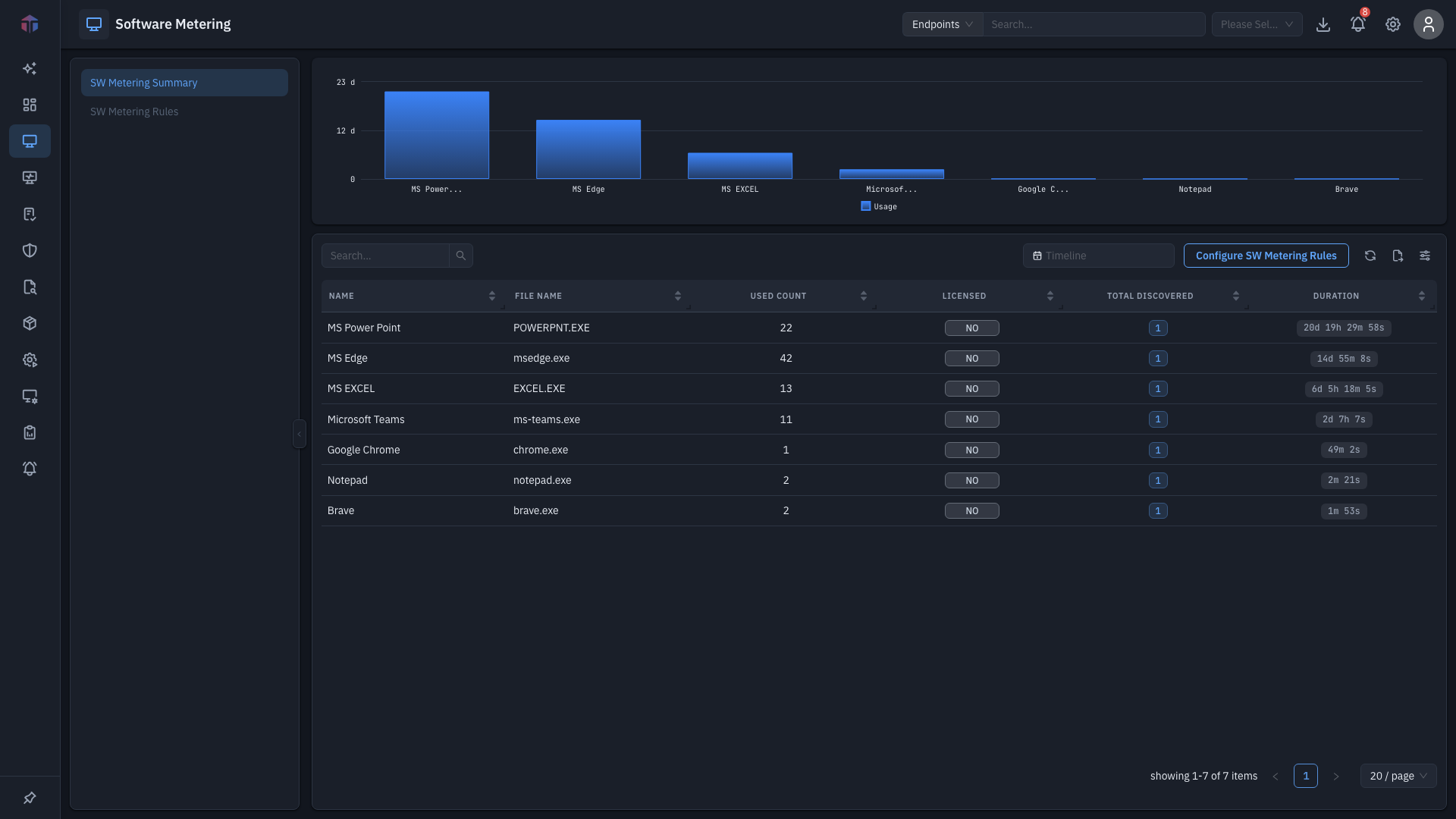
A usage chart at the top plots usage over the selected period; a timeline picker above the table scopes the range. The table summarises each metered rule:
| Column | What it shows |
|---|---|
| Name | The metering rule's name. |
| File Name | The executable it tracks. |
| Used Count | Total runs in the period. |
| Licensed | Whether the software is marked licensed (Yes/No). |
| Total Discovered | How many machines it was discovered on — a clickable count. |
| Duration | Total usage time. |
Configure SW Metering Rules jumps to the Rules tab.
Drill-down: where it's discovered
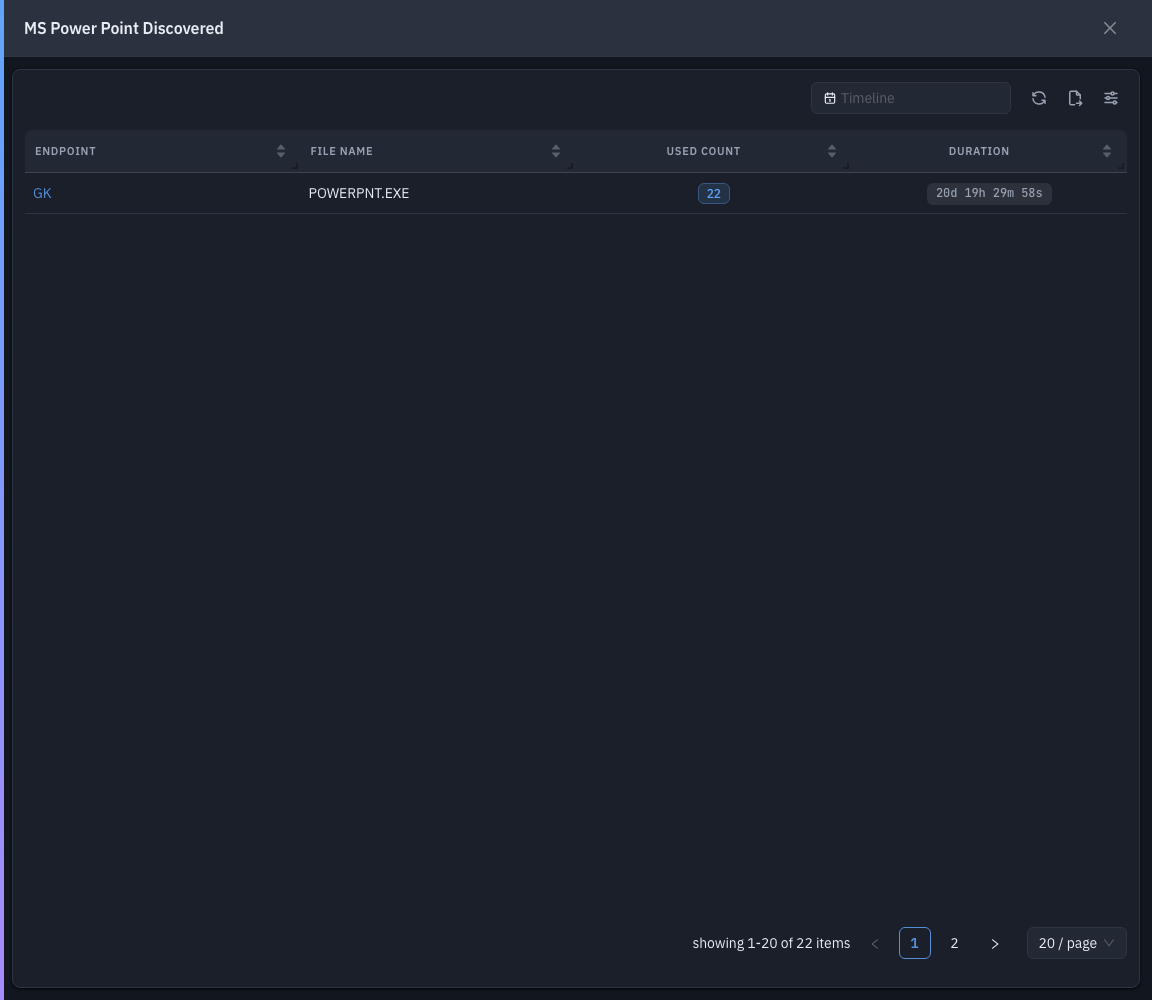
Click a Total Discovered count to open the discovered drawer — the machines the software was found on.
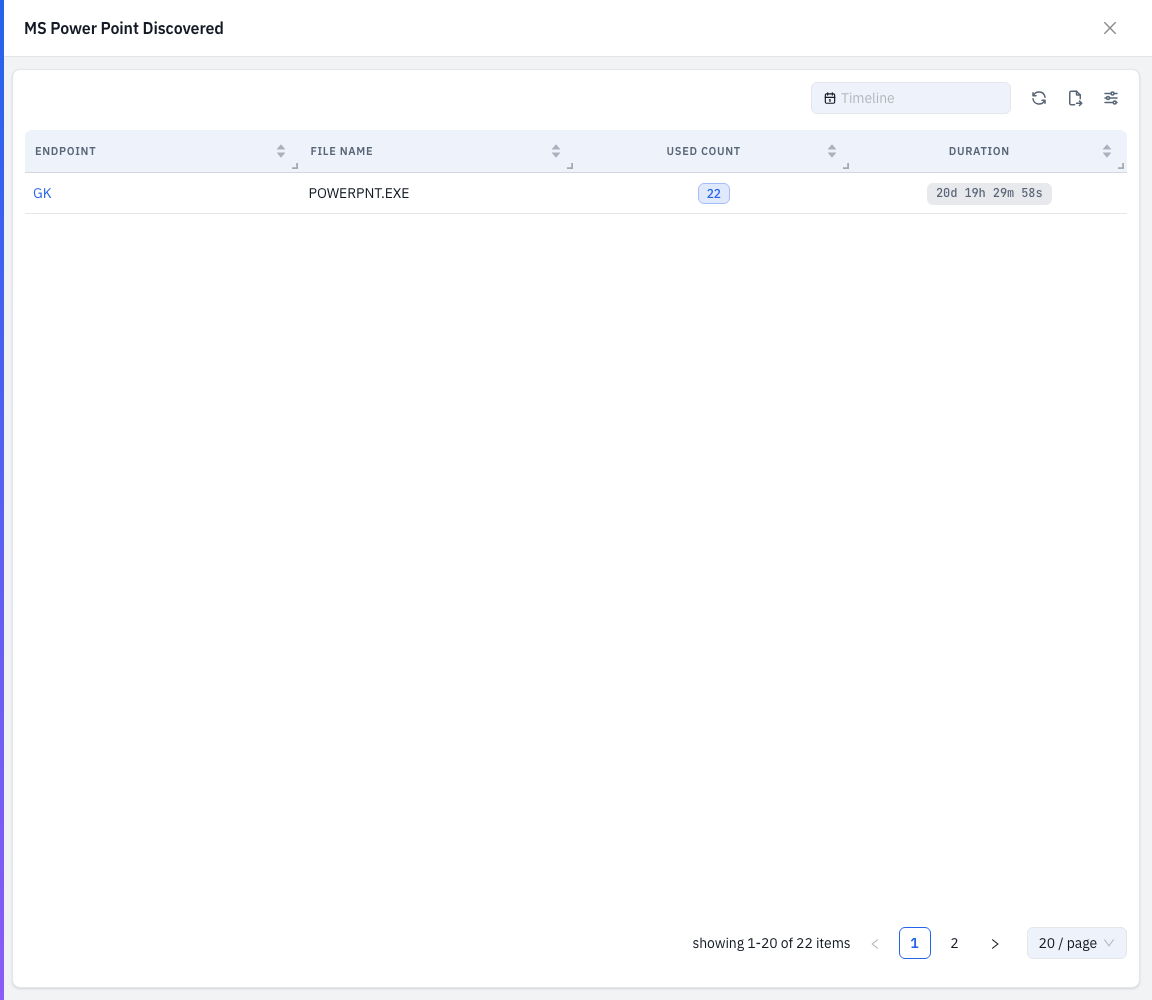
| Column | What it shows |
|---|---|
| Endpoint | The machine (links to its endpoint detail). |
| File Name | The executable. |
| Used Count | Runs on that machine — a clickable count. |
| Duration | Total usage time on that machine. |
Drill-down: per-run usage
From the discovered drawer, click a row's Used Count to open a second drawer with that machine's usage over time — a chart plus a per-run table.
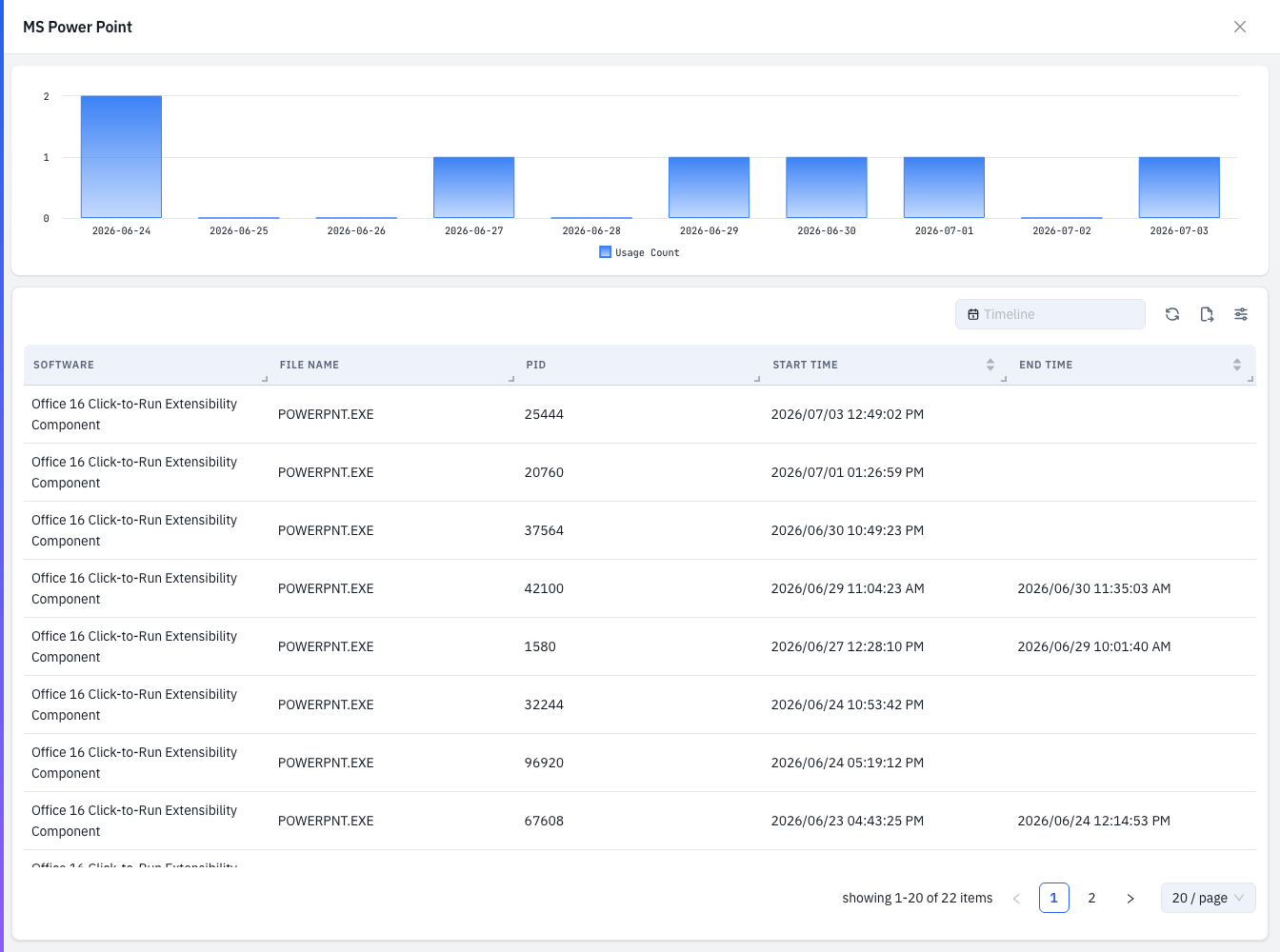
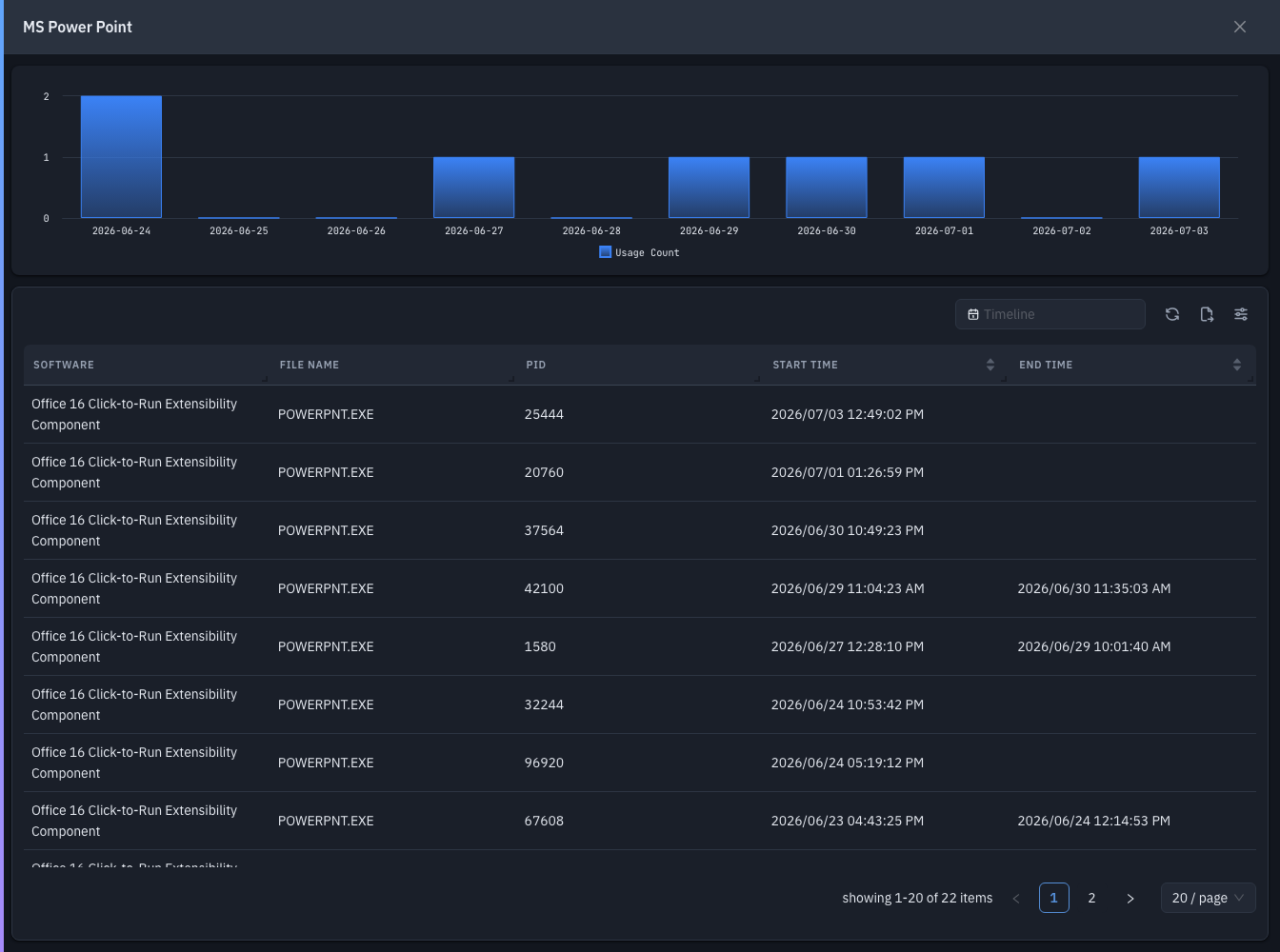
| Column | What it shows |
|---|---|
| Software | The software name. |
| File Name | The executable. |
| PID | The process ID of each run. |
| Start Time | When the run started. |
| End Time | When the run ended. |
Tips & troubleshooting
- The table is empty. No metering rules match installed software, or nothing ran in the selected timeline — widen the range, or add rules on the Rules tab.
Related
- Rules — define which software gets metered.
- SBOM — what software is installed (metering measures what's used).
- License Management — track licenses for the software you meter.