Autonomous Deployment
Autonomous Deployment keeps endpoints patched automatically — you define a policy (which patches, which machines, on what schedule) and EndpointOps deploys matching patches without manual steps.
How to get here
You need View Patch permission.
- In the left sidebar, click Patch to expand it, then click Autonomous Deployment.
Navigate to: Patch → Autonomous Deployment
URL path: /patch/auto-patch-deployment
The screen
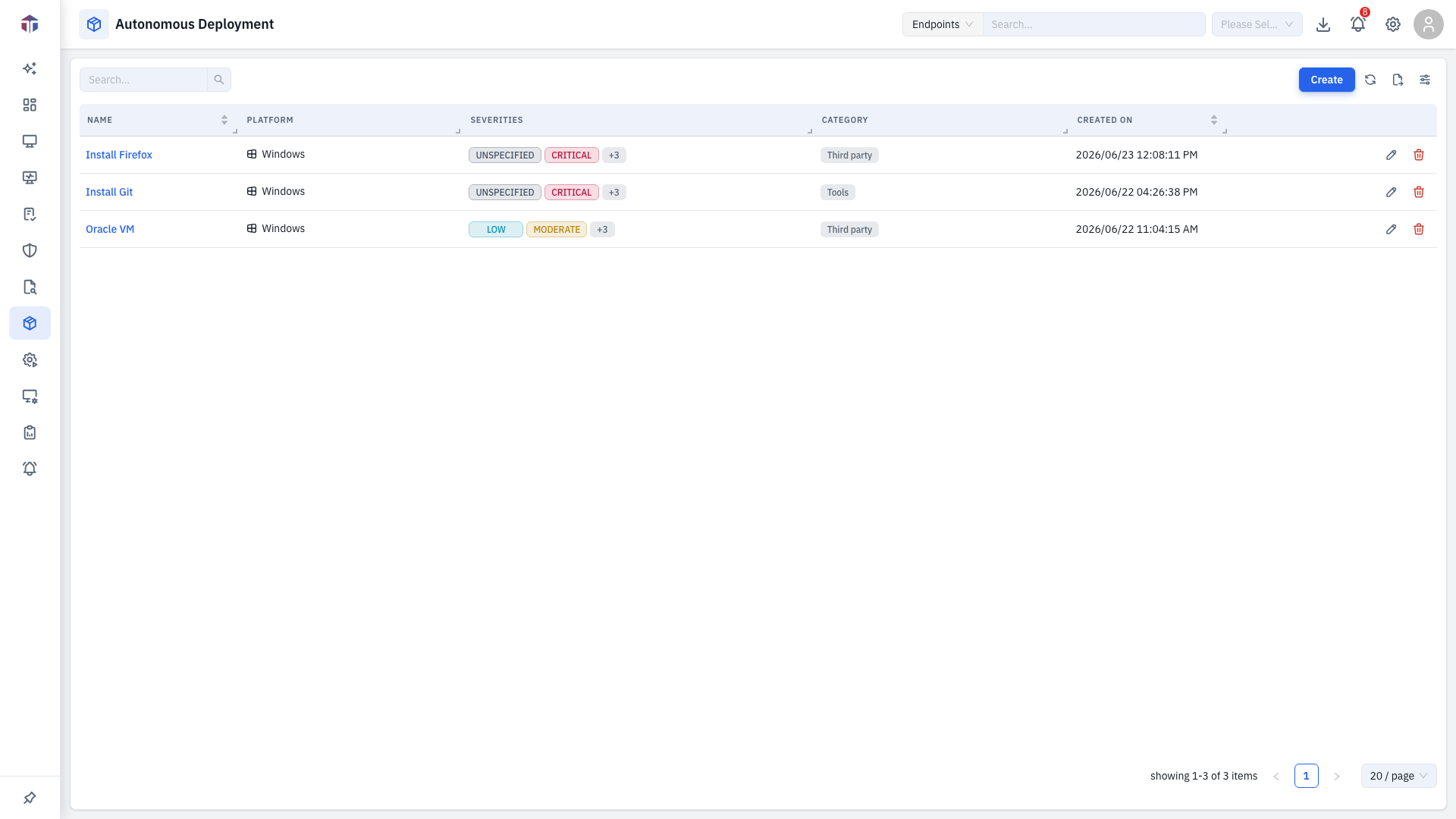
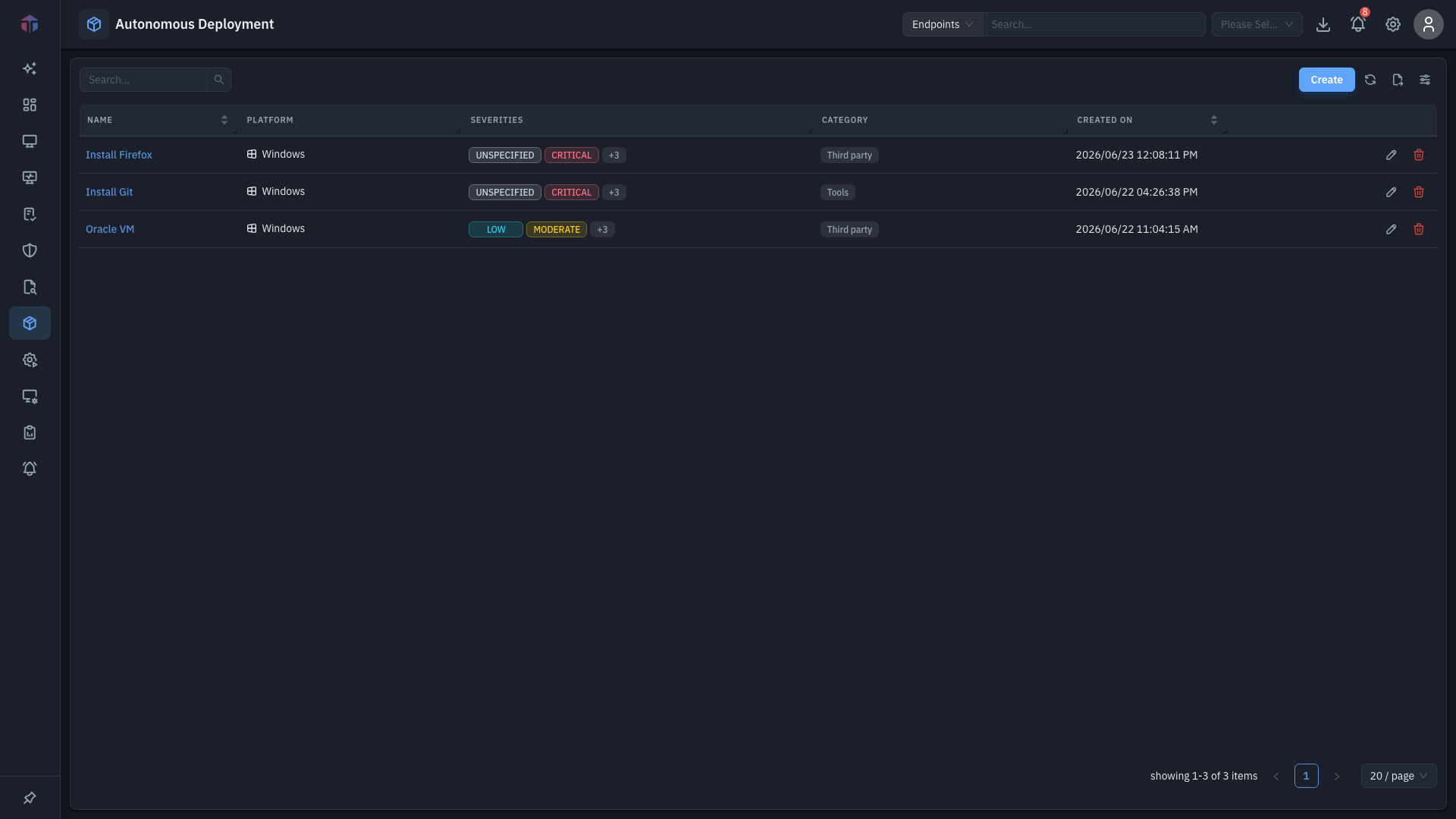
It uses the shared deployment table (ID, Name, Description, Type, Stage, Policy, Pending / Succeeded / Failed, Created By / On, Actions), listing your autonomous policies and their rollout status.
How do I create an autonomous policy?
Click Create to open the form.
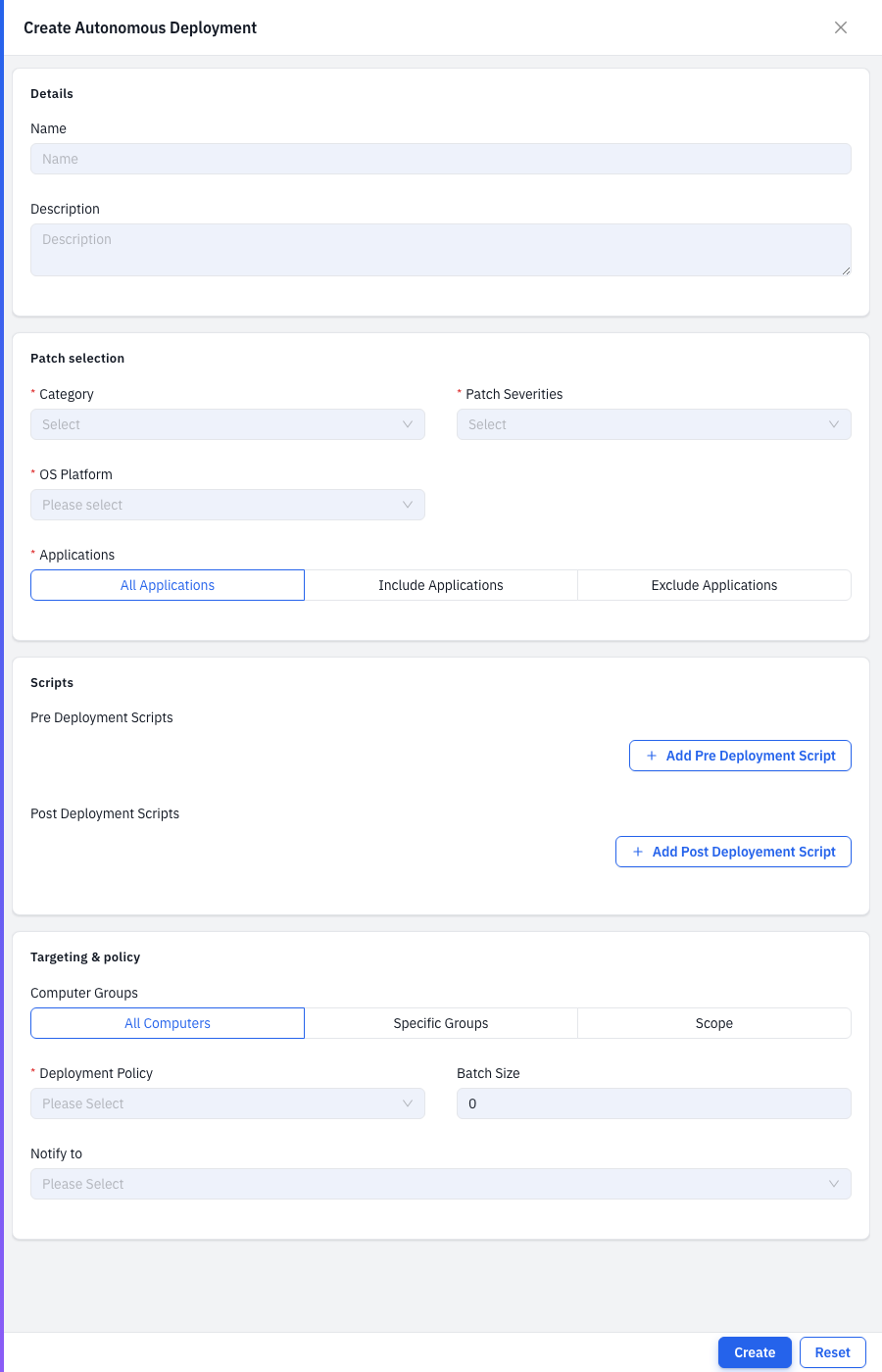
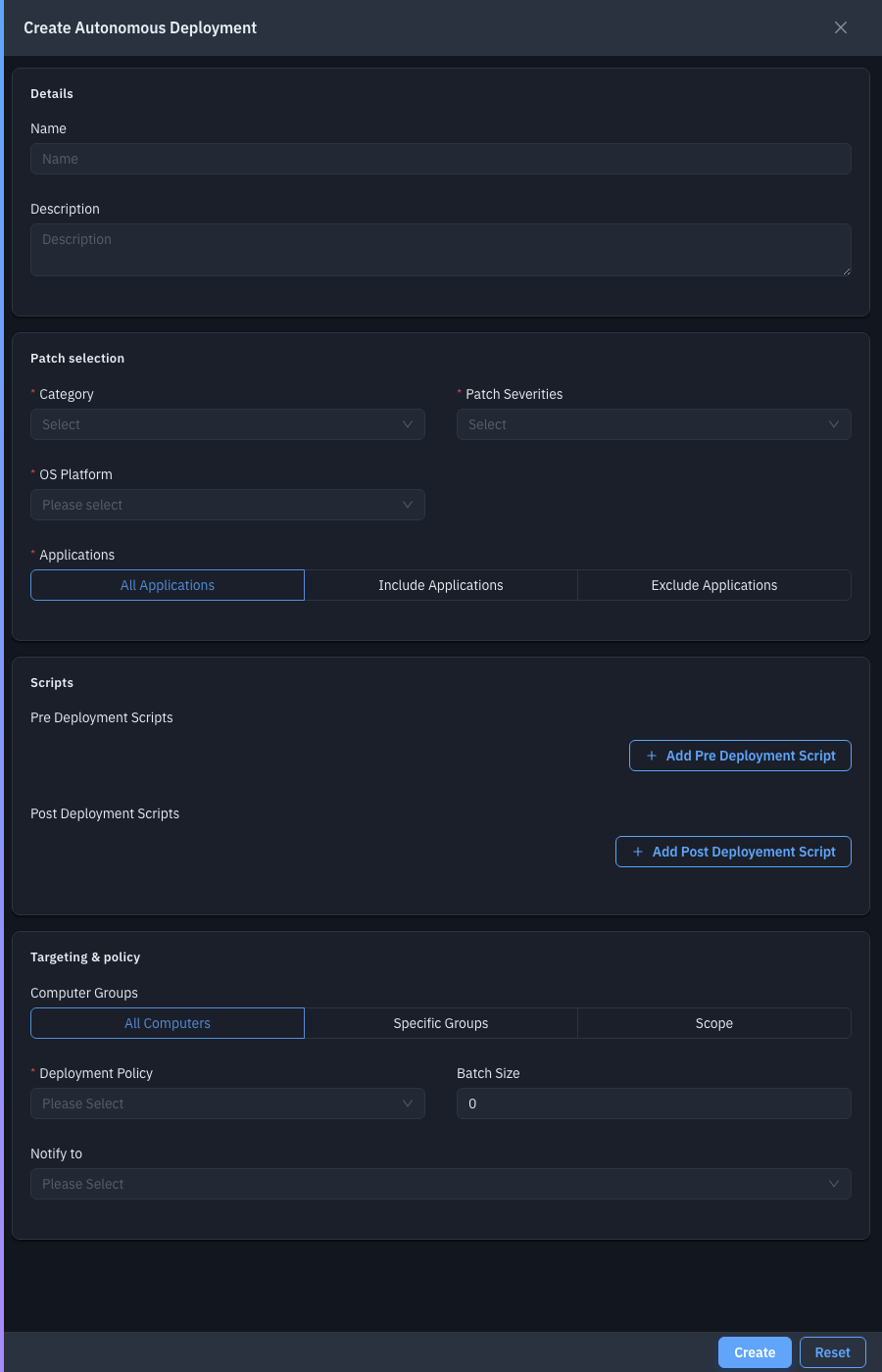
| Field | Required | Notes |
|---|---|---|
| Name / Description | — | Identify the policy. |
| Category | Yes | Patch categories to auto-deploy (multiple). |
| Patch Severities | Yes | Severities to auto-deploy (multiple). |
| OS Platform | Yes | Windows / Linux / … |
| Applications | Yes | All Applications, or Include / Exclude specific ones. |
| Pre / Post Deployment Scripts | — | Scripts to run around the install. |
| Computer Groups | — | All Computers, Specific Groups, or Scope. |
| Deployment Policy | Yes | Execution policy (retry, reboot handling). |
| Batch Size | — | How many endpoints at a time (this is the field that sets autonomous apart from Test & Approve). |
| Notify to | — | Email recipients. |
Save with Create. From then on, any approved patch matching the criteria deploys automatically to the targeted machines — no manual step.
Tips & troubleshooting
- Nothing deploys. Confirm the policy is enabled, its patch criteria match approved patches, and its schedule has elapsed.
Related
- Progressive Deployment — staged, ring-based automation.
- On-Demand Deployment — one-off manual deployment.
- Computer Groups — the targets.
- Deployment Policies — the Deployment Policy field.