Patch Detail — Affected Products
The Affected Products tab lists the products and applications the patch applies to — useful for confirming a patch targets the software you expect before deploying it.
How to get here
Open a patch (see Summary), then click the Affected Products tab.
The Affected Products tab
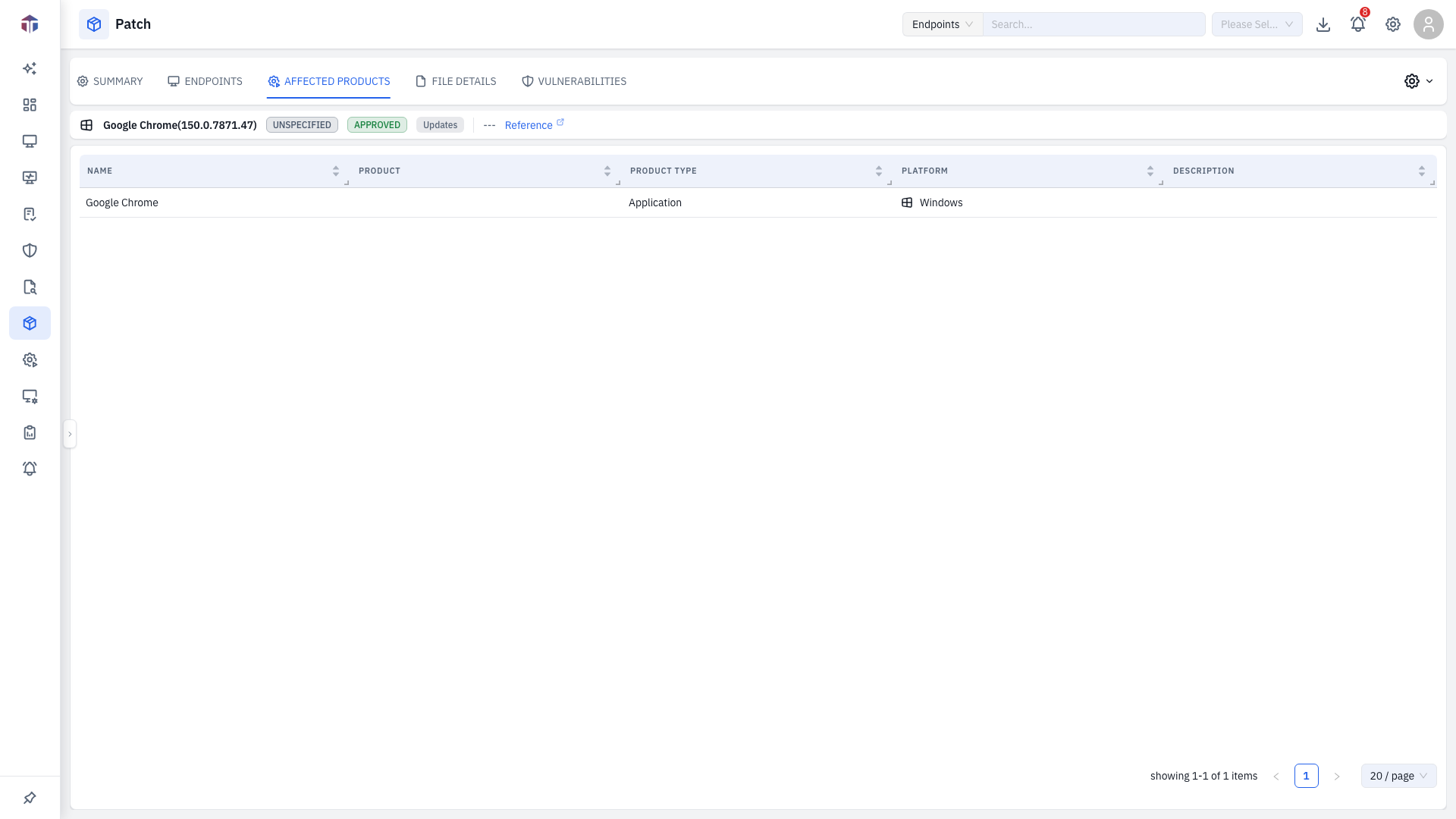
It shows the product/application entries the patch covers (read-only). For manually-created patches these are the products you selected on the patch form; for catalogue patches they come from the patch metadata.