Patch Detail — Endpoints
The Endpoints tab of a patch shows which machines are missing it, have it installed, or have it excepted — and lets you deploy or except from here.
How to get here
Open a patch (see Summary), then click the Endpoints tab.
The Endpoints tab
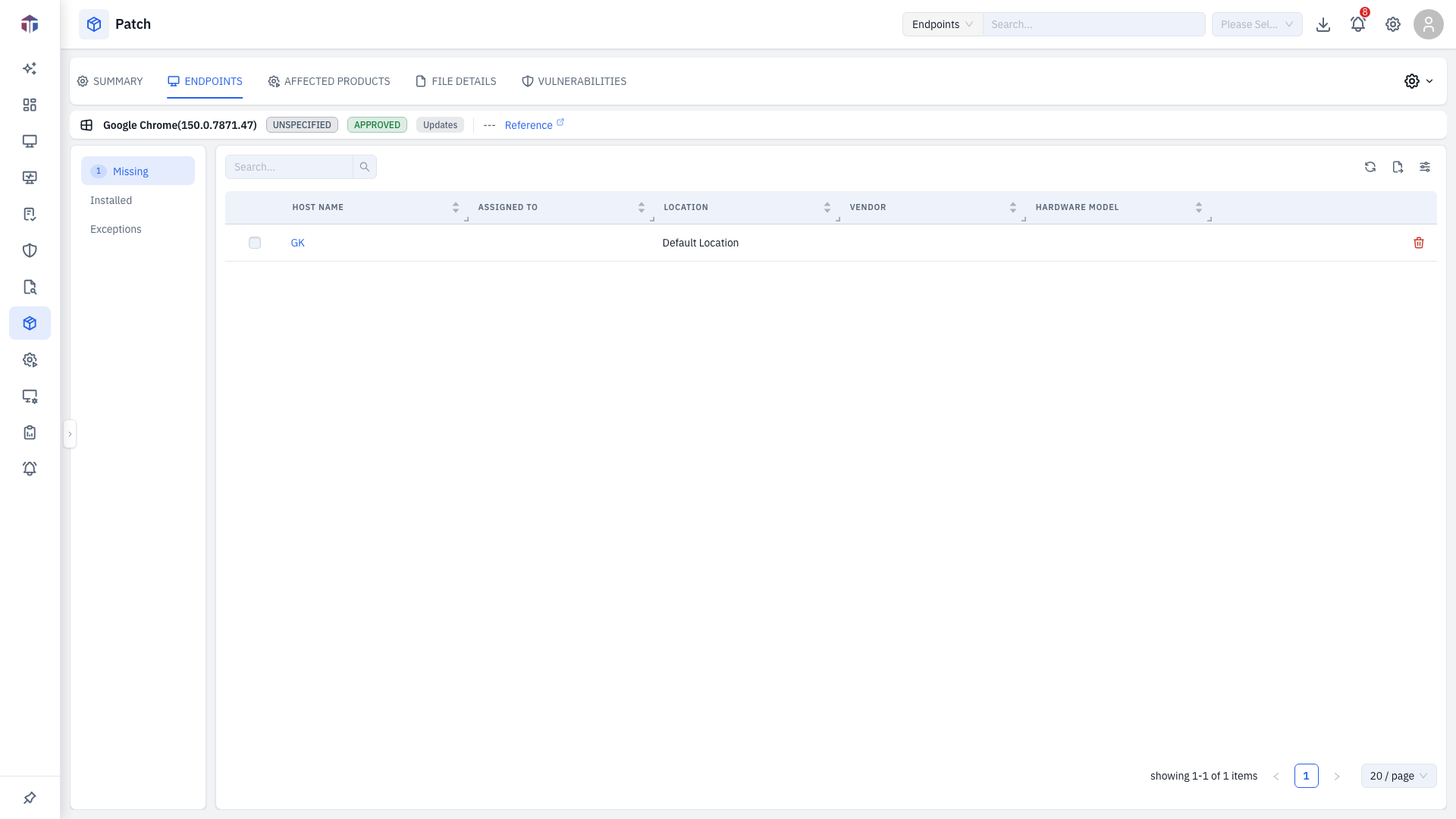
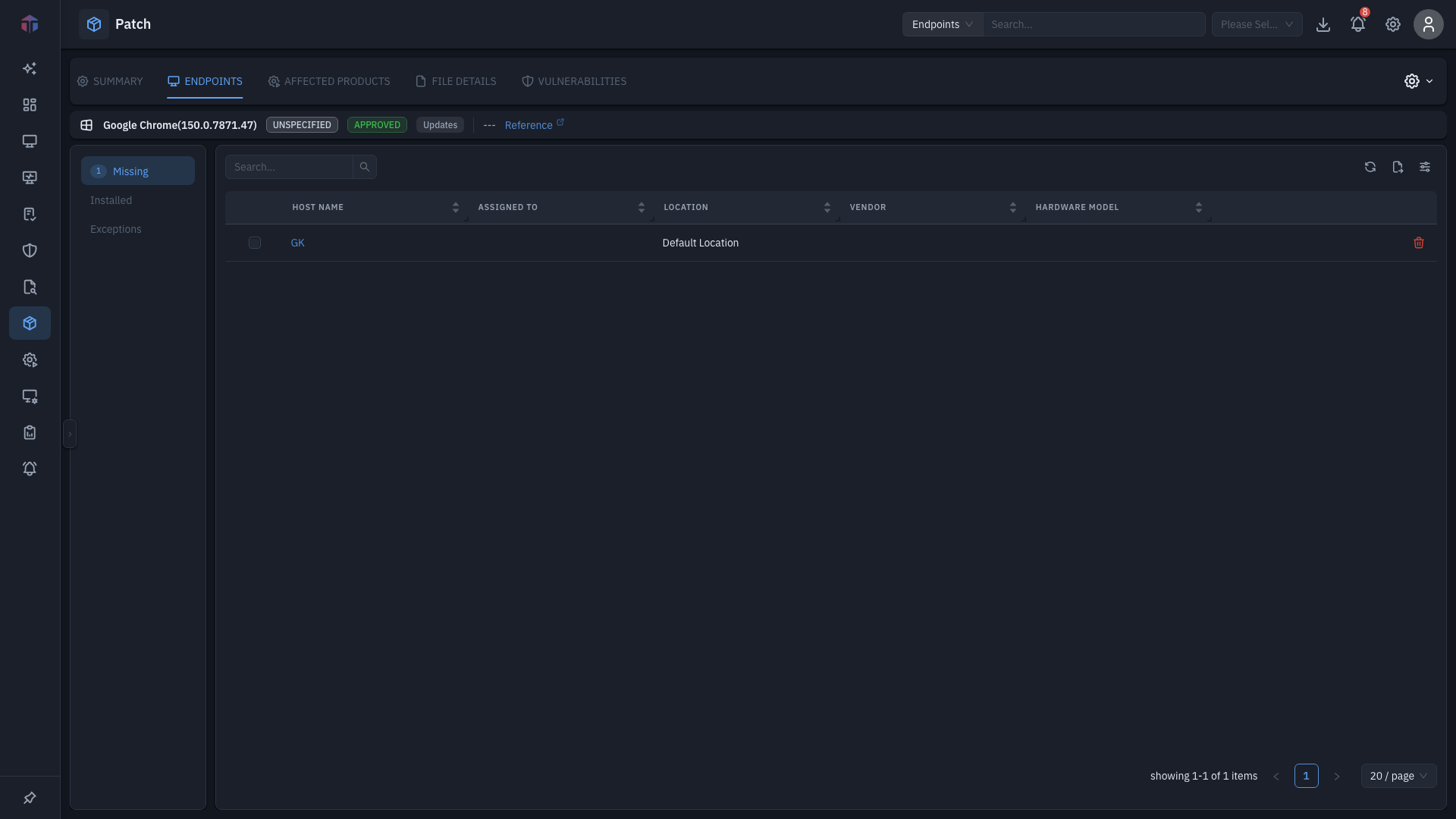
Three sub-tabs, with counts in the labels:
- Missing — endpoints that need the patch.
- Installed — endpoints that already have it.
- Exceptions — endpoints where it's been excluded.
| Column | What it shows |
|---|---|
| Host Name | The machine (links to its detail). |
| Assigned To | Owner. |
| Location | Endpoint location. |
| Vendor / Hardware Model | Hardware. |
| Actions | Remove Exception (Exceptions tab) or delete. |
OS Version, Department, Arch, Build, Code Name are available via the column picker (hidden by default).
Actions
On the Missing tab (with Create Patch permission):
- Deploy to Missing — opens the deployment form pre-scoped to the missing endpoints.
- Add Exception — exclude the patch on selected endpoints (with a reason).
Tips & troubleshooting
- An endpoint stays under Missing after deploying. Give the deployment time to run, then re-scan from Patches (Scan Endpoints).
Related
- Summary — the patch's metadata and actions.
- On-Demand Deployment — where Deploy to Missing sends you.