Patch Detail — File Details
The File Details tab shows the patch's installer file information — what gets downloaded and deployed to endpoints.
How to get here
Open a patch (see Summary), then click the File Details tab.
The File Details tab
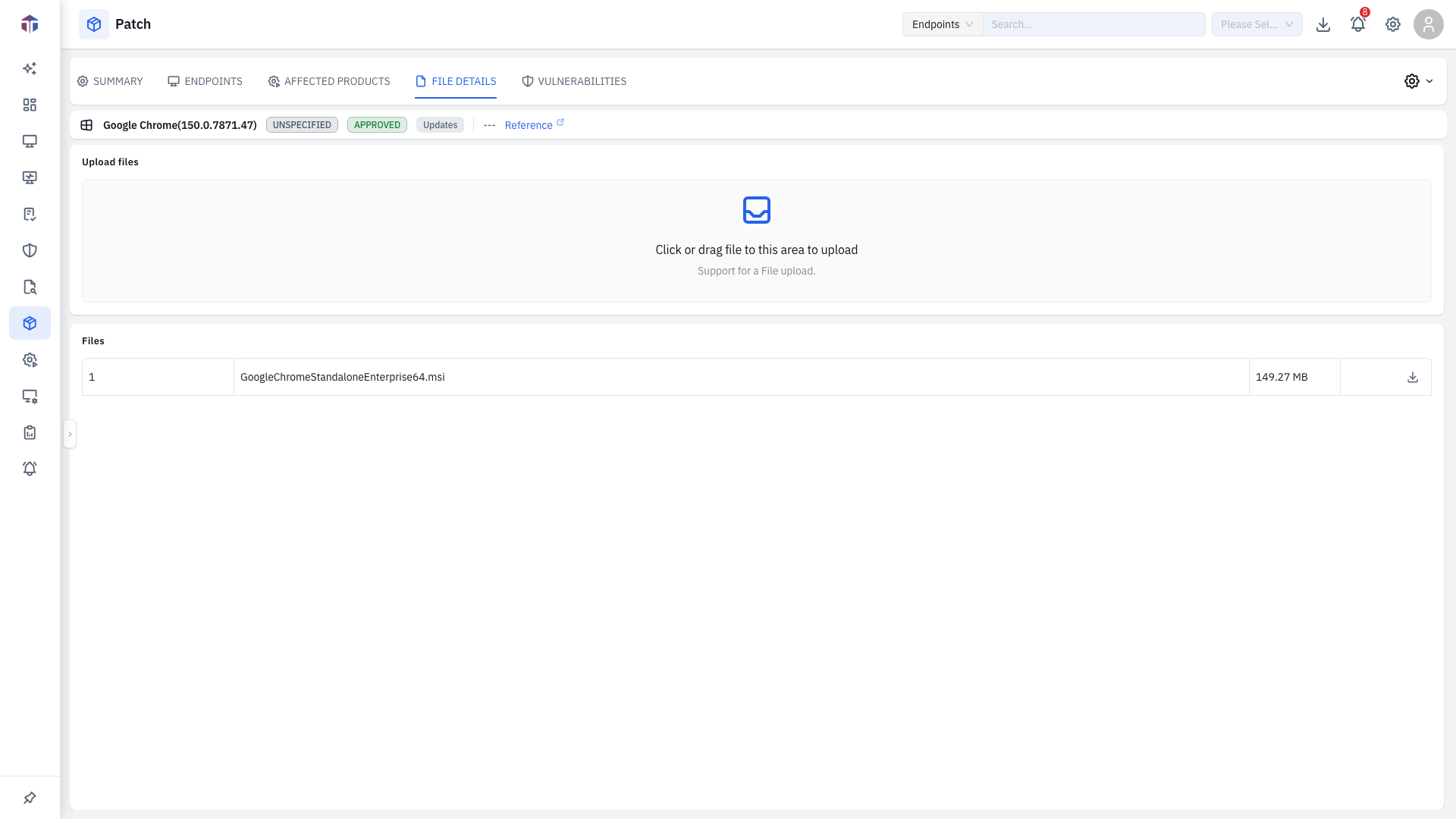
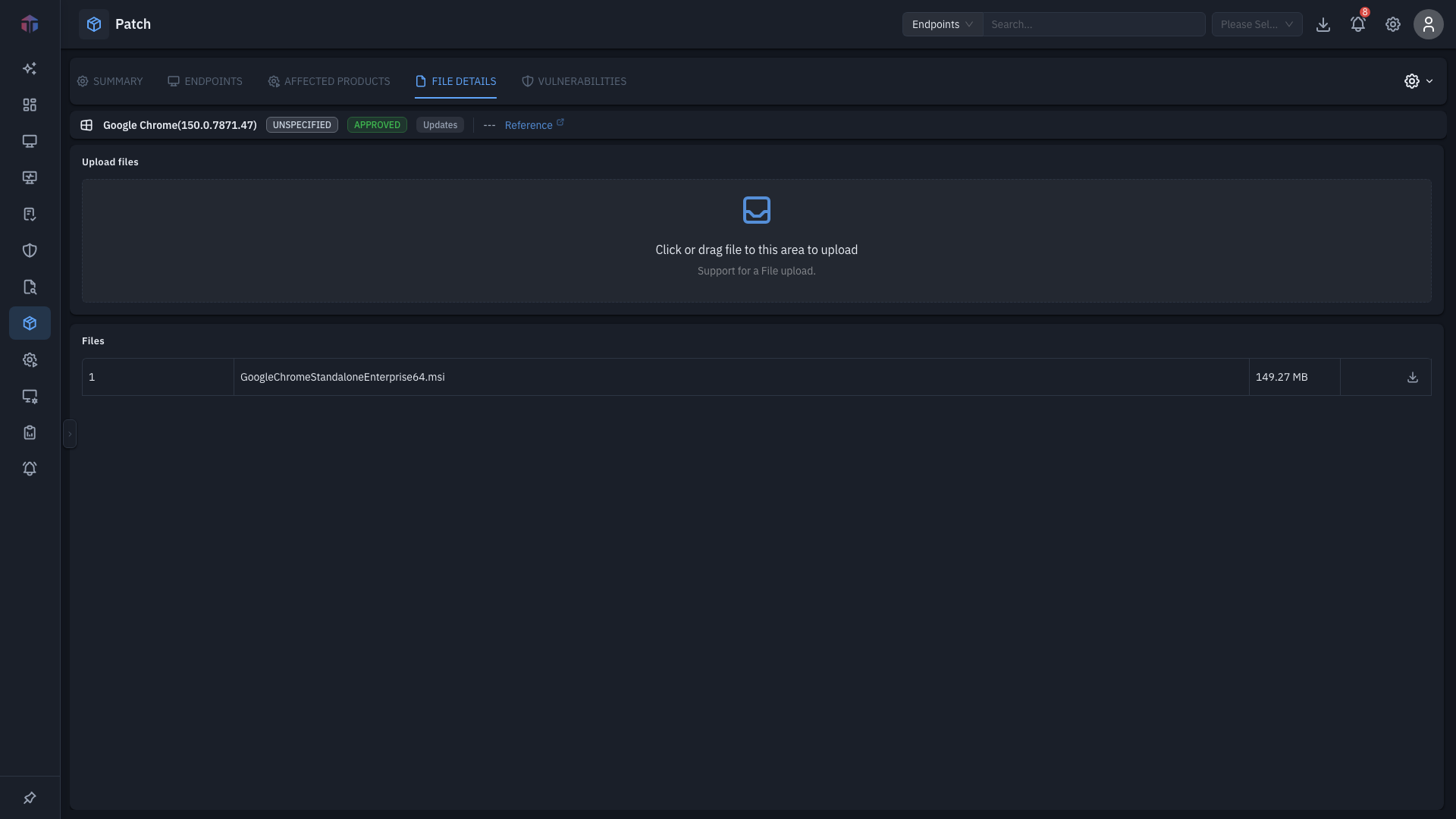
It lists the file's details — name, version, size, checksums (MD5 / SHA256 / SHA1), and any related files. Use the checksums to verify the installer's integrity.
Related
- Summary — the patch's metadata and actions.