Patch Detail — Summary
The single-patch view. The Summary is the landing tab (this page); the rest of the patch's detail lives in sibling tabs — Endpoints, Affected Products, File Details, and Vulnerabilities.
How to get here
- Open Patch → Patches (see Patches).
- Click a patch's ID.
URL path: /patch/patches/{id}
The Summary tab
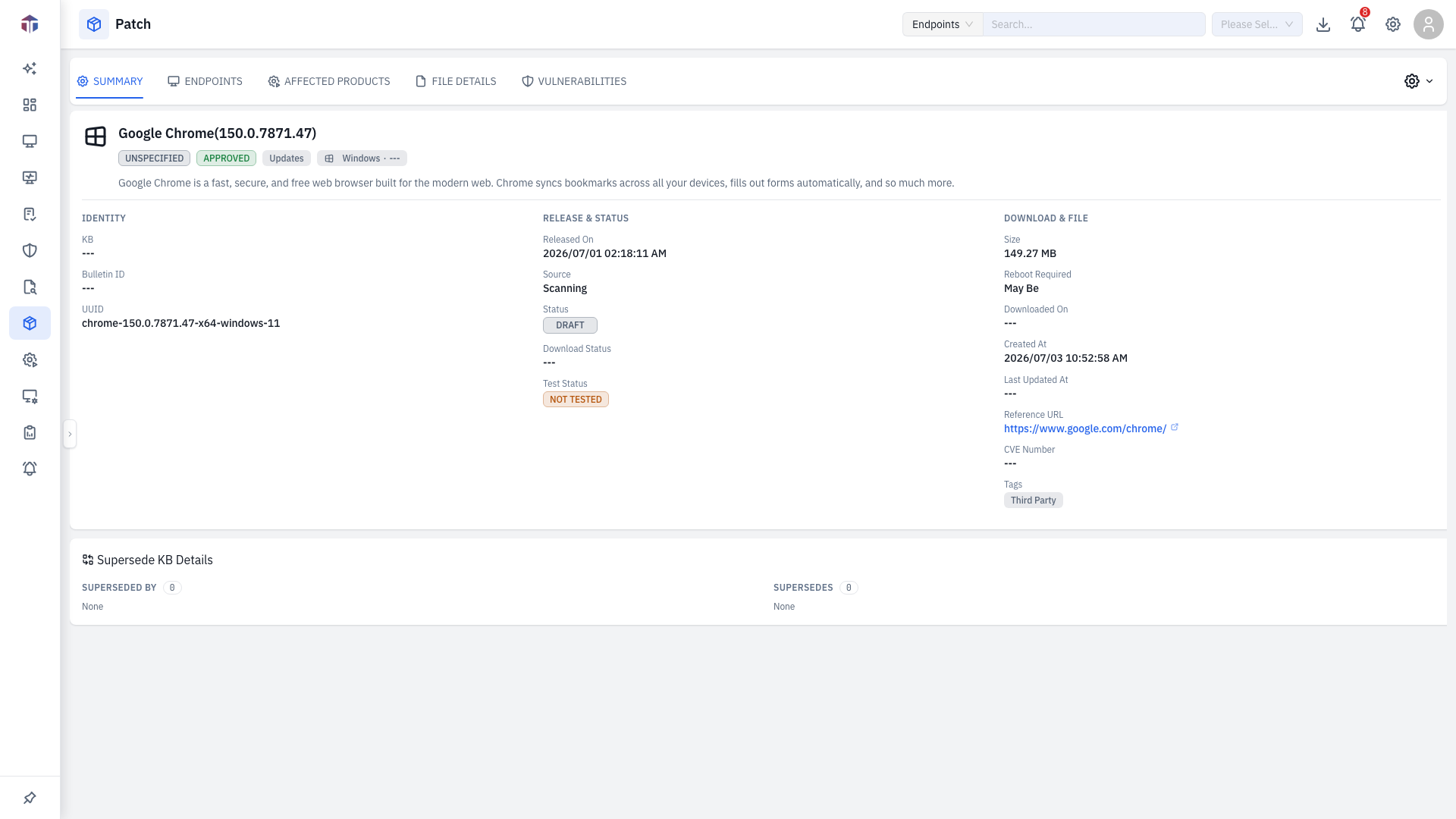
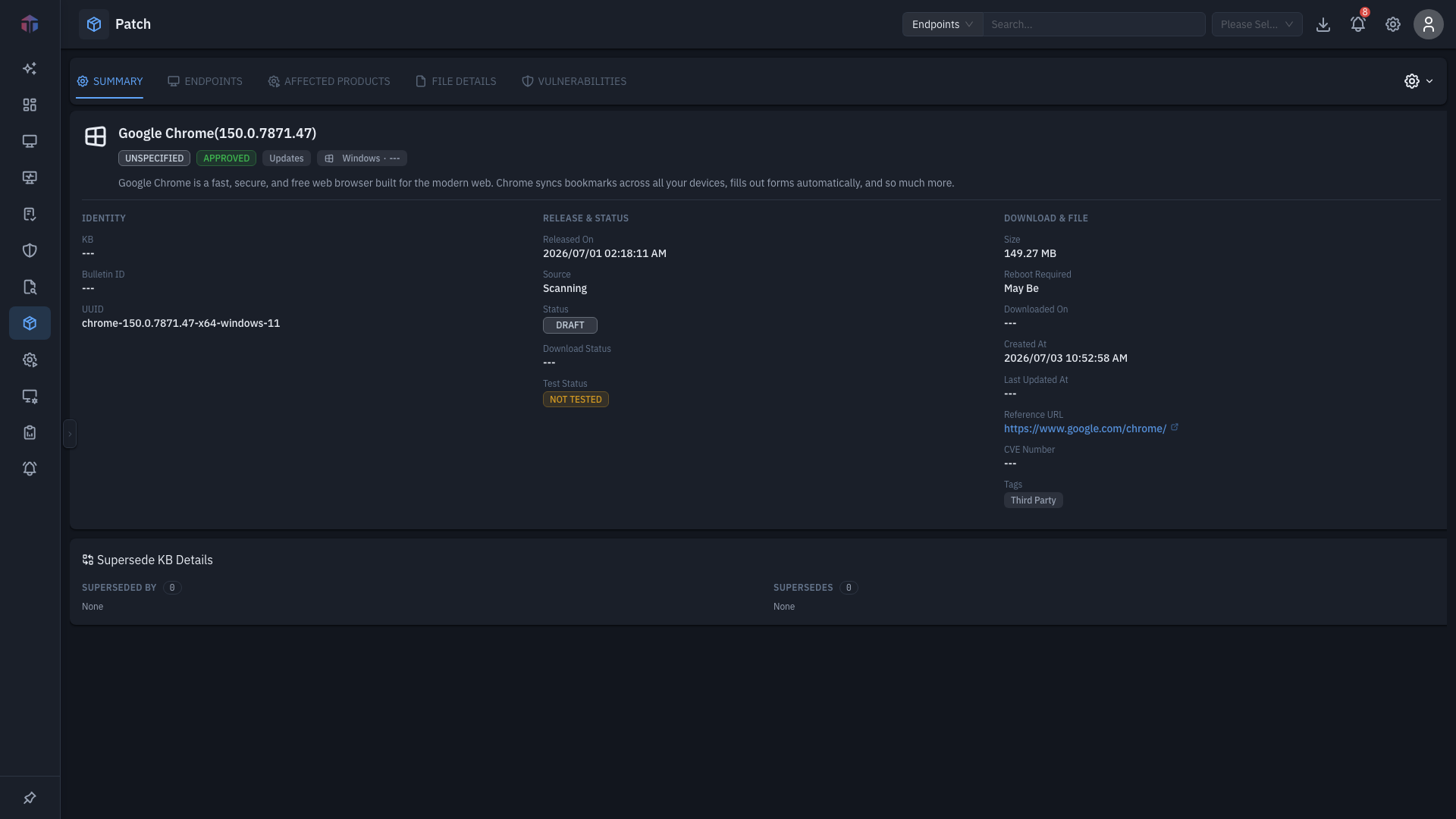
Read-only metadata with Approval Status and Test Status badges:
- Category, Severity, Bulletin ID, KB ID, Released On
- UUID, Reference URL, Architecture, Source, Status
- Size, Reboot Required, CVE Number, file hashes (MD5 / SHA256 / SHA1)
- Vendor, Product
- Supersede KB Details — Update Replace By and Update Replaces Following (Windows).
Actions
The actions menu (gear, top-right) changes with the patch's source and approval state:
| Action | When |
|---|---|
| Edit | With Update Patch permission. |
| Publish | Manually-sourced drafts. |
| Approve | When not yet approved. |
| Not Approve | When approved/declined. |
| Decline | When approved/not-approved. |
| Install | When Approved — opens the deployment form. |
Tips & troubleshooting
- Install is missing. A patch must be Approved first.
- Edit/approve greyed out. They need Update Patch permission and depend on the current approval state.
Related
- Patches — the catalogue you open this from.
- Endpoints — which machines are missing/installed/excepted.
- Vulnerabilities — CVEs this patch remediates.