Progressive Deployment
Progressive Deployment rolls patches out in rings — Validation → Pilot → Controlled → Production — promoting to the next ring only when the previous one succeeds. It's the safest way to patch at scale: catch problems on a few machines before they reach everyone.
How to get here
You need View Patch permission.
- In the left sidebar, click Patch to expand it, then click Progressive Deployment.
Navigate to: Patch → Progressive Deployment
URL path: /patch/progressive-deployment
The screen
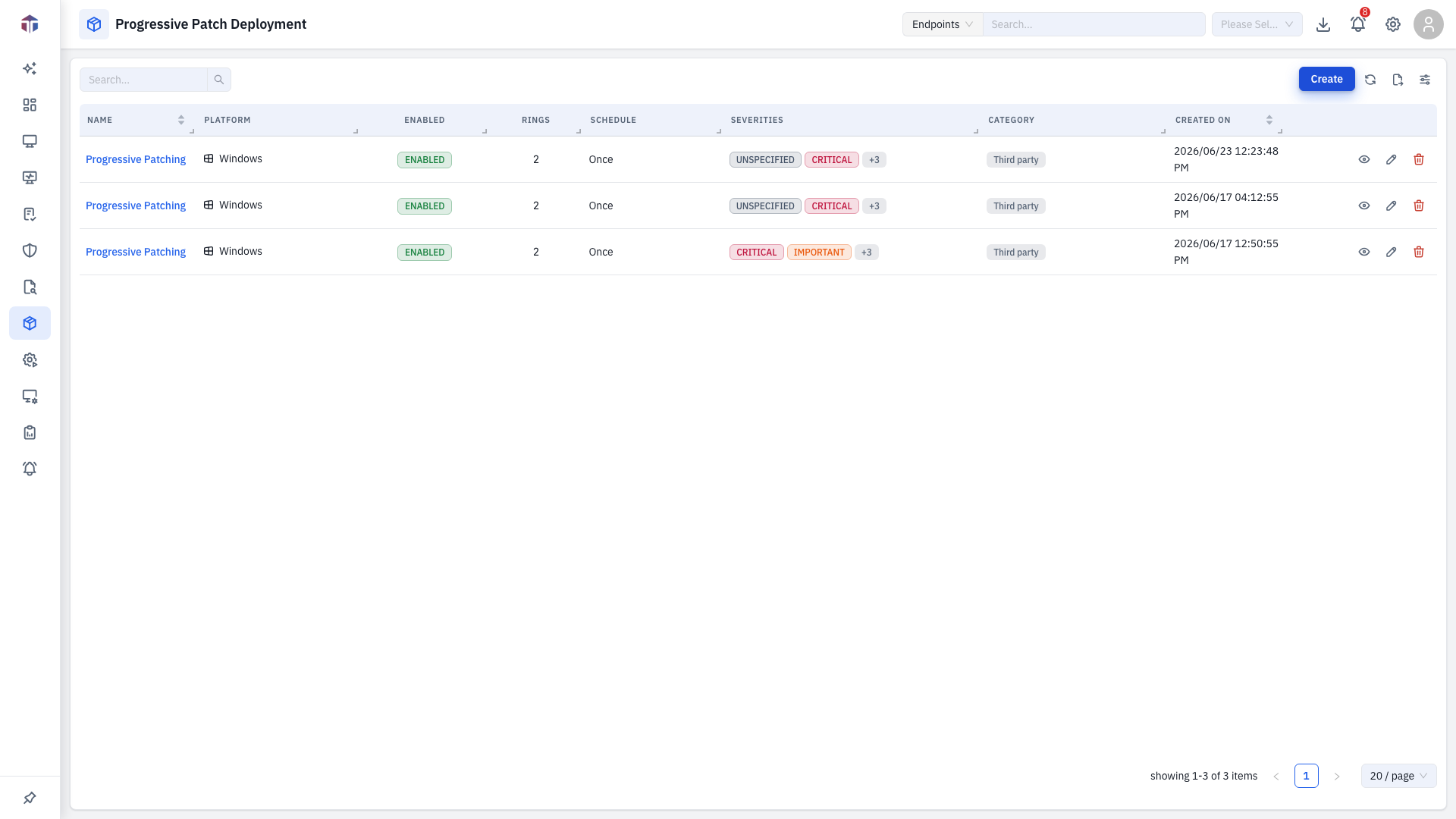
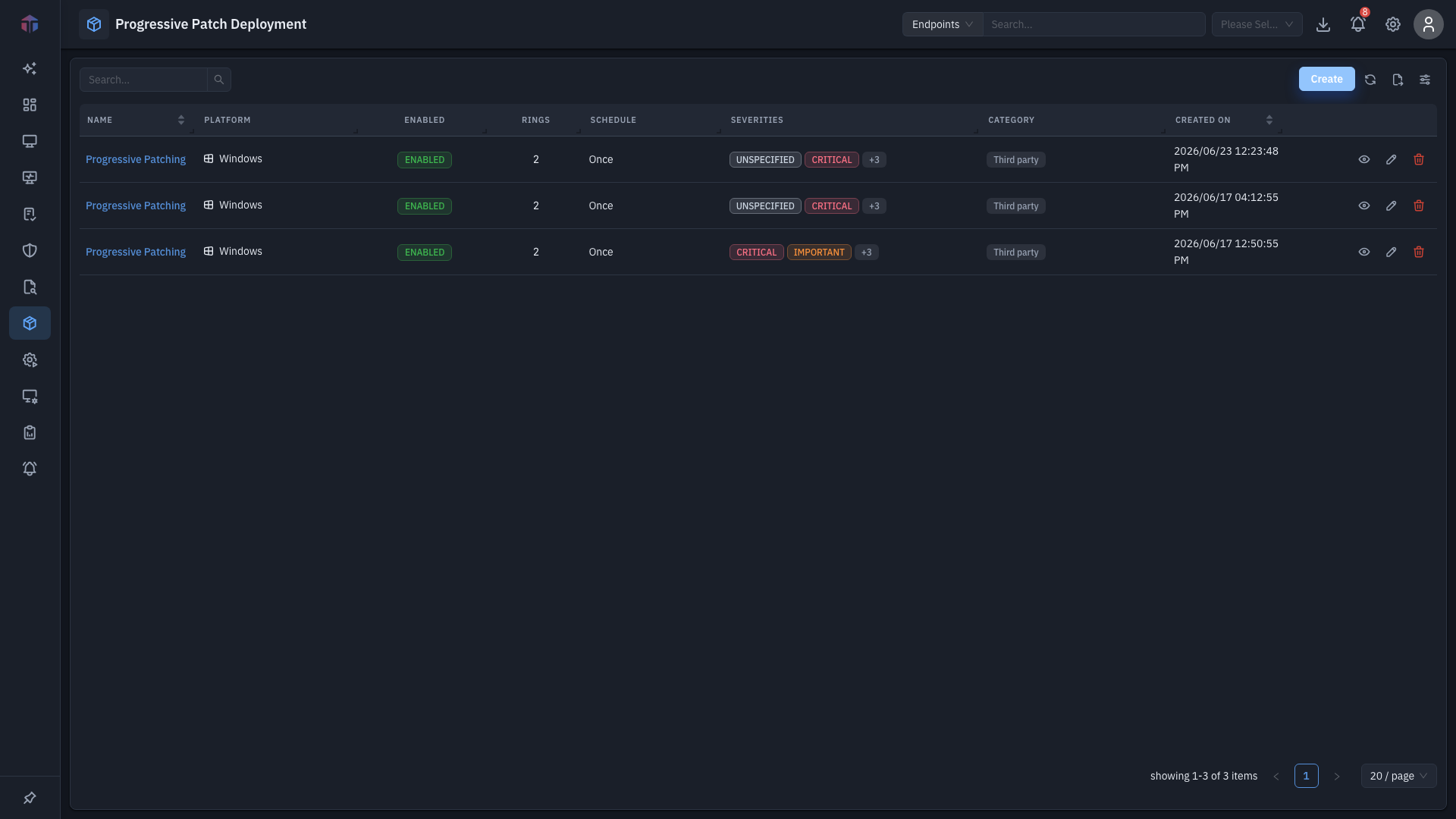
The shared deployment table lists your progressive deployments and their current ring / status. Click one to open its live detail.
How do I create a progressive deployment?
Click Create to open the form.
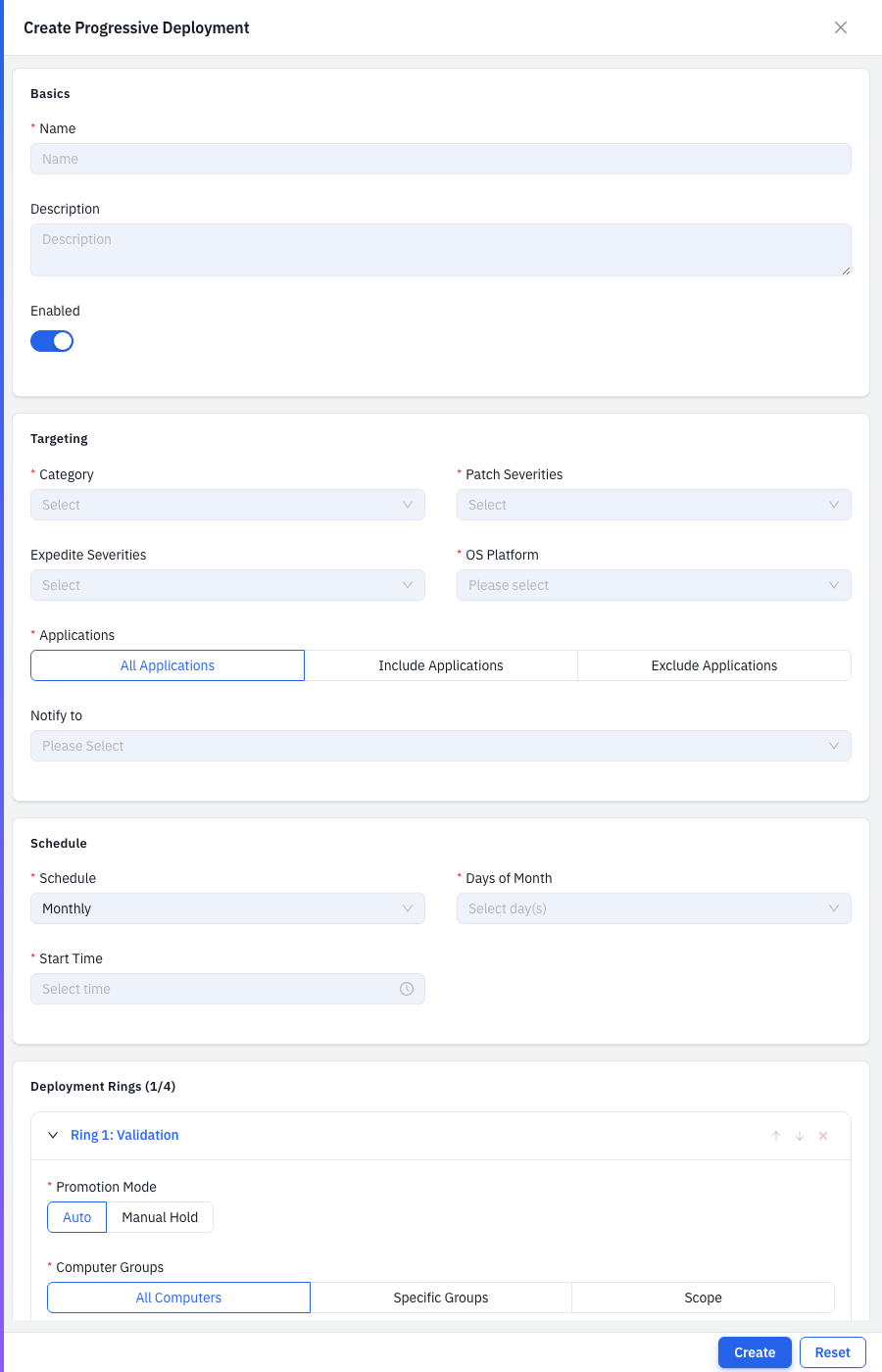
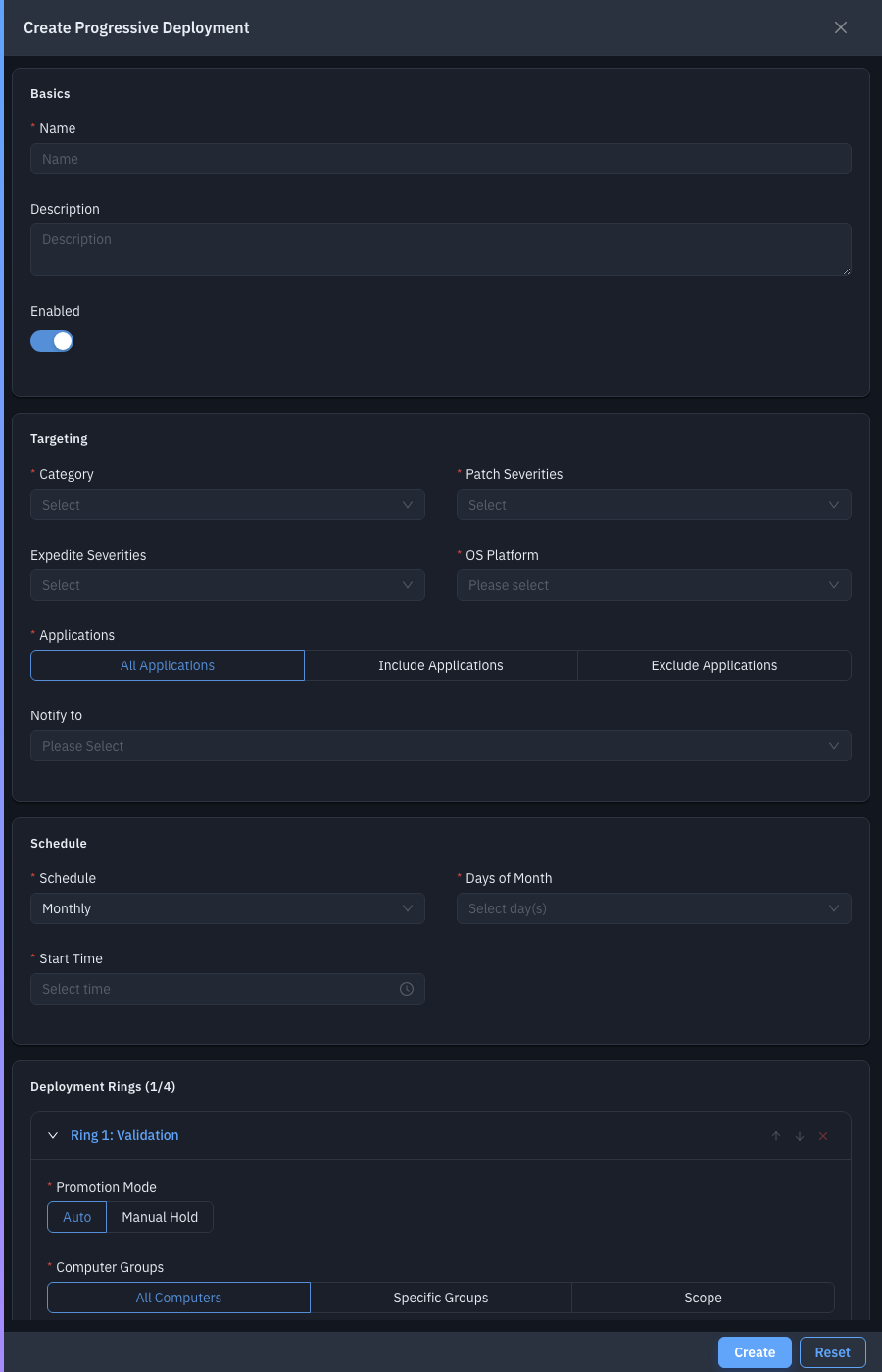
Top-level settings:
| Field | Required | Notes |
|---|---|---|
| Name / Description | Name required | Identify the deployment. |
| Category | Yes | Patch categories to include. |
| Patch Severities | Yes | Which severities to roll out. |
| Expedite Severities | — | Severities to fast-track. |
| OS Platform | Yes | Windows / Linux / … |
| Applications | Yes | All applications, or include/exclude specific ones. |
| Enabled | — | Turn the deployment on. |
| Notify to | — | Email recipients. |
| Schedule | — | When the rollout runs. |
Deployment Rings (up to four — Validation, Pilot, Controlled, Production). Per ring:
| Field | Notes |
|---|---|
| Promotion Mode | Auto or Manual Hold (wait for approval before promoting). |
| Computer Groups | All computers, specific groups, or a scope. |
| Deployment Policy | Execution policy for the ring. |
| Batch Size | Endpoints at a time. |
| Min Success % / Max Cancelled % | Thresholds that gate promotion. |
| Soak (minutes) | Wait time before promoting to the next ring. |
| Pre / Post Deployment Scripts | Scripts per ring. |
Reorder or remove rings with the per-ring controls; Add Ring adds the next stage.
Tips & troubleshooting
- A ring won't promote. It hasn't met its Min Success % / Max Cancelled % thresholds, is still in soak, or is on Manual Hold awaiting approval — check the detail.
Related
- Progressive Deployment detail — the live ring-by-ring rollout view.
- Computer Groups — ring targets.
- Deployment Policies — the per-ring Deployment Policy field.