Agent Approval Settings
Decide how new agents (endpoints trying to enroll) get approved — automatically, or only after an administrator reviews them.
How to get here
You reach this page through Settings, so you need administrator (settings) permission. If you don't see the Settings icon, ask your administrator for access.
- Sign in to EndpointOps.
- In the top-right of any screen, click the Settings (gear ⚙️) icon.
- In the Settings menu on the left, open Agent Management and click Agent Approval Settings.
Navigate to: Settings → Agent Management → Agent Approval Settings
URL path: /settings/agent-management/agent-approval-settings
The Agent Approval Settings screen
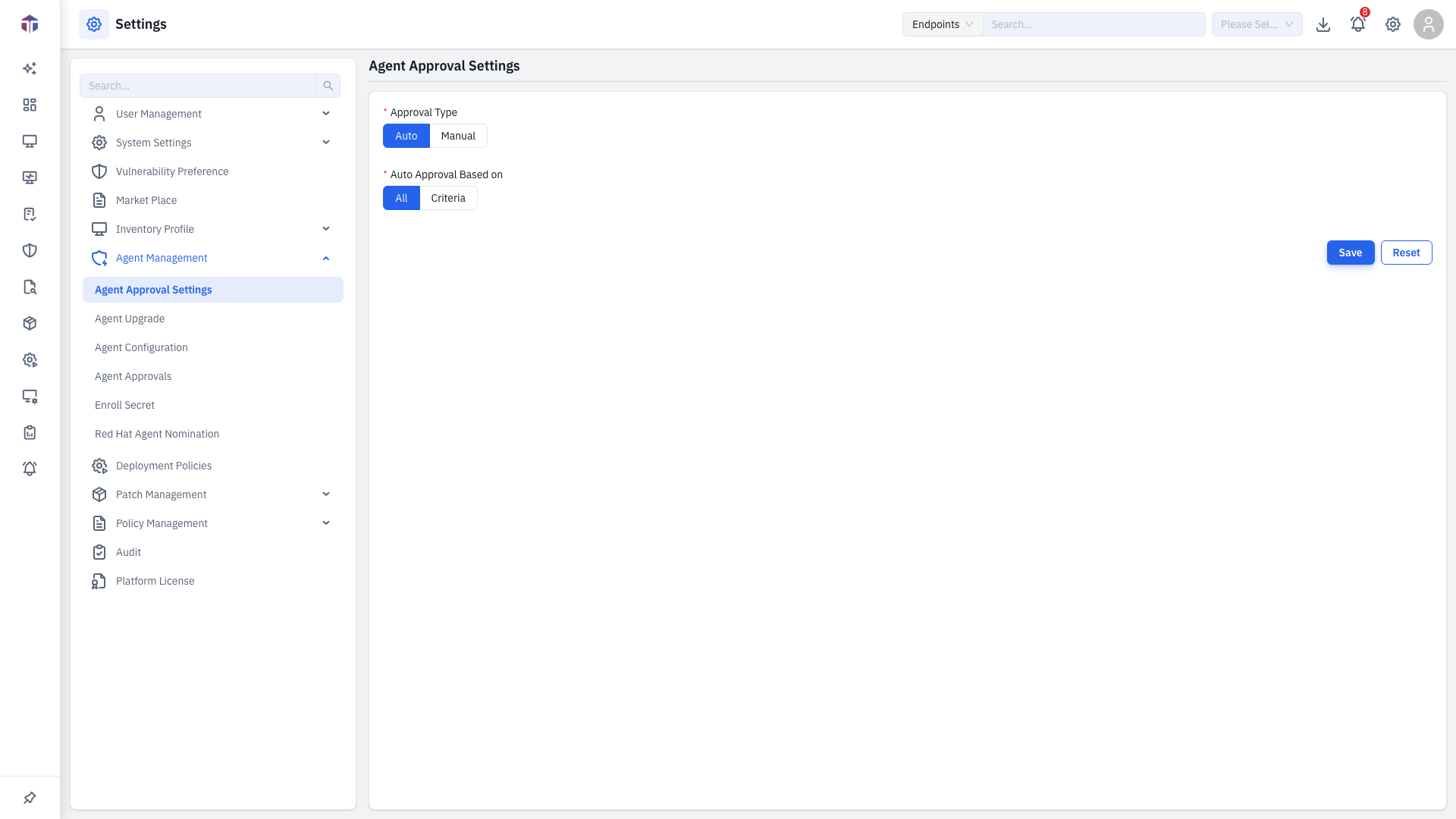
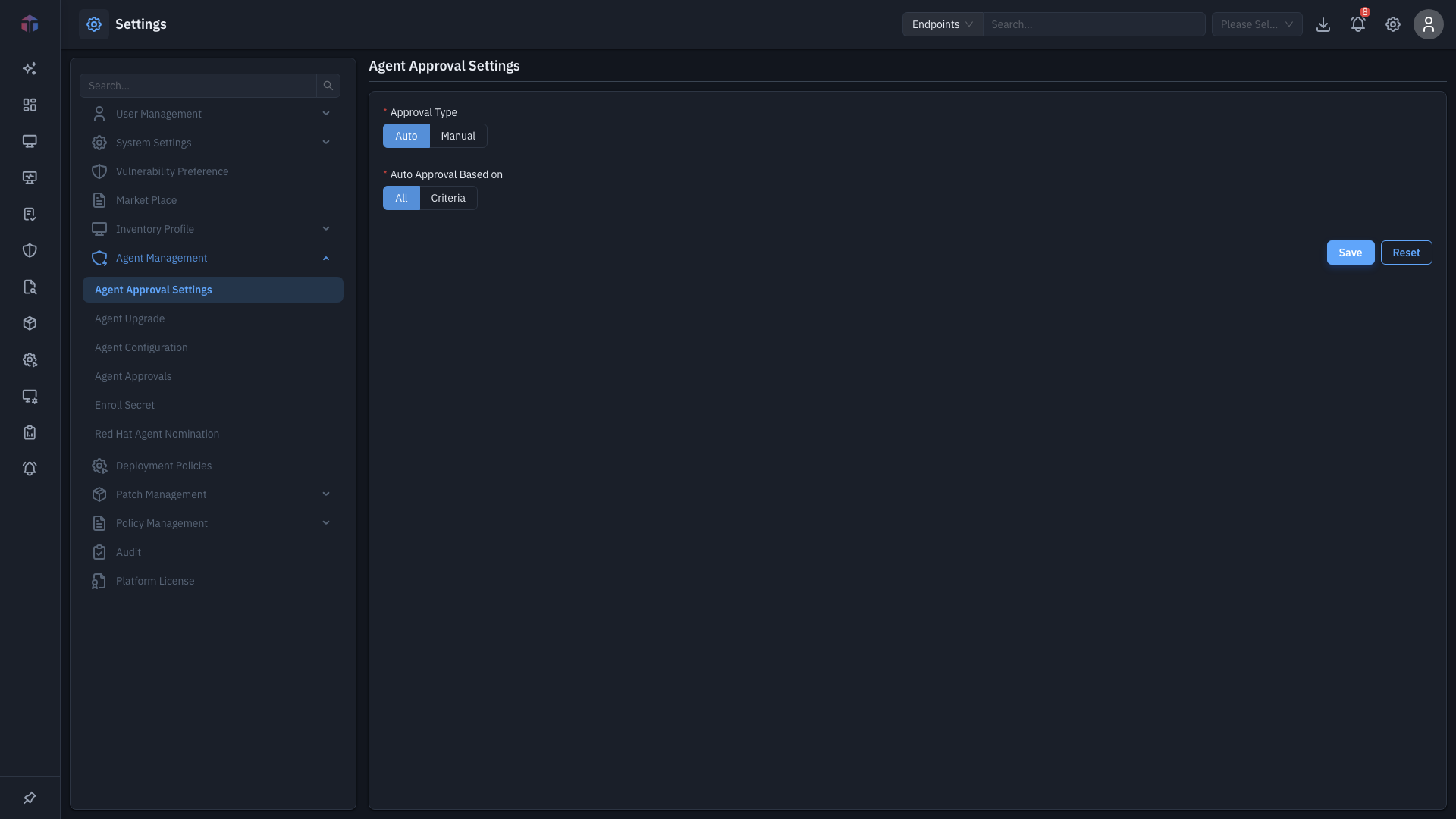
| Field | Required | Notes |
|---|---|---|
| Approval Type | Yes | Auto (approve enrolling agents automatically) or Manual (an admin approves each one on Agent Approvals). |
| Auto Approval Based on | Yes (if Auto) | All (approve every agent) or Criteria (only agents that match rules). |
| Approval Criteria | Yes (if Criteria) | One or more rules — see below. |
Approval criteria (Criteria mode)
Each rule has:
- Compare — IP Address or Host Name.
- Operator — Equal, Contains, Not Contains, Start With, End With, or Between.
- Value — what to match.
Add more rules and join them with AND / OR. Use the up/down arrows to reorder rules and the delete button to remove one.
How do I set it?
- Pick an Approval Type.
- For Auto, choose All or Criteria (and add rules for Criteria).
- Click Save. Use Reset to undo unsaved changes.
Manual approval
With Manual (or with Criteria that an agent doesn't match), enrolling agents wait on the Agent Approvals page until an admin approves them.
Related
- Agent Approvals — review and approve/reject pending agents.
- Enroll Secret — the secret agents use to enroll.