Red Hat Agent Nomination
Nominate which Red Hat endpoint handles Red Hat agent operations, and set how often it syncs. EndpointOps fills this list for you — you edit the nominated endpoint and its schedule.
How to get here
You reach this page through Settings, so you need administrator (settings) permission. If you don't see the Settings icon, ask your administrator for access.
- Sign in to EndpointOps.
- In the top-right of any screen, click the Settings (gear ⚙️) icon.
- In the Settings menu on the left, open Agent Management and click Red Hat Agent Nomination.
Navigate to: Settings → Agent Management → Red Hat Agent Nomination
URL path: /settings/agent-management/redhat-agent-nomination
The Red Hat Agent Nomination screen
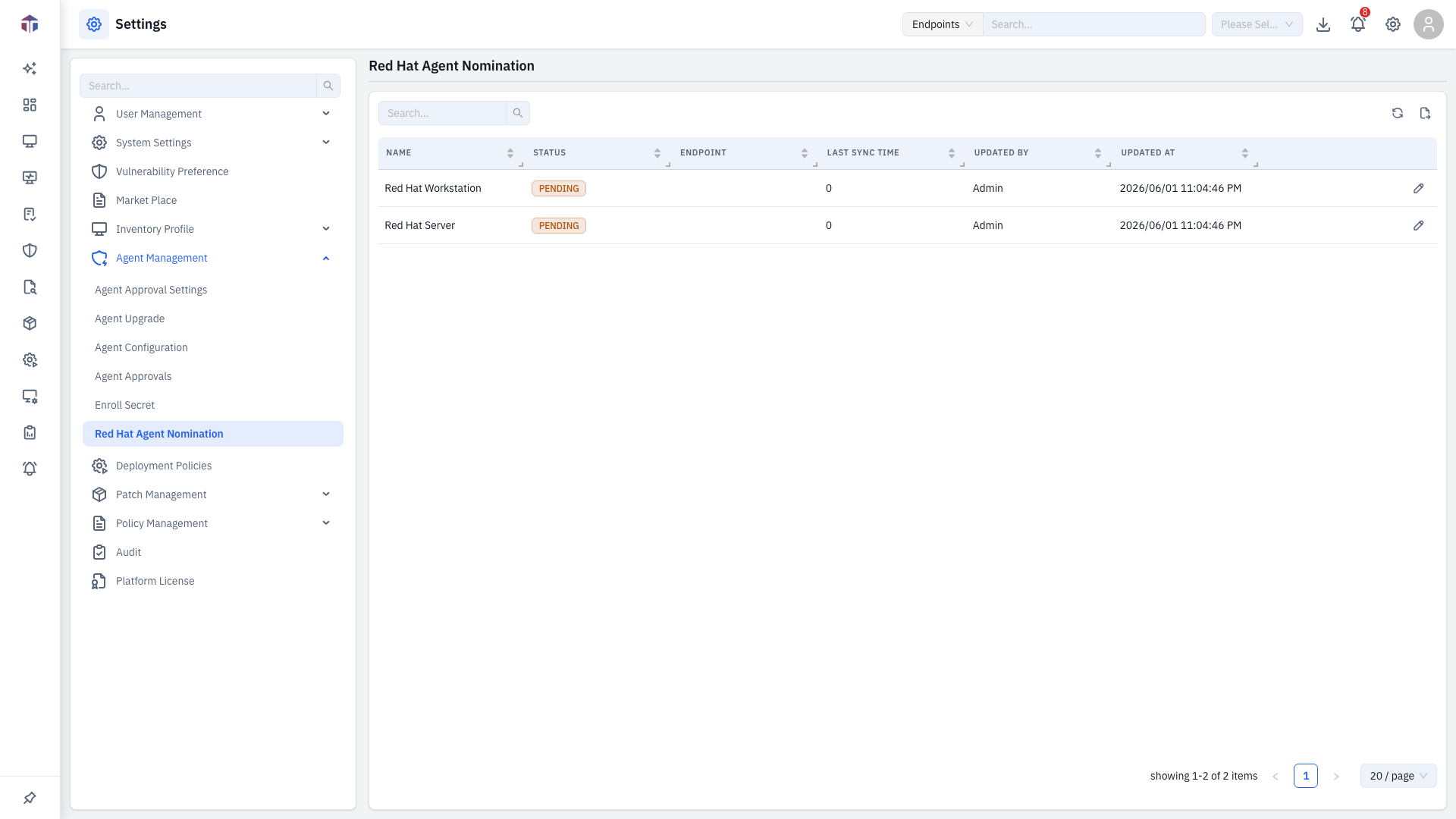
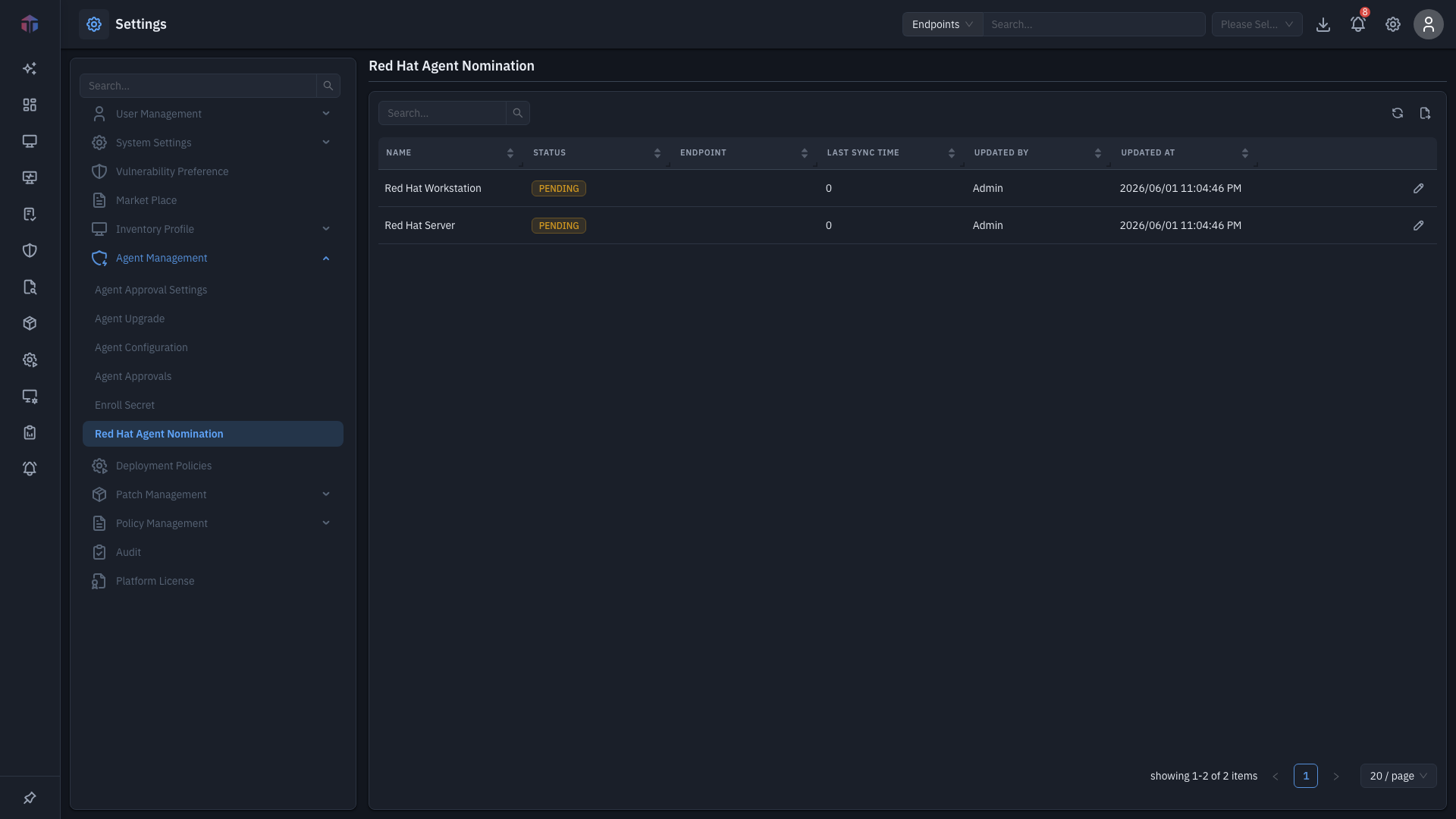
Columns: Name, Status, Endpoint, Last Sync Time, Updated By, Updated At, plus an edit (✏️) action.
This list is edit-only — you can't add or delete rows, and there's no column picker. Use search above the table to find a row.
How do I nominate an endpoint?
-
Click the edit (✏️) action on a row. The form panel opens.
-
Set the fields:
Field Required Notes Select Endpoint Yes The Red Hat endpoint to nominate (only matching endpoints are listed). Schedule Time Yes How often it syncs — choose Daily (pick a time) or Hourly (set the number of hours). -
Save. The Last Sync Time and Status update as it runs.
Related
- Agent Configuration — agent behavior and refresh cycles.