Audit
The Audit log records who did what in EndpointOps — every create, update, delete, sign-in, and sign-out. Use it to see a history of changes and who made them.
How to get here
You reach this page through Settings, so you need administrator (settings) permission. If you don't see the Settings icon, ask your administrator for access.
- Sign in to EndpointOps.
- In the top-right of any screen, click the Settings (gear ⚙️) icon.
- In the Settings menu on the left, click Audit.
Navigate to: Settings → Audit
URL path: /settings/audit
The Audit screen
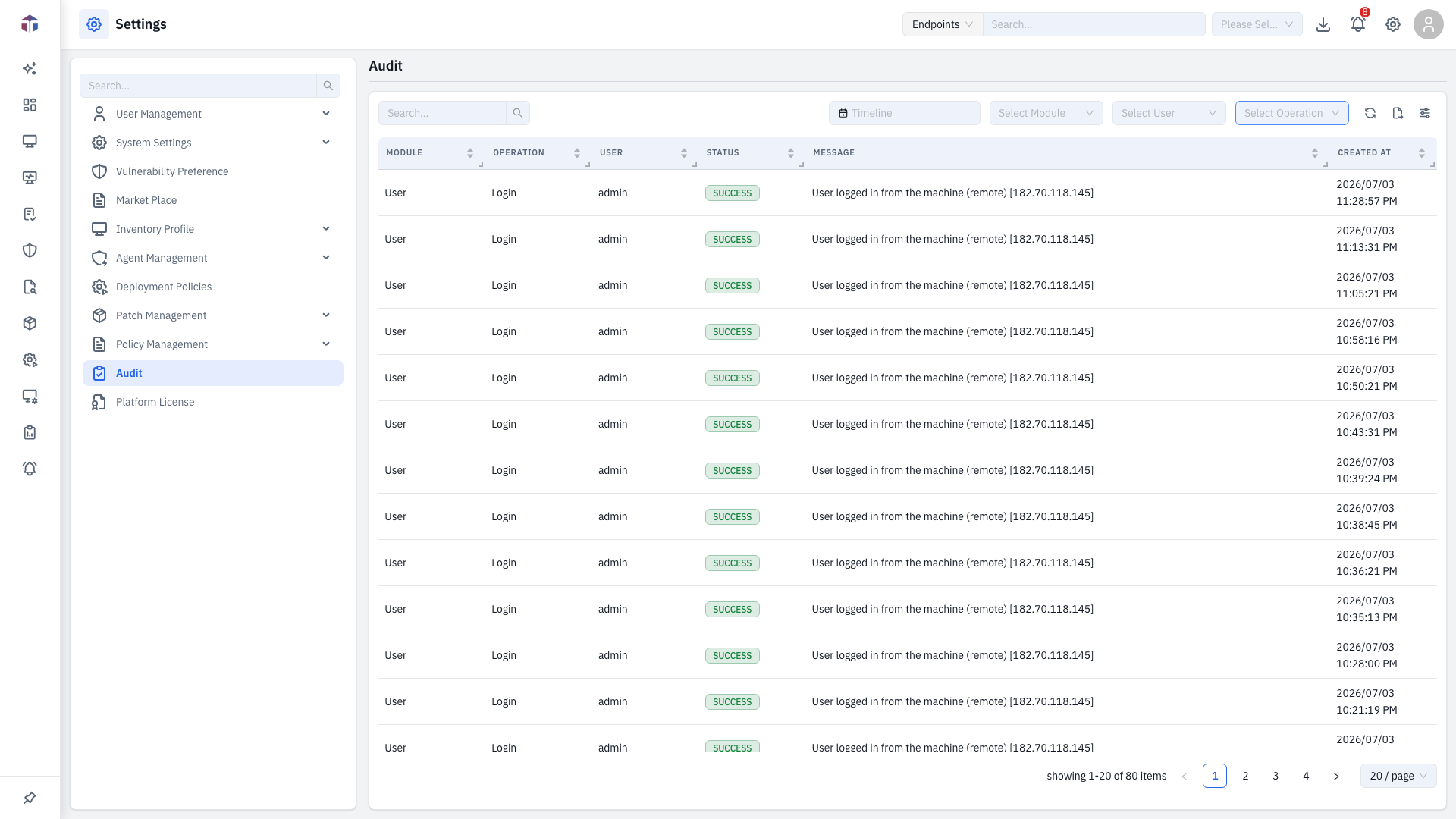
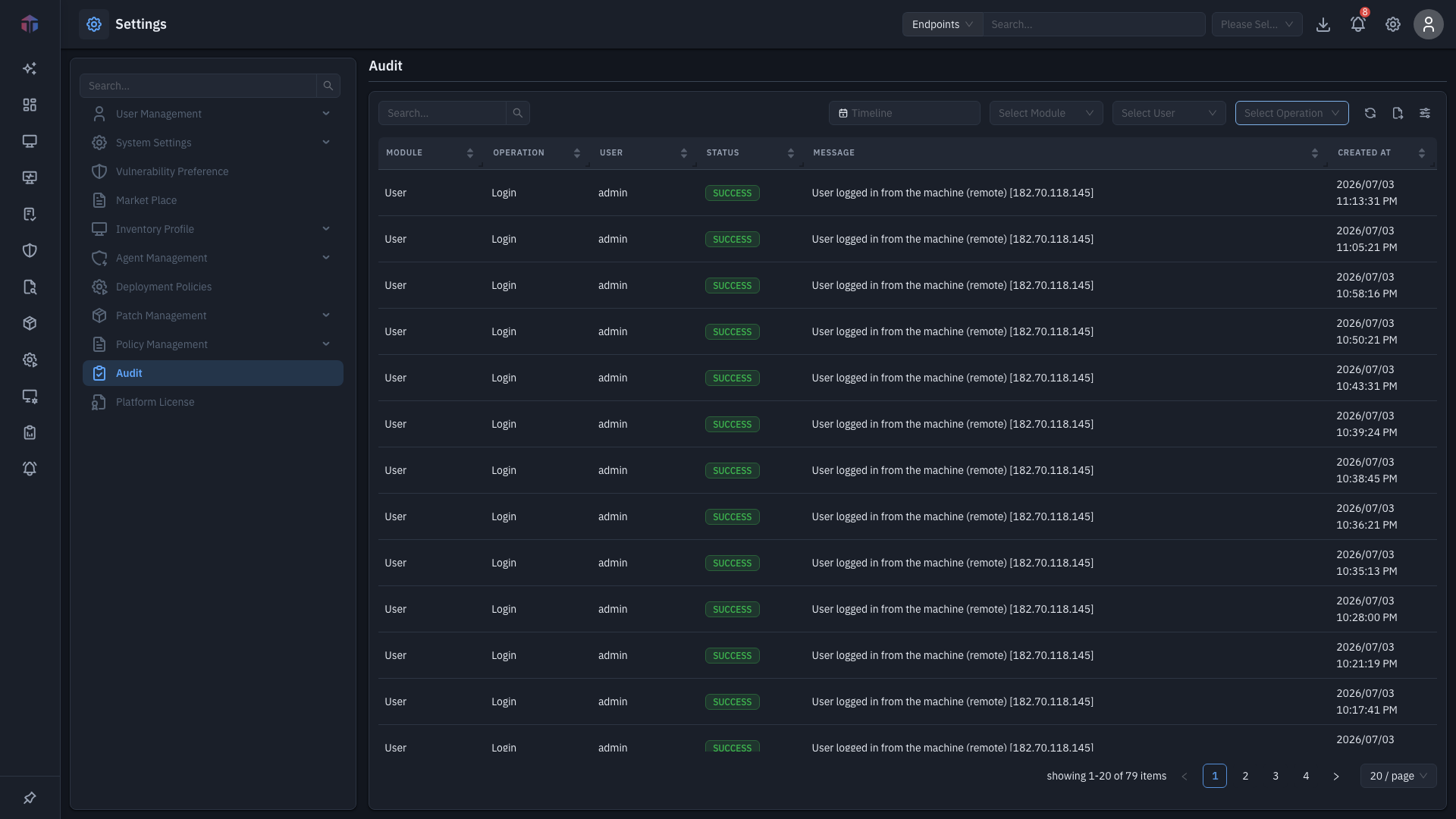
Columns: Module, Operation, User, Status, Message, Created At.
The audit log is read-only — you can view and filter entries, but not change them.
How do I filter the log?
Use the filters above the table to narrow what you see:
- Timeline — a date/time range.
- Module — which part of the product the action touched.
- User — who performed the action.
- Operation — Create, Update, Delete, Login, or Logout.
Combine filters to drill in (for example, all Delete operations by a given user in the last week). Use the Export (↗) toolbar action to download the filtered log, and the Columns icon to choose which columns show.
Related
- User Management → Users — the users whose actions appear here.