Patch Preferences
Control how EndpointOps handles patching: whether it's on, how patches are approved, which operating systems to sync patches for, and on what schedule.
How to get here
You reach this page through Settings, so you need administrator (settings) permission. If you don't see the Settings icon, ask your administrator for access.
- Sign in to EndpointOps.
- In the top-right of any screen, click the Settings (gear ⚙️) icon.
- In the Settings menu on the left, open Patch Management and click Patch Prefrences (the menu label is spelled Prefrences in the product).
Navigate to: Settings → Patch Management → Patch Prefrences (sic)
URL path: /settings/patch-management/patch-preference
The Patch Preferences screen
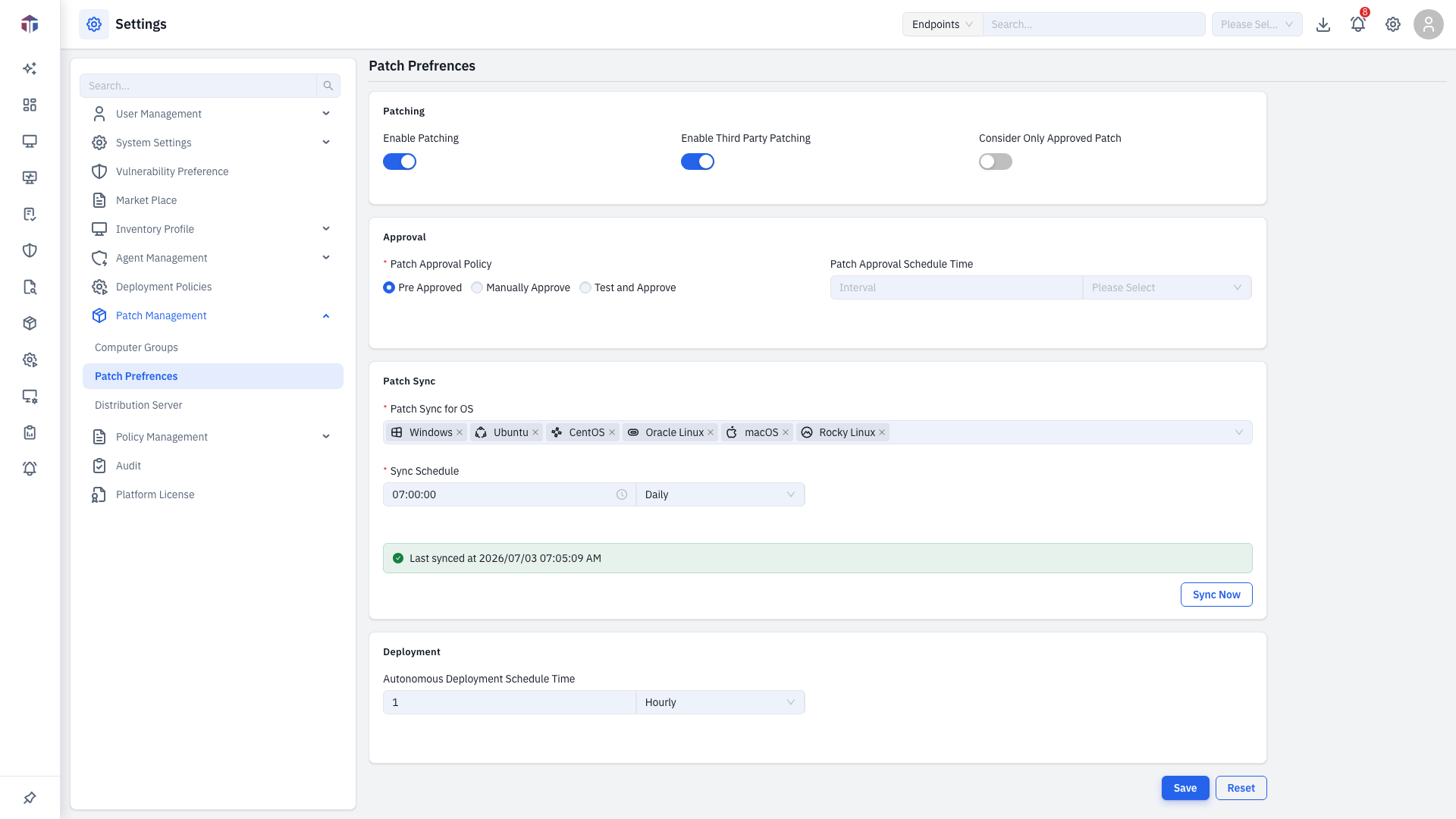
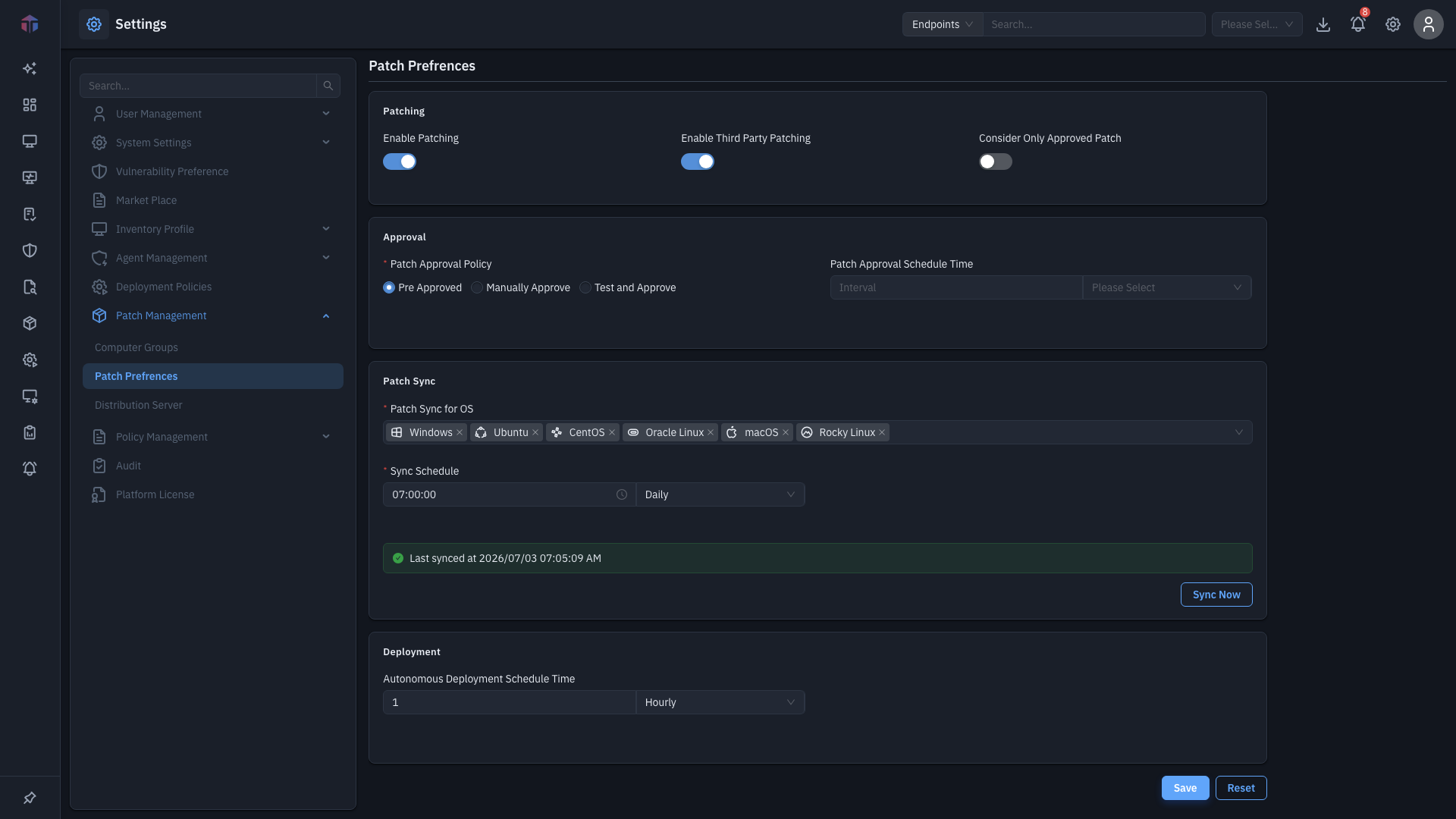
| Field | Required | Notes |
|---|---|---|
| Enable Patching | — | Turn patching on or off. |
| Patch Approval Policy | Yes | Pre Approved (auto), Manually Approve, or Test and Approve. |
| Consider Only Approved Patch | — | Deploy only patches that have been approved. |
| Enable Third Party Patching | — | Also patch third-party software, not just the OS. |
| Patch Sync for OS | Yes | Which operating systems to fetch patches for (Windows, Ubuntu, CentOS, Oracle Linux, macOS, Rocky Linux, Red Hat). |
| Schedule Time | Yes | When patch sync runs — Daily (a time) or Hourly (every N hours). |
| Patch Approval Schedule Time | No | When auto-approval runs. |
| Zero Touch Deployment Schedule Time | No | When zero-touch deployments run. |
A line near the buttons shows when patches were Last Synced.
How do I configure patching?
- Turn on Enable Patching.
- Pick a Patch Approval Policy and the OS platforms to sync.
- Set the Schedule Time (and the optional approval / zero-touch schedules).
- Click Save. Use Reset to undo unsaved changes.
How do I sync patches now?
Click Sync Now to fetch the latest patch data immediately, without waiting for the schedule. The Last Synced line updates when it finishes.
In a multi-tenant deployment, individual tenants see a reduced set of options (Red Hat only) and the Enable Patching / Enable Third Party Patching switches are managed from the default (provider) tenant.
Related
- Computer Groups — target endpoints for patch deployment.
- Distribution Server — cache patches locally.
- Settings → Vulnerability Preference — the CVE database behind patching.