Inventory Drift
Inventory drift is when an endpoint's software or hardware changes — software is installed or removed, or hardware is added or pulled. This page lets you choose which changes to watch and who gets notified.
Availability
Inventory Drift is available on EndpointOps editions and above. If you don't see it in the menu, your license doesn't include it.
How to get here
You reach this page through Settings, so you need administrator (settings) permission. If you don't see the Settings icon, ask your administrator for access.
- Sign in to EndpointOps.
- In the top-right of any screen, click the Settings (gear ⚙️) icon.
- In the Settings menu on the left, open Policy Management and click Inventory Drift.
Navigate to: Settings → Policy Management → Inventory Drift
URL path: /settings/policy-management/inventory-drift
The Inventory Drift screen
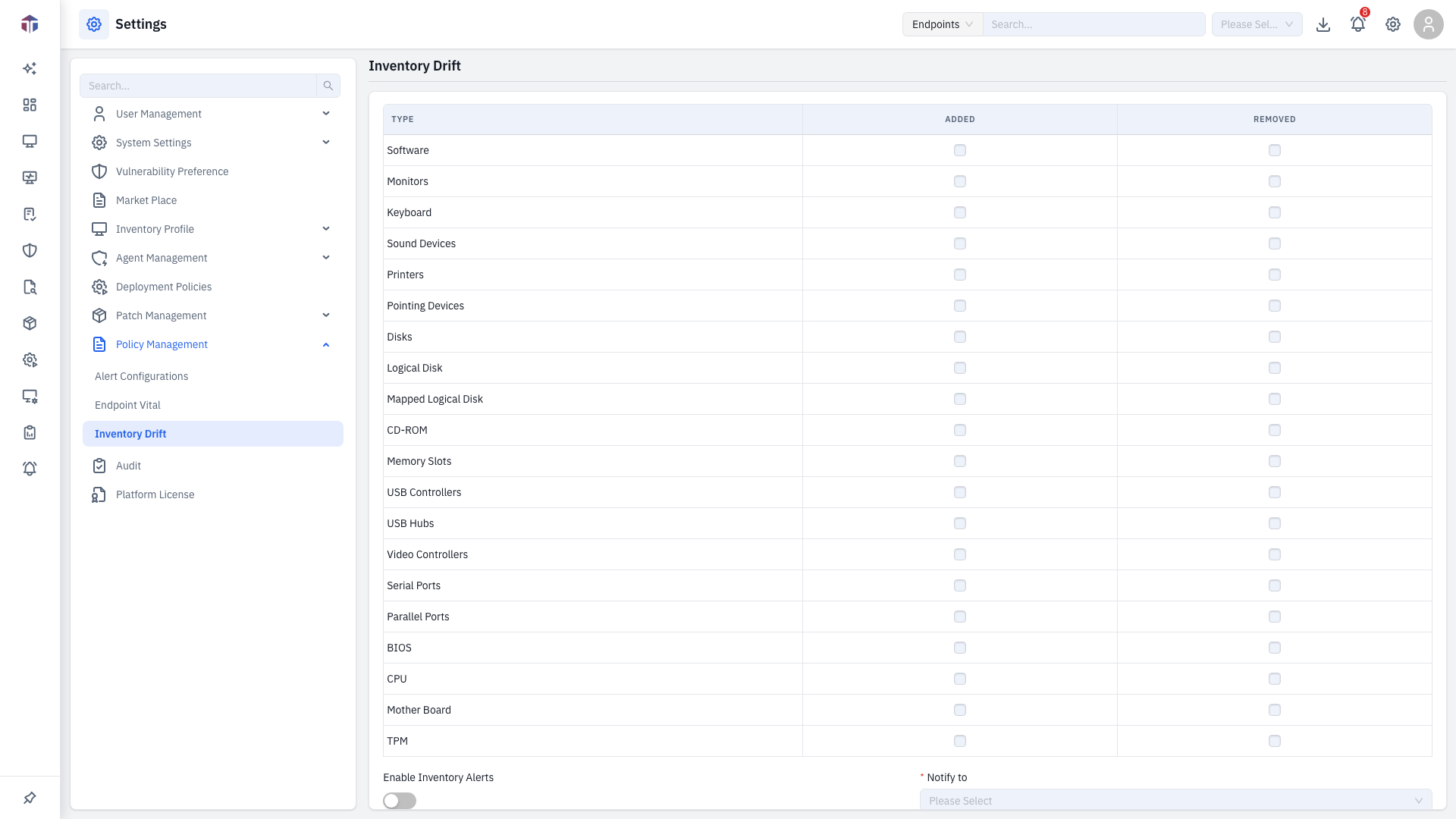
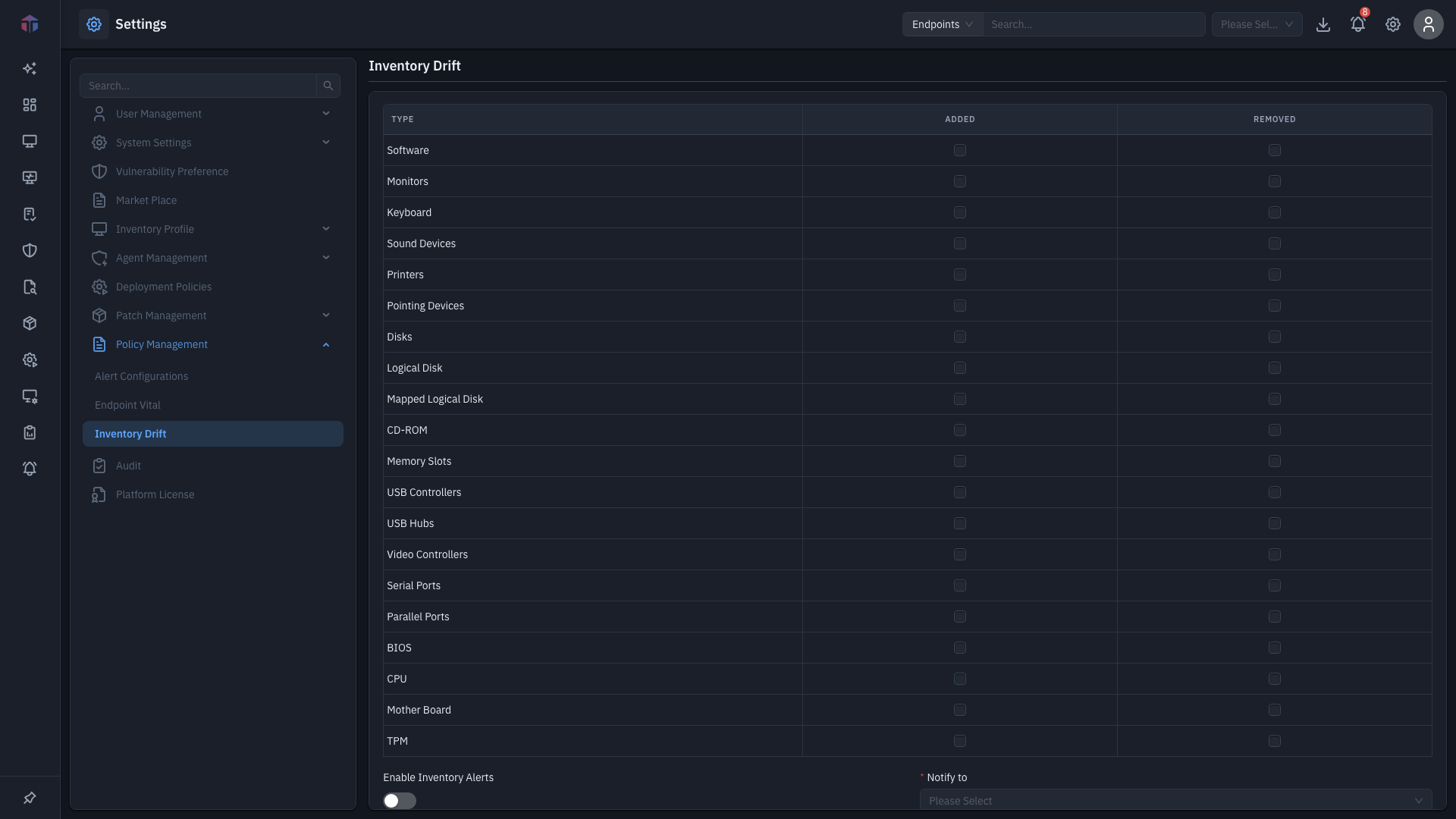
The screen has a table of change types you can watch, plus alert settings:
- Software — tick Installation and/or Uninstallation.
- Hardware — for each component (BIOS, CD-ROM, CPU, TPM, RAM, USB Controllers, USB Hubs), tick Added and/or Removed.
- Enable Inventory Alerts — turn alerting on or off.
- Notify to — the recipients who get the alert (at least one is required).
How do I set it up?
- Tick the software and hardware changes you want to be alerted about.
- Turn on Enable Inventory Alerts.
- Add at least one recipient under Notify to.
- Click Save Settings.
Related
- Alert Configurations — attribute-based alert rules.
- Endpoint Vital — custom command-based checks.