ZiroScore Settings
ZiroScore is the risk score EndpointOps gives each endpoint. This page controls how much each factor counts toward that score.
How to get here
You reach this page through Settings, so you need administrator (settings) permission. If you don't see the Settings icon, ask your administrator for access.
- Sign in to EndpointOps.
- In the top-right of any screen, click the Settings (gear ⚙️) icon.
- In the Settings menu on the left, open System Settings and click ZiroScore Settings.
Navigate to: Settings → System Settings → ZiroScore Settings
URL path: /settings/system-settings/ziroscore-settings
The ZiroScore screen
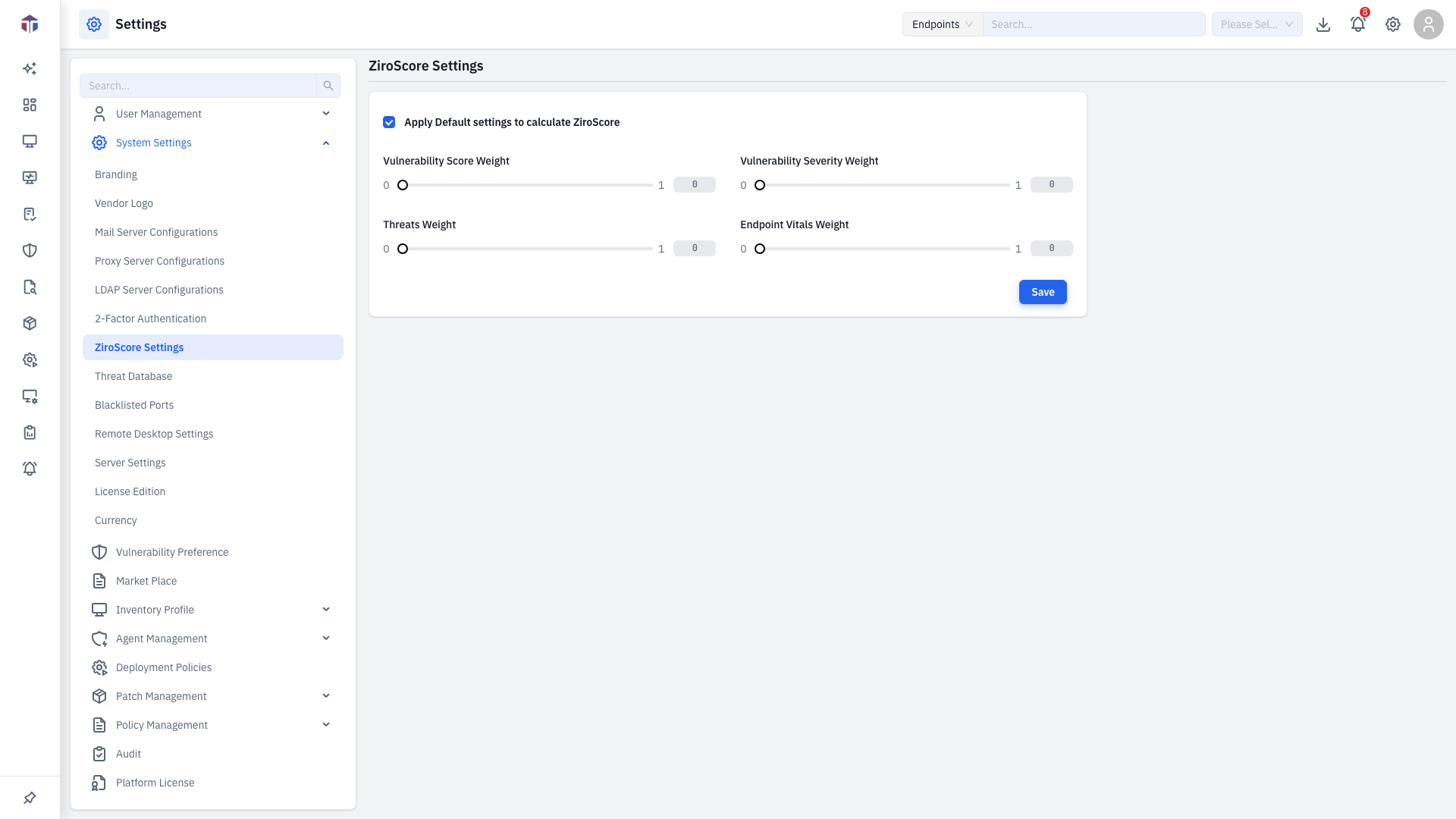
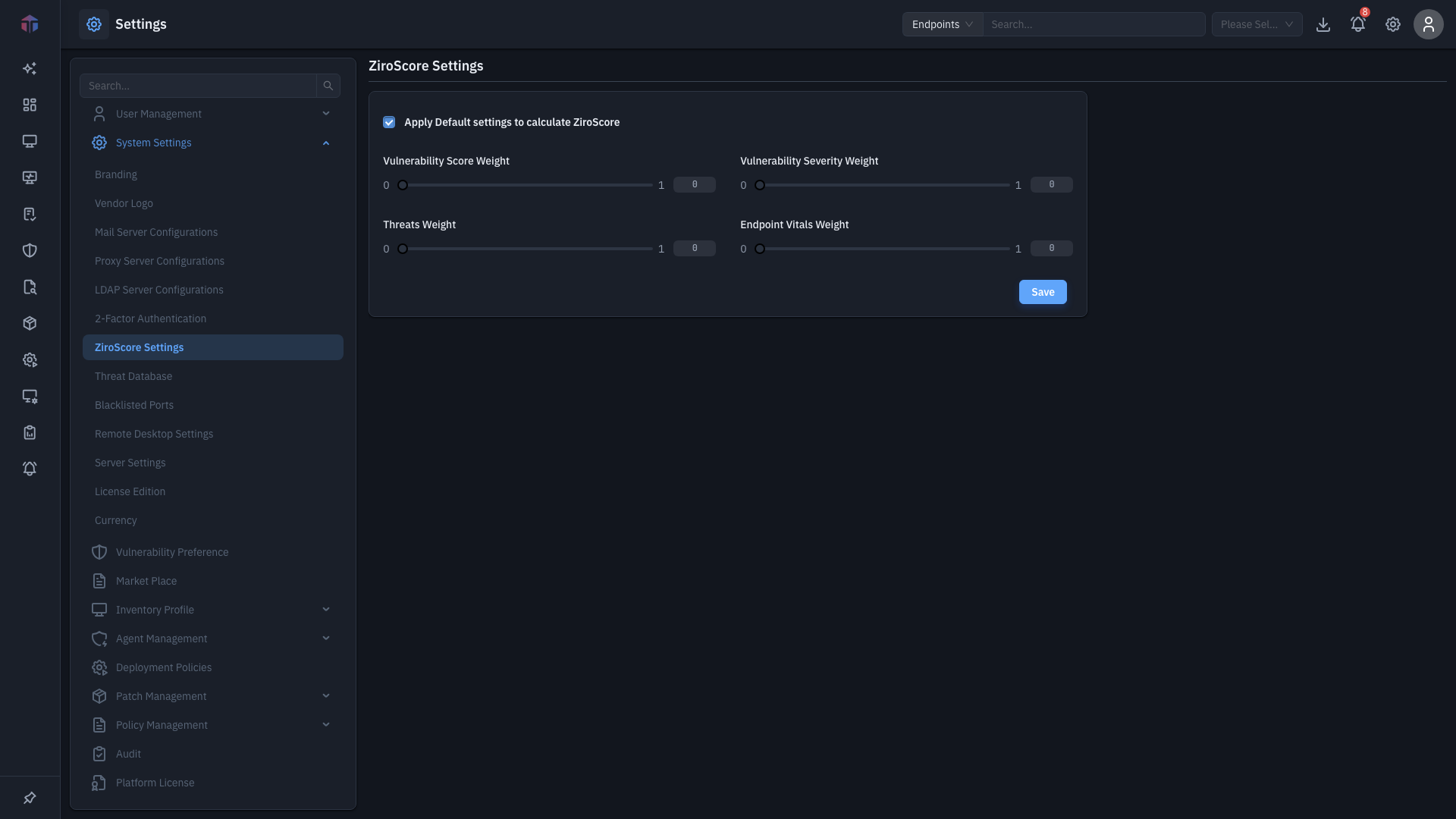
| Control | What it does |
|---|---|
| Apply Default settings to calculate ZiroScore | When ticked, EndpointOps uses its built-in weights and the sliders are locked. |
| Vulnerability Score Weight | How much a vulnerability's score counts (0–1). |
| Vulnerability Severity Weight | How much vulnerability severity counts (0–1). |
| Threats Weight | How much detected threats count (0–1). |
| Endpoint Vitals Weight | How much endpoint vitals (quick checks) count (0–1). |
Each slider runs from 0 to 1 and shows its current value beside it.
How do I adjust the weights?
- Untick Apply Default settings to calculate ZiroScore to unlock the sliders.
- Drag each slider to set its weight (0 = ignored, 1 = full weight).
- Click Save.
Defaults lock the sliders
While Apply Default settings is ticked, the sliders are disabled and EndpointOps uses its standard weighting. Untick it to set your own.
Related
- Threat Database — the threat data that feeds the Threats weight.