Vulnerabilities
Vulnerabilities is the fleet-wide list of CVEs found across your endpoints (and network devices) — scored, prioritised, and linked to the machines and software they affect. Sibling views cover Zero-Day Vulnerabilities and Manage Exceptions.
How to get here
You need View Vulnerability permission, and this module requires the ZiroPatchPlus edition.
- In the left sidebar, click Vulnerability to expand it, then click Vulnerabilities.
Navigate to: Vulnerability → Vulnerabilities
URL path: /vulnerability/all
The Vulnerabilities screen
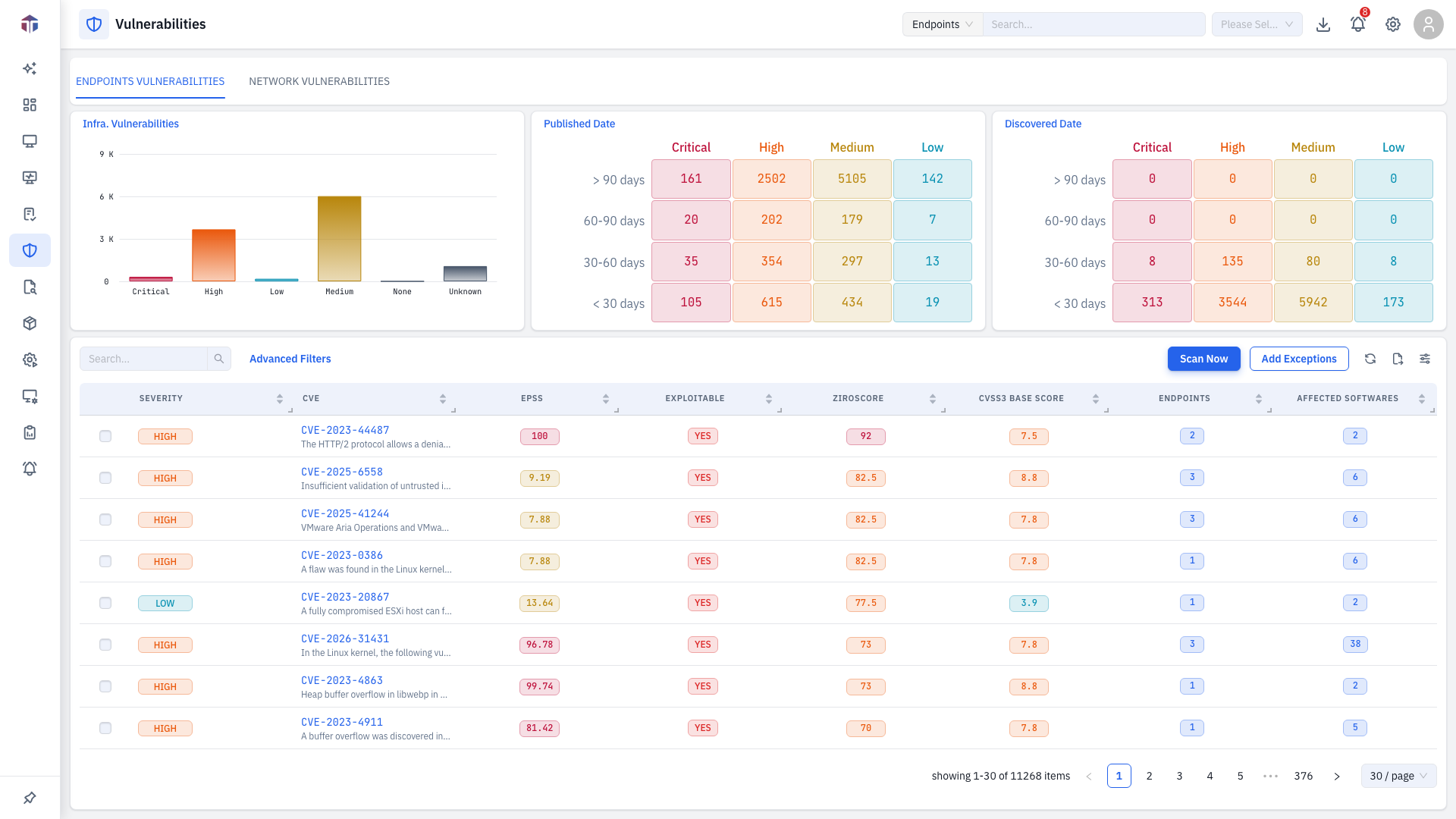
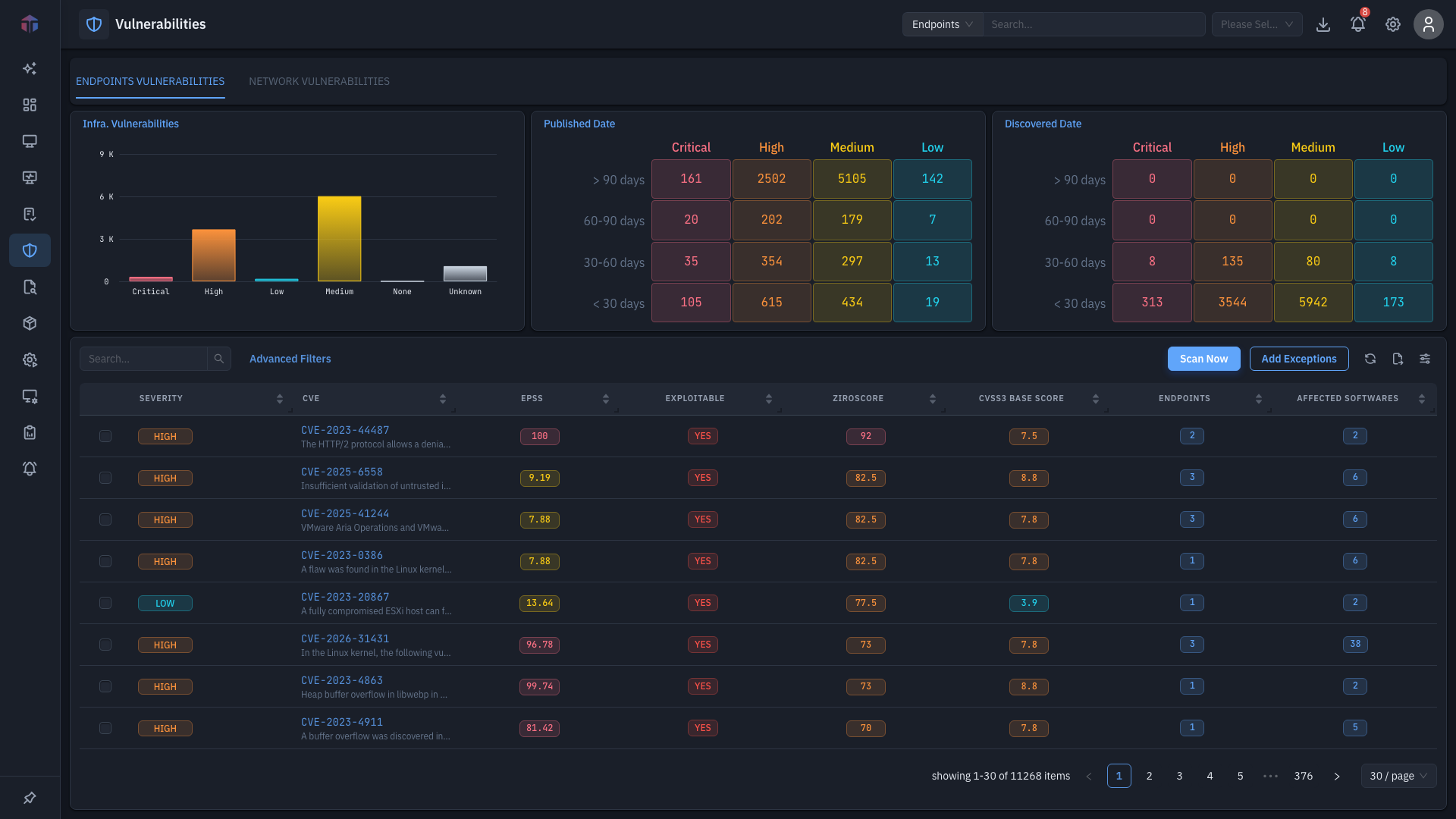
Tabs at the top split the view:
- Endpoints Vulnerabilities — CVEs from installed software.
- Network Vulnerabilities — CVEs on network-device firmware (EndpointOps edition).
Overview charts sit above the table:
- Infra. Vulnerabilities — counts by severity.
- Published Date and Discovered Date — matrices of CVE age (under 30 days, 30–60, 60–90, over 90) by severity.
Use the filters (Severity, Module, Status) and Search to narrow the list.
Columns
| Column | What it shows |
|---|---|
| Severity | Critical / High / Medium / Low, as a tag. |
| CVE | The CVE id — click for full detail. |
| EPSS | Exploit-prediction probability, as a score. |
| Exploitable | Whether it's a CISA known-exploited CVE (Yes/No). |
| Description | What the CVE is. |
| ZiroScore | The product's blended risk score. |
| CVSS3 Base Score / CVSS2 Base Score | CVSS base scores. |
| Endpoints / Devices | Affected machine count — a clickable count. |
| Affected Softwares | Affected package count — a clickable count. |
| Published | When the CVE was published. |
Many more CVSS3 / CVSS4 detail columns and CWE are available via the column picker. The toolbar has Scan Now (re-assess against the latest feed) and Add Exceptions (exclude selected CVEs — see Manage Exceptions), plus a list / card toggle.
Advanced filters
For anything beyond the basic Severity / Module / Status filters, click Advanced Filters (next to the search box — the number in parentheses shows how many conditions are active). It opens a query builder.
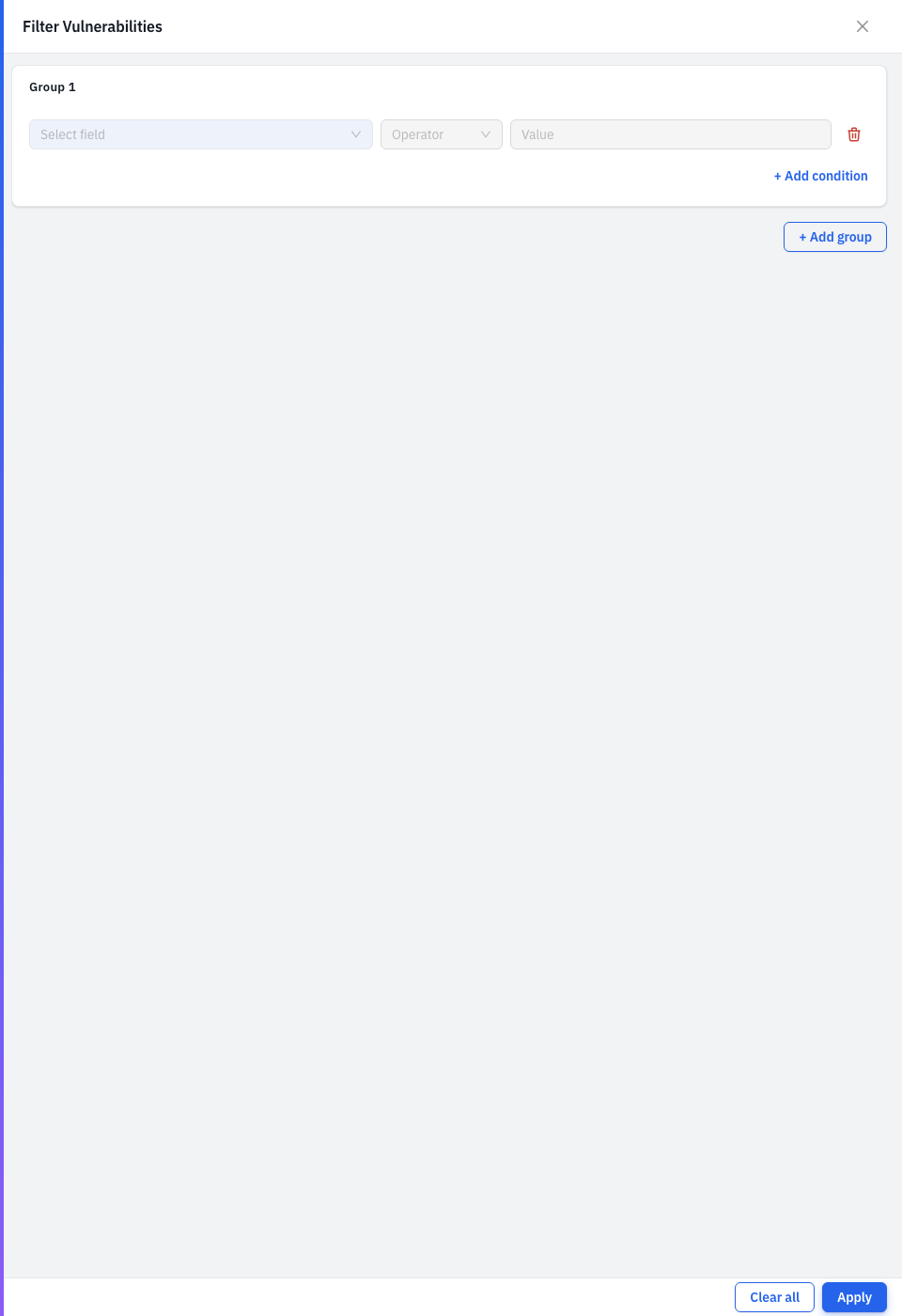
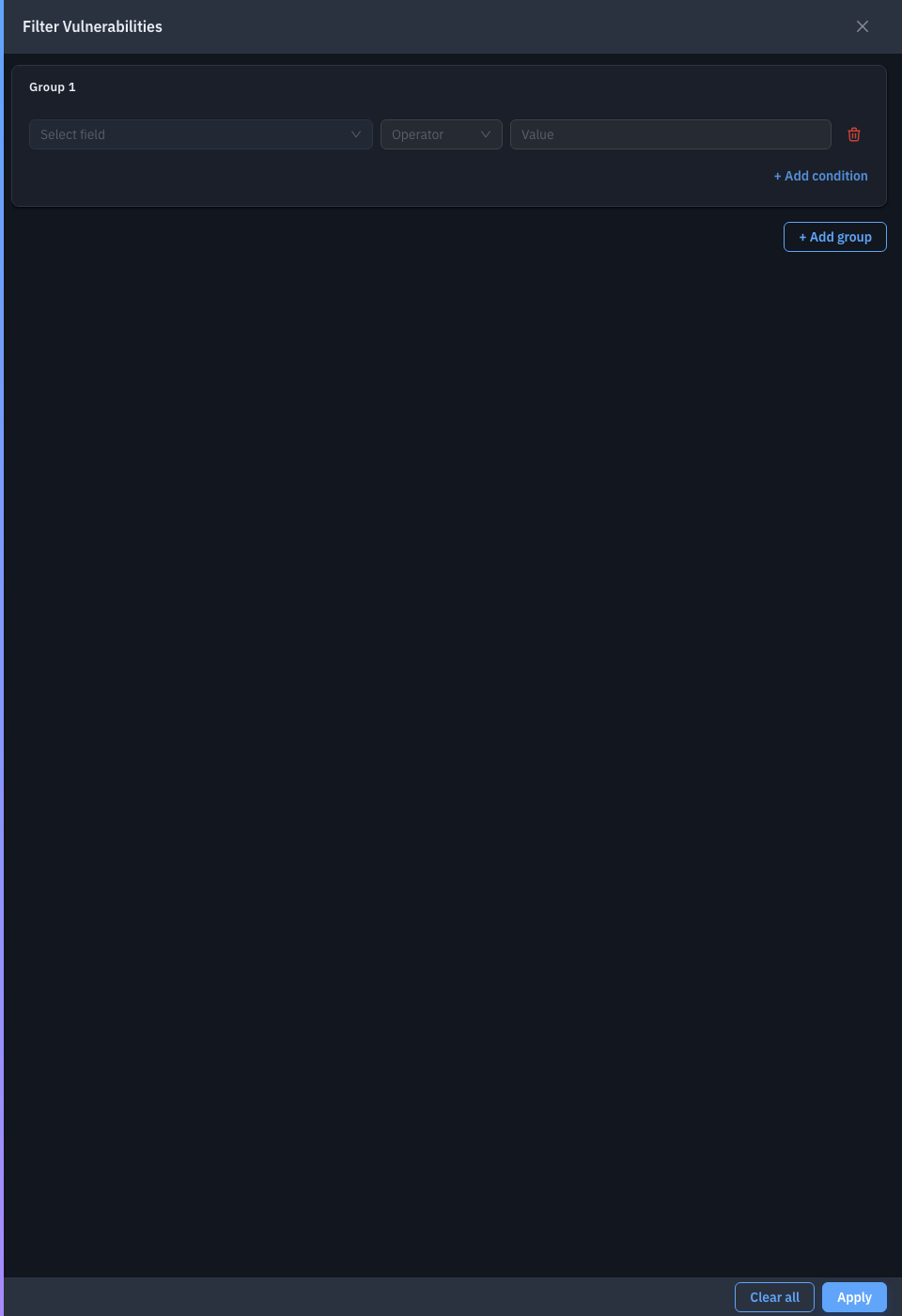
You build conditions of field + operator + value and combine them:
- Add Filter (right pane) — pick a field, then its operator and value. Fields cover Severity, Platform (Windows / Linux / Mac), CVE, Score, EPSS, Exploitable, Zero Day, KB Article, Mitre Threat, Description, and the full CVSS2 / CVSS3 / CVSS4 set (vectors, sub-scores, severities). The operator adapts to the field type — In for severity/dropdown fields, Equal and comparisons for text/number fields.
- Conditions inside a group combine with the group's AND / OR. Use Add Group to add another group, and the AND / OR selector between groups to set how the groups combine — so you can express things like "(Critical AND Exploitable) OR (EPSS high)".
- Discard clears everything; the active-condition count stays on the Advanced Filters button so you always know a filter is in effect.
Drill-down: CVE details
Click a CVE to open its detail drawer.
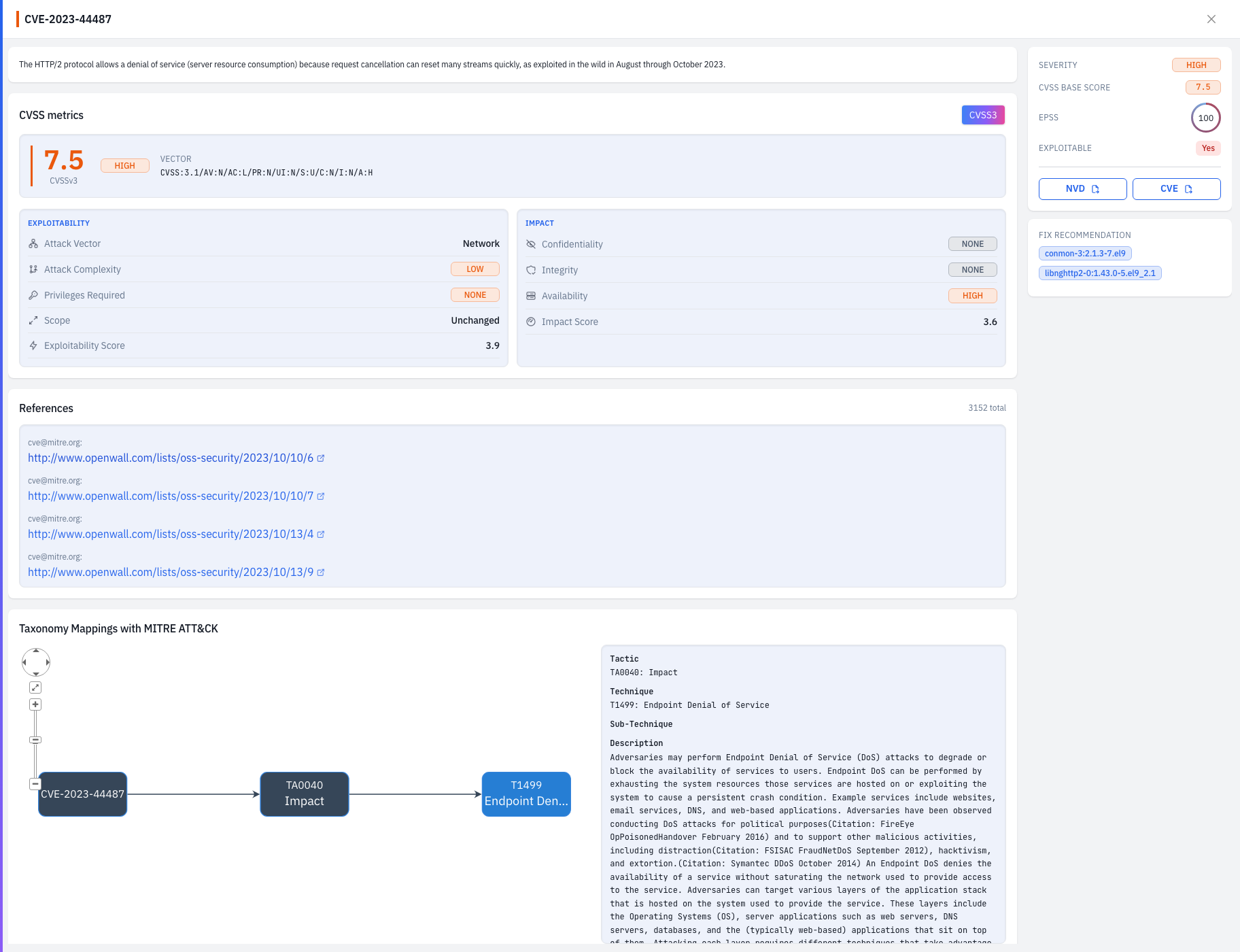
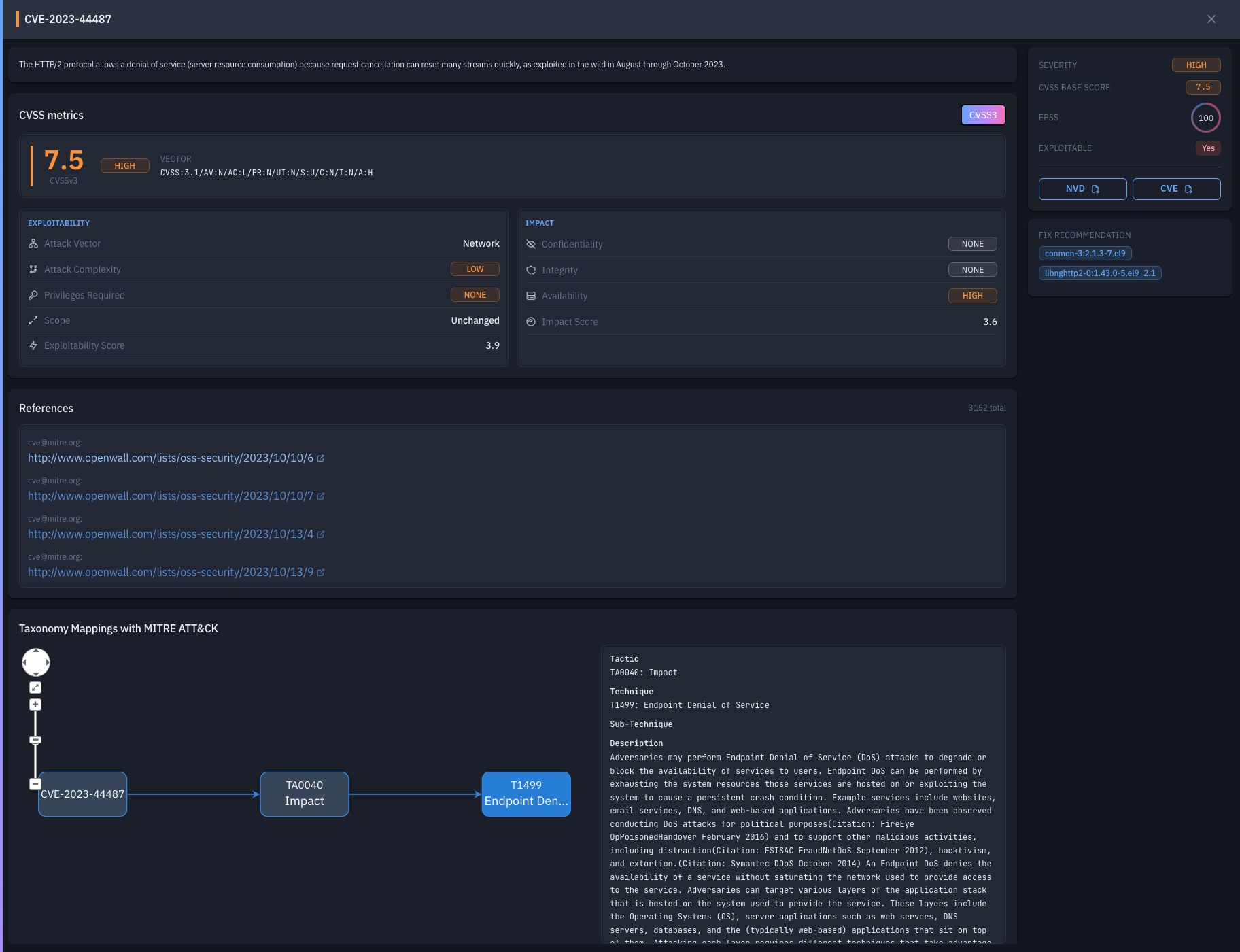
It shows the description, EPSS and Exploitable flag, NVD / CVE links, a CVSS3 / CVSS2 / CVSS4 metric grid, References, a Fix Recommendation (related patches / KB / resolved versions, with Fix Now to deploy), and MITRE ATT&CK taxonomy mappings.
Drill-down: affected endpoints
Click an Endpoints (or Devices) count to see the affected machines.
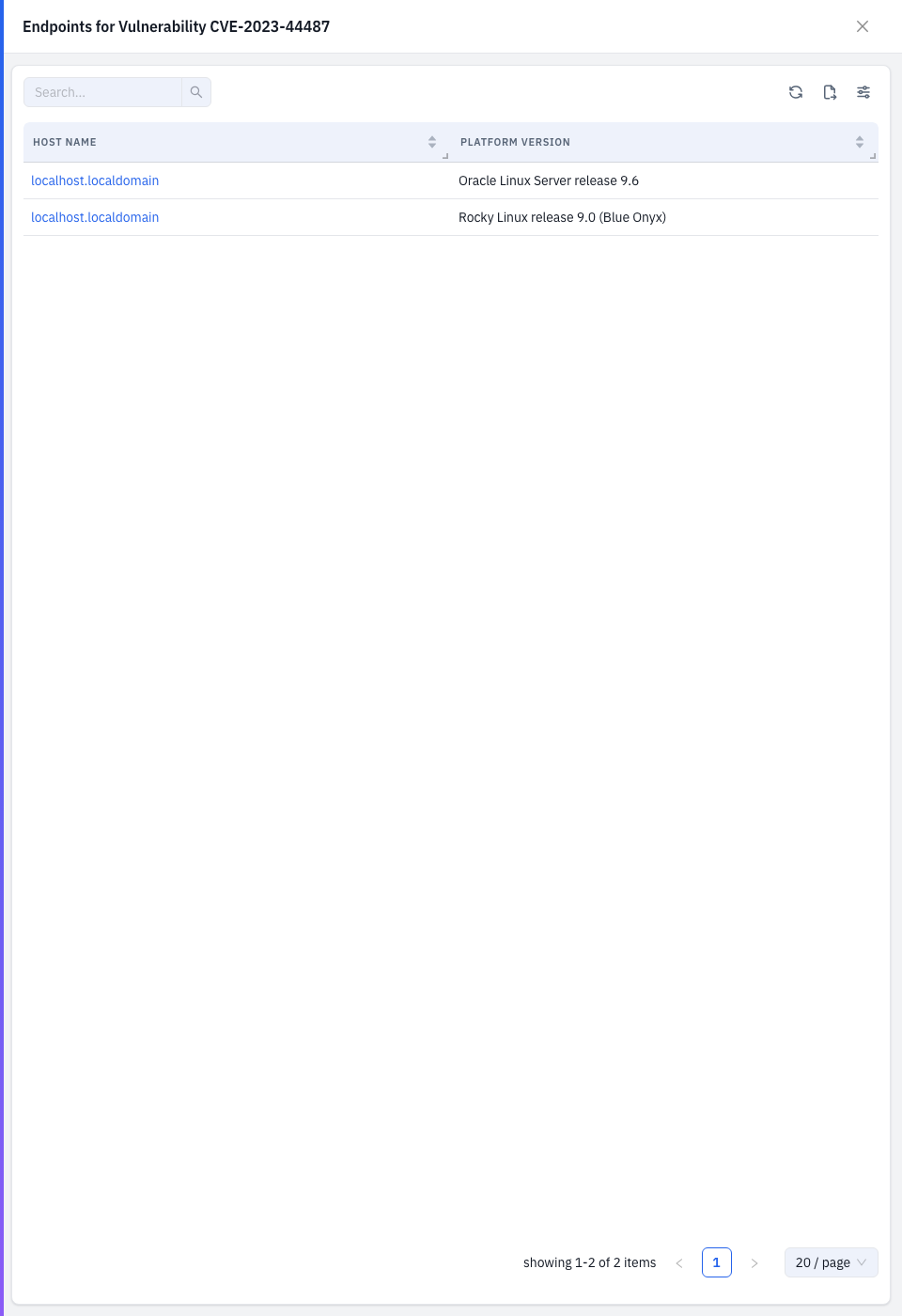
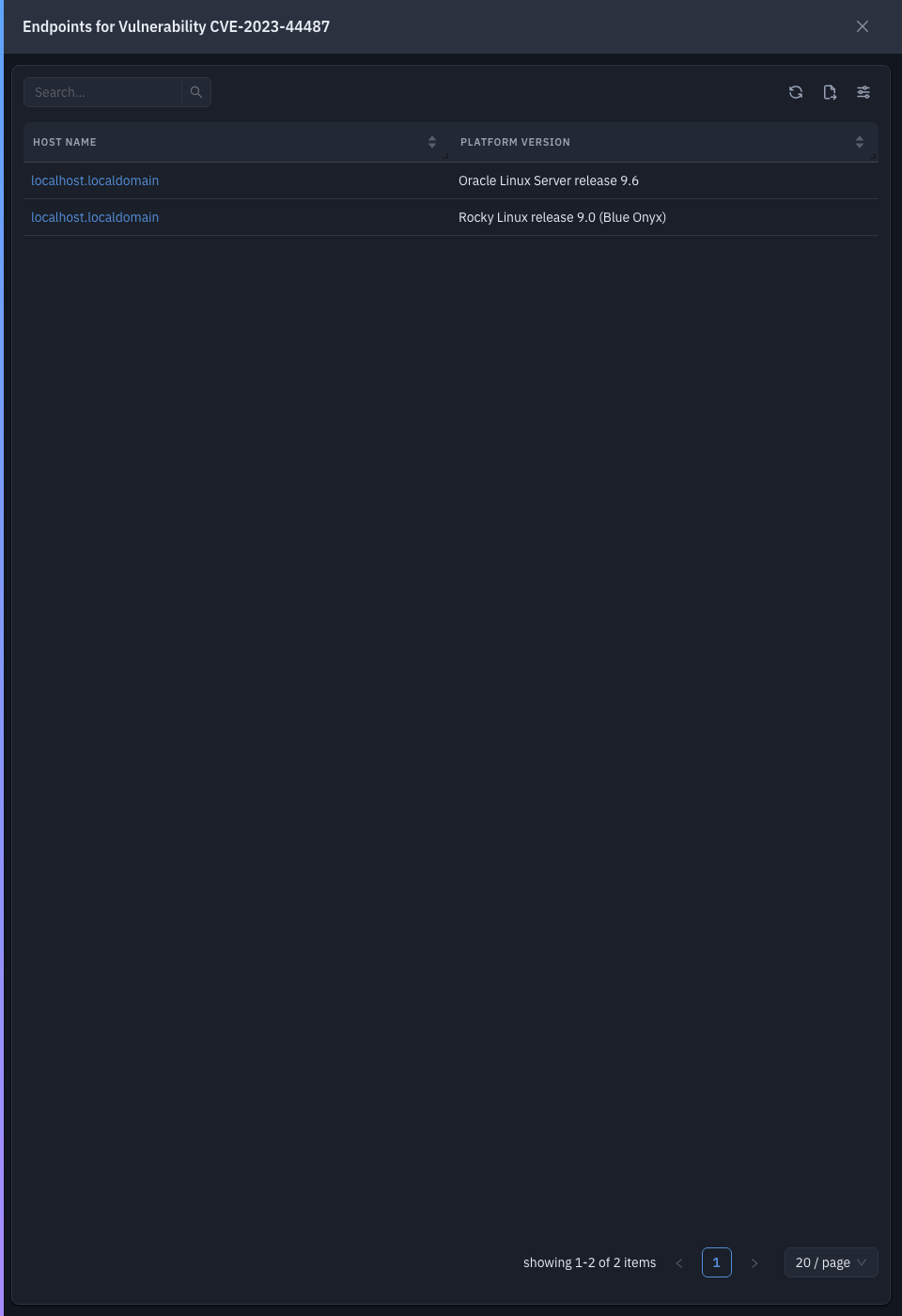
| Column | What it shows |
|---|---|
| Host Name | The machine (links to its detail). |
| Platform Version | OS version (endpoints). |
| Hardware Model | Model (endpoints) — or Device Model / Device Type for network devices. |
Drill-down: affected software
Click an Affected Softwares count to see the vulnerable packages.
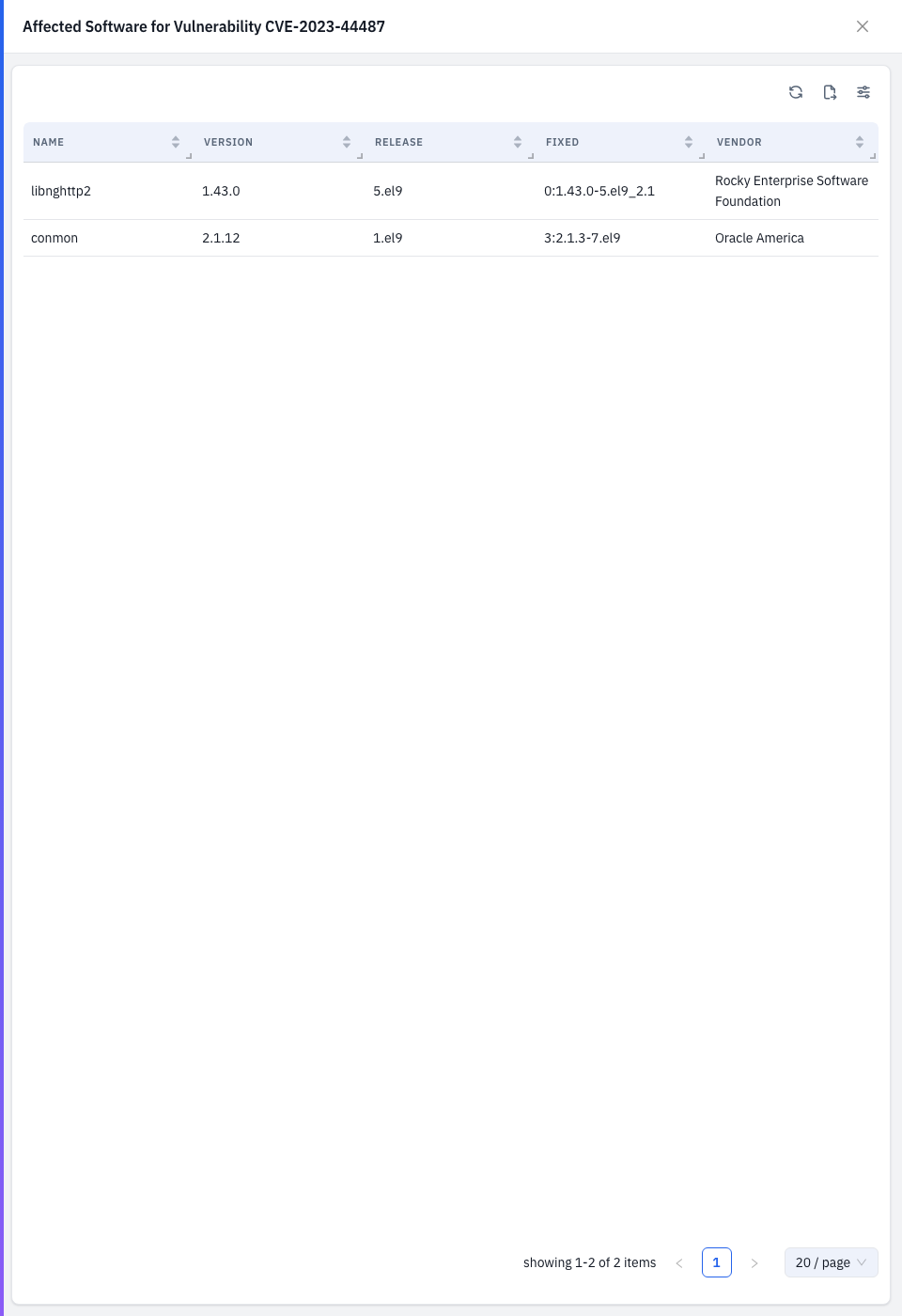
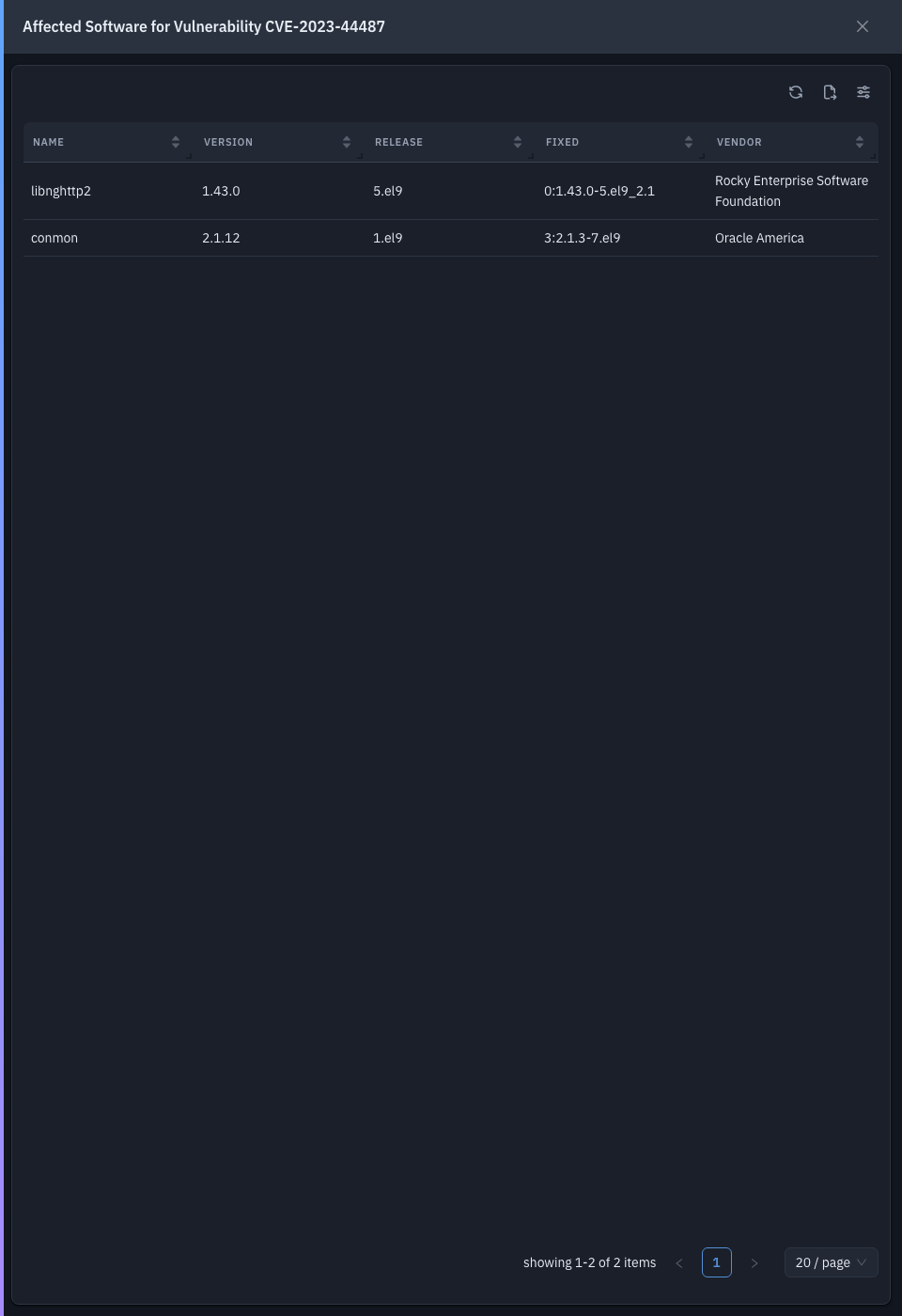
| Column | What it shows |
|---|---|
| Name | Package name. |
| Version | Installed version. |
| Release | Package release. |
| Fixed | The version that resolves the CVE. |
| Vendor | The publisher. |
Tips & troubleshooting
- A CVE you've accepted still shows. Exclude it with Add Exceptions; manage exclusions on Manage Exceptions.
- Counts look stale. Run Scan Now to re-evaluate against the latest feed.
Related
- Zero-Day Vulnerabilities — the highest-risk, newly-disclosed subset.
- Manage Exceptions — CVEs you've accepted or marked not applicable.
- Patch — deploy the fixes.